


Ravi sits at his desk in Indore, squinting at his laptop screen for the fifth hour straight. His eyes burn. His neck aches. His mother asks why he’s rubbing his eyes so much. He doesn’t have a good answer. Like thousands of students across India, Ravi never learned the right screen distance to use while studying on a computer. This simple mistake is costing him comfort, focus, and grades.
Getting your screen distance right isn’t complicated, but it matters more than you think. The distance between your eyes and your monitor affects everything from eye strain to your posture to how well you concentrate during online classes. Let’s fix this together.
Why the Right Distance Matters for Your Eyes
Your eyes aren’t designed to stare at pixels from 10 centimeters away. When you sit too close to your screen, your eye muscles work overtime. They strain to focus. They get tired. After two or three hours, you feel that burning sensation, the headache, the blurred vision.
Optometrists recommend keeping your screen at arm’s length, roughly 50 to 70 centimeters away. This distance lets your eyes relax naturally while still seeing everything clearly. Your ciliary muscles, the tiny muscles inside your eyes that control focus, don’t have to work as hard.
When you sit too close, you also tend to lean forward. Your neck bends. Your shoulders hunch. This posture problem leads to neck pain, shoulder tension, and back problems that follow you into adulthood. One wrong habit now can create years of discomfort later.
The 20-20-20 Rule Every Student Should Follow
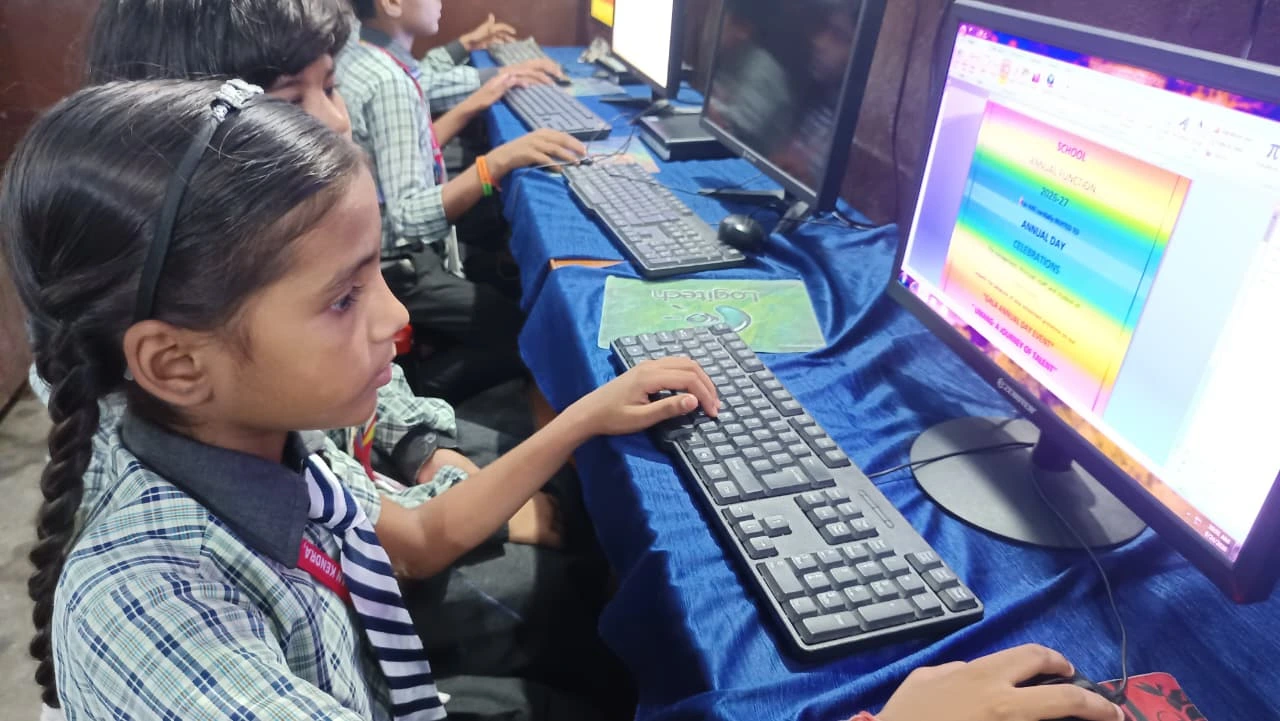
Even with perfect screen distance, your eyes need breaks. Follow the 20-20-20 rule: every 20 minutes, look at something 20 feet away for 20 seconds. This gives your focusing muscles a chance to relax and reset.
Why does this work? When you look at distant objects, your eyes naturally relax into their resting state. Your eye muscles don’t have to contract to focus. It’s like stretching after sitting in one position for too long.
Combine this rule with proper distance, and you can study for hours without that familiar eye strain. Your concentration improves because you’re not fighting discomfort. Your grades improve because you’re actually absorbing what you read instead of battling fatigue.
Correct Posture Starts With How You Sit
Your monitor height matters as much as your distance from it. The top of your screen should be at or slightly below eye level when you sit with your back straight. If your screen is too high, you look up and strain your neck backward. If it’s too low, you hunch forward, which is even worse.
Your screen should be directly in front of you, not angled to the side. If you’re twisting your neck to see your monitor, you’re creating tension that builds up over months. Check our student ergonomics guide for detailed setup instructions tailored to Indian study spaces where furniture isn’t always adjustable.
Your keyboard and mouse should be at elbow height when your arms hang naturally at your sides. Your feet should rest flat on the floor or a footrest. This entire setup, starting with proper screen distance, creates a chain of good posture that protects your whole body.
Tips for Small Study Spaces
Many students in Indian cities live in compact homes. You might share a room with siblings. Your desk might be small. You might not have space to sit an arm’s length from your screen.
Even in tight spaces, aim for at least 45 centimeters of distance if you can’t manage the full 50 to 70 centimeters. Adjust your monitor angle slightly downward to reduce neck strain. Use a monitor stand or stack of books to raise your screen to eye level. Check out our small study space tips for creative solutions that work in real Indian homes.
If you’re using a laptop, consider an external keyboard and mouse. This lets you position the screen at proper distance and height instead of hunching over the keyboard. It’s a small investment that pays off in comfort and health.
Lighting Makes Everything Better
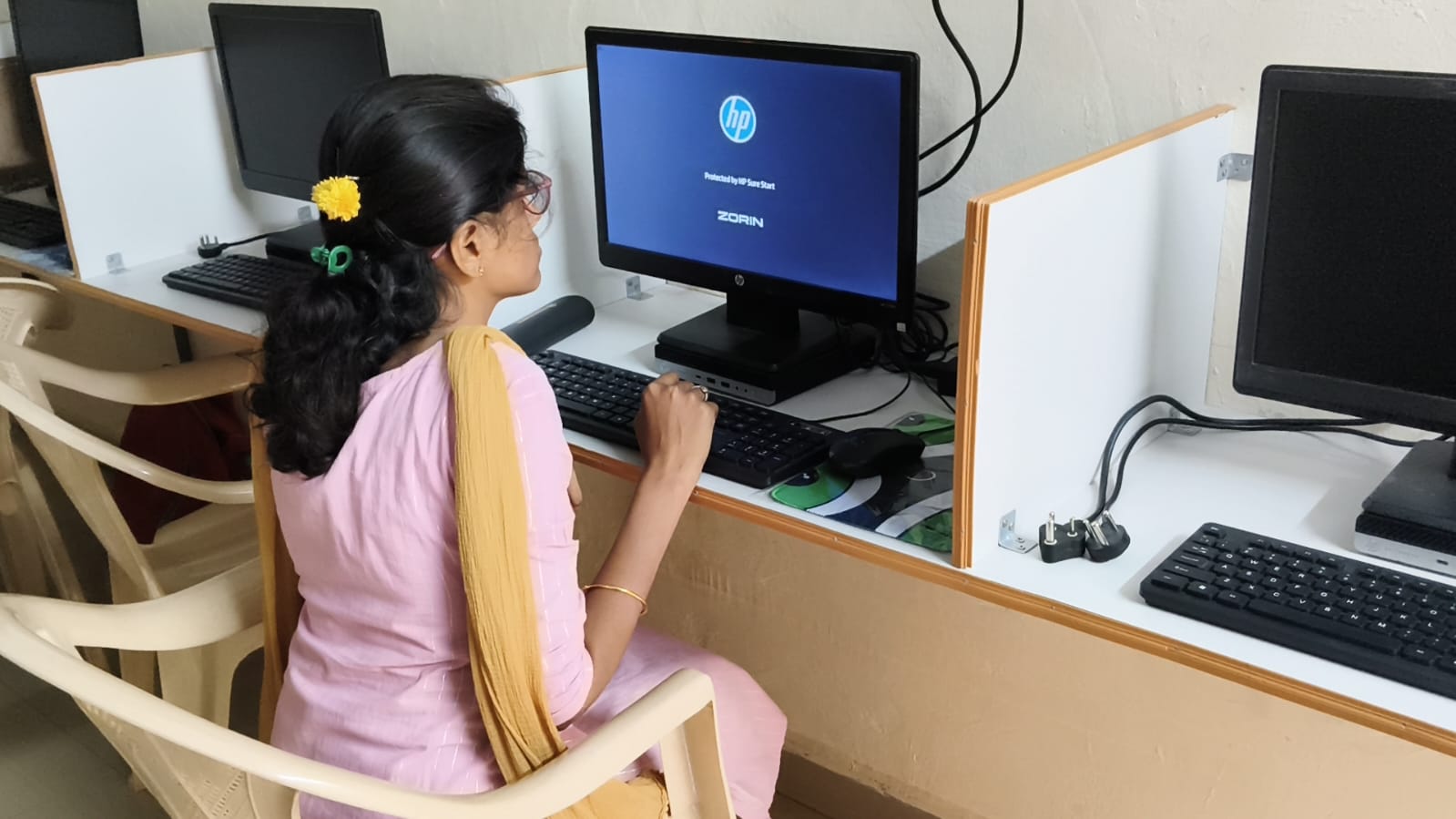
Proper screen distance only works well if your lighting is right. Glare on your screen forces you to lean in closer to see better. Position your monitor so windows are to the side, not behind you or in front of you. Use a desk lamp that lights your workspace without creating reflections on your screen.
Reduce blue light exposure by enabling night mode on your computer after sunset. Brightness should match your surroundings, not be brighter than the room around it. These small adjustments work with your distance setup to create an environment where your eyes can actually rest.
Choosing a Computer Built for Students
Your computer matters too. A monitor that flickers or has poor color accuracy forces your eyes to work harder, even at correct distance. Apna PC, designed specifically for students like you, comes with a quality display that reduces eye strain. It’s built for long study sessions without the fatigue you get from cheap screens.
With 8GB RAM and 128GB SSD, Apna PC handles online classes, research, and assignments smoothly. Zorin OS runs light and fast. Apni Prerna helps you track your study time and stay focused. At Rs.30,000, it’s an investment in your comfort, your health, and your academic performance. Learn more at apnapc.com.
Your Action Plan Starting Today
Measure your current screen distance right now. Sit at your desk the way you normally do. Have someone measure from your eyes to your screen using a ruler or measuring tape. If it’s less than 45 centimeters, adjust your setup today.
Move your monitor back. Raise it if needed. Set a phone alarm for every 20 minutes to remind you to look away and use the 20-20-20 rule. Notice how your eyes feel after one week of proper distance. You’ll be surprised at the difference.
Your eyes are precious. Your posture affects your entire life. Getting this right now, while you’re still a student, builds habits that protect your health for decades. Start today, and your future self will thank you.
Your comfort and health matter. Visit apnapc.com to learn more.