


Talking to a student about digital footprint does not need to be a warning lecture. The most effective conversations are specific and practical: what gets saved when you use a website, what happens to files you delete, and why the same behaviour you apply offline applies online. These conversations are easier to have when a student has their own computer, because every example can come from something they actually did that day.
What Is a Digital Footprint and Why Does It Matter for Students?
A digital footprint is the record of everything a person does online and on a computer: websites visited, documents created, accounts opened, searches made, and files shared. For school-aged students, the most relevant part of this is understanding that actions on a computer leave traces, and that those traces can be seen by others in some contexts.
The practical consequence for a student using Apna PC is straightforward: the documents they create in LibreOffice are saved to the computer and can be seen by parents through Apni Prerna. Websites visited through the browser leave a browsing history. Emails sent from an educational account are stored in that account. None of this is alarming. All of it is worth understanding before the student is older and uses more complex platforms.
When Is the Right Time to Start This Conversation?
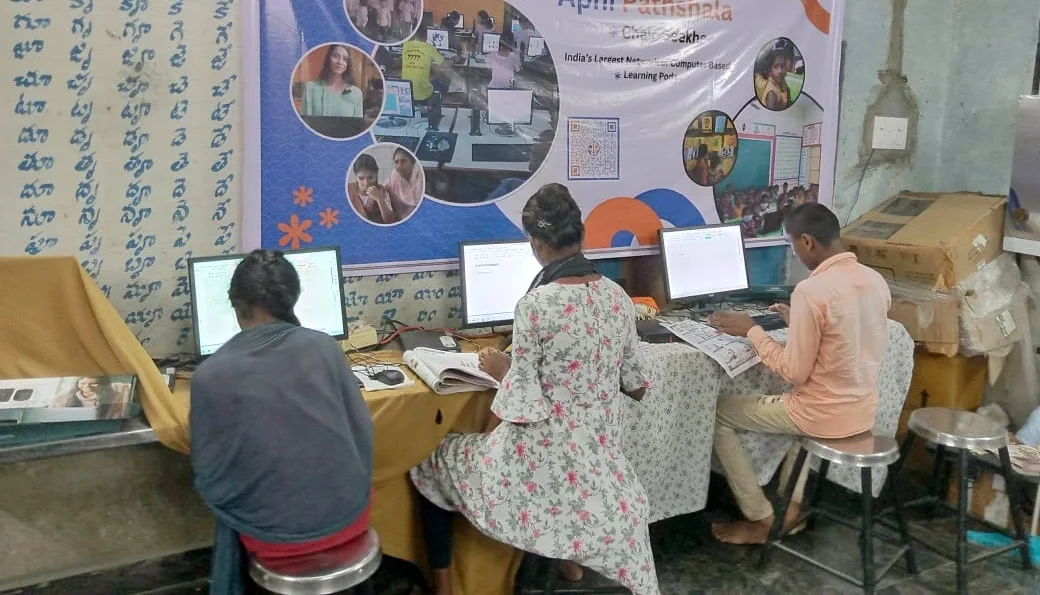
The right time is early in the student’s computer use, not after a problem has occurred. When a student first gets Apna PC, the conversation about digital footprint fits naturally into the setup discussion: here is what this computer tracks, here is what gets saved, here is who can see what. This frames the topic as a normal part of using a computer rather than a warning triggered by something wrong.
Parents who delay this conversation until the student is a teenager often find it harder to have because the student already has assumptions about digital privacy that may be inaccurate. Early conversations, even brief and simple ones, build habits that hold through more complex platform use later.
What Simple Rules Help Students Manage Their Digital Footprint?
Four rules that work at school age:
- Only your name and school email on school platforms. No personal phone number or home address on any school-related platform, including Google Classroom and DIKSHA.
- Ask before creating a new account. New accounts create a new part of the digital footprint. Students should check with a parent before creating any new educational platform account.
- Files on the computer belong to the household. Documents saved on Apna PC can be seen by parents through Apni Prerna’s monitoring. This is not secret: it is part of how the computer works.
- Deleting a file from the desktop does not delete all copies. Files shared by email, uploaded to a school platform, or backed up stay in those locations even after deletion from the computer.
How Does Apna PC’s Design Support Responsible Digital Habits?
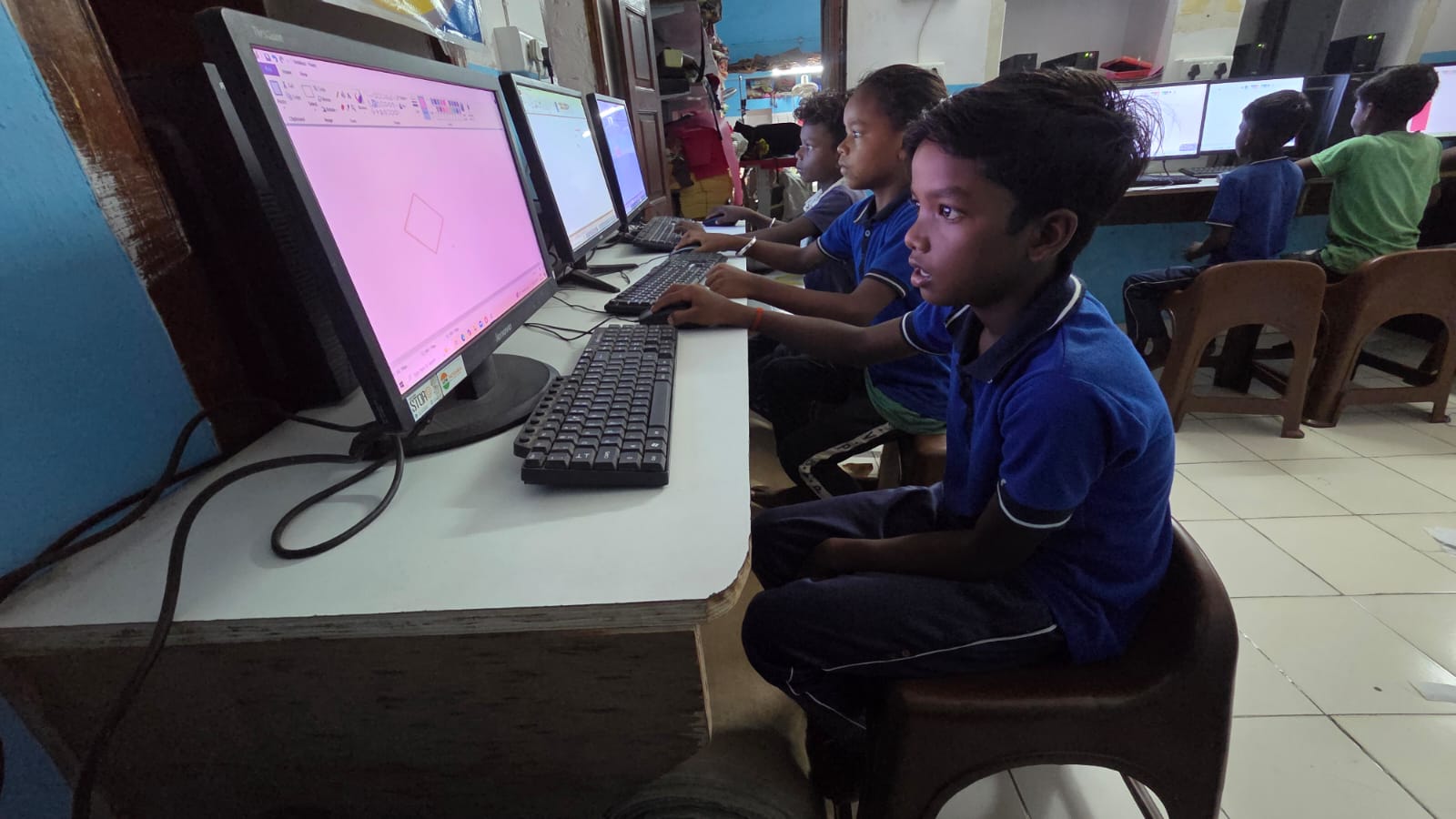
Apna PC’s closed, educational setup reduces the number of contexts where digital footprint questions arise. Without social media apps, gaming accounts, or entertainment platforms pre-installed, students use the device for a narrower range of activities: school platforms, LibreOffice, Scratch, and educational browsing. The digital footprint is smaller and more transparent than on a general-purpose device.
Apni Prerna adds another layer: parents can see what the student has been doing on the computer. This transparency is built in and known to the student from the start, which removes the concern about hidden activity and makes the digital footprint discussion concrete rather than hypothetical. See more on why choosing the right first computer matters and how to build positive digital habits with Apna PC.
Frequently Asked Questions
What should parents do if they discover their student is using the computer in unexpected ways?
Use Apni Prerna’s activity record to understand specifically what happened before having a conversation. A conversation that starts with specific information, “I see you visited this website three times last week”, is more productive than a general question. Approach it with curiosity first: ask the student what they were looking for or trying to do. Most unexpected computer use by school-aged students has an explanation that is more mundane than the initial worry suggests.
How do you explain to a younger student why browsing history is kept?
Use a physical analogy: a browsing history is like a library checkout record. The library keeps a record of what books you borrowed, not to watch you, but because the system works that way. The computer keeps a record of websites visited because the browser is designed to do that by default. Explain that this is not specific to Apna PC; all computers and phones do this. What is different about Apna PC is that parents can see it through Apni Prerna, which is something the student knows from the start.
Should students have their own email accounts for school use?
Many schools now require a school-issued email account for Google Classroom and similar platforms. Parents should review what the school provides before creating a separate personal email for a school-aged student. When an email account is needed, it should use the student’s real name, have a secure password known to the parents, and be used only for school-related communication. Personal email for social use is a conversation for later, when the student is older and the digital footprint discussion has been established.
How does Apna PC help parents stay informed without making students feel watched?
Transparency from the start is the key. When a student knows from day one that Apni Prerna records their activity, that the monitoring is visible to parents, and that the purpose is to stay informed and have specific conversations rather than to catch them doing something wrong, the monitoring does not feel like surveillance. It feels like a known feature of the household’s shared digital tools. Students who understand this from setup are more comfortable with it than students who discover it later. See more at how computers support extracurricular learning.
Digital footprint conversations are easiest when they happen early and are tied to specific, familiar tools. Apna PC gives families the right context for those conversations. Visit apnapc.com to learn more.