

Rajesh’s Question That Changed Everything
Rajesh sat across from his son’s computer teacher at the parent-teacher meeting in Indore, completely lost. His son Arjun, a bright class 7 student, had just scored poorly on a computer project, and Rajesh couldn’t understand why. “Sir, he has a laptop at home. Why can’t he use that?” Rajesh asked hesitantly. The teacher smiled but didn’t really answer, and Rajesh went home more confused than ever about what his child actually needed to learn about computers.
Rajesh isn’t alone. Across tier-2 and tier-3 cities in India, thousands of parents are grappling with the same confusion about computers at home and digital education. You want your child to succeed in an increasingly digital world, but you don’t know what schools are actually teaching or what your computer at home should be doing. This gap between what parents think computers are for and what schools actually need them for is creating real frustration.
What Parents Really Wish They Understood About Home Computers
Parents often think a home computer is just for browsing the internet, watching videos, or playing games. But schools today expect computers to be learning tools with specific software, distraction-free environments, and proper monitoring capabilities. Your child’s teacher isn’t just asking “do you have a computer at home?” They’re asking, “does your computer at home support focused learning?”
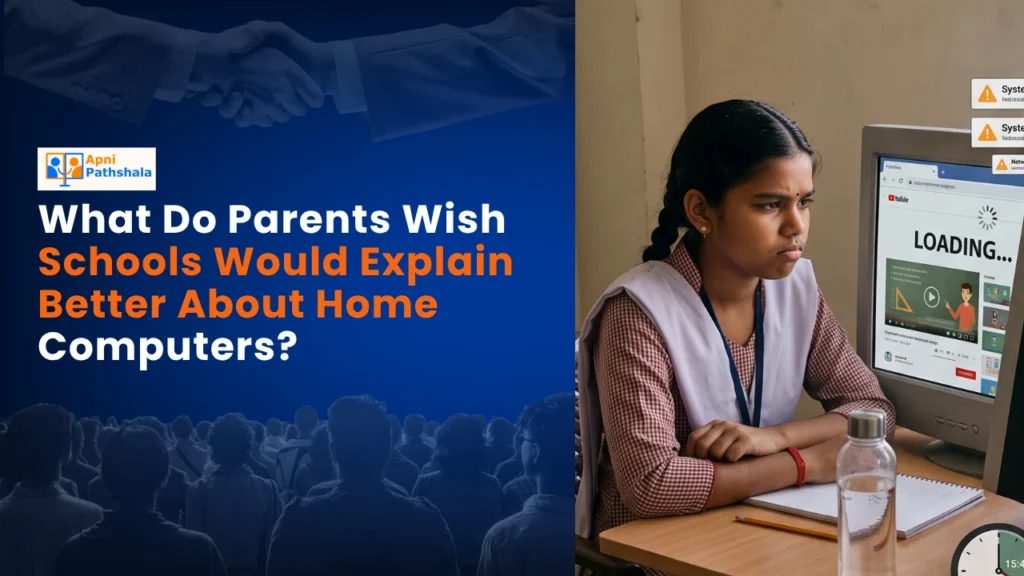
The confusion starts early. When you buy a regular laptop or desktop, it comes loaded with entertainment apps, notifications, and endless distractions. Your child sits down to finish homework and ends up on YouTube or social media instead. Schools wish parents understood that a distraction-free computer isn’t a luxury; it’s becoming necessary for actual learning to happen at home.
Many parents also don’t realise that schools now use specialised software for student monitoring and progress tracking. When your child’s school asks about computer specifications, they’re checking if your home setup can run educational software smoothly. A slow computer with limited RAM doesn’t just frustrate your child; it literally prevents them from completing assignments properly.
The Software Question Nobody Explains
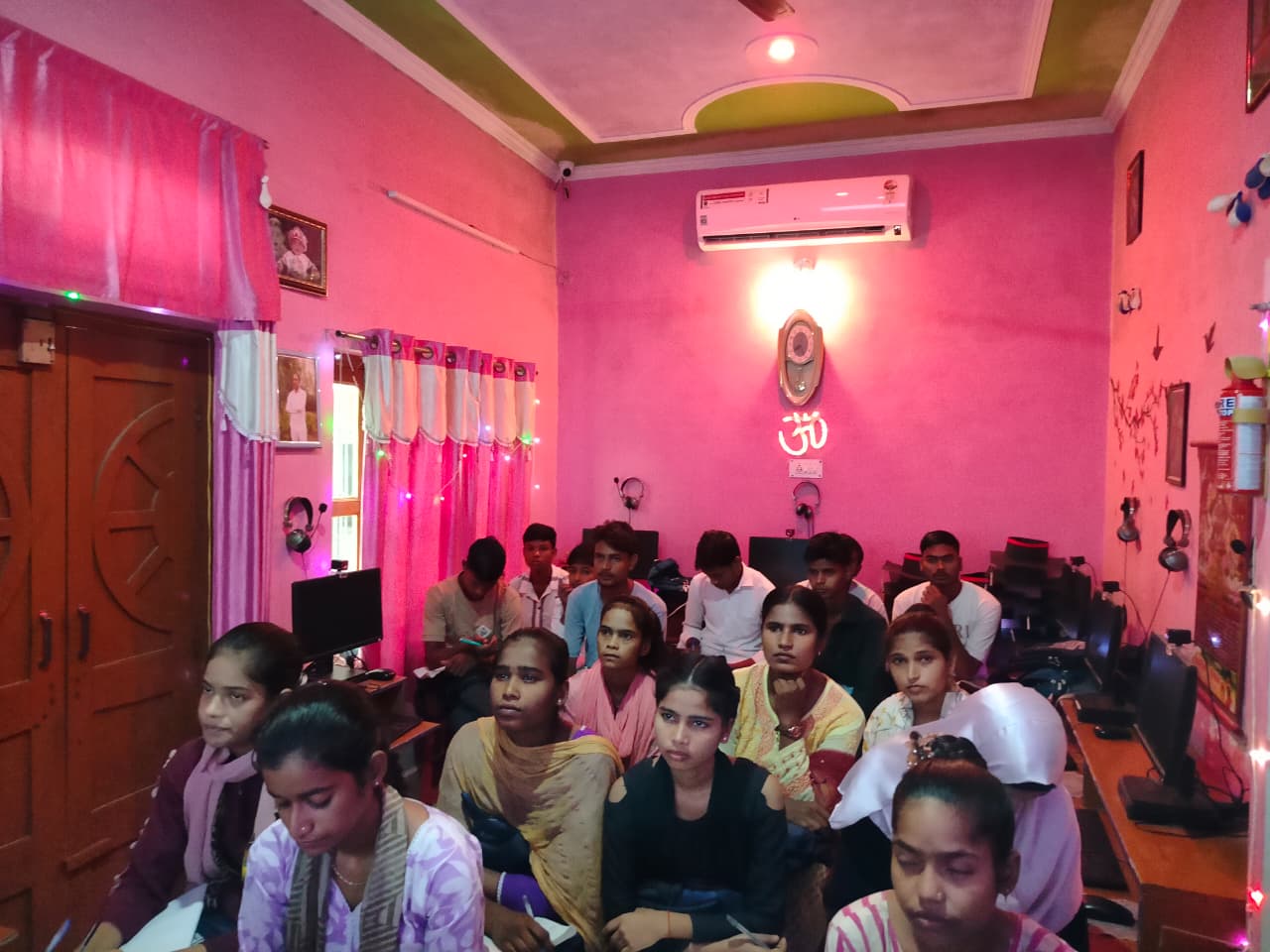
Here’s what confuses most parents: when schools talk about computer requirements, they mention things like “Linux operating system,” “LibreOffice,” or “Scratch programming.” You nod along but have no idea what these mean or why they matter. Your instinct is to buy Windows because that’s what you know, but then your child can’t run the software the school requires.
Linux is simply an alternative operating system, much like Windows, but it’s designed to be secure, fast, and educational. It doesn’t slow down over time like Windows often does. LibreOffice is free software that does everything Microsoft Office does, but it teaches your child to work with universal tools instead of expensive proprietary software. Scratch is a visual programming language that makes coding accessible even to young learners.
Schools wish parents understood that these tools aren’t second-rate alternatives. They’re actually what’s being taught in the Digital India initiative and in progressive schools across the country. Your child learning on these platforms isn’t getting an inferior education; they’re getting trained on tools that are becoming standard in Indian schools.
The Budget Reality Nobody Addresses for Home Computers
Another frustration for parents: you’re told your child needs a “proper” computer for school, so you save up and spend Rs.50,000 to Rs.1,00,000 on a laptop. Then it breaks, or becomes outdated, or your second child needs one too. You feel trapped between wanting to support your child’s education and the financial burden it imposes.
Schools don’t really explain that a capable home computer doesn’t have to cost that much. With 8GB of RAM and a 128GB SSD, a well-designed computer can handle all the educational software your child needs. You don’t need the latest processor or a fancy graphics card to learn. You need reliability, speed, and a setup that lasts for educational apps.
This is exactly why products like Apna PC exist. At Rs.30,000 (before shipping and GST), it’s designed specifically for what schools actually ask for. It comes pre-loaded with everything your child needs: Zorin OS for a smooth, secure experience, LibreOffice for document work, Scratch for programming, and Apni Prerna for parent monitoring. You’re not paying for gaming capabilities or entertainment features you don’t need.
What Your Child Actually Needs to Learn
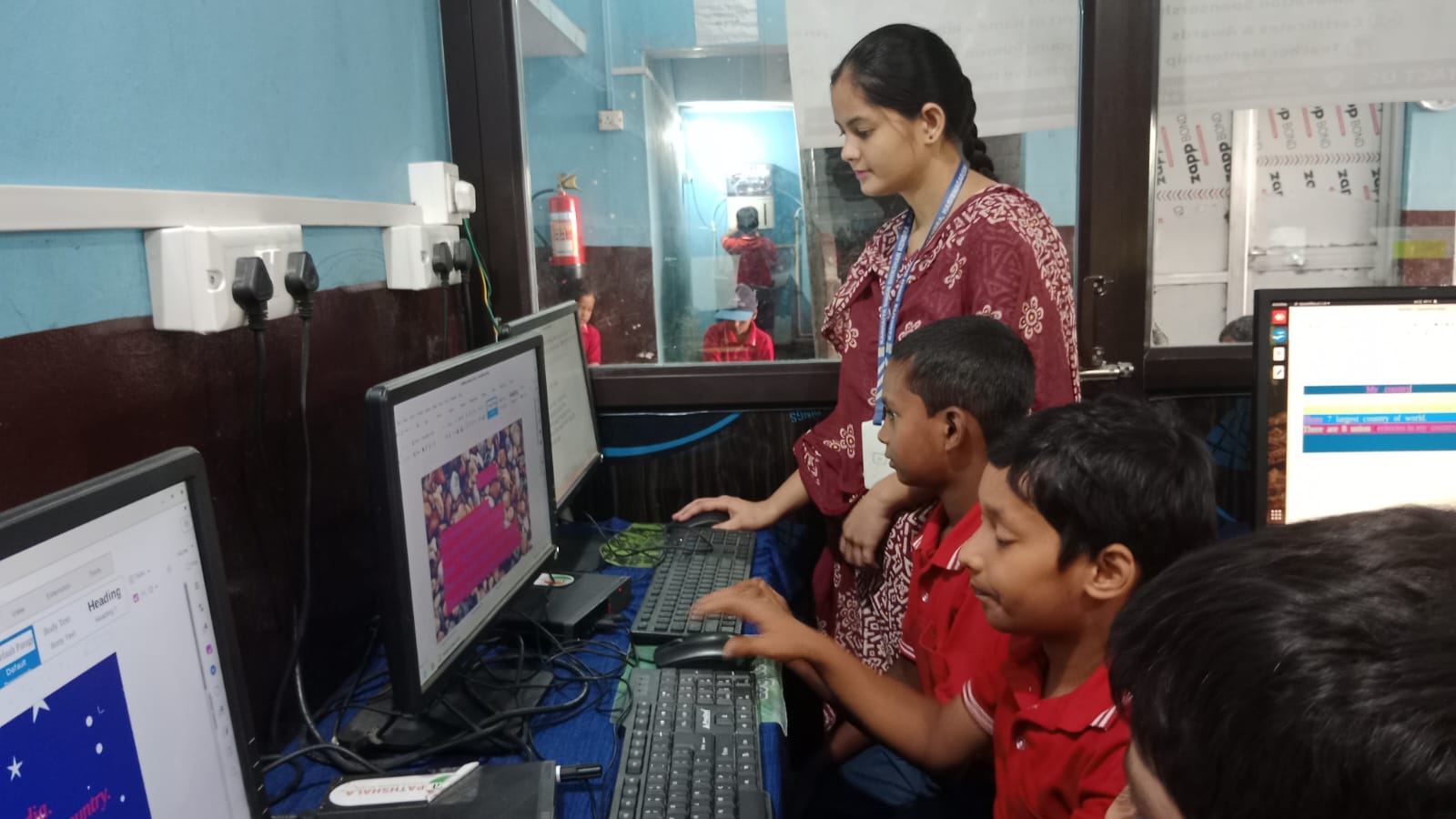
Parents often think computer class is just about typing or using Microsoft Word. But modern computer education is about problem-solving, coding basics, and using technology as a tool for learning other subjects. Your child might need to create presentations for history, run simulations for science, or code simple programs for mathematics.
A home computer that supports these activities needs to be stable and focused. It shouldn’t have constant pop-up notifications or slow performance when opening educational software. If you’re a migrant family guide moving to a new city, having a reliable home computer becomes even more important as your child adjusts to a new school system.
Understanding what a personal computer should actually do for education changes how you approach this investment. It’s not about having the fanciest machine. It’s about having the right machine for learning.
Making the Right Choice for Your Family
So what should you do? First, talk to your child’s school about their actual computer requirements. Ask specifically what software they use and what specifications matter. Don’t just assume any computer will work.
Second, understand that you’re not buying a computer for entertainment. You’re buying a learning tool. This changes what features actually matter to you. Third, consider purpose-built educational computers that come with everything your child needs already installed and configured.
Your child deserves a home computer setup that supports their education without breaking your budget or distracting them with unnecessary features. Visit apnapc.com to learn more.