

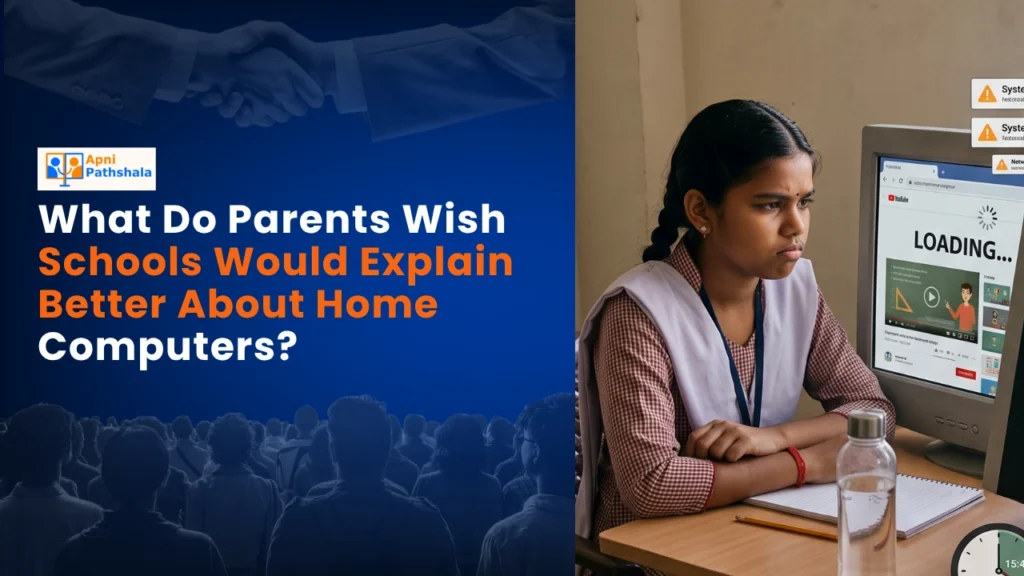
Parents most wish schools would explain that a home computer for school needs to be a focused learning tool, with the right software and enough speed, rather than an expensive entertainment machine. A computer with 8GB RAM, a 128GB SSD and tools like LibreOffice and Scratch covers most school needs.
For example, a parent at a parent-teacher meeting may ask why their child’s laptop at home is not enough for a computer project and leave without a clear answer. That gap between what parents assume and what schoolwork needs causes real frustration.
What do parents wish they understood about home computers?
That a school computer is a learning tool, not a browsing or gaming device. Many parents in tier-2 and tier-3 cities feel unsure what schools teach and what the home computer should be doing.
Teachers are not only asking whether you have a computer at home. They are asking whether it supports focused learning. A regular laptop comes loaded with entertainment apps and notifications, and homework time easily turns into YouTube time.
A distraction-free computer is becoming necessary for real learning at home. Speed matters too: a slow computer with limited RAM can stop a child from completing assignments properly.
What do Linux, LibreOffice and Scratch actually mean?
They are learning tools that do the same jobs as better-known software. When parents hear these names, many nod along and then buy Windows out of habit.
| Name | What it is | Why it matters |
|---|---|---|
| Linux (Zorin OS) | An operating system, like Windows | Secure, fast and does not slow down over time |
| LibreOffice | Free office software | Does the main jobs of Microsoft Office with open, universal tools |
| Scratch | Visual programming language | Makes coding accessible to young learners |
These are not second-rate alternatives. Digital skills are a national priority under the Digital India initiative, and open tools like these are widely used in education. Read more on Windows vs Linux for students.
How much should a home computer for school cost?
Much less than many parents expect. Some families save up and spend Rs.50,000 to Rs.1,00,000 on a laptop, then face breakdowns, outdated hardware or a second child who also needs one.
A capable school computer does not need the latest processor or a graphics card. With 8GB of RAM and a 128GB SSD, a well-designed computer handles the educational software children use. What matters is reliability and speed for learning apps.
Apna PC, at Rs.30,000 (before shipping and GST), is built for this. It comes with Zorin OS, LibreOffice, Scratch and Apni Prerna for parent monitoring, without paying for gaming features you do not need.
What does a child actually need to learn on a computer?
Problem-solving, coding basics and using technology to learn other subjects, not only typing. Modern computer education goes well beyond using a word processor.
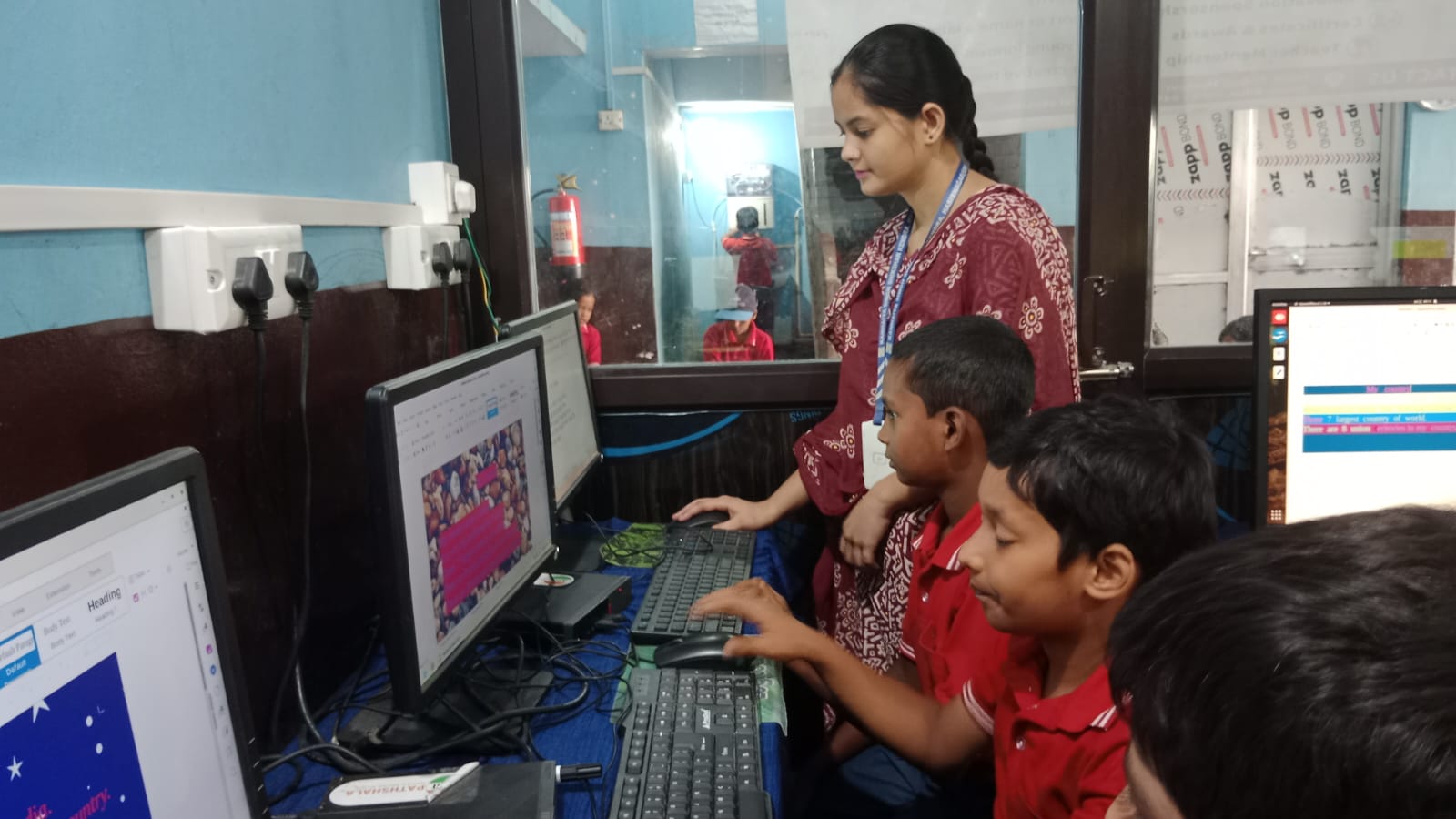
- Presentations for history
- Simulations for science
- Simple programs for mathematics
- Typed reports and spreadsheets for projects
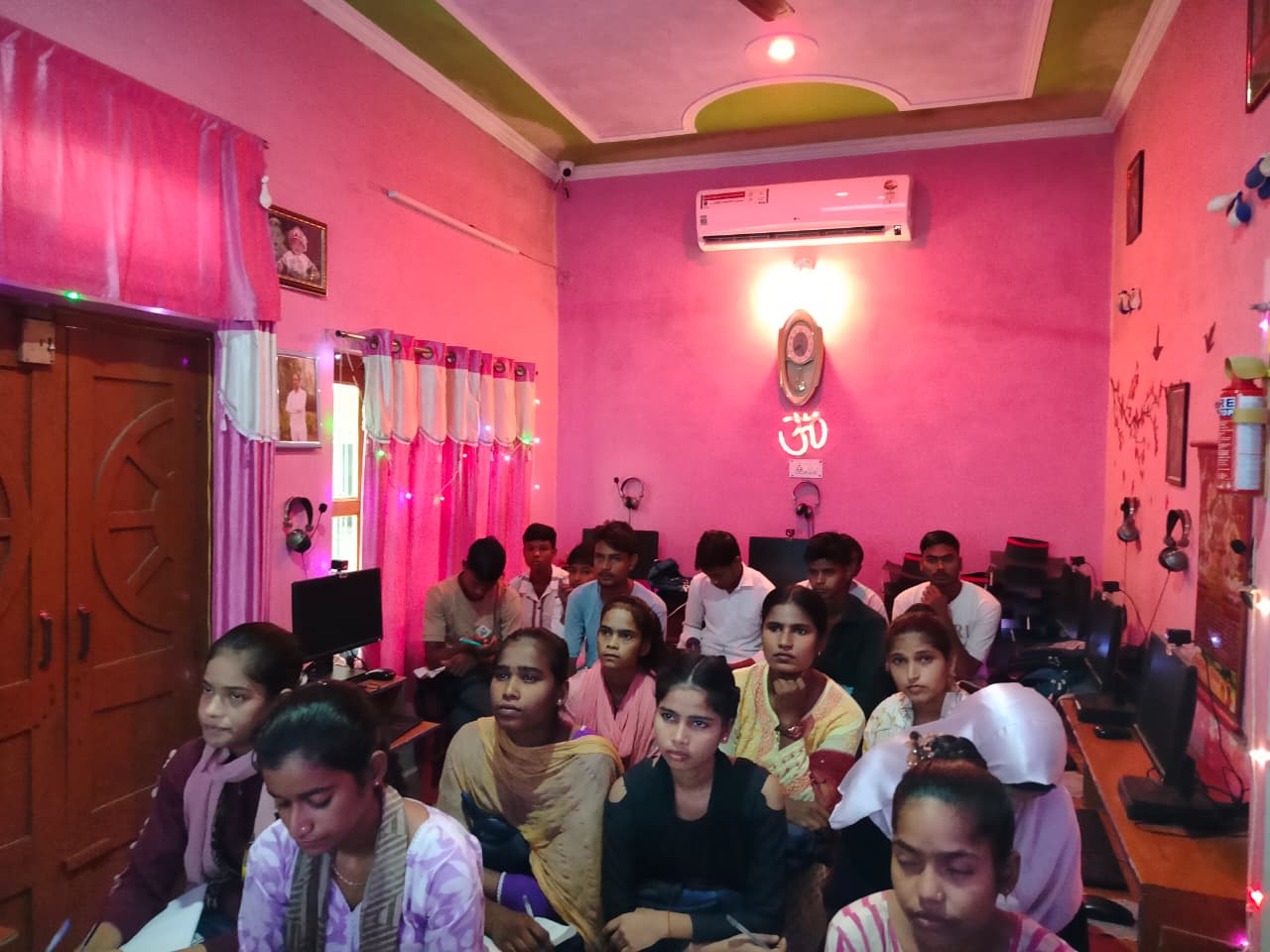
The computer needs to be stable and focused, without constant pop-ups or slow software. If your family is moving to a new city, our migrant family guide explains why a reliable home computer helps a child settle into a new school.
How should parents think about this purchase?
Think of it as a learning tool, not an entertainment device. Understanding what a personal computer should do for education changes how you choose one.
It is not about having the fanciest machine. It is about having the right machine for learning, one that lasts and fits your budget.
Which steps help parents make the right choice?
Ask the school, decide on purpose, then pick a computer built for that purpose. Three steps keep it simple:
- Ask your child’s school which software they use and which specifications matter.
- Remember you are buying a learning tool, which changes which features matter.
- Consider a purpose-built educational computer with everything installed and configured.
Frequently Asked Questions
Will my child’s school accept work made in LibreOffice?
Usually yes, because LibreOffice can save documents in common formats that open in Microsoft Office. If your child’s school has a specific requirement, ask the teacher which file format to submit. Saving in the requested format avoids problems when sharing assignments.
Is an old family laptop good enough for school work?
It can be, if it is fast enough and not full of distractions. Many older laptops slow down over time and carry entertainment apps that pull children away from homework. Check its speed with school software and whether your child can focus on it.
What questions should I ask the school about computers?
Ask which software your child will use, which operating system the school recommends and what specifications matter for assignments. Also ask whether any work must be submitted online. These answers help you choose a home computer that fits real school needs.
For a home computer built around what schoolwork actually needs, explore Apna PC.