

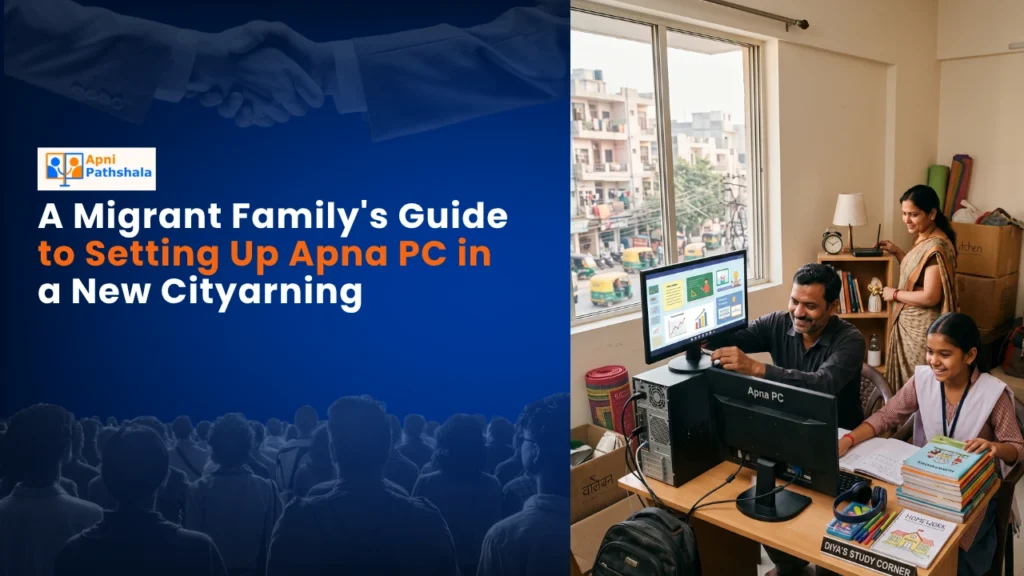
Why Your Relocation Needs a Reliable Student Computer
Moving to a new city means your child faces sudden changes. New school, new friends, new routines. A stable study environment becomes even more important during this transition. A student computer isn’t just for schoolwork. It’s your child’s connection to online classes, digital resources, and learning tools they’ll use throughout their education.
When you’re settling into a new home, you can’t always afford expensive devices or complicated setups. You need something that works immediately, doesn’t require constant technical support, and fits your budget. Apna PC solves this problem. It comes ready to use with Zorin OS (a Linux-based system that’s fast and secure), Apni Prerna for progress tracking, LibreOffice for documents, and Scratch for coding basics.
Setting Up Apna PC in Your New Home
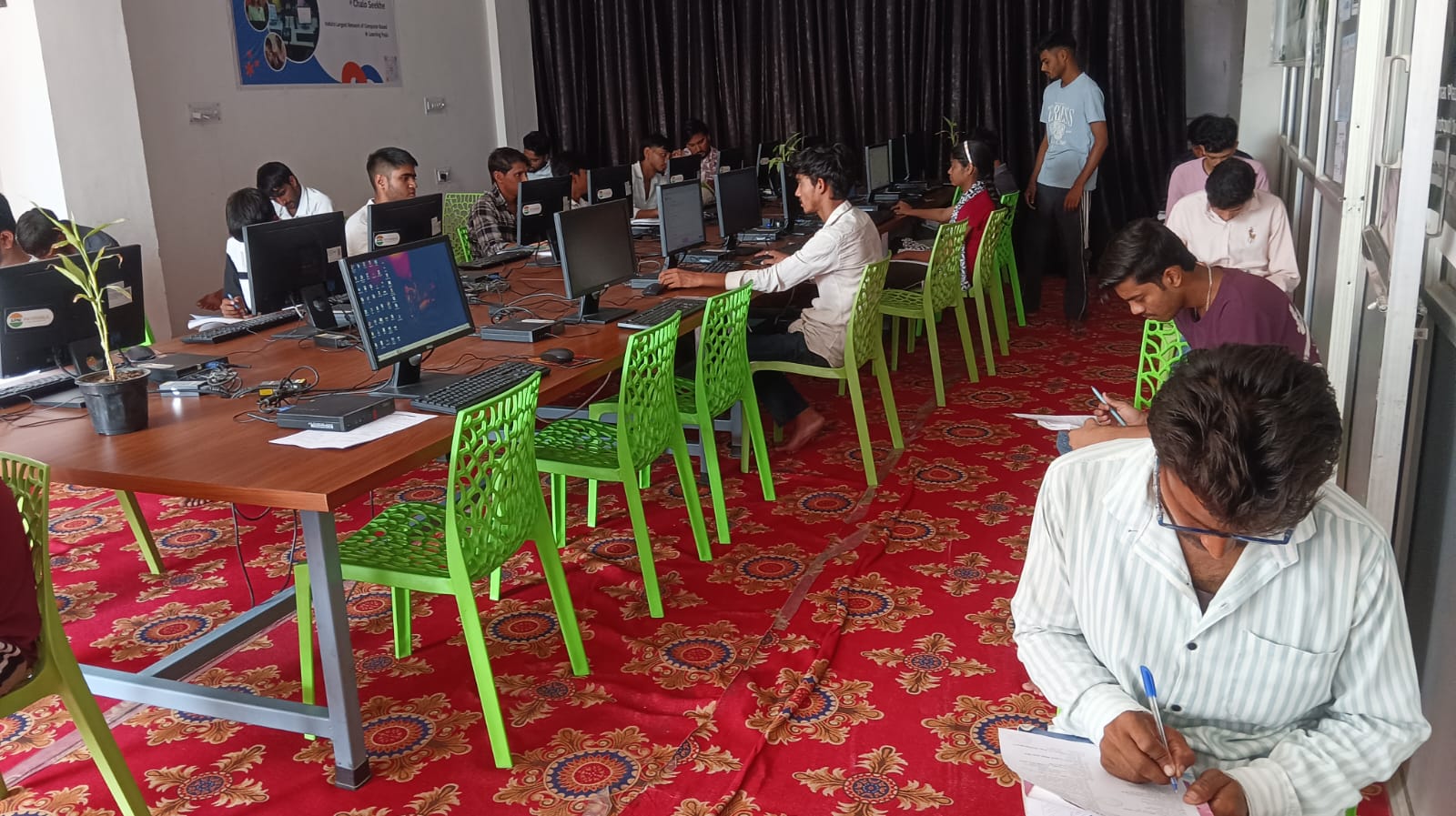
The first thing you’ll notice about Apna PC is how simple the setup is. You don’t need a technician. Unpack it, connect the power and internet, and it’s ready. The operating system is lightweight, so it runs smoothly even if your internet connection isn’t perfect. This matters when you’re in a new city adjusting to local network speeds.
Place your student computer in a dedicated study space. This creates a psychological boundary between study time and relaxation time. Your child knows that when they sit at this desk, it’s learning time. This routine becomes especially important during the adjustment period of moving to a new city.
What Makes Apna PC Perfect for Migrant Students
Apna PC comes with software your child actually needs. LibreOffice handles all document work without expensive Microsoft subscriptions. Scratch teaches coding through fun projects. Apni Prerna lets you monitor progress without invading privacy. These aren’t random apps. They’re chosen specifically for the needs of Indian students.
The 128GB SSD is plenty for schoolwork, online classes, and learning projects. Your child can store years of assignments, projects, and resources without running out of space. The 8GB of RAM handles multiple tabs and applications smoothly, which matters when attending online classes and researching projects.
The Budget Reality for New City Families
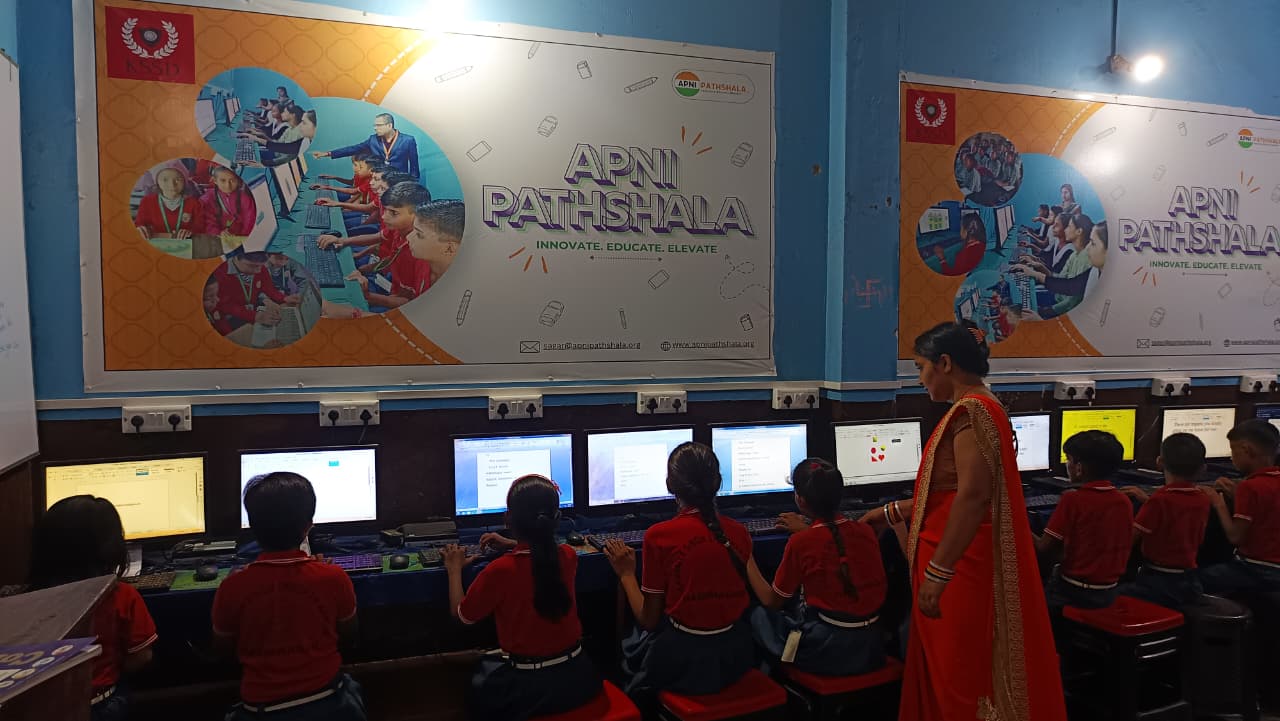
Rs.30,000 for a quality student computer is realistic for most migrant families. You’re not paying for gaming features or unnecessary processing power. You’re investing in stable, reliable home learning. Compare this to smartphones that cost twice as much but aren’t designed for serious schoolwork.
Our affordable computer guide for parents breaks down the real costs. You’ll see how Apna PC compares to other options and why it’s designed for families like yours. No hidden charges. No surprise costs after purchase.
Building Confidence in Your New City
Your child’s success in a new school depends partly on their confidence. A reliable student computer helps. They can complete assignments without technical stress. They can attend online classes without worrying about crashes. They can explore coding and digital skills that impress teachers.
Within weeks of setting up Apna PC, most students report better focus and faster assignment completion. Parents notice improved grades. Teachers see more polished project submissions. These small wins add up, especially important when your child is already adjusting to a new school and new environment.