

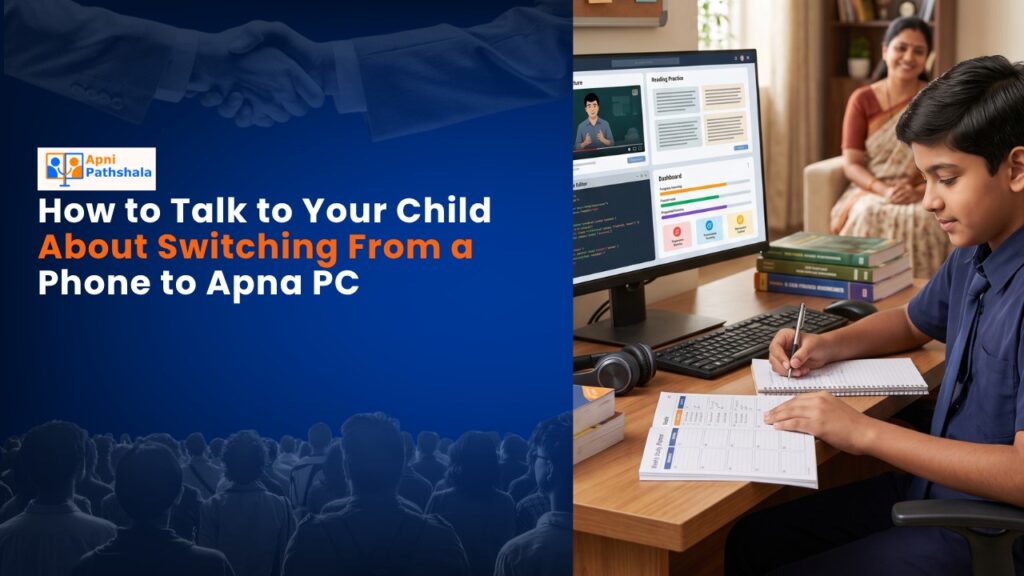
To talk to your child about switching from a phone to a computer, present it as an upgrade, not a punishment. Explain honestly that phones are built to distract, agree on simple rules together and set up the new computer in a shared space, so the change feels like a step up in responsibility.
For example, a parent may find their middle-school child scrolling videos late at night with homework still undone, and feel that every warning and restriction has already failed.
Why is a computer better than a smartphone for learning?
A smartphone is designed to pull attention in many directions, while a study computer is designed for focus. Switching changes your child’s whole relationship with screens, not just the device.
Your child is not “bad” for being hooked. Phones are built to be addictive, and a young brain is still developing. A different tool helps more than stricter rules alone.
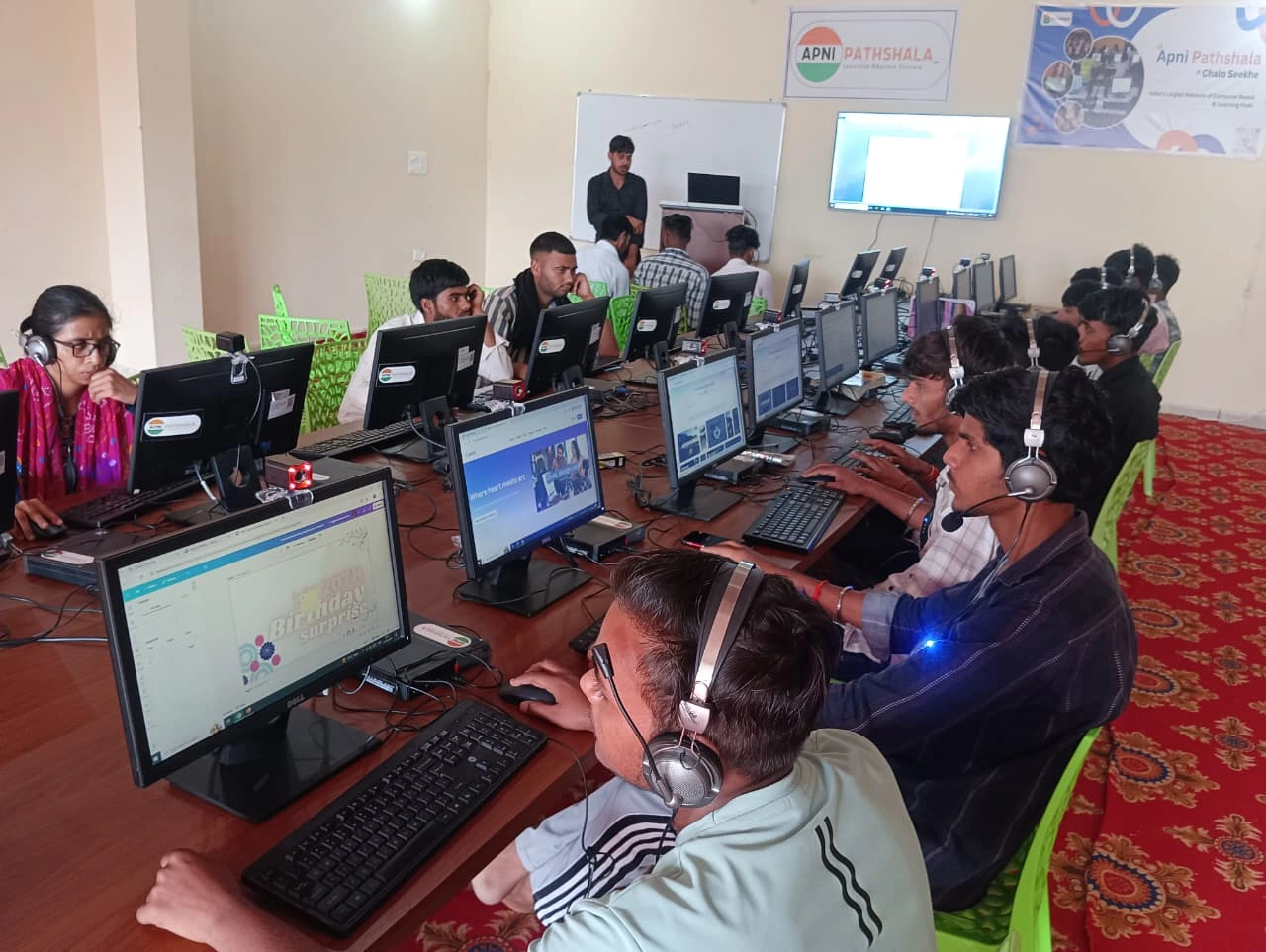
Apna PC comes with educational tools instead of social media apps, so there is nothing to scroll mindlessly. It costs Rs.30,000 and has 8GB RAM, a 128GB SSD and Zorin OS, enough for digital learning, coding in Scratch and documents in LibreOffice. It is not set up for gaming or entertainment, and that is the point. Read more on what changes from phone to desktop.
How should you start the conversation?
Start early and frame it with respect. You might say: “You are old enough now for your own computer. This is what real students use to learn.”
Children respond to respect more than restriction. If your child already shows signs of dependency, be more direct: “Your phone is hurting your studies, so we are getting you a proper computer instead.” Children understand cause and effect better than we often think.
What should you tell your child when they ask questions?
Answer honestly. Your child probably knows the phone is a distraction and may even dislike it, but does not know how to stop. You are offering a way out.
- “Why can’t I just use my phone?” A phone is designed to keep you distracted. A computer helps you focus, so you get more done.
- “What if I want to play games?” With Scratch you can create your own games and learn coding at the same time.
- “Can I still use my phone?” Yes, for calls and messages. The computer is where study happens.
- “Will this make me smarter?” Not by itself, but it removes distractions so you can focus on learning.
How should you set up the space and the rules?
Place the computer in a common area, like the living room or study room, not a bedroom. This builds accountability and makes focused work feel normal rather than secret.
Apna PC includes Apni Prerna, a progress tracker that shows what your child is working on, how long they focus and where they may need help. You can check in without hovering, and knowing you can see progress helps your child stay on task.
Agree on clear rules before day one:
- No computer after 8 PM.
- No computer during meals.
- Homework first, then learning apps, then free time on approved sites.
These are healthy habits, not punishments. See our guide on setting healthy screen time limits.
How do you know the switch is working?
Real change takes weeks, not days. Over the first month, look for your child asking for the computer instead of the phone, sitting longer without restlessness and producing better homework.
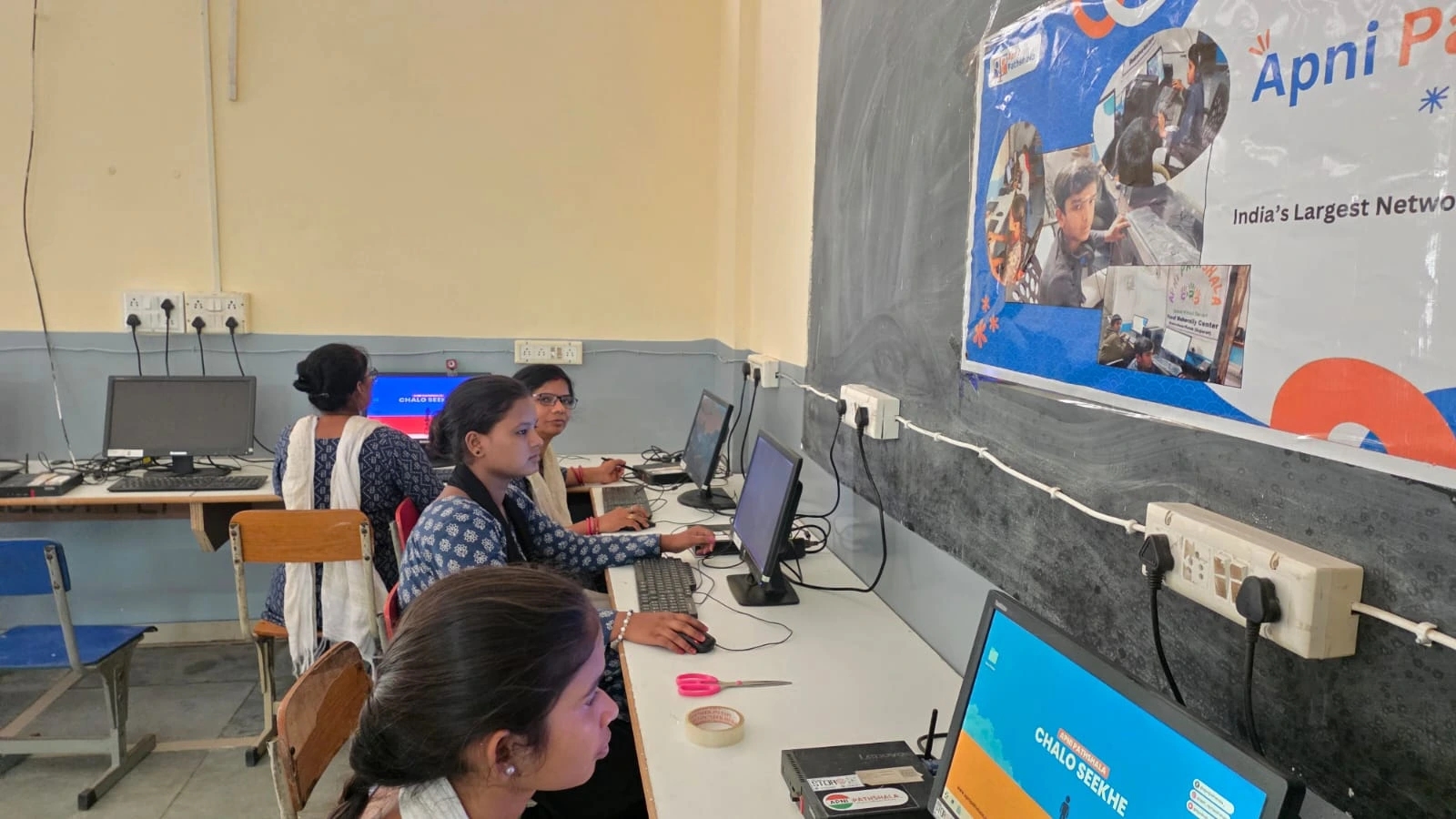
Sleep may improve too, with less late-night phone use. Watch for signs your child is actually learning digitally: questions about what they are studying, excitement about projects and Scratch creations they want to show you.
Why does this switch matter for your child’s future?
As children grow, they need to code, write documents, build presentations and use real software. A child who only knows a phone is already behind.
A personal computer is a tool for work and learning, and that is how Apna PC is meant to be used. India’s Digital India initiative is bringing technology into more schools, and learning on a proper computer now gives your child a head start with keyboards, files and real applications.
Frequently Asked Questions
Should I take my child’s phone away completely?
Not necessarily. Many families keep the phone for calls and messages while moving all study to the computer. Removing it suddenly can cause resistance, so agree on clear phone times together and make the computer the only place for homework and learning.
What if my child gets angry about the switch?
Stay calm and keep explaining the reason. Acknowledge that change is hard, show them what they can create on the computer and give them a say in the rules. Resistance usually fades once the new routine feels normal and they see their own progress.
What if my child wants to go back to the phone?
Expect some pull back to the phone, especially in the first weeks. Remind them of the agreement, keep the phone out of study time and praise progress on the computer. Our guide on what to do if your child wants the phone back has more ideas.
Switching from a phone to a computer does not have to be a fight. Be honest, set up the space and rules together, and give your child room to grow. Visit Apna PC to learn more.