


Rajesh’s Worry and Your Peace of Mind
Rajesh sat in his small flat in Pune, staring at his 12-year-old daughter’s computer screen. She’d been “studying” for three hours, but he couldn’t shake the feeling that she was wasting time. Was she actually learning? How much was gaming? When he bought the Apna PC from Apni Pathshala for Rs.30,000, he discovered something that changed everything: Apna PC usage reports. These reports showed him exactly what his daughter was doing, when she was doing it, and how it was helping her education. Now, you can have the same clarity. Understanding Apna PC’s usage reports transforms parental anxiety into informed decisions about your child’s digital learning.
What Are Apna PC Usage Reports?
Apna PC usage reports are detailed activity logs built into your educational computer through the Apni Prerna monitoring system. They track which applications your child uses, how long they spend on each one, and when they’re most active. Think of it as a transparent window into your child’s study habits without invading privacy.
The reports aren’t about spying. They’re about understanding patterns. You’ll see if your child’s spending time on LibreOffice for homework, using Scratch to learn coding, or getting distracted. This data helps you support better learning habits rather than punish poor ones.
Breaking Down Your Usage Reports: The Key Sections
When you open your Apna PC usage reports, you’ll see several important sections. Each one tells a different story about how your child is using the computer.
- Daily Activity Timeline: Shows hour-by-hour what applications were open. You can see if study happened during morning focus time or late-night cramming.
- Application Usage Duration: Lists every program with total time spent. Educational apps like LibreOffice and Scratch show the time spent learning. Browser time reveals research or distraction.
- Focus Sessions: Tracks uninterrupted study periods. Longer focus sessions usually mean deeper learning. Short, scattered sessions might indicate distraction.
- Weekly Patterns: Compares study habits across days. You’ll spot if Monday is productive, but Friday is wasted time.
- Offline Time: Indicates when the computer wasn’t in use. This helps you understand your child’s total daily routine, not just screen time.
How to Read the Numbers Without Confusion
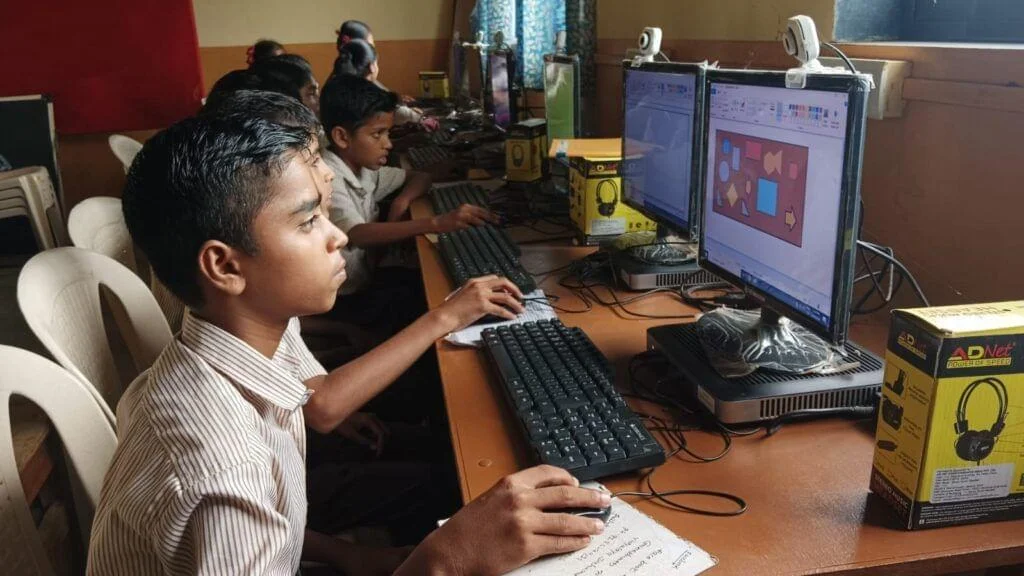
Don’t panic if the numbers seem high at first. A child spending five hours on the computer doesn’t mean five hours of wasted time. You need to look deeper. Educational software such as LibreOffice for writing assignments and Scratch for coding practice counts as productive use. Time spent on these tools is learning time, even if it looks like “computer time” in simple reports.
Compare different weeks and months. You’ll see patterns emerge. Maybe your child’s focus time improves after you set setting screen time limits and healthy habits. Or perhaps certain times of day show better concentration. These patterns are gold for parents who want to optimise learning.
Look for the balance between different types of apps. If your child’s using educational software 60 per cent of the time and games 40 per cent of the time, that’s reasonable. If it’s flipped, you have a conversation to start.
Using Reports to Have Better Conversations With Your Child
The best part of Apna PC usage reports is how they change the way you talk with your child. Instead of saying “You’re always on that computer,” you can say “I see you spent three hours on Scratch yesterday. What did you build?” This shifts the conversation from blame to curiosity.
Show your child the reports together. Ask questions about what they were working on during those focus sessions. You might discover they’re learning more than you realised. Or you might identify real problems that need to be solved together. When children know their usage is transparent, they often make better choices naturally.
Use the data to celebrate wins. If your child’s focus time increased from 40 minutes to 90 minutes over a month, that’s progress worth recognising. These reports give you concrete evidence of growth.
Connecting Usage Data to Learning Outcomes
Apna PC usage reports become truly powerful when you connect them to actual learning. Check your child’s grades and project quality alongside their screen time. You’re looking for correlation, not just coincidence. When you understand how to judge digital learning progress, the usage reports make much more sense.
If your child’s spending time on LibreOffice but grades aren’t improving, maybe they need help with study techniques. If Scratch usage is high and coding skills are developing, that’s validation that the time is well spent. The education system in India increasingly values practical skills like coding, so tracking progress in this area matters.
Your child’s school might also track progress. Combine school reports with Apna PC usage data for a complete picture. The Ministry of Education emphasises balanced digital learning, and these reports help you achieve that balance at home.
Common Mistakes Parents Make When Reading Reports
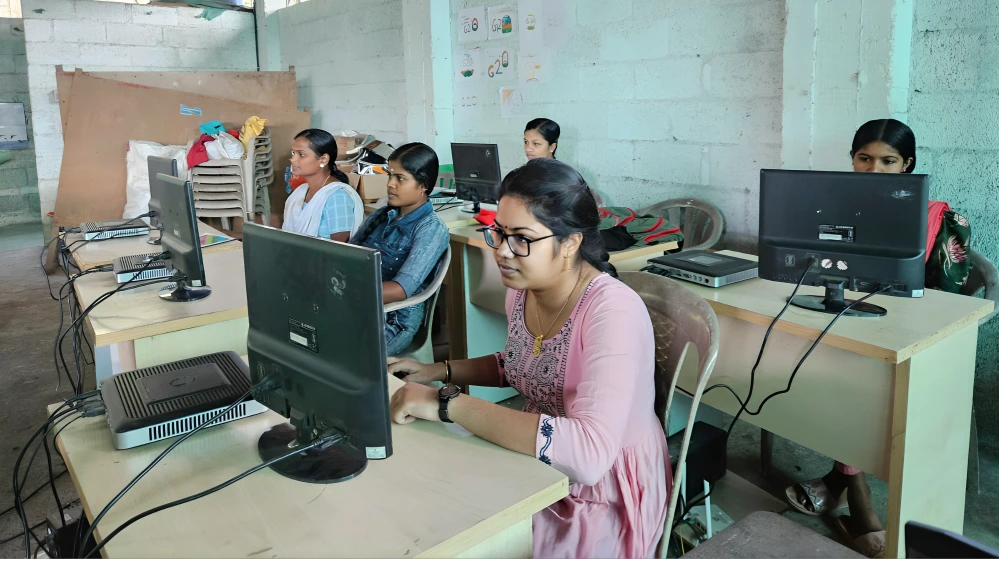
Many parents make the same mistakes when they first look at Apna PC usage reports. Don’t judge a single day’s data. One bad day doesn’t mean your child’s learning is broken. Look at weekly and monthly trends instead. Single days have too many variables: maybe they were sick, maybe they had extra homework, maybe they were just tired.
Don’t assume all computer time is wasted time. Your child’s generation learns differently than you did. Using computers for learning is normal and necessary. The question isn’t whether they should use computers, but how effectively they’re using them. Apna PC’s 8GB RAM and 128GB SSD handle educational software smoothly, so the computer itself supports real learning.
Don’t use reports as a weapon. If you punish your child every time you see high gaming time, they’ll learn to hide their activity rather than improve it. Use reports as a conversation starter, not a judgment tool.
Setting Realistic Goals Based on Your Reports
Once you understand your child’s current usage patterns, set realistic goals together. Maybe you want to increase daily focus time by 15 minutes. Or reduce gaming time by 30 minutes per week. Small, specific goals are better than vague wishes.
Track progress against these goals using your Apna PC usage reports. When your child hits targets, celebrate it. When they miss, problem-solve together. Maybe they need a quieter study space. Maybe they need better time management tools. Maybe they need your encouragement and presence during study time.
Remember that healthy digital habits take time to build. Your child won’t transform overnight. But with consistent support and clear data from Apna PC usage reports, you’ll see real improvement over weeks and months.
The Apna PC comes pre-loaded with everything your child needs to learn effectively, from Zorin OS to LibreOffice to Scratch. Your job is to guide how they use these tools. Usage reports give you the information you need to make wise decisions. Visit apnapc.com to learn more.