

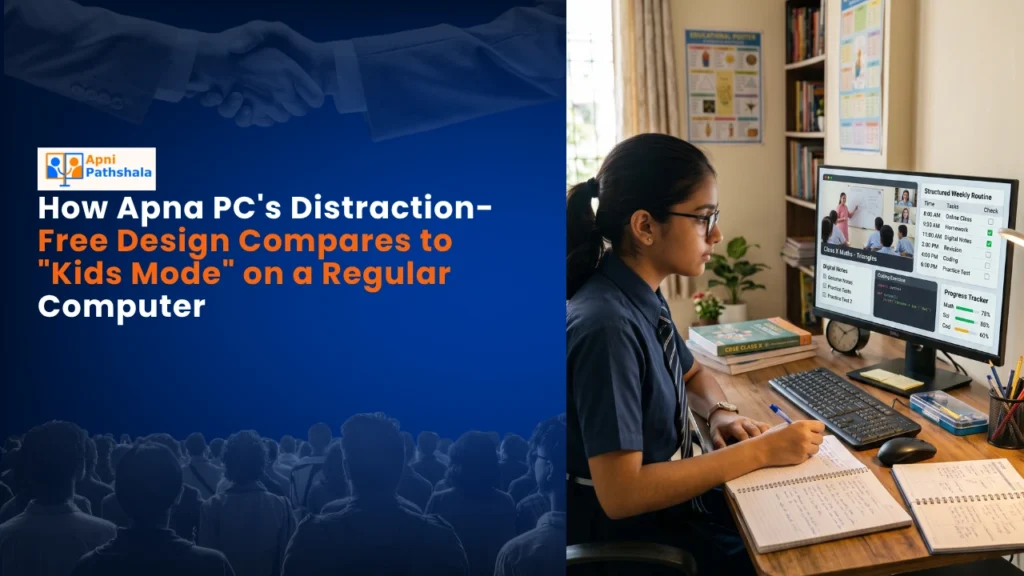
Kids mode on a regular computer restricts distractions, while a distraction-free study computer removes them from the device entirely. Kids mode blocks apps but leaves the temptation visible, so children often spend effort getting around it. A computer built only for learning, like Apna PC, gives them nothing to bypass, which makes focus far easier.
For example, a teenager on a laptop with kids mode might minimise the homework window, open YouTube, and switch back when a parent walks in. Many parents in tier-2 and tier-3 cities recognise this pattern.
What does kids mode actually do?
Kids mode blocks certain apps, limits screen time and filters adult content. That sounds good, but it is reactive rather than proactive.
Your child still sees the YouTube icon, gaming apps and social media shortcuts; kids mode just says “no” to them. The distraction sits behind a digital lock, and restrictions that feel like punishment often turn into a game of finding a way around them. Students who resent the rules build frustration, not focus.
Why does kids mode fall short for studying?
It falls short because the underlying computer was never built for learning. Regular computers are general-purpose machines full of entertainment, social media and endless options.
Even with kids mode on, the design aims for maximum features and maximum choice. For a student trying to concentrate, that is overwhelming. Kids mode also mostly shows screen-time numbers, so you cannot tell whether 2 hours were spent on maths or staring at a blank document.
How is a distraction-free study computer different?
A distraction-free computer is built for students from the start, rather than being a regular computer with restrictions added. Apna PC runs Zorin OS, a clean Linux-based operating system with only what students need, instead of Windows with parental controls.
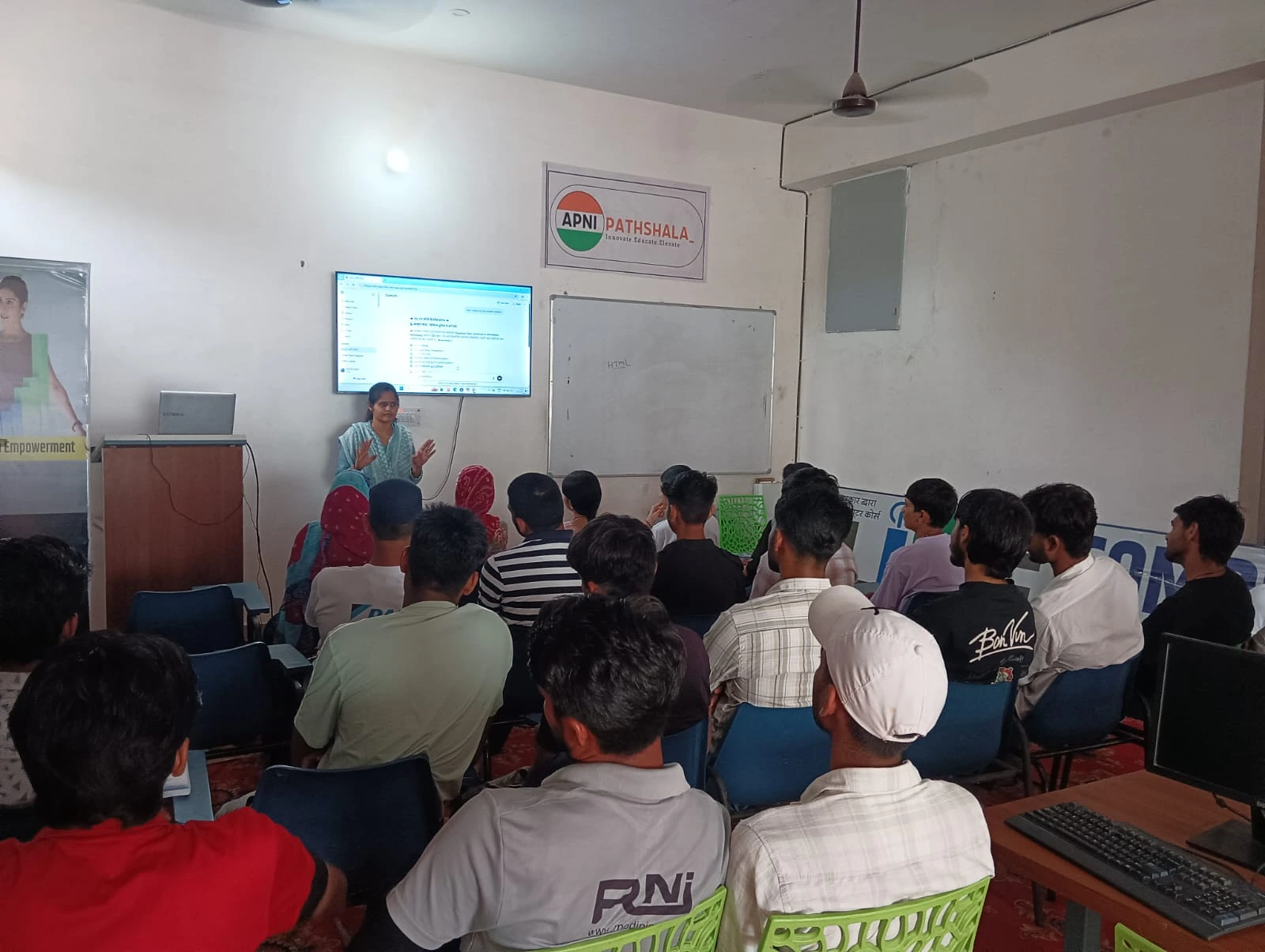
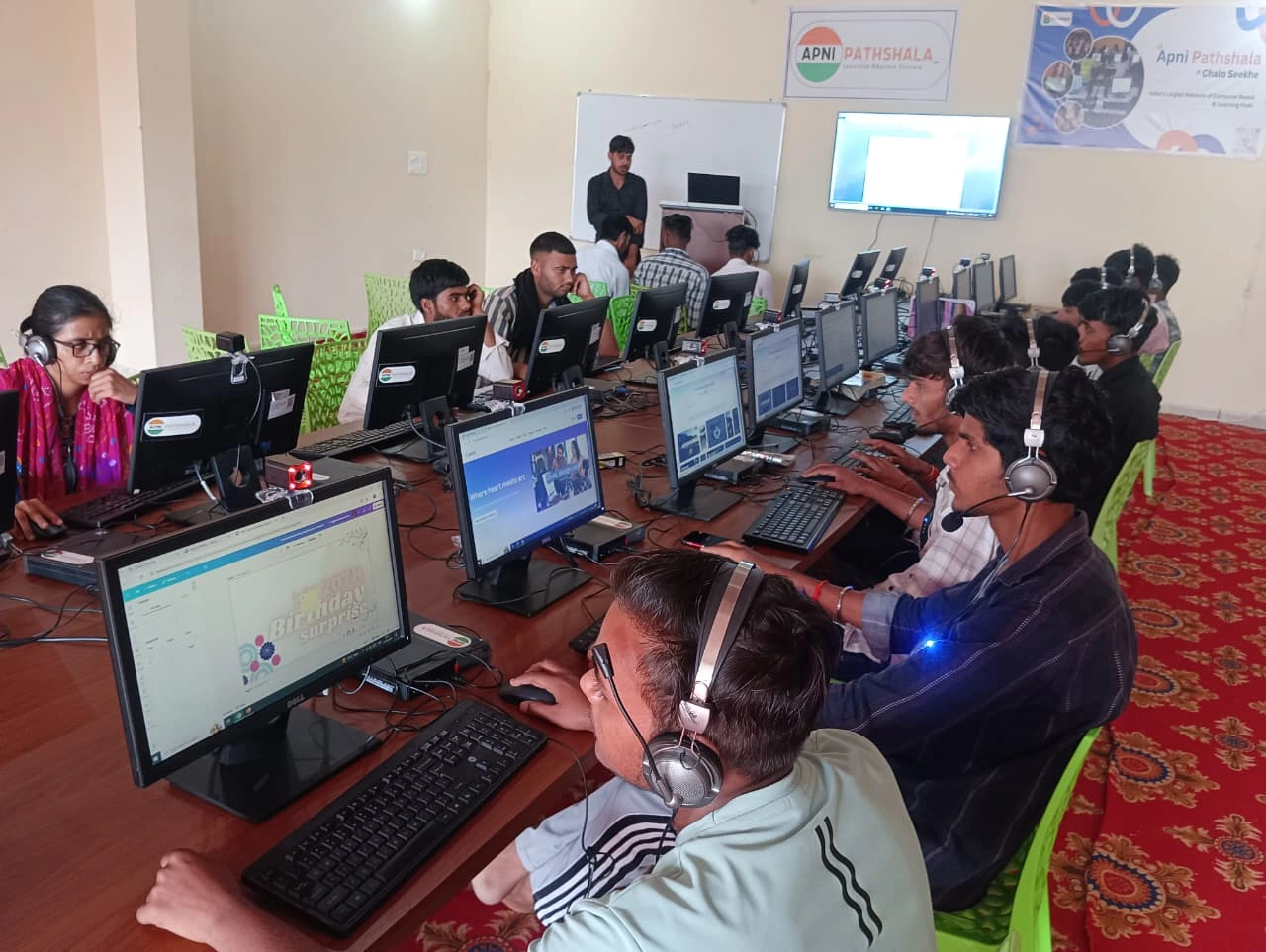
Every Apna PC comes with LibreOffice for documents and spreadsheets, Scratch for coding, and Apni Prerna, a student monitoring system from Apni Pathshala. There is no YouTube, TikTok, Instagram or gaming platform pre-installed. Your child cannot bypass what is not there.
With 8GB RAM and 128GB SSD, it runs academic work, curriculum materials from the Central Board of Secondary Education (CBSE) and resources from the DIKSHA digital learning platform smoothly. Read more about distraction-free learning on Apna PC.
How do kids mode and a study computer compare?
The main difference is restriction versus environment. Kids mode tells a child what they cannot do; a study computer makes learning the easiest path.
| Factor | Kids mode on a regular computer | Distraction-free study computer |
|---|---|---|
| Approach | Blocks apps after the fact | Distracting apps are not installed |
| Temptation | Icons still visible, locked | Clean desktop, no notifications or ads |
| Parent insight | Mostly screen-time totals | Subjects, time spent and resources used |
| Child’s reaction | Often tries to bypass it | Nothing to rebel against |
Apni Prerna shows which subjects your child works on, for how long and with which resources. It offers transparency without intrusion, and real insight into how digital learning builds strong study habits. For a wider comparison, see Apna PC vs parental control software.
Is a dedicated study computer worth the cost?
For many families, yes, because it replaces a more expensive laptop plus constant setup. Apna PC costs Rs. 30,000 (before shipping and GST).
A regular laptop powerful enough for modern learning costs at least Rs. 35,000 to Rs. 50,000, and with a good monitor, keyboard and mouse you can be over Rs. 60,000. Then come software costs, viruses, updates and the daily fight with distractions. Parents who understand how parents choose computers for students know that focus and good digital habits matter more than saving Rs. 5,000 today.
Why does environment matter more than restriction?
Environment matters because children respond to how a tool feels. When a teenager feels restricted, they push back; when they feel supported, they engage.
A study computer does not feel like a parent watching over their shoulder. It feels like a tool built to help them study, so there is nothing to rebel against. The 128GB SSD gives space for projects, research and learning content, and the 8GB RAM handles switching between research and writing smoothly. The whole system is set up to support schoolwork rather than to create artificial barriers.
Will my child find it hard to switch from a regular computer?
No, the switch is usually easy. Zorin OS is Linux-based but designed to feel modern and intuitive, so students do not feel boxed in.
LibreOffice works much like Microsoft Office, and Scratch is the same coding platform used in many Indian schools. Your child keeps using familiar tools, just in a focused environment, and Apni Pathshala offers support if questions come up.
Which option should you choose?
If your child keeps getting around kids mode, choose a computer built for learning. The better question is not “How do I stop distraction?” but “How do I create an environment where distraction is not an option?” kids mode answers with restrictions; a study computer answers with design.
Frequently Asked Questions
Can children turn off kids mode?
Many can, especially older children who are comfortable with computers. Because kids mode only restricts apps that are still installed, it becomes a challenge to beat. When distracting apps are not on the device at all, there is nothing to switch off, which removes the game of getting around the rules.
Can my child still use the internet for research on a distraction-free computer?
Yes. A distraction-free computer still supports research, online classes and platforms like DIKSHA. The difference is that entertainment and social media apps are not pre-installed, so the computer is set up for study. Parents can also see which resources were used through Apni Prerna.
Is kids mode useful at all?
Kids mode is helpful on a shared family computer used for many purposes, because some protection is better than none. For a computer meant mainly for studying, though, a device designed for learning works better, since it removes temptation instead of locking it away.
Your child deserves a device that supports their learning, not just one that limits distractions. Visit Apna PC to learn more.