

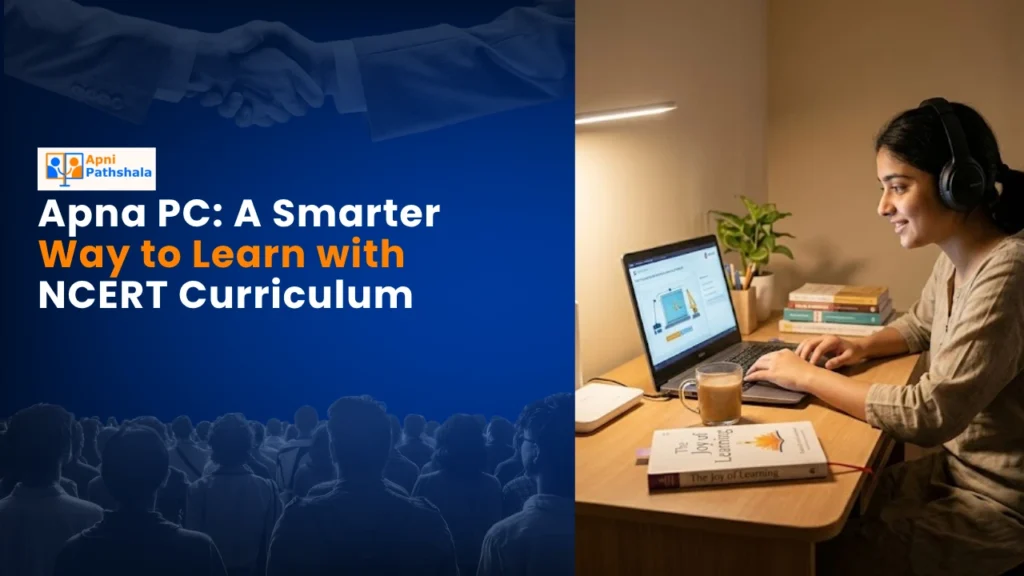
A computer helps NCERT learning by letting your child revise class concepts at home, watch explanations, practise problems and work on projects in a focused space. Apna PC adds NCERT-aligned resources, a distraction-free setup and progress monitoring, so NCERT study becomes active rather than passive.
For example, a family spending 2,000 rupees on a tuition class that meets only twice a week, with unreliable internet for online classes, may still see their child fall behind. Your child’s learning does not have to depend on expensive tuition or patchy connections.
Why does the NCERT curriculum matter for your child?
NCERT books are the foundation for most school boards and aim to build understanding, not only rote memorisation. Concepts connect to real life, which makes study more meaningful.
When NCERT study happens on a device built for learning, your child is not pulled away by games, social media or random videos. They can focus on understanding concepts properly.
Apna PC comes pre-loaded with resources aligned to NCERT standards. Zorin OS keeps the system clean and focused, LibreOffice handles projects, Scratch covers coding basics and Apni Prerna lets you follow your child’s progress without hovering.
What makes an educational computer different from a regular laptop?
A regular laptop is full of distractions. Your child opens one app to study and can end up watching YouTube for an hour; an educational computer is set up to avoid that.
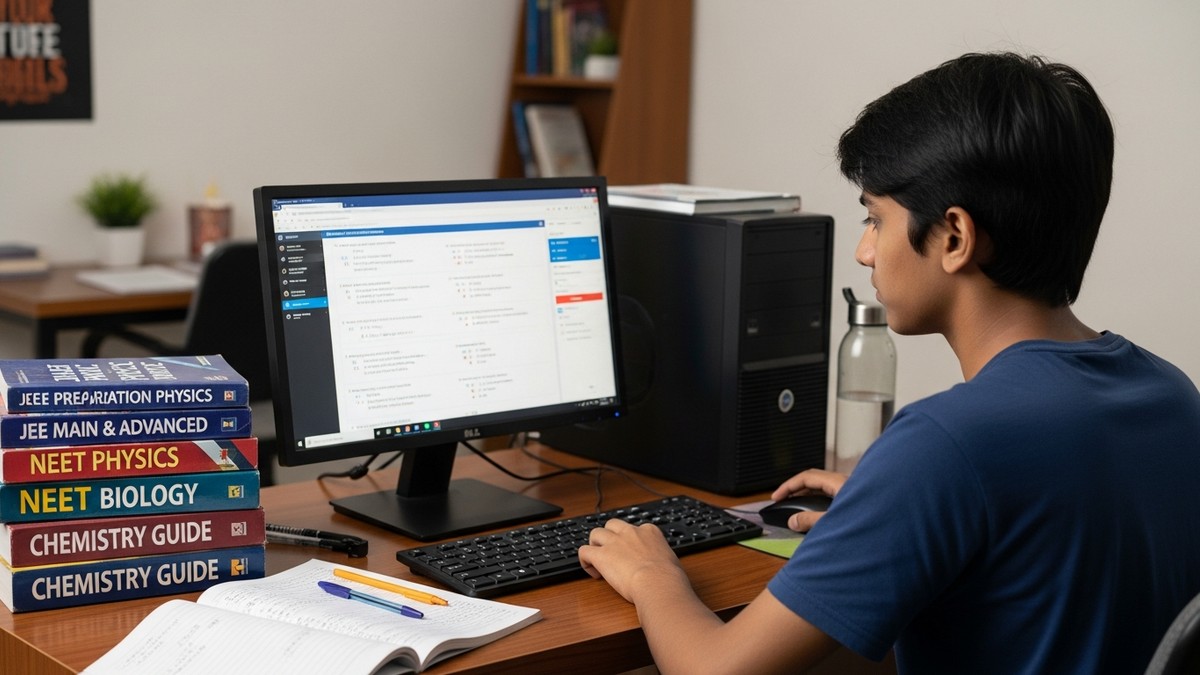
With 8GB RAM and 128GB SSD storage, it runs educational software, video lessons and interactive content without lag. Apni Prerna shows what your child is learning, time spent on each subject and where they may need help.
- Pre-installed NCERT-aligned content: no hunting for resources online
- Distraction-free environment: built for learning, not entertainment
- Parental monitoring tools: track progress with Apni Prerna
- Coding basics included: Scratch helps develop problem-solving skills
- Affordable at Rs. 30,000: less than many tuition programmes cost in a year
How does digital learning support daily NCERT study?
It lets your child review the day’s lessons right away. After school, they can watch concept explanations, solve practice problems and check their answers, so NCERT study becomes active.
For school projects, LibreOffice is ready for presentations and documents. When they want to explore coding, Scratch introduces programming in a fun way, building confidence and curiosity. For families in Tier 2 and Tier 3 cities without easy access to top schools or tutors, this kind of home learning helps close the gap. See also how a computer supports NCERT learning and school revision.
How do you build an NCERT learning routine that works?
Pick a fixed time each day and keep it. A device alone will not transform your child’s education; consistency matters more than intensity.
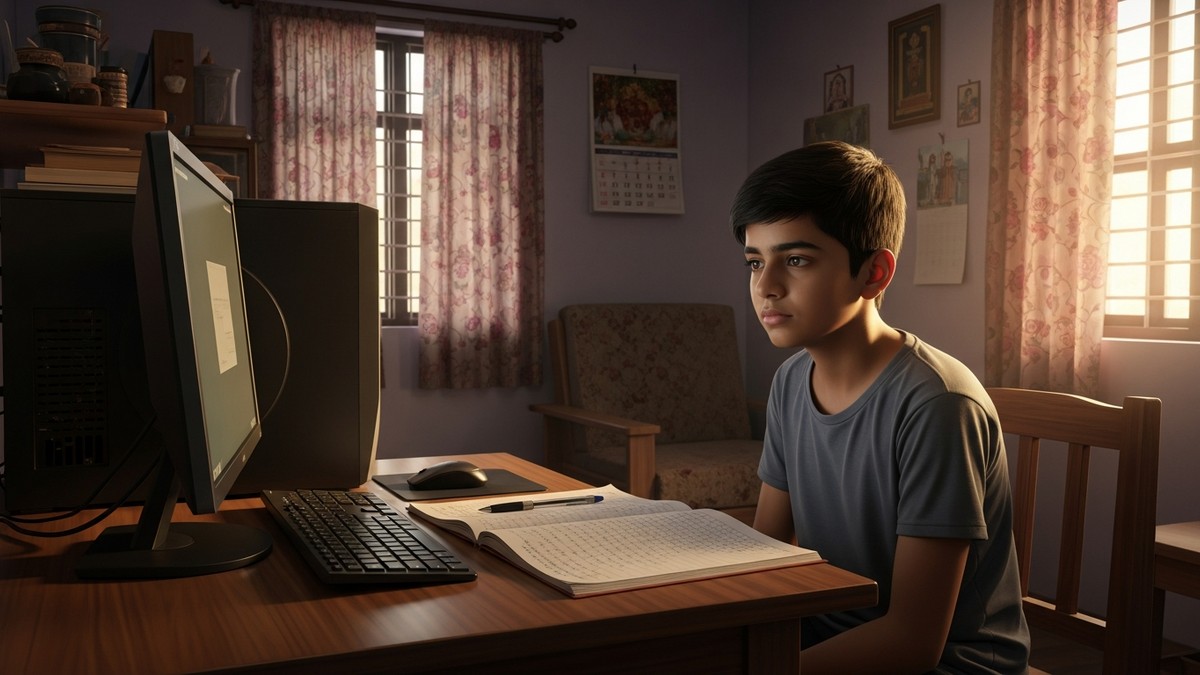
That could be 30 minutes after school or an hour on Sunday morning. Routine helps your child prepare mentally for focused work. Use Apni Prerna to celebrate progress, not to punish mistakes; a struggle with a concept is information you can use to help. Our guide on building a study routine has practical tips.
How can NCERT learning go beyond the textbook?
By connecting concepts to creativity. Scratch lets children use maths to build games, and interactive simulations help them explore science instead of only memorising it.
For general background, see this overview of how learning works. If your child is ready for AI-supported learning, Apna PC also supports Eklavya AI learning features that adapt to your child’s pace. The government’s DIKSHA digital learning platform also works with Apna PC for more NCERT-aligned content.
What changes can parents expect?
Many parents notice more confidence and more willingness to practise. When a child has the right tools and a calm study environment, learning often starts to feel less like a burden.
Some children also start helping younger siblings with what they learn, which reinforces their own understanding. Results depend on regular use, a routine and your encouragement.
Is Apna PC right for your family?
If you are in a Tier 2 or Tier 3 city and worried about your child’s education, it is designed for you. At Rs. 30,000, it costs less than a year of tuition classes and is available every day.
Your child gets NCERT learning on a distraction-free device, and you get the ability to follow their progress. The investment goes beyond hardware, into your child’s confidence and curiosity.
Frequently Asked Questions
Can a computer replace NCERT textbooks?
No, it works best alongside them. Your child should still read the NCERT chapter, then use the computer to watch explanations, practise questions, make notes and do projects. The textbook gives the content, and the computer helps your child understand and revise it actively.
Which classes can use NCERT learning on a computer?
Children from primary to senior classes can benefit, as NCERT books cover the full school span. Younger children may focus on reading, basic maths practice and Scratch, while older students use the computer for revision, practice questions, projects and exam preparation.
Does NCERT study on a computer need fast internet?
Not always. Pre-loaded resources, LibreOffice and Scratch work without a connection, so your child can study even when the internet drops. Online platforms like DIKSHA need internet to access, so plan those sessions for times when your connection is more reliable.
Your child deserves quality education that fits your family’s life and budget. Visit Apna PC to learn more.