

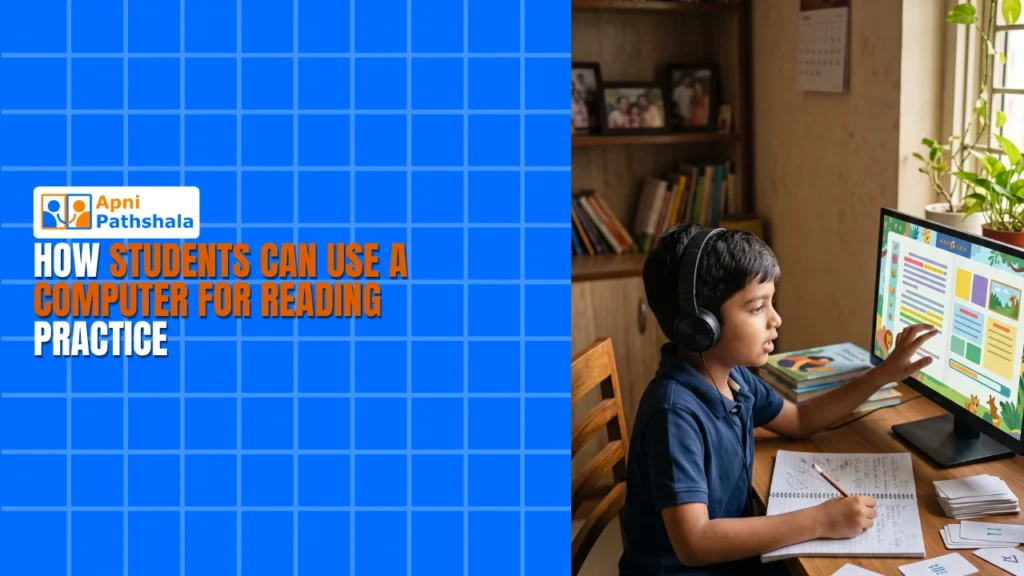
Students can use a computer for reading practice by reading short stories and articles matched to their level every evening, checking their understanding straight away and gradually moving to harder texts. A computer at home makes this daily routine easy to keep, without travelling to a coaching centre or waiting for a tutor.
For example, a primary school child who can read words but not follow their meaning can build comprehension with 20 minutes of structured reading each evening on a home computer.
Why does reading practice on a computer work?
Reading practice on a computer works because it is interactive and private. Your child can click, highlight and explore at their own pace, with no teacher watching and no embarrassment if they need to read a sentence twice.
A computer for education also makes it easy to match texts to your child’s level. Instead of jumping straight to difficult material, they can start with stories and articles that suit their ability, then gradually take on harder ones.
Reading skills grow when children read regularly and get quick feedback. When your child finishes a reading exercise with comprehension questions, they know right away whether they understood it, without waiting for the next class.
What can your child use for reading practice on Apna PC?
Apna PC comes preloaded with tools for student learning. Your child can download free books, articles and educational content, and open and mark up documents in LibreOffice.
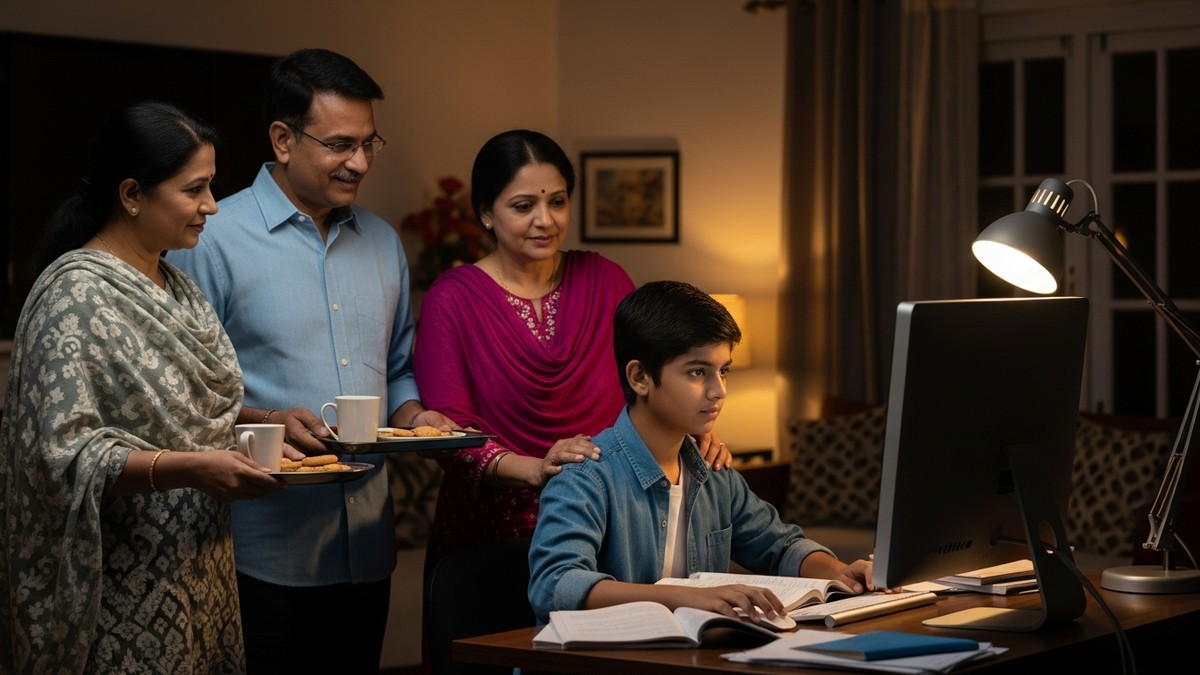
The Apni Prerna system lets you follow your child’s reading practice, so you can see which texts they are reading and how much time they spend. Scratch takes it further: when your child creates their own stories, they think about plot, characters and how language works.
Is a computer better than a phone for reading practice?
Yes, a computer set up for education is usually better. On a phone, distractions are endless, as our comparison of mobile vs computer learning explains.
On a focused computer, your child is not tempted to switch apps every 30 seconds. They settle in, concentrate on the text and build real concentration skills along the way.
How do you build reading skills that last?
Lasting reading skills come from consistent, daily practice rather than occasional long sessions. With a computer at home, your child can spend 20-30 minutes each evening reading.
The Zorin OS system on Apna PC is simple and distraction-free, so your child spends time reading instead of figuring out menus. To keep a record of progress, you can help your child build a reading tracker on the computer.
Is reading on screen just more screen time?
No. Reading practice is very different from watching videos or scrolling social media. Your child is actively working with text, building vocabulary and improving comprehension, so the screen is only the medium.
How does home reading help English learning beyond the classroom?
Home reading fills the gap between what is taught in class and what your child actually masters. Much of the growth in English happens after school, when your child reads on their own.
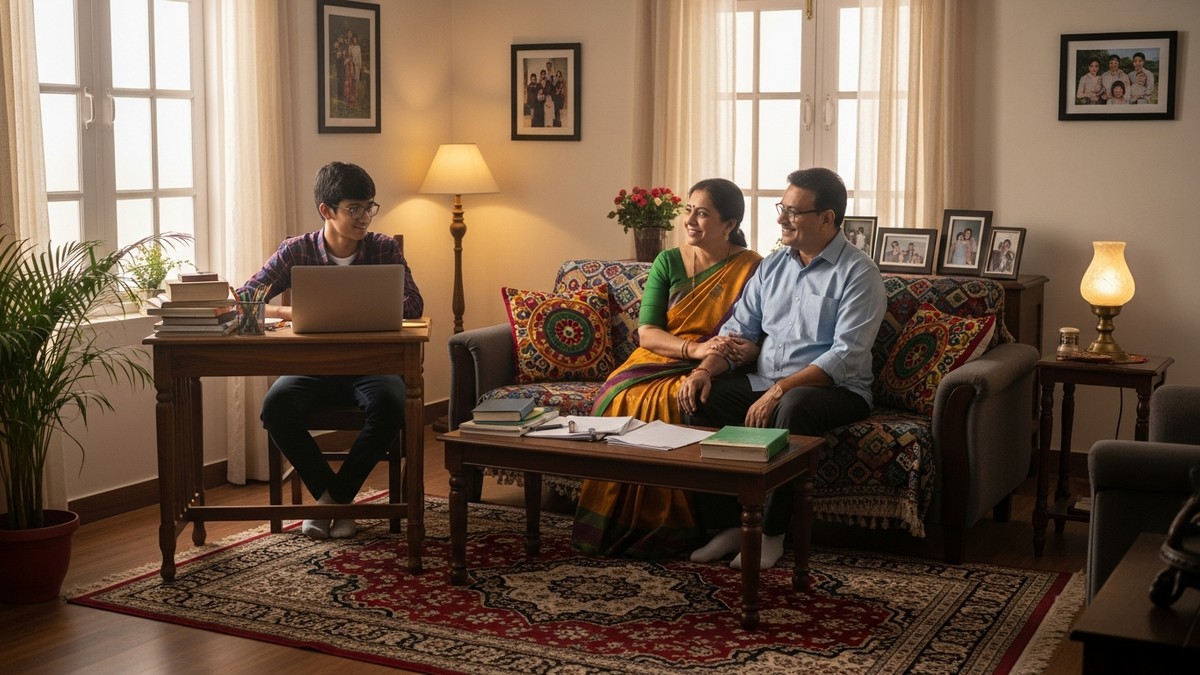
A single computer supports reading, maths, coding and more, so it keeps paying back over the years. The Digital India initiative has made technology in education a necessity, and children who are comfortable learning on a computer at home are better prepared for school.
How can parents start a reading routine at home?
You do not need to be tech-savvy. Set up the computer, agree on a simple routine and let your child explore.
- Start with 20 minutes of reading practice each evening.
- Increase the time gradually as your child gets comfortable.
- Check in weekly about what they are reading and what they enjoyed.
Apna PC costs Rs.30,000 (shipping and GST excluded). Compare that with six months of coaching centre fees, and remember it supports learning in every subject for years. Many personal computers sit unused at home, so make yours a reading hub.
Frequently Asked Questions
How much reading practice should my child do each day?
Start with about 20 minutes each evening and build up to 20-30 minutes as your child gets comfortable. A short daily habit works better than one long session at the weekend, because regular reading is what builds vocabulary and comprehension. Check in weekly about what they read.
What if my child can read words but does not understand them?
That is a comprehension gap, and it is common. Choose texts slightly easier than your child’s school books, and use short passages with questions so they check understanding straight away. As comprehension improves, move to longer and harder texts step by step instead of jumping ahead.
Can I track my child’s reading at home without hovering?
Yes. On Apna PC, the Apni Prerna system lets you see which texts your child is reading and how much time they spend. You can also help them keep a simple reading tracker. This gives you a clear picture without sitting beside them every evening.
Your child’s reading can improve with the right tools and a steady routine. Visit Apna PC to learn more.