Why a Digital Learning Setup Changes Everything for Your Child?
Rajesh sat in his small apartment in Indore, watching his 8-year-old son, Arjun, squint at the smartphone screen during online classes. The phone was meant for calls, not learning. His wife kept saying they needed something better, but Rajesh didn’t know where to start. He wasn’t tech-savvy, prices seemed crazy, and he worried about viruses and screen time. Sound familiar? You’re not alone. Thousands of parents across India face the same confusion when planning a digital learning setup for their children.
The good news is that you don’t need to be a tech expert. With the right approach and the right device, your home can become a powerful learning space. Let’s walk through how to set this up properly.
Understanding Your Digital Learning Setup Needs
Before you buy anything, you need to understand what a proper home learning setup actually requires. Your child needs a device that’s fast enough for video classes, has a screen large enough to protect their eyes, and comes with software that supports education, not just entertainment.
Think about what your child will do on this device. Video calls with teachers? Yes. Typing assignments? Yes. Watching educational videos? Yes. Playing heavy games? No. You don’t need a gaming laptop that costs Rs.50,000. You need something reliable, affordable, and focused on learning. This is where most parents go wrong: they either overspend or buy something that frustrates their child because of slow performance.
According to the Digital India initiative, millions of students across India are moving to online and hybrid learning models. Your child deserves a device built specifically for this purpose, not a hand-me-down laptop that lags and crashes during important lessons.
What Makes a Good Student Computer?
A quality child learning device needs three key things: enough processing power, enough storage, and the right software. Let’s break this down simply.
RAM (Memory): 8GB is the sweet spot for your child’s learning needs. It lets them run video classes while keeping other programs open without freezing.
Storage: A 128GB SSD is plenty for educational software, documents, and project files. It’s also much faster than older hard drives.
Operating System: Your device should run an operating system designed for learning, not one bloated with unnecessary software and ads.
Pre-loaded Software: Look for devices that come with office tools, coding platforms like Scratch, and parental monitoring so you know what your child’s doing.
The Apna PC from Apni Pathshala checks all these boxes. At Rs.21,000 (excluding shipping and GST), it’s built specifically for Indian students. It comes with Zorin OS, which is clean and fast. You get LibreOffice for documents and spreadsheets, Scratch for coding basics, and Apni Prerna for monitoring your child’s activity. This is a student computer designed by educators who understand what your child actually needs.
Creating Your Home Learning Setup Space
Having the right device is just the first step. You also need to think about where your child will use it and how you’ll manage their time. A proper home learning setup isn’t just about the hardware; it’s about the environment.
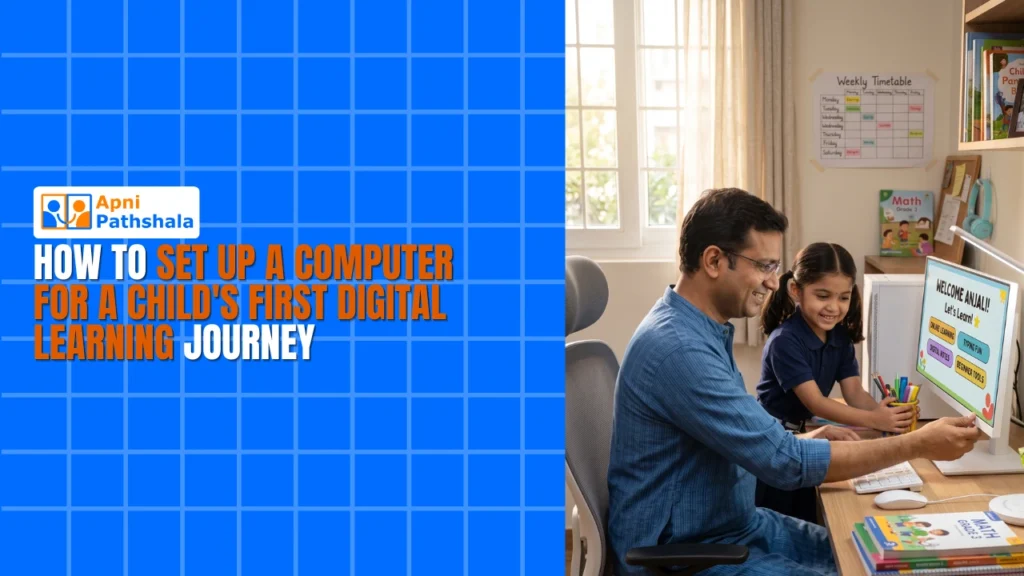
Set up a dedicated study area with good lighting and a comfortable chair. Your child’s eyes will thank you. Keep the computer away from distractions like TVs and toys. If possible, position the desk near a window for natural light during daytime classes. This reduces eye strain and helps your child focus better.
You can learn more about how to set up a learning lab at home with the right equipment and environment. It doesn’t need to be fancy, just thoughtful.
Managing Screen Time and Parental Controls
Every parent worries about screen time. You’re right to be concerned. But the answer isn’t to avoid digital learning; it’s to manage it properly. The Apna PC comes with Apni Prerna, which gives you visibility into what your child’s doing and helps you set healthy boundaries.
Set clear rules: classes during school hours, homework time after lunch, and no screens after 8 PM. Use the parental controls to block inappropriate websites. Talk to your child about online safety. Explain why they shouldn’t share personal information or click on links from unknown sources. These conversations matter more than any software.
Remember, your child isn’t just learning academics on this device. They’re learning how to be a responsible digital citizen. Your guidance is crucial.
Software and Learning Resources
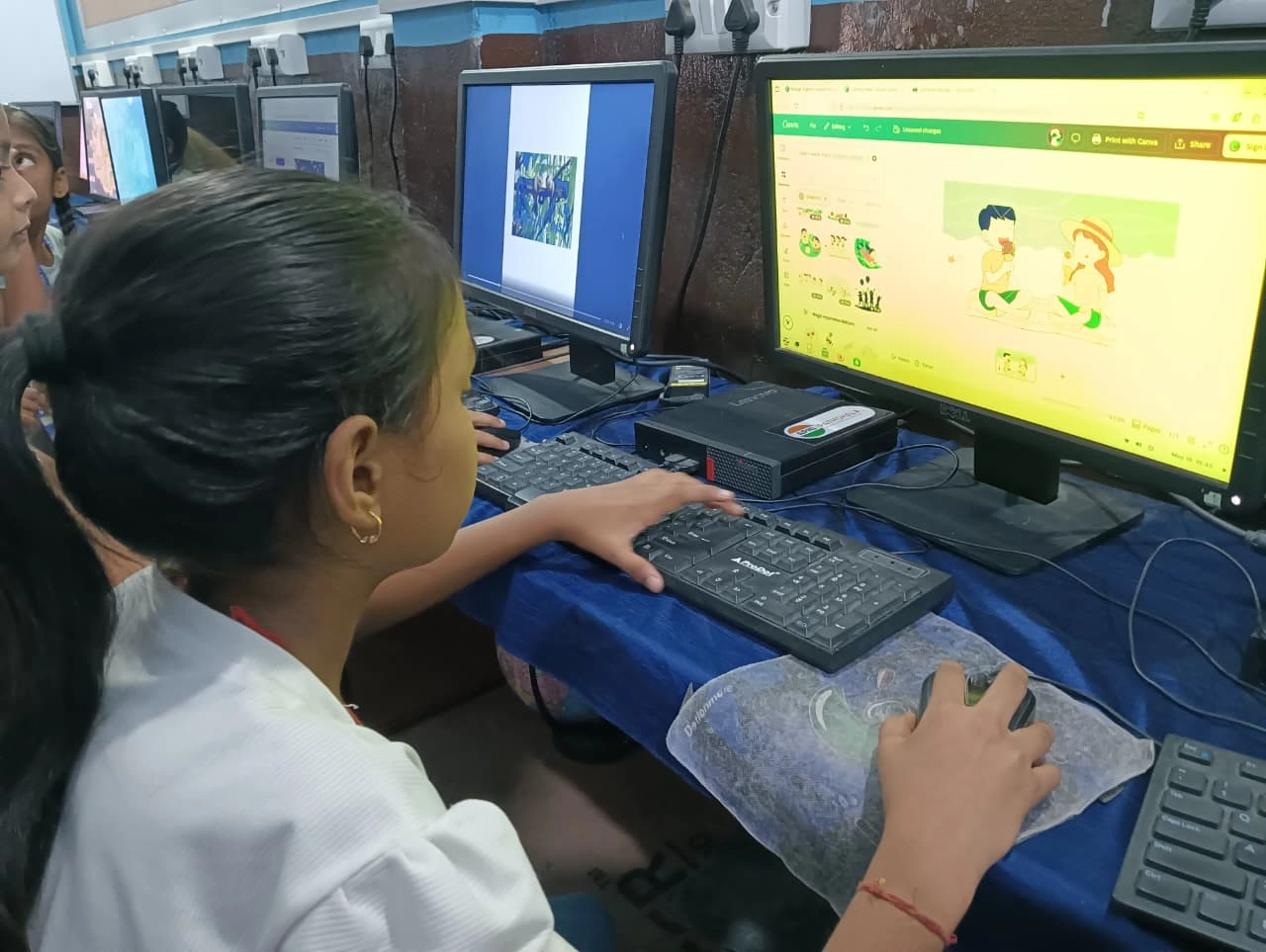
The software preloaded on your child’s computer makes a huge difference. Scratch, for example, teaches coding through visual blocks that kids can drag and drop. LibreOffice lets them create presentations and documents for school projects. These tools are free, powerful, and educational.
Beyond what’s pre-installed, you can add resources like Khan Academy, BYJU’S, or your child’s school’s learning platform. Most of these work smoothly on a device with 8GB RAM and a decent internet connection. Check our first computer guide for students for specific recommendations.
The concept of learning has evolved. It’s no longer just textbooks and classrooms. Your child needs to develop digital skills alongside traditional academics. The right device and software make this possible.
Budget Smart: Why Apna PC Makes Sense
Let’s be honest. You’re probably thinking about cost. A good student computer shouldn’t drain your savings. At Rs.21,000, the Apna PC is built for Indian families who want quality without overpaying.
Compare this to expensive international laptops that come with games, ads, and bloatware. You’d spend more and get less value for learning. The Apna PC is stripped down to what matters: performance, reliability, and education-focused software. It’s designed specifically for your child’s needs, not for gaming or showing off.
Think of it as an investment in your child’s future. A good device now can last 3-4 years of schooling. That’s Rs.5,000-7,000 per year. You’ll spend more on tuition fees for a single month.
Getting Started: Your Digital Learning Setup Action Plan
Here’s what you should do this week. First, assess your child’s current learning situation. Are they struggling with online classes on a smartphone? Are they falling behind in typing and computer skills? Second, talk to your child’s school about what software and specs they recommend. Third, explore options such as the Apna PC, which is designed for Indian students and fits your budget.
Don’t wait for the “perfect time” to set up a proper digital learning setup. That time is now. Your child’s education won’t wait, and neither should you.
The right learning device for your child can transform how they learn and grow in the digital age. Apna PC is built for this purpose, affordable, and ready to support your child’s educational journey. Visit apnapc.com to learn more.