

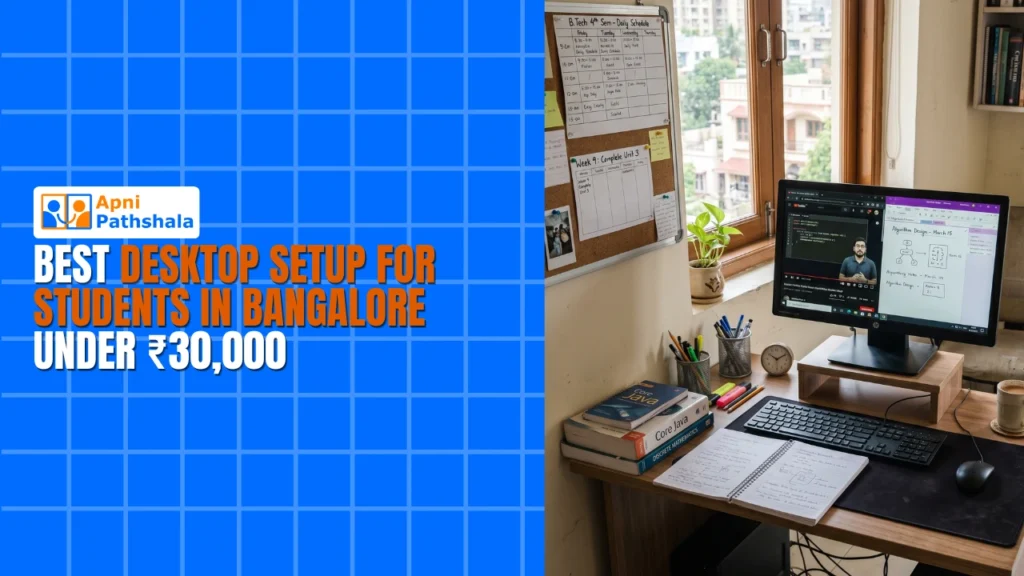
Finding the right desktop setup Bangalore for your child doesn’t have to drain your savings. With smart choices, you can build a complete student computer Bangalore under ₹30,000 that handles online classes, homework, coding, and exam preparation. This guide walks you through every component, from the core computer to accessories, so your child gets a reliable study station without overspending.
Why a Desktop Setup Bangalore Beats a Laptop for Students?
Laptops seem convenient, but desktops offer better value at the same price point. A desktop gives you a larger screen, full-sized keyboard, easier upgrades, and better ergonomics. For students who study at home for hours, these advantages matter more than portability.
Desktops also last longer. When a component fails, you replace just that part instead of the entire machine. Over 3-4 years of school use, this saves thousands of rupees compared to laptops that become obsolete or break expensively.
The Digital India initiative encourages families to adopt technology for education. A well-chosen desktop setup Bangalore aligns with this goal while staying affordable for middle-class budgets.
The Core: Choosing the Right Computer (Rs.21,000)
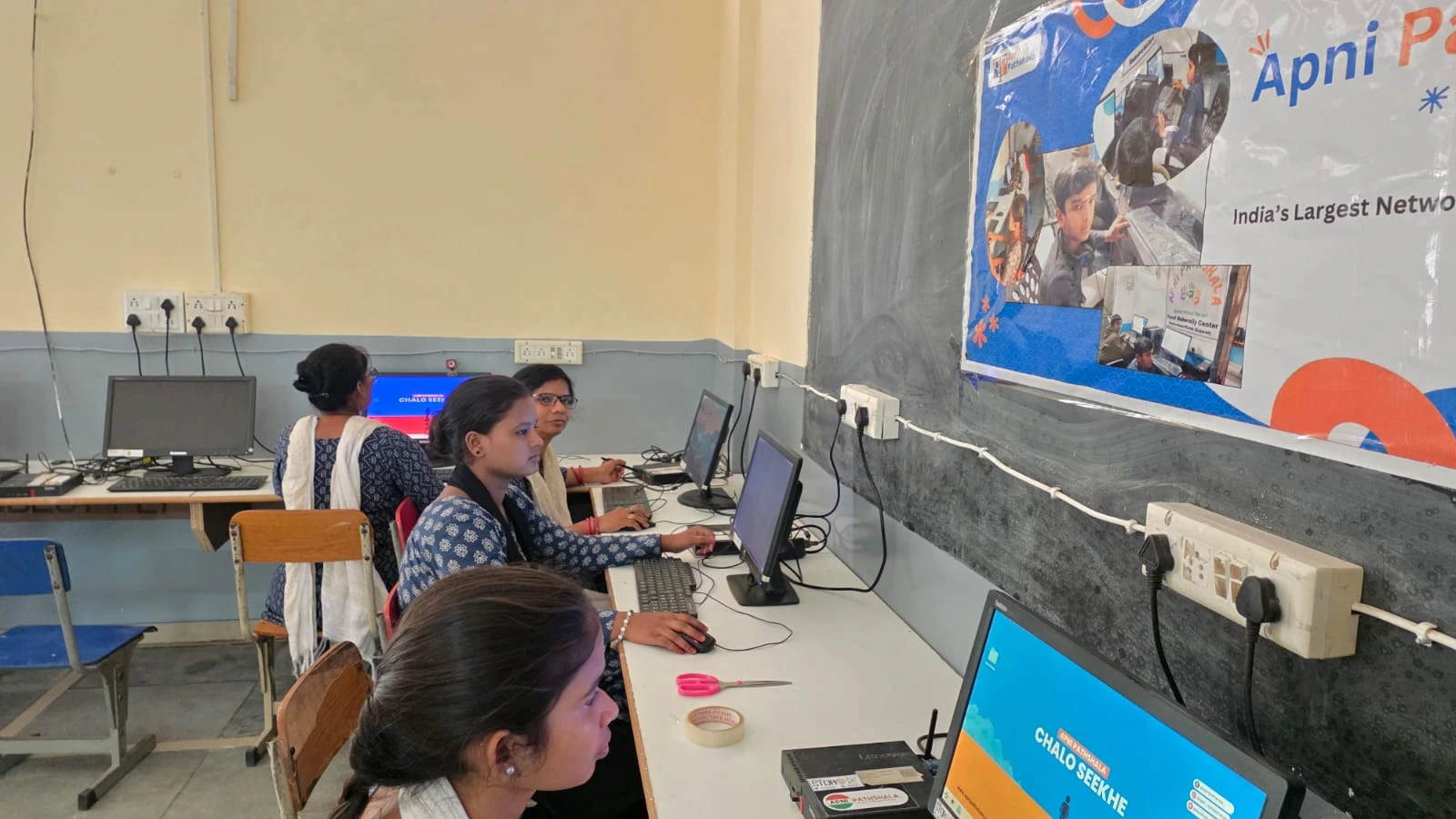
The heart of your student computer Bangalore is the CPU unit. At Rs.21,000 (shipping and GST excluded), Apna PC delivers everything a student needs: solid processor, 4GB RAM, adequate storage, and pre-installed educational software. What is Apna PC explains how it’s purpose-built for Indian students.
Avoid the temptation to buy the cheapest assembled desktop from local markets. Those machines often use refurbished parts, have no warranty, and fail within months. A branded, reliable computer at Rs.21,000 costs slightly more upfront but saves repair bills and frustration later.
For competitive exam preparation, coding practice, or digital literacy, this budget desktop Bangalore handles everything from JEE mock tests to programming environments smoothly.
Monitor: Your Window to Learning (Rs.5,000-8,000)
A good monitor reduces eye strain during long study sessions. Choose at least a 21.5-inch Full HD (1920×1080) display. TN panels are cheapest but offer poor viewing angles. IPS panels cost slightly more but deliver better colors and wider angles, important when your child leans forward to read small text.
Budget monitors from brands like LG, Acer, or BenQ start around Rs.5,000. Avoid very cheap local brands that flicker or have uneven brightness. Your desktop setup Bangalore deserves a monitor that protects your child’s eyesight over years of use.
Position the monitor at arm’s length, with the top of the screen at eye level. This prevents neck strain and maintains good posture during study marathons.
Keyboard and Mouse (Rs.500-1,500)
A comfortable keyboard and mouse matter more than parents realize. Uncomfortable input devices cause wrist pain and reduce typing speed. For a student computer Bangalore, choose a standard membrane keyboard with good key travel and an optical mouse with smooth scrolling.
Wireless options reduce desk clutter but require battery changes. Wired options are more reliable and cheaper. Either works fine for studying. Avoid gaming keyboards with flashy lights, they distract more than they help.
Ergonomic Essentials (Rs.2,000-4,000)
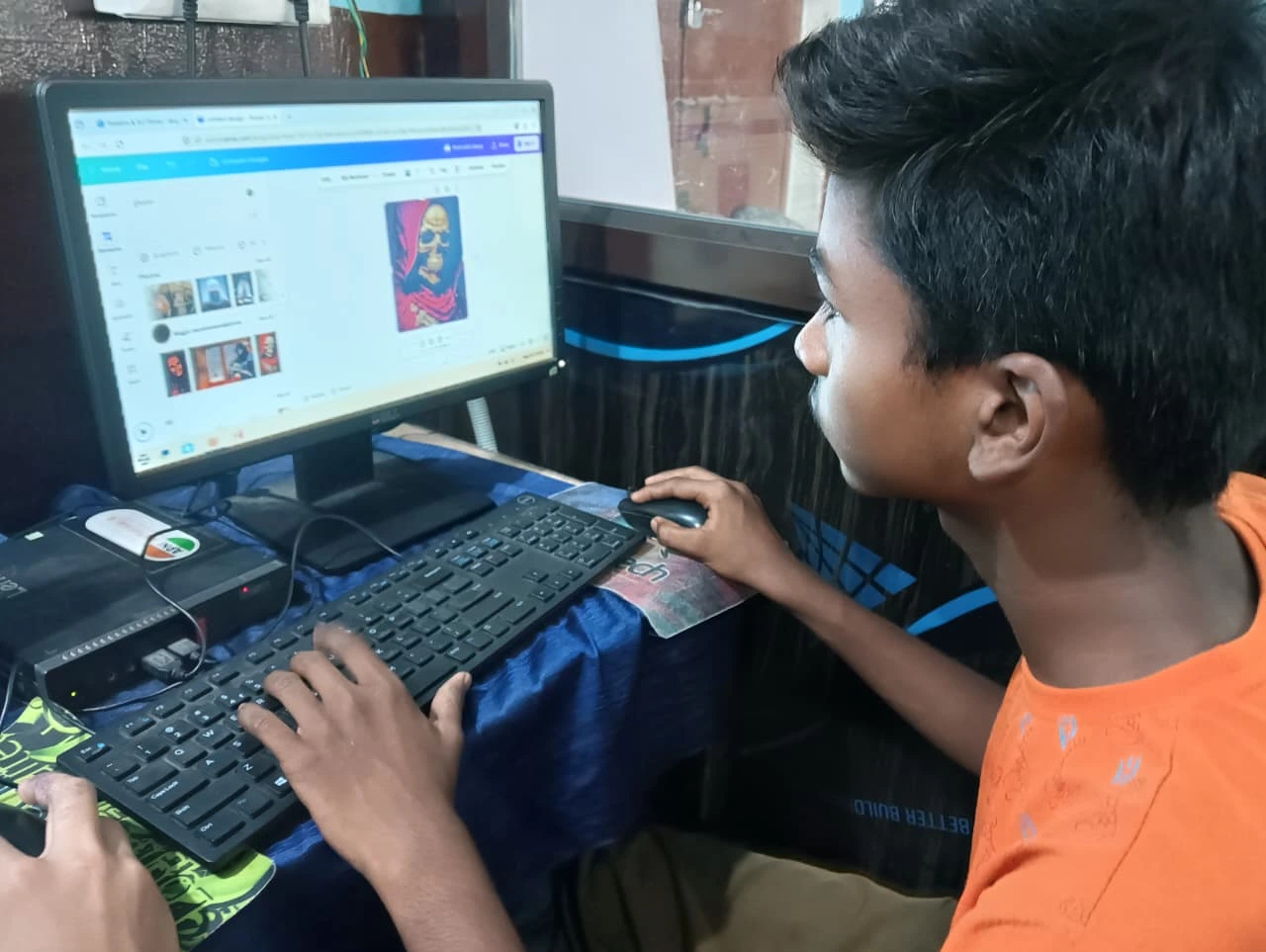
A proper study chair and desk complete your study station. You don’t need expensive furniture. A basic plastic or metal chair with back support and a flat desk at the right height work perfectly.
The desk should be 28-30 inches high. Your child’s feet should rest flat on the floor, elbows at 90 degrees when typing. If the chair is too high, use a footrest. These small adjustments prevent back pain and improve concentration during long study sessions.
Good lighting is essential but often overlooked. Position the desk near a window for natural light. Add a desk lamp for evening study. Avoid overhead lights that create glare on the monitor screen.
Internet Setup for Online Classes
A desktop for students needs reliable internet. Minimum 10 Mbps broadband handles video calls, online tests, and research simultaneously. Most Bangalore ISPs offer plans between Rs.500-800 monthly.
Use a wired Ethernet connection instead of Wi-Fi for stability during online exams. A 5-meter Ethernet cable costs Rs.200 and eliminates the frustration of dropped connections during critical test moments.
DIKSHA and other educational platforms work best with stable connections. Your investment pays off only when the internet supports uninterrupted learning.
Software and Digital Resources
Apna PC comes pre-loaded with educational software. Supplement it with free tools: LibreOffice for documents, Chrome or Firefox for browsing, and VLC for media playback. Install antivirus protection (Windows Defender is free and effective).
Bookmark educational websites your child uses regularly. Learn Beyond Curriculum shows how students explore subjects deeply when they have the right digital tools and resources.
Final Checklist
Before finalizing, verify you have a monitor with at least 21.5 inches, a keyboard, mouse, study chair, proper desk, stable internet, and good lighting. Test the setup for one week. Ensure your child feels comfortable and all software runs smoothly. Make adjustments to chair height, monitor position, or keyboard placement as needed. Visit apnapc.com to learn more.
4 Responses
nice vlog
Glad you liked it! Hope the guide helps you build the perfect setup.
Can i buy this same pc through amazon?
This exact setup isn’t available on Amazon, as it’s a custom-built PC.