

If you’re a student in Mumbai hunting for the right study computer, you’ve probably felt lost staring at spec sheets. What does 8GB RAM actually mean? Why does storage matter? And what screen size won’t crush your eyes after six hours of online classes? This guide breaks down computer specs Mumbai students actually need, without the jargon.
Mumbai’s tiny flats and humidity mean your computer needs to be smart, compact, and built to last. You’re juggling coaching classes, board exams, competitive entrance prep, and online learning platforms like DIKSHA. Your computer has to keep up. Let’s talk specs that matter.
The “Stuttering Study Trap”: Why RAM Matters for Mumbai Students
Here’s the problem every Mumbai student faces: you open your study notes in one tab, a YouTube tutorial in another, and your school management portal in a third. Your computer crawls. Tabs freeze. Videos buffer. This is the Stuttering Study Trap.
RAM (Random Access Memory) is your computer’s short-term memory. It handles everything you’re doing right now. Think of it like your desk space, more desk means more projects you can work on at once without things piling up.
For Mumbai students, 8GB RAM computer is the bare minimum. It lets you run your browser, Google Docs, a video, and a coding IDE without your computer gasping for air. If you’re serious about competitive exams or coding practice, aim for 8GB. Most affordable student computers, including Apna PC at Rs.21,000, come with this standard.
4GB RAM? That’s yesterday’s news. You’ll hit the wall fast, especially during exam season when you’re juggling multiple resources.
Storage Wars: SSD vs HDD for Computer Specs Mumbai Students Need
Storage is where your files live. But not all storage is equal. Here’s what trips up students looking at computer specs in Mumbai.
HDD (Hard Disk Drive) is old tech. It’s cheap, but slow. Your computer takes forever to start. Apps launch like they’re thinking about it. Downloading a 500MB tutorial video? Grab tea.
SSD (Solid State Drive) is modern tech. No moving parts. Your computer boots in seconds. Apps open instantly. It’s the difference between walking and running.
For a study computer, grab at least 256GB SSD. That’s enough for your OS, all your study apps, downloaded tutorials, and project files. If you’re into video editing or game development, push for 512GB.
Why does this matter in Mumbai? Space is tight. Your computer might sit on a shelf next to your textbooks. An SSD stays cooler and quieter than an HDD, crucial when your room is already humid and cramped.
Screen Size: The Monitor Dilemma for Mumbai’s Coaching Culture
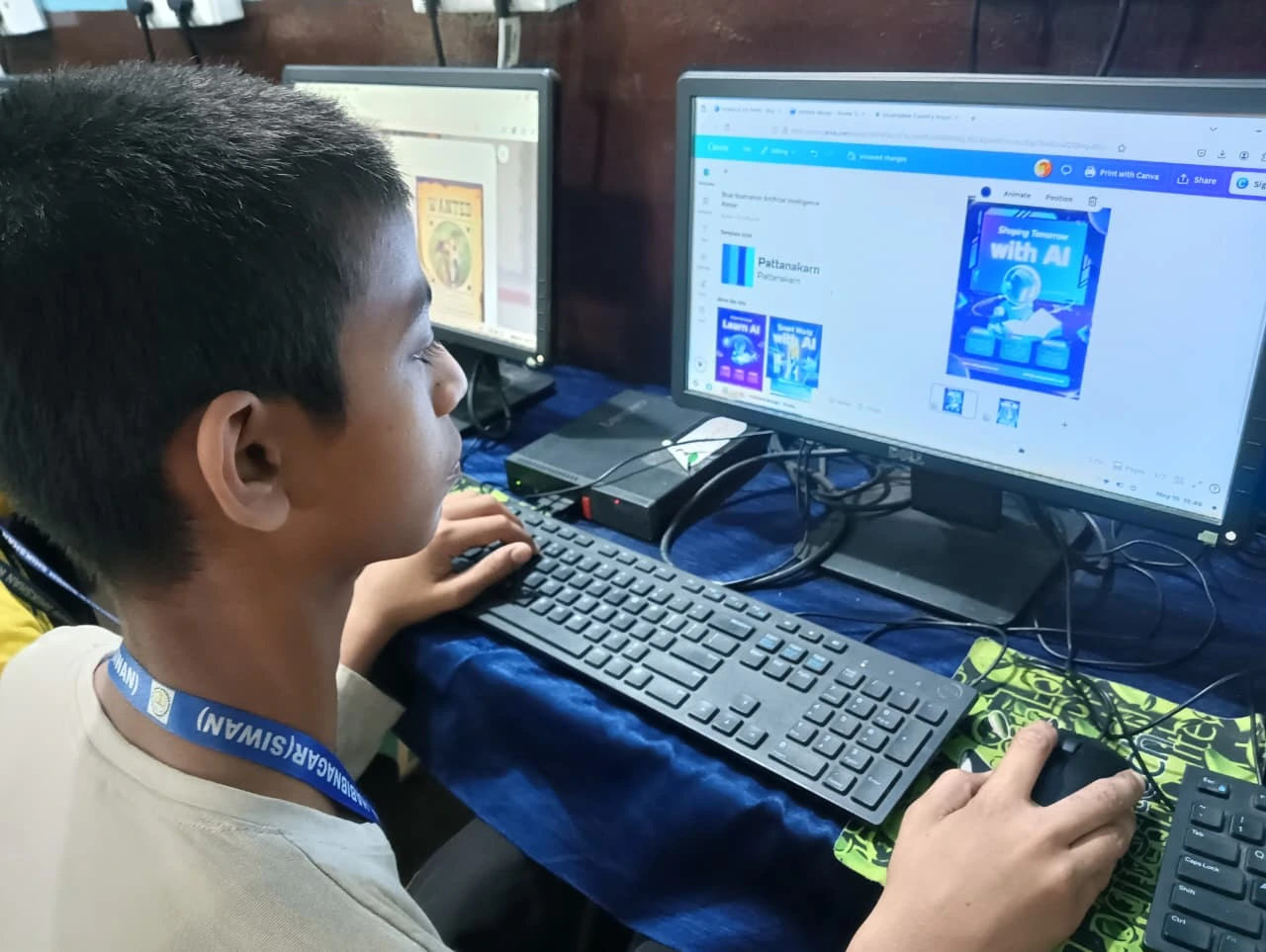
You’re staring at your screen for hours. Online classes, mock tests, research projects, coding practice. Your eyes are working overtime.
A 15-inch laptop screen is portable but tiny. After two hours, your eyes burn. A 21-24 inch external monitor is the sweet spot for study computers in Mumbai. It’s big enough to read without squinting, but not so massive that it eats your desk.
Why add an external monitor? Because you’re not just browsing. You’re learning. You need to see code clearly, read PDFs without zooming, and watch tutorials without straining. A good monitor costs Rs.5,000-8,000 and lasts years.
Pro tip: If your room gets hot and humid (it does, it’s Mumbai), make sure your monitor has good ventilation. Dust buildup kills displays fast.
Putting It Together: Real Computer Specs Mumbai Students Should Look For
Here’s your checklist:
Processor: Intel i5 or AMD Ryzen 5. Fast enough for anything a student throws at it.
RAM: Minimum 8GB. Non-negotiable.
Storage: 256GB SSD. 512GB if you download lots of resources.
Screen: 21-24 inch external monitor if using a laptop. Saves your eyes and your neck.
Battery (if laptop): At least 6-8 hours. You need it for coaching classes and libraries.
Apna PC delivers exactly this at Rs.21,000 (shipping and GST excluded). It’s built for students like you.
Why These Specs Matter for Your Learning?
Good specs aren’t a luxury. They’re tools. The Biggest Advantage a Student Can Have Today is access to quality resources, and your computer is the gateway.
With 8GB RAM and an SSD, you’re not fighting your machine. You’re learning. You can use your personal computer to learn beyond the school curriculum, exploring coding, design, digital marketing, or whatever interests you.
According to India’s Ministry of Education, digital literacy is now central to student success. Your computer specs directly impact how well you can access that opportunity.
Common Mistakes Mumbai Students Make When Buying Study Computers
Mistake 1: Buying a gaming laptop because it’s “powerful.” You don’t need RTX graphics for Google Docs. You’re wasting money.
Mistake 2: Choosing an HDD over an SSD to save Rs.2,000. You’ll waste 10x that in lost productivity.
Mistake 3: Ignoring the monitor. Laptop screens are fine for travel, not for 6-hour study sessions.
Mistake 4: Forgetting about humidity and heat management. Mumbai’s climate is harsh. Cheap computers overheat and die.
Final Word on Computer Specs Mumbai Students Need
You don’t need a supercomputer. You need a reliable, fast machine that handles your workload without drama. 8GB RAM, SSD storage, and a decent monitor get you there.
Apna PC at Rs.21,000 hits this sweet spot. It’s affordable, built for Indian students, and designed for Mumbai’s constraints, space, heat, and the relentless grind of exam prep.
Your computer specs are an investment in your learning. Choose wisely.
Visit apnapc.com to learn more about the right study computer for you.