

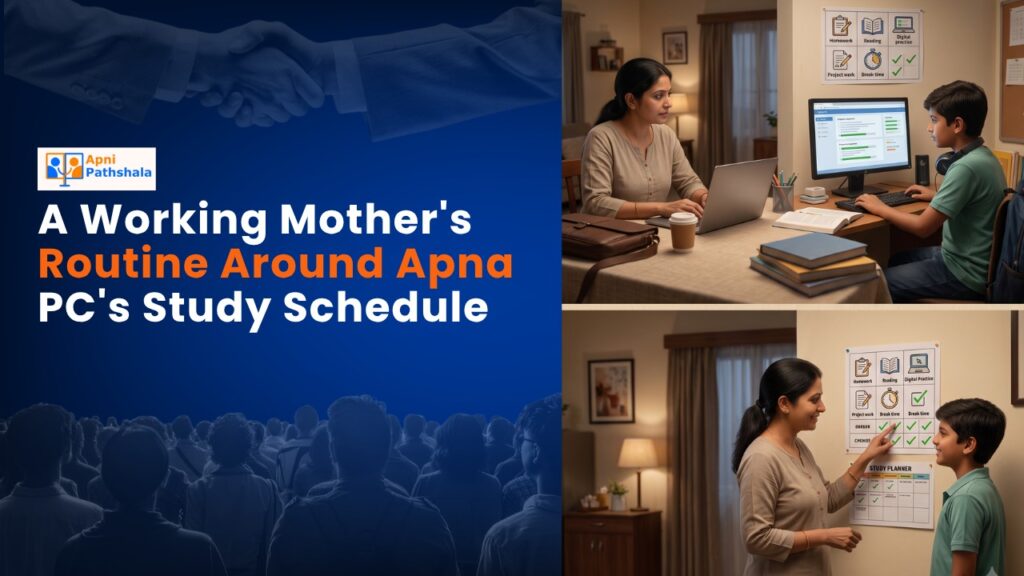
A working mother can build a child’s study routine around her job by fixing short study blocks before or after school, letting a dedicated study computer handle the setup and checking progress remotely instead of sitting beside the child. Evenings then become a quick review, not a full re-teaching session.
For example, a mother on a morning work call can have her child studying a maths module at the next table, headphones on, without either of them losing focus. Working mothers in Tier 2 and Tier 3 cities face this overlap every day.
Why do work and study routines clash at home?
They clash because both happen in the same small space at the same time. Your child needs help with homework just when you need to focus on work, and someone always loses.
The fix is a routine that is predictable and a computer that lets your child work on their own. When the device stops being a source of problems, it becomes a partner in learning.
Why does your child’s study routine need the right tools?
When you balance a job, a household and your child’s education, you cannot afford time lost to slow or confusing technology. A personal computer set up for learning is the base of a good routine.
Apna PC comes pre-loaded with what your child needs. Zorin OS runs smoothly, LibreOffice handles documents and spreadsheets and Scratch teaches coding basics, so there is no hunting for software.
The 8GB of RAM and 128GB SSD mean videos load quickly, projects save and several tabs open without freezing. You are not interrupted every five minutes with “Mom, the computer is slow again.”
How do you build a study routine around a work schedule?
Start with fixed blocks and remote check-ins. These steps work for many working families:
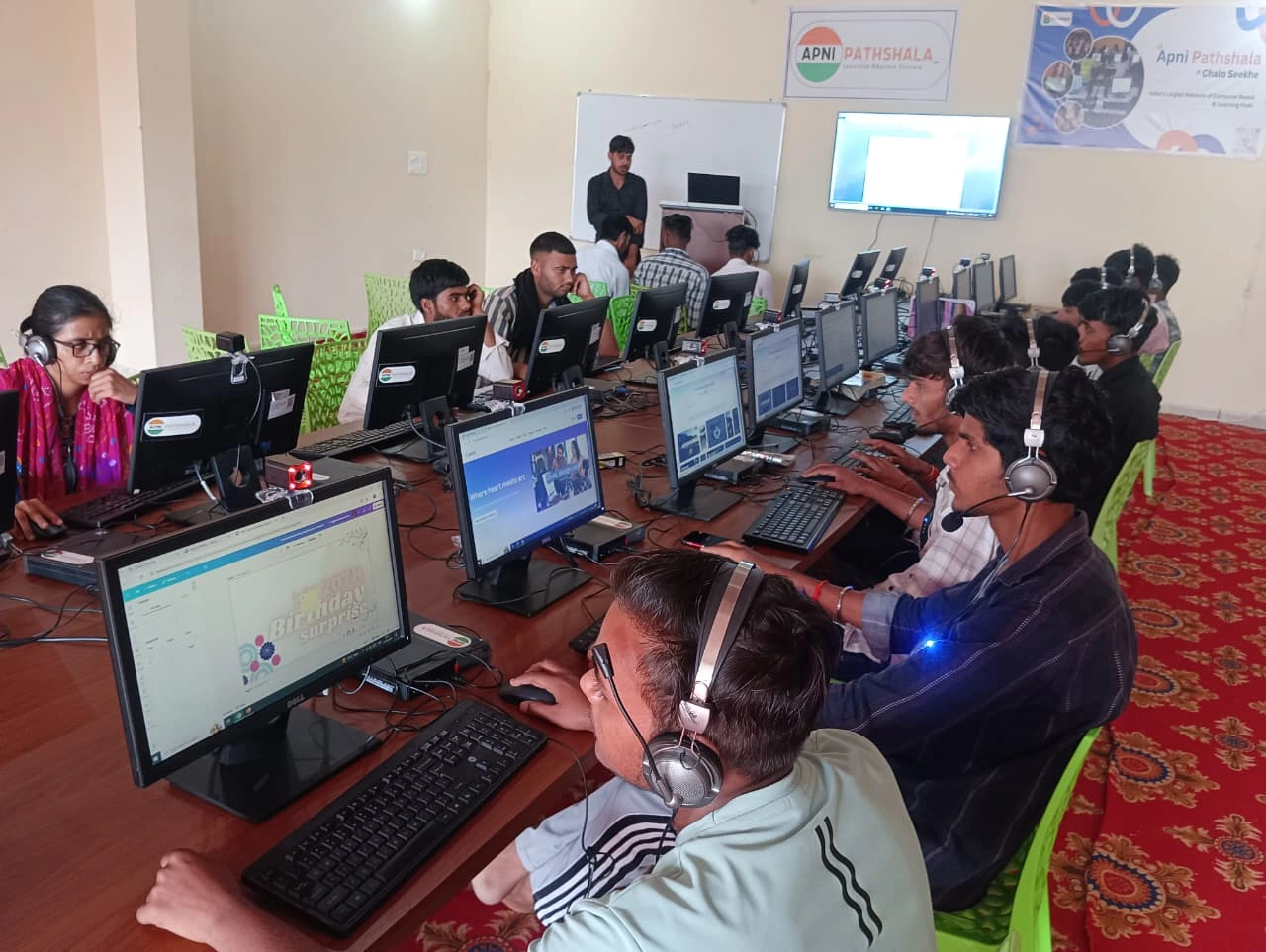
- Fix study blocks: for example, your child studies from 8:30 to 9:30 AM before school while you handle emails. By 9:30, both of you are ready for the day.
- Monitor without hovering: Apni Prerna lets you check a dashboard during your lunch break to see what was completed, where your child struggled and what needs attention tonight.
- Build independence: when your child can use the computer confidently, you are not the constant helper.
- Make evenings review time: spend a short time after dinner reviewing work rather than re-teaching concepts.
This rhythm takes a couple of weeks to settle. Once set, it protects both your work time and your child’s learning time. For remote check-ins, see monitoring Apna PC remotely as a working parent.
How much time can a working parent save?
The biggest saving comes from no longer troubleshooting tech, finding resources or guiding your child through different platforms every day. With a pre-loaded setup, those daily interruptions shrink a lot.
Your study routine does not exist in isolation. It sits inside your whole day, and when the tools are right, the day gets easier. If two parents work, read about splitting study supervision between parents.
How do you keep the routine going long term?
Keep the computer focused on learning. Apna PC is not a flashy gaming machine; it is a learning tool, so the device itself encourages focus.
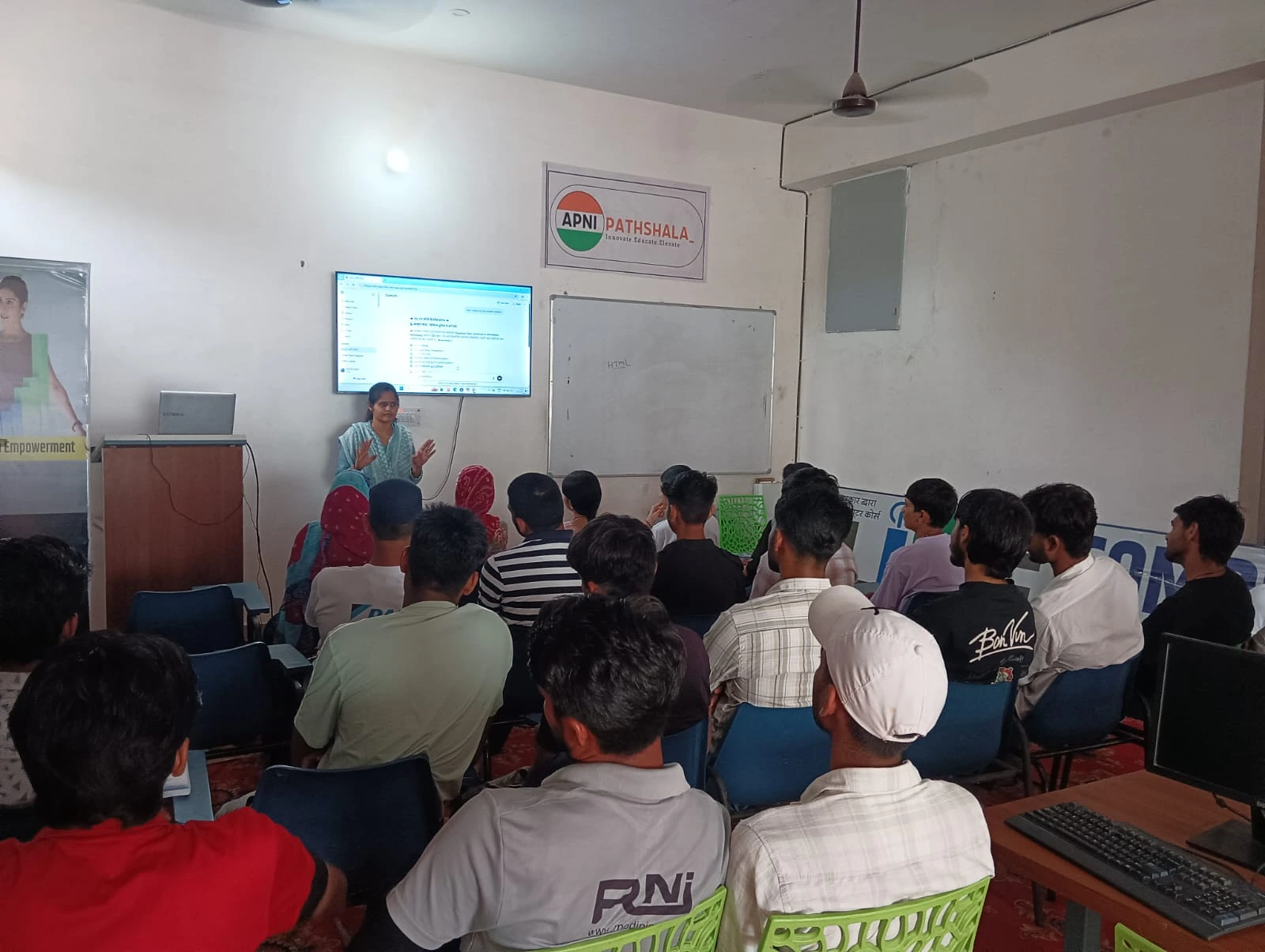
Use Apni Prerna to set boundaries. You know when your child is working and what they are doing, so you are not guessing whether they are watching videos instead.
Our study computer guide for teachers has more tips on getting the most from study time, and you can see how students use Apna PC for school projects and science fairs.
Is a study computer worth it for working families?
For many working families, yes. India’s Digital India initiative reflects how important digital learning has become, and students in smaller cities deserve the same quality tools as those in metros.
At Rs. 30,000 (before shipping and GST), Apna PC is designed for Indian families who want quality without the premium price of imported computers.
Frequently Asked Questions
How can I help with homework if I get home late from work?
Ask your child to note questions during the day and keep them for a short review in the evening. Check the progress dashboard first so you know where they struggled. Focus on one or two problem areas instead of everything, and let weekends handle longer catch-up sessions.
Is it okay for my child to study alone while I work at home?
Yes, with a clear routine and a study-only computer. Agree on what they will work on, keep entertainment apps off the device and check in at natural breaks. Independent study builds responsibility, and you can still step in when they need help with something specific.
What if my work hours change from week to week?
Keep your child’s study blocks fixed even when your hours move. The routine should belong to the child, not your calendar. Use remote monitoring to stay involved on busy days, and move the evening review to whatever time you are free that day.
Your work does not stop and your child’s education cannot wait. With the right tools, both can happen side by side. Visit Apna PC to learn more.