


Rajesh’s Lost Night: Why Backup Student Files Matter
Rajesh sat in his hostel room in Indore, staring at his laptop screen. His computer had crashed just hours before he was supposed to submit his final-year engineering project. Three months of work on circuit simulations, calculations, and documentation vanished. His hands were shaking. His parents back in a small town near Ujjain had sacrificed so much for his education. That night, he learned a hard lesson: backup student files isn’t optional; it’s survival.
You’re probably thinking this won’t happen to you. But every day, thousands of students across India lose their important projects to hard drive failures, accidental deletions, or malware. Your school assignments, your research papers, your design projects, your coding work- they’re all at risk if you don’t have a solid backup plan. This post will show you exactly how to protect your work and avoid becoming another cautionary tale like Rajesh.
Why Backup Student Files Is Your First Priority
Your laptop isn’t permanent. Hard drives fail without warning. Viruses attack when you download something from an untrusted source. You might accidentally delete a file and empty the recycle bin. Your device could get stolen. Any of these situations could wipe out months of effort in seconds.
Think about what you’re storing on your computer right now. Project reports due next week. Presentation slides for your college submission. Code you’ve written for your internship application. Scanned copies of your digital important documents. If you lose these files, you’ll lose time, grades, and opportunities. Backing up your work protects your future.
Three Ways to Back Up Student Files Today
You don’t need to be a tech expert to backup your work. Here are three methods that work for everyone:
- Cloud Storage (Google Drive, OneDrive, Dropbox): Upload your files to the cloud and access them from any device. Free plans give you 15-100GB. Your files sync automatically. If your laptop crashes, your work is still safe online. This is the easiest method for most students.
- External Hard Drive: Buy a 1TB external drive for Rs.2,000-3,000. Connect it to your laptop weekly and copy your important folders. Keep it in a safe place, not in your bag. This gives you a physical backup separate from your computer.
- USB Flash Drives: Keep multiple USB drives with copies of your current projects. Carry one in your pocket and leave one at home. This is cheap insurance. A 32GB drive costs Rs.300-500.
The best approach combines two methods. For example, use Google Drive daily and an external drive monthly. This way, if one backup fails, you still have another.
Create a Backup Routine That Actually Works
Having backup storage means nothing if you don’t use it. You need a routine. Every Friday evening, spend 10 minutes copying your week’s work to your external drive. Every time you finish an important project, upload it to Google Drive immediately. Set phone reminders if you need to. Small habits prevent big disasters.
Label your files clearly. Instead of “Project Final FINAL v3,” use “Physics_Project_2024_Jan_Final.” Add dates to everything. Create separate folders for each subject or project. When you need to find something quickly before a deadline, you’ll thank yourself for staying organised.
Share important files with your parents or a trusted friend. If something happens to you or your device, they can access your work. This is especially useful if you’re studying away from home.
What About Your Apna PC?
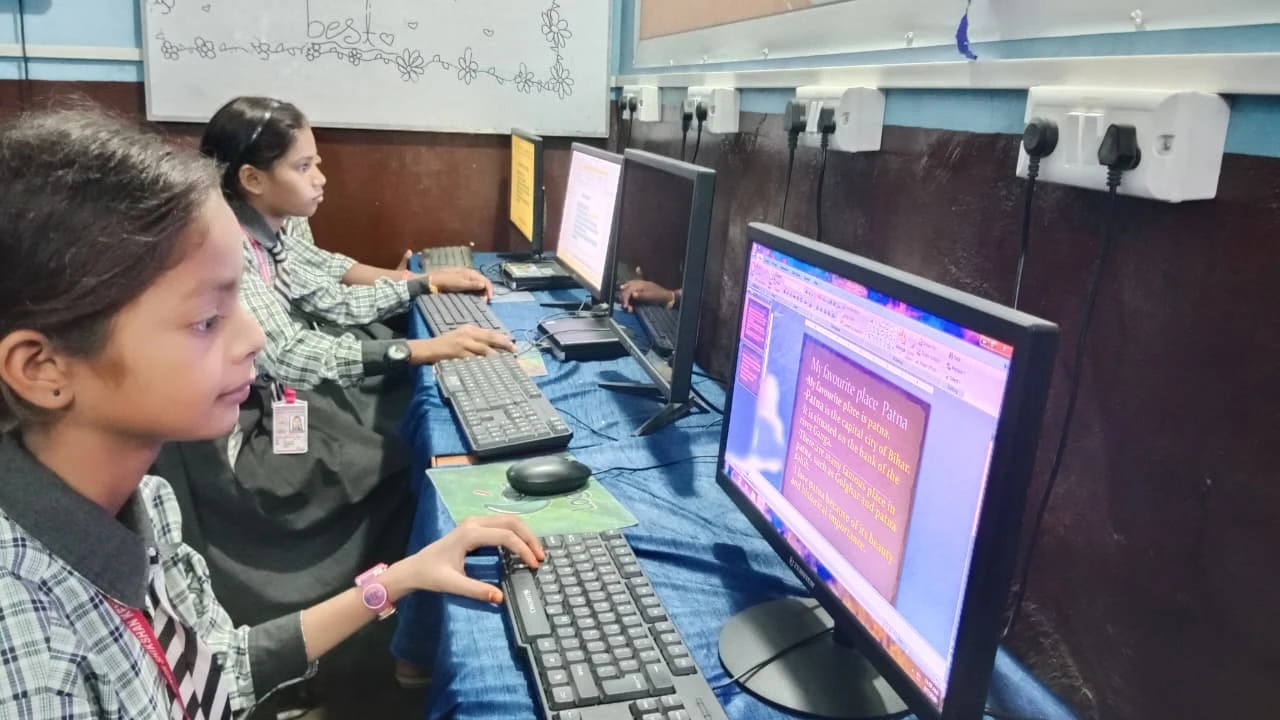
The Apna PC by Apni Pathshala comes with 128GB SSD storage and 8GB RAM, making it ideal for students who work with large project files. The pre-loaded Zorin OS and LibreOffice make file management simple. But remember, even with a reliable computer, backing up student files remains essential.
The Apna PC is built for students like you in Tier 2 and Tier 3 cities. It’s affordable at Rs.30,000 (shipping and GST excluded). It has everything you need for your coursework, coding projects, and digital learning. Combined with proper backup habits, you’ll have a complete system for protecting your academic work.
Government Resources Supporting Digital Learning
The Indian government supports digital education through platforms like DIKSHA and the Digital India initiative. These resources encourage students to work digitally. When you do, backing up student files becomes even more critical. You’re not just protecting homework; you’re protecting your participation in India’s digital future.
UNESCO research on education shows that students with organised digital systems perform better academically. Proper backup practices are part of that organisation.
Start Your Backup Plan This Week
Don’t wait for a disaster. This week, choose one backup method and set it up. If you’re unsure, start with Google Drive; it’s free and takes 5 minutes to set up. Create a folder called “My Projects” and upload your current work. Set a reminder on your phone for every Friday to back up your files.
Your education is too important to risk. Your projects represent your learning, your effort, and your future. Backing up your work isn’t boring or unnecessary. It’s the smartest investment you can make in your academic success.
Start protecting your work today. Visit apnapc.com to learn more.