


Rajesh’s Lost Marks Sheet: Why Digital Document Storage Matters
Rajesh Kumar sat in the principal’s office in Indore, his hands shaking. His 10th standard marksheet was missing. The original paper certificate, kept in a cardboard folder under his bed, had gotten wet during the monsoon. His parents had spent three days running between the school office and the education board, trying to get a duplicate. He missed a college application deadline because of it. This isn’t just Rajesh’s story. Thousands of students across Tier 2 and Tier 3 cities face the same panic every year.
What if Rajesh had kept a digital copy on his computer? What if his parents had backed up his important files? Digital document storage could have saved him weeks of stress and one lost opportunity. Your school certificates, admit cards, result sheets, and application forms are too important to exist in only one place. A single accident, a spilt glass of water, or a misplaced envelope can change your future plans.
Let us talk about why you need digital document storage right now, and how to do it safely.
Why Your Documents Need a Digital Backup
Paper documents are fragile. They fade, tear, get lost in house moves, or disappear during natural disasters. Your 10th mark sheet, 12th certificate, entrance exam admit card, and scholarship letters prove your achievements. Losing them means losing time, money, and opportunities. A digital copy sits safely on your computer, ready whenever you need it.
Schools and colleges increasingly ask for soft copies. The Ministry of Education has been promoting digital records through national initiatives. When you apply for engineering entrance exams, scholarship programs, or internships, you will need to upload your documents. Having them already scanned and organised on your computer saves you hours of running around with papers and visiting cybercafes. You can send them instantly by email or through online portals.
Digital files also help you stay organised. Instead of searching through old folders for your CBSE admit card or your school transfer certificate, you can find everything in seconds. Your future self will thank you.
How to Start Storing Your Documents Digitally
Begin by listing all your important documents. This includes your birth certificate, school leaving certificate, mark sheets from 10th and 12th, entrance exam admit cards and results, Aadhaar card, vaccination certificates, and any scholarship or award letters. Write them down so you do not forget any.
Next, scan each document. You can use your smartphone camera or visit a local cybercafe with a scanner. Make sure the scans are clear and readable. A blurry photo of your mark sheet will not help you later. Save each file with a clear name like “10th_Marksheet_2023” or “CBSE_AdmitCard_2024”.
Create folders on your computer to organise these files. You might have folders for “School Documents,” “Exam Results,” “Certificates,” and “Medical Records.” This organisation helps you build digital organisation skills you will need throughout your career.
Keeping Your Digital Document Storage Safe
Storing documents on your computer is good, but storing them in only one place is risky. Your computer can crash, get infected with a virus, or stop working. You need backup copies.
Use cloud storage services like Google Drive or OneDrive. These are free up to a certain storage limit and automatically back up your files. Even if your computer breaks, your documents remain safe in the cloud. You can access them from any device with internet.
You can also use an external hard drive or USB pen drive as a backup. Keep this in a safe place at home. This way, you have three copies: one on your computer, one in the cloud, and one on an external drive.
Why You Need a Good Computer for This
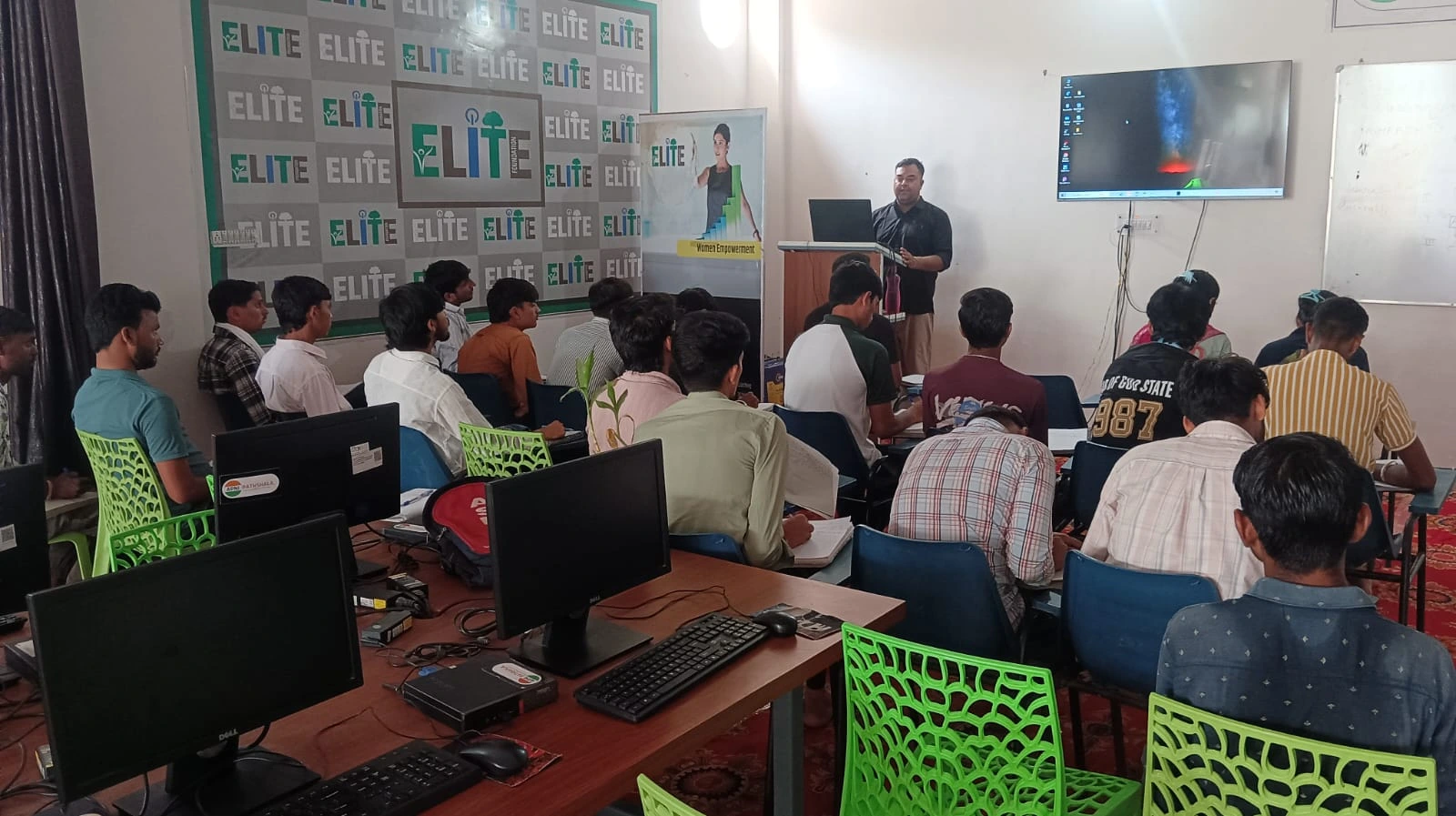
Storing and organising digital documents requires a reliable computer. Many students in Tier 2 and Tier 3 cities struggle with slow, outdated machines that crash frequently. If your computer is unreliable, your backup system fails.
The Apna PC, created by Apni Pathshala, is designed for Indian students. It comes with 8GB RAM and 128GB SSD storage, which is more than enough to store hundreds of scanned documents. The system runs Zorin OS, which is fast, secure, and perfect for file management. It also includes LibreOffice for document creation and Scratch for learning to code. At Rs.30,000 (shipping and GST excluded), it is an investment in your education and your future.
The Apna PC also has Apni Prerna, a student monitoring tool that helps you track your studies and stay organised. This builds the habits you need for managing digital files responsibly.
Your Documents, Your Responsibility
You are responsible for your records. Your school will not keep duplicate certificates forever. Your exam board manages thousands of students. If you lose a document, you and your family must replace it.
Starting digital document storage today means you won’t panic as Rajesh did. You’ll always have proof of your achievements available. You will be ready for college applications, job interviews, and any opportunity that comes your way.
Start your digital document storage today and protect your future. Visit apnapc.com to learn more.