


Ravi sits at his kitchen table in Indore, staring at three textbooks, two notebooks, and a handwritten list of assignments scrawled on loose paper. It’s Tuesday evening, and he has no idea which homework is due tomorrow, which is due Friday, and which he can finish over the weekend. His mother keeps asking him about his science project. His father wants to know if he submitted that math assignment. Ravi feels lost. He is a good student, but without a proper homework planner, his weeks feel chaotic. This is the story of thousands of students across India who struggle to organise their weekly homework without a structured system.
Planning your weekly homework on a computer can transform how you study and manage your time. A homework planner helps you track deadlines, prioritise tasks, and stay ahead of your schoolwork. Whether you are in Class 6 or Class 12, having a digital system to organise your assignments makes a real difference. Let’s explore how you can use a computer to create an effective homework planner that works for your schedule.
Why a Homework Planner Matters for Your Studies
Every student faces the same challenge: too many subjects, too many assignments, and not enough time. Without a homework planner, you end up doing work at the last minute, forgetting deadlines, or missing important tasks. A homework planner gives you control over your workload and helps you see the big picture of your weekly commitments.
When you use a computer to plan your homework, you get several advantages. First, your schedule is always visible on your screen. Second, you can set reminders so you dont forget deadlines. Third, you can track which assignments you have completed and which still need work. This sense of organisation reduces stress and helps you focus better on actual studying.
A good weekly planner also helps your parents understand your workload. When your mother or father can see your schedule on the computer, they know when to check on your progress and when you need their support. This transparency builds trust and improves communication at home.
Setting Up Your Digital Homework Planner
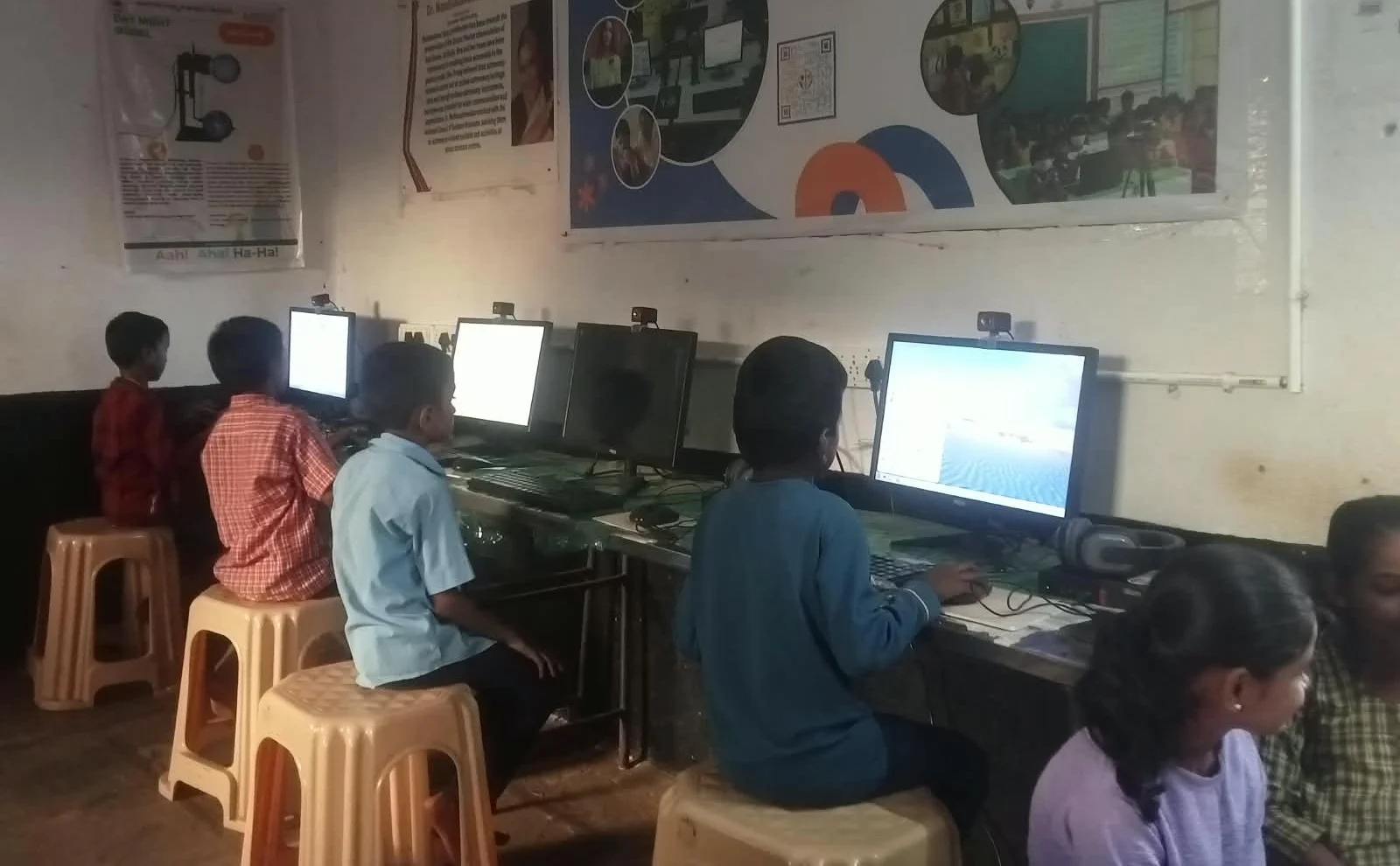
Start by choosing the right tool for your homework planner. You dont need expensive software. Simple options like LibreOffice Calc (which comes pre-loaded on Apna PC computers) work perfectly for creating a weekly planner. You can also use Google Sheets if you have internet access, or even a basic document in LibreOffice Writer.
Create a table with seven columns, one for each day of the week. Add rows for each subject you study. Fill in your assignments as soon as your teachers give them to you. Include the subject name, the assignment description, the deadline, and how long you think it will take to complete.
Here is what your basic structure should look like:
- Subject – Mathematics, Science, English, etc.
- Assignment – Specific task or homework
- Deadline – When it is due
- Duration – How many hours or days it needs
- Status – Not started, In progress, Completed
- Priority – High, Medium, Low
- Notes – Any special instructions or reminders
This format gives you a complete view of your student responsibilities. You can print it out, save it on your computer, or check it every morning to know what you need to do that day.
Using Your Computer for Better Study Planning
Your computer is not just for homework planner spreadsheets. It is also your gateway to learning resources. Platforms like DIKSHA digital learning platform offer free educational videos and materials that can help you understand difficult topics before you start your assignments.
When you have a clear homework planner on your computer, you can also schedule time to watch these videos alongside your assignments. For example, if you have a math assignment on fractions, you can note down that you need to watch a tutorial video first, then do the practice problems. This integrated approach makes your study sessions more productive.
Consider setting up a proper homework station where your computer sits in a quiet corner of your home. This dedicated space, combined with your digital homework planner, creates the perfect environment for focused work. When you sit down at this station, your brain knows it is time to study seriously.
Staying Consistent With Your Weekly Planner
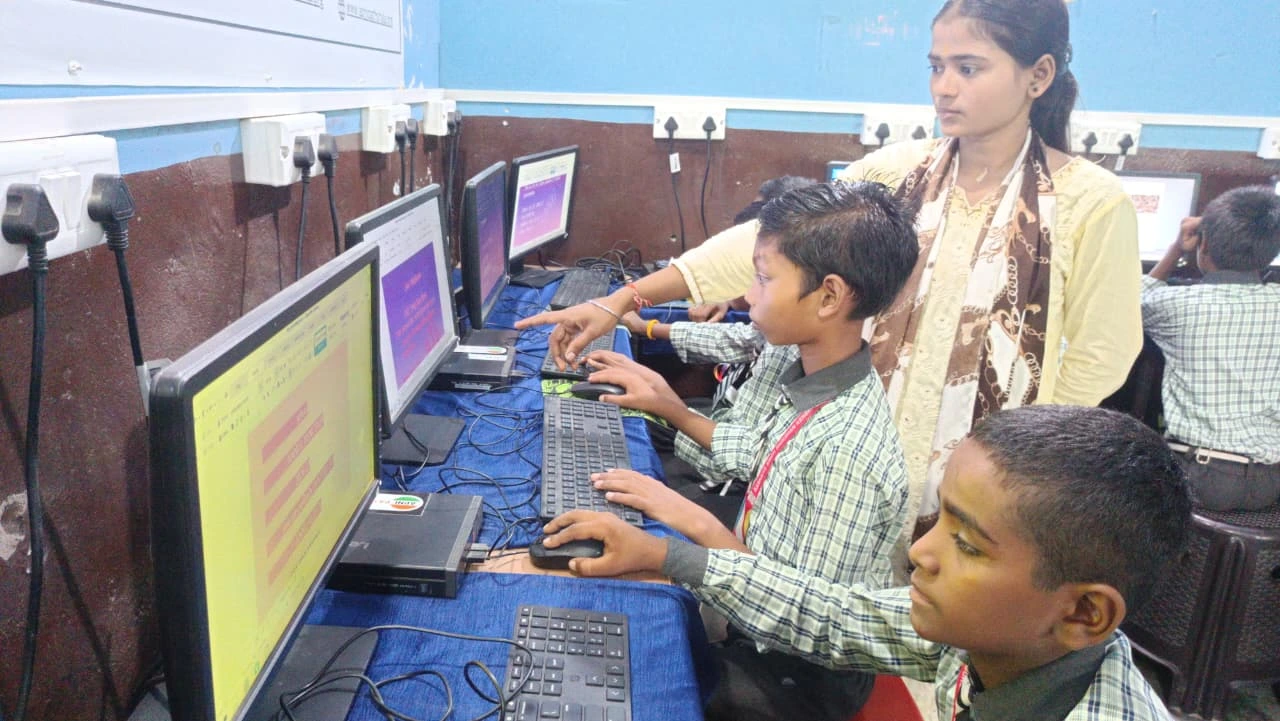
Creating a homework planner is easy. Sticking to it is the real challenge. Set a specific time each day to review your planner, maybe right after school or during your morning study routine. Spend five minutes checking what is due today and what you need to prepare for tomorrow.
Update your planner every time you complete an assignment. Mark it as “Completed” in your status column. This simple action gives you a sense of achievement and motivates you to keep going. Over time, you will see how much work you have accomplished, and this builds confidence.
Colour coding can make your homework planner even more effective. Use red for urgent deadlines, yellow for medium-priority tasks, and green for assignments you can do anytime. Most computers let you add colours to spreadsheets, making your planner visually clear and easy to scan quickly.
The Right Computer Makes Planning Easier
Not every computer is ideal for students. You need one that is reliable, fast enough to run planning software smoothly, and affordable for your family. Apna PC is designed specifically for Indian students like you, with 8GB RAM and 128GB SSD storage that handles multiple tasks without slowing down.
Apna PC comes pre-loaded with LibreOffice, which is perfect for creating your homework planner. It also includes Scratch for coding projects, and Apni Prerna for student monitoring, so your parents can support your learning journey. At Rs.30,000 (shipping and GST excluded), it is an investment in your education that pays off through better organisation and improved grades.
Your homework planner works best when your computer is always available and running smoothly. With Apna PC, you get a dedicated device that your whole family supports for your studies.
Start Your Planning Journey Today
Ravi’s story doesn’t have to be your story. You can take control of your weekly homework starting this week by setting up a simple homework planner on your computer. Begin with the basic table structure, add your current assignments, and commit to checking it every day. Within two weeks, you will notice that your stress levels drop and your grades improve.
Your computer is your partner in success. Use it wisely to organise your homework, access learning resources, and build the discipline that will serve you throughout your academic life. Visit apnapc.com to learn more.