


Rajesh’s Daughter Discovered Her Passion Through Animation for Students
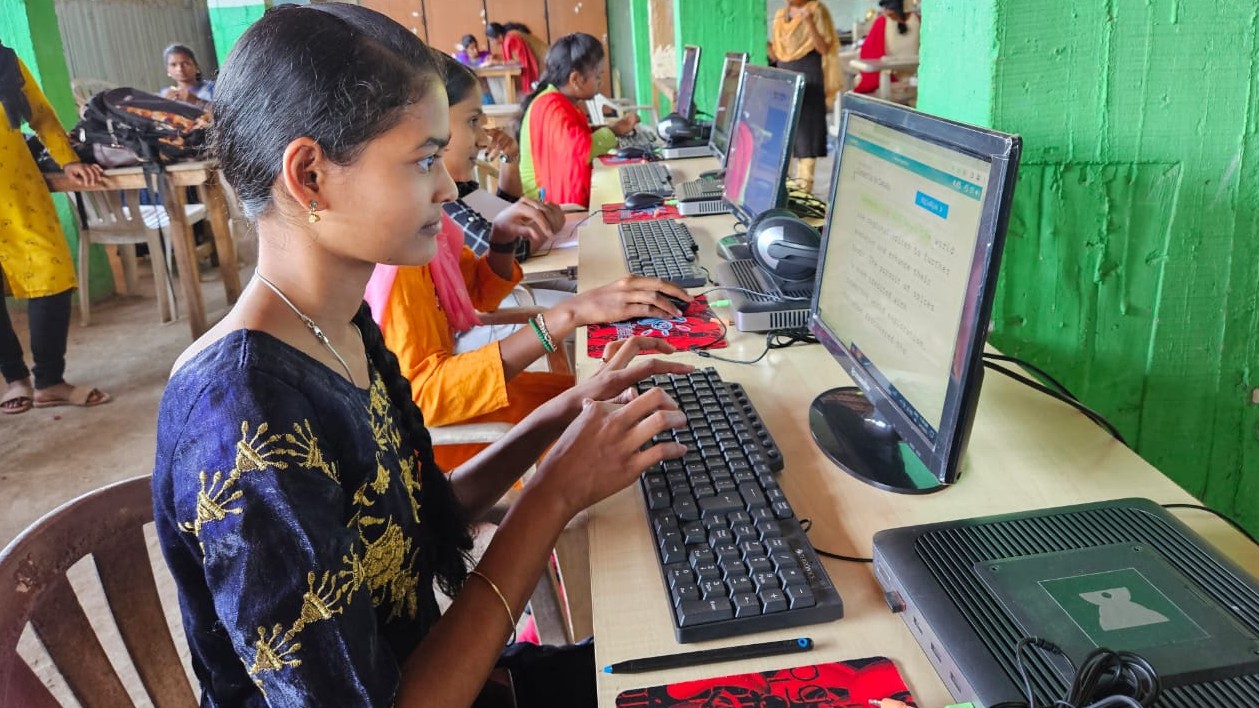
Rajesh Kumar sits in his small flat in Indore, watching his 14-year-old daughter Priya create her first animated character on an old laptop. Her eyes light up as the stick figure moves across the screen. Three months ago, Priya didn’t even know animation software existed. Today, she’s spending every free hour learning, creating, and sharing her work with classmates. Rajesh never imagined that a simple computer could unlock his daughter’s hidden talent. This is the power of animation for students with the right tools at home.
If you’re a parent in tier 2 or tier 3 cities wondering how your child can explore creative fields like animation, you’re not alone. Many parents feel stuck because quality computers seem expensive, and animation software feels out of reach. But here’s the truth: your child doesn’t need a fancy gaming setup or expensive software to start learning animation. They need the right foundation, and that foundation is more affordable than you think.
Why Animation Matters for Your Child’s Future
Animation isn’t just about making cartoons. It’s a skill that combines art, storytelling, technology, and problem-solving. When your child learns animation, they develop creativity, patience, and technical thinking at once. Schools across India, including those following CBSE guidelines, increasingly recognise digital skills as essential for modern education.
India’s animation industry is growing rapidly. From film production to advertising, gaming to education, companies need skilled animators. Learning animation now gives your child a competitive edge for college applications and future careers. Plus, animation helps shy students express themselves and builds confidence in creative problem-solving.
Animation Software Your Student Can Actually Use
You dont need to buy expensive animation software licenses. Free and open-source animation software works beautifully for beginners and intermediate learners. Programs like Blender, Pencil2D, and Krita are professional-grade tools that cost nothing. Many animation courses online use these exact tools, so your child learns industry-standard skills without breaking your budget.
The key is having a computer that runs this animation software smoothly. Your child needs at least 8GB RAM and decent storage space to work with animation projects. Slow computers frustrate young learners and kill their motivation. You want a machine that keeps up with their creativity, not holds them back.
What Your Student PC Needs for Animation Learning
A good student PC for animation doesn’t need to be expensive or complicated. It needs reliable performance, enough memory, and a stable operating system. The Apna PC includes exactly what animation students need: 8GB RAM for smooth multitasking, a 128GB SSD for fast file access, and Zorin OS, which runs creative software smoothly. At Rs. 30,000, it’s designed specifically for students like Priya who want to create without the premium price tag.
Think about the differences between a gaming PC and a student PC. Gaming PCs focus on graphics cards and speed for games. Student PCs focus on reliability, multitasking, and running creative software smoothly. For animation, you need the student approach. Your child will run animation software, browsers for tutorials, and note-taking apps all at once. The Apna PC handles this without lag or crashes.
- 8GB RAM: Enough to run animation software and multiple browser tabs simultaneously
- 128GB SSD: Fast storage for your animation projects and software libraries
- Zorin OS: Lightweight operating system that supports all major animation tools
- Pre-loaded Scratch: Perfect for beginners to learn animation basics before moving to advanced software
- Apni Prerna monitoring: Helps you track your child’s learning progress safely
Getting Started: Animation for Students at Home
Day one: Your child opens Scratch on their Apna PC. This visual programming tool teaches animation fundamentals through play. They create simple moving characters and understand how animation frames work. No coding experience needed, just creativity and curiosity.
Week two: They’re watching YouTube tutorials on Blender basics. Their PC runs the software smoothly while they watch tutorial videos. They create their first 3D shape and rotate it. Excitement builds as they see their ideas come to life on screen.
Month three: Your child is creating short animated stories. They combine what they learned from Scratch and Blender. They show you their work, and you see genuine pride in their eyes. This is real learning happening on their own PC, at their own pace, at home.
According to UNESCO education research, hands-on creative learning significantly improves student engagement and retention. Animation gives your child this hands-on experience with technology. They learn by doing, not just watching lectures.
The Real Cost of Not Investing in Your Student’s PC
Some parents think, “Ill wait until my child is older to buy a computer.” But here’s what happens: your child watches peers who have computers explore new skills. They feel left behind. Their curiosity fades. The window for discovering passions like animation closes quietly. By college, they’re playing catch-up with students who started years earlier.
The Ministry of Education emphasises that every student deserves access to technology for learning. Your investment in a quality student PC isn’t just about animation. It’s about giving your child tools to explore, create, and compete in a digital world. At Rs. 30,000, the Apna PC is an investment in your child’s future, not an expense.
Why Apna PC is Perfect for Animation Students
You might wonder: “Isn’t any computer fine for animation?” No, not really. Cheap computers with slow processors and limited RAM make animation software crawl. Your child gets frustrated and gives up. Expensive gaming PCs waste money on features your child doesn’t need. The Apna PC sits in the sweet spot: powerful enough for real creative work, affordable enough for family budgets, and designed specifically for student learning.
Learn more about what makes a computer worth keeping for students. The Apna PC includes Apni Prerna, which lets you monitor your child’s learning safely. You can see what software they’re using, how long they’re working, and what they’re creating. It’s not about spying. It’s about staying connected to their learning journey.
Your child gets a computer built for their world, not a hand-me-down from your office or a stripped-down budget machine that frustrates them. They get Zorin OS, which is intuitive and supports all the animation software they need. They get enough power to run animation software smoothly, enough storage for their projects, and enough reliability to keep working day after day.
Real Students, Real Results
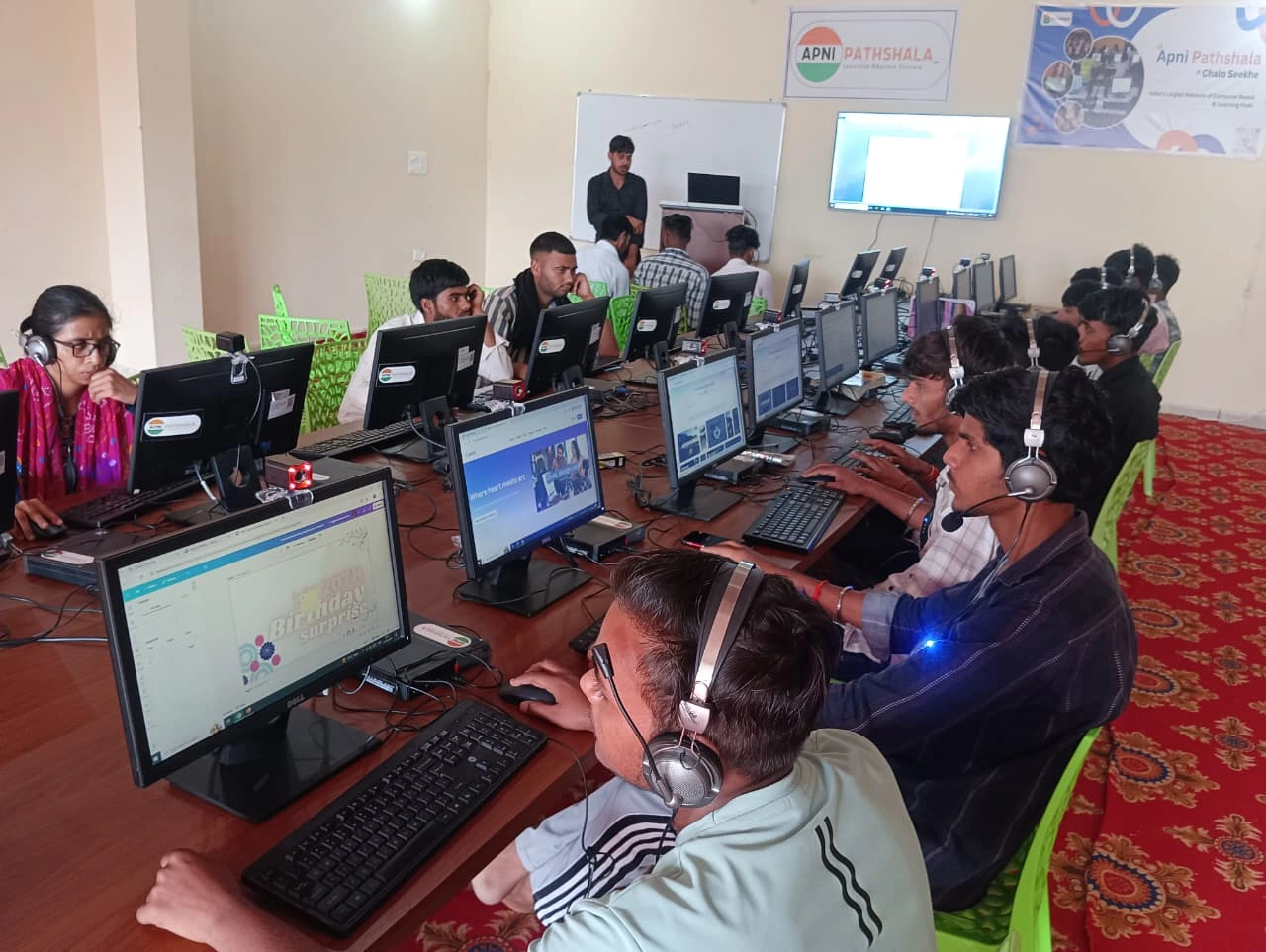
Students across tier 2 and tier 3 cities are discovering animation through computers like the Apna PC. Some are creating short films for school projects. Others are building portfolios for college applications in design and media. A few are even starting small freelance work creating animations for local businesses. Their parents didn’t need to be tech experts. They just needed to provide the right tool.
Your child has potential you haven’t discovered yet. Maybe they’re the next animator who creates content for Indian films. Maybe they’re a designer who builds apps. Maybe they’re a teacher who uses animation to explain complex ideas to other students. You won’t know until you give them the chance to explore. Animation for students starts with one simple thing: a working computer.
Your child deserves to create, explore, and discover their passion. The Apna PC gives them that chance without overwhelming your budget. At Rs. 30,000, you’re investing in creativity, skill-building, and your child’s future. Visit apnapc.com to learn more.