


When Your Old Computer Still Has Life Left in It
Rajesh and Priya sat in their small flat in Indore, staring at their son Arjun’s five-year-old laptop. The screen flickered sometimes. The battery lasted maybe two hours. They had saved Rs.40,000 for a new one, but Rajesh kept hesitating. “Is it really time?” he asked. That question haunts many parents across Tier 2 and Tier 3 cities in India. The student computer lifespan question isn’t just about money. It’s about knowing when your reliable computer is genuinely worn out versus when it’s just showing age.
Before you rush to replace your child’s computer, take a moment to check these signs. Your student computer might have several good years left, and understanding its true condition can save your family thousands of rupees.
Your Computer Still Runs Daily Tasks Without Freezing
Open five browser tabs with YouTube, Google Docs, and a study app running simultaneously. Does your computer handle it smoothly? If your PC performance remains steady during regular schoolwork, thats a strong indicator it’s still reliable. Freezing, lag, and crashes usually signal serious problems, but smooth multitasking means the core hardware is functioning well.
Try this simple test: open your web browser, load the DIKSHA digital learning platform, and watch how quickly pages load. If everything opens within 3-4 seconds, your computer isn’t ready for retirement yet. Many students in Indian cities rely on such platforms for their studies, and if your device handles them without struggle, it’s still worth keeping.
The Battery Holds Charge for at Least 2-3 Hours
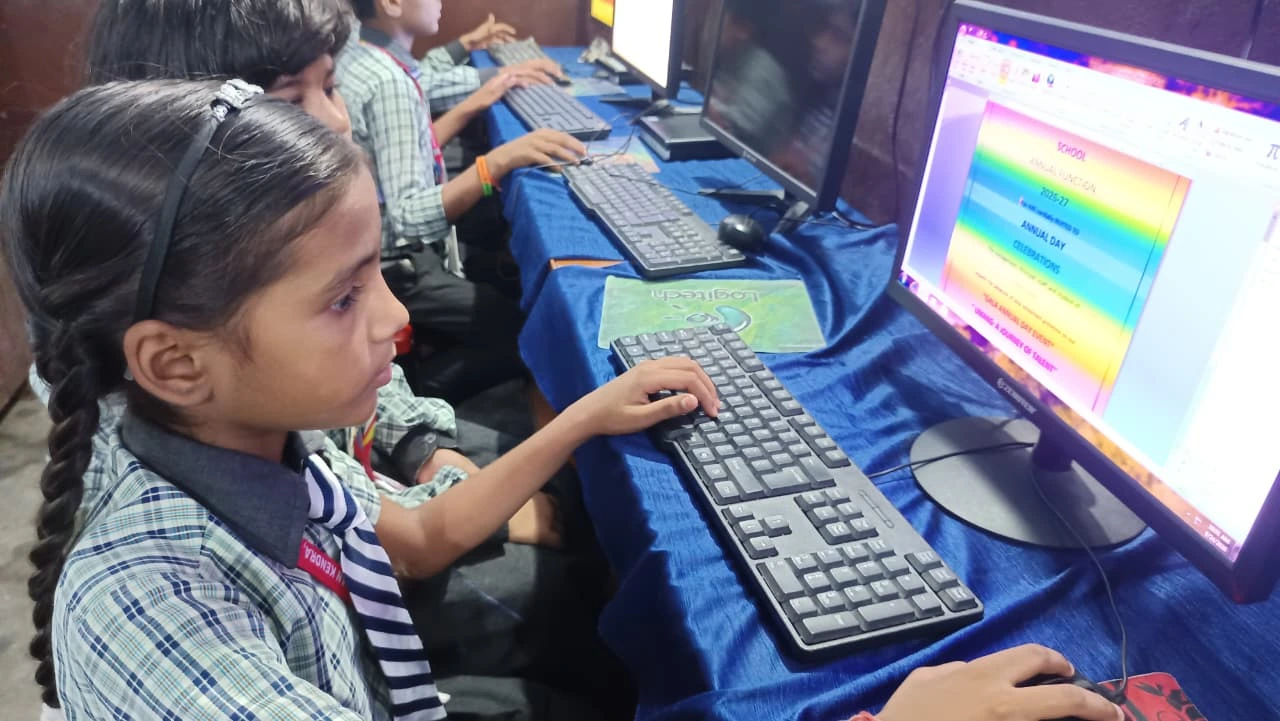
Battery degradation is normal after three to four years. However, if your laptop still gives you two to three hours of work time on a full charge, you’re in good shape. For student computer lifespan, battery health is one of the clearest clues you can check at home. Students need portable computers for studying at coaching centres, libraries, and during travel. A battery that lasts this long is still functional for daily use.
Dont panic if the battery isn’t perfect. Most computer shops in cities like Pune, Nagpur, and Lucknow can replace laptop batteries for Rs. 2,000 to Rs. 4,000. This single upgrade can extend your computer’s life by another two years at minimal cost.
Your PC Performance Improves After Basic Cleaning
Dust buildup inside your computer reduces cooling efficiency and dramatically slows performance. If you haven’t cleaned your laptop internally in over a year, that might be your real problem. Open the back panel (or visit a local repair shop) and remove dust from the fan and vents.
You might be shocked at the difference. Many parents think their computer is dying when it’s actually just overheating. After cleaning, your long-term computer investment can run 30 to 40 per cent faster. This costs almost nothing but can save you thousands in replacement costs.
The Hard Drive Still Has Storage Space Available
Check how much storage your computer uses right now. Go to Settings and look at your storage details. If you’re using less than 80 per cent of your drive, you’re fine. Full hard drives run slowly because they can’t access temporary files properly.
If storage is the issue, delete old files, videos, and unused applications. You can also move photos and documents to cloud storage like Google Drive. This simple step often restores reliable computer performance without any hardware replacement.
The Screen Displays Clearly Without Dead Pixels
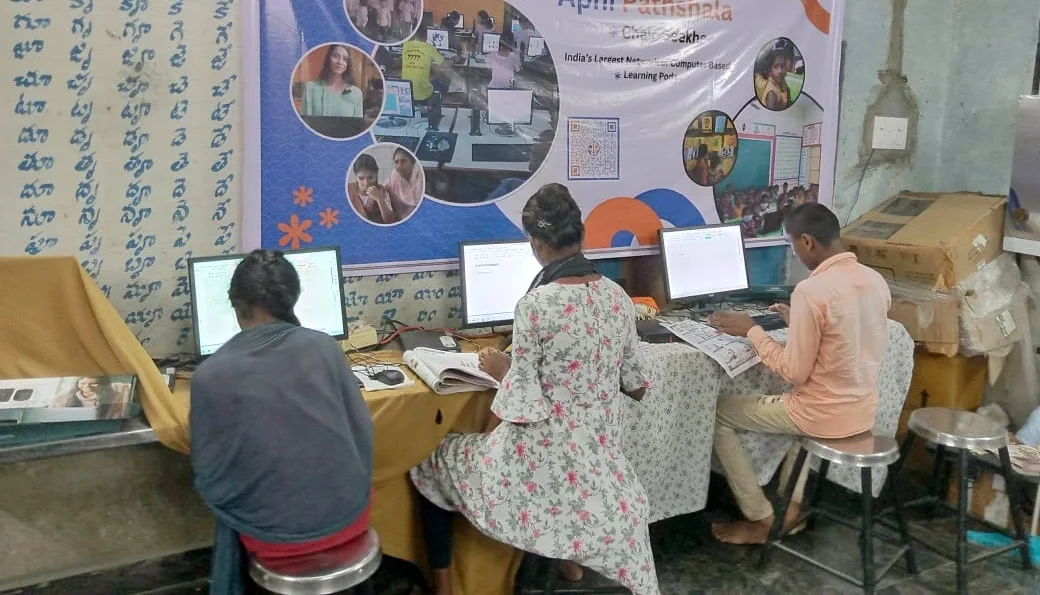
Look at your computer screen carefully. Do you see dark spots that dont go away? Can you read text clearly from arm’s length? If the display is bright and crisp, thats excellent news. Screen problems are expensive to fix, but if yours works fine, your computer has many more months of usefulness left.
A functioning screen means your student can watch educational videos, read online textbooks, and participate in video classes without strain. This is crucial for learning, and if your screen is fine, you shouldn’t replace the whole computer just for other issues.
When Replacement Actually Makes Sense
Some situations genuinely require a new computer. If your device crashes multiple times daily, won’t start up properly, or has physical damage like a cracked screen, replacement is necessary. Water damage, keyboard failure, and motherboard problems are also signs that repair costs will exceed the computer’s value.
For students in Indian cities who need a budget-friendly replacement, consider the second-hand office PC options available. However, if your current computer shows none of these severe problems, you’re likely just experiencing normal ageing that maintenance can fix.
Upgrade Your Operating System, Not Your Hardware
Sometimes your computer feels slow because the operating system is outdated or bloated with unnecessary programs. Installing a lightweight operating system like Zorin OS can dramatically improve performance on older hardware. Apni Pathshala has designed educational computers specifically for students in India, with optimised software that runs smoothly even on modest specifications.
If your current computer has at least 4GB of RAM and a working processor, a fresh operating system installation might be all you need. This costs Rs.500 to Rs.1,500 at any local computer shop and can add two more years to your computer’s useful life, stretching your student computer lifespan without a big purchase.
The Real Cost of Keeping Your Reliable Computer
Calculate the total cost of repairs and maintenance versus replacement. If you’ve spent Rs.3,000 to Rs.5,000 on repairs over the past year but your computer still works for schoolwork, thats reasonable. However, if you’re spending Rs.1,000 every month on fixes, replacement makes financial sense.
According to UNESCO global education research, many students in developing countries benefit from extended computer lifespans through proper maintenance. Your investment in repairs today teaches your child responsibility while stretching your family’s budget.
Final Thoughts on Your Student Computer Lifespan
Your computer isn’t automatically ready for retirement just because it’s old. If it runs smoothly, holds a charge, displays clearly, and handles your son’s or daughter’s schoolwork without constant crashes, keep using it. Focus on regular maintenance like cleaning, storage management, and occasional software updates. A healthy student computer lifespan depends more on care than on the purchase date.
Rajesh and Priya eventually decided to clean their son’s laptop, upgrade its operating system, and replace the battery. It cost them Rs.3,500 total. Two years later, the computer still works perfectly for Arjun’s online classes and homework. Sometimes the best financial decision is knowing when to repair rather than replace. Visit apnapc.com to learn more.