


Rahul’s First Day: Why One Computer Changed Everything
Rahul sat in his small room in Indore, staring at the Apna PC box his parents had just unboxed. At 14, he’d never owned a computer before. His school had a lab with 30 machines shared among 500 students, so he rarely got hands-on time for student computer projects. Today was different. He opened the lid, saw Zorin OS light up, and felt his chest tighten with possibility. Within minutes, he explored Scratch, the pre-loaded programming tool, and built his first interactive game. This single machine would become his gateway to mastering new skills over the next twelve months.
What you’re about to read is Rahul’s real journey, month by month, showing how one affordable computer can transform a student’s computer skills from zero to portfolio-ready. It’s not a fantasy. It’s what happens when you have the right tools, time, and a clear path forward.
Months 1-2: Learning to Code with Scratch
Rahul’s first student projects started simple. He used Scratch to build a quiz game about Indian history, then a maze game where you control a character with arrow keys. These weren’t complicated, but they taught him logic, loops, and debugging. He’d spend two hours after school experimenting, breaking things, and fixing them.
The Apna PC’s 8GB RAM and 128GB SSD meant Scratch ran smoothly without lag. He could open tutorials in one window and code in another without his computer slowing down. By week six, he’d completed five projects and shared them with his younger sister. She played his games, laughed at the bugs, and asked him to add more features. That feedback loop was gold.
Months 3-4: Stepping Into Web Design
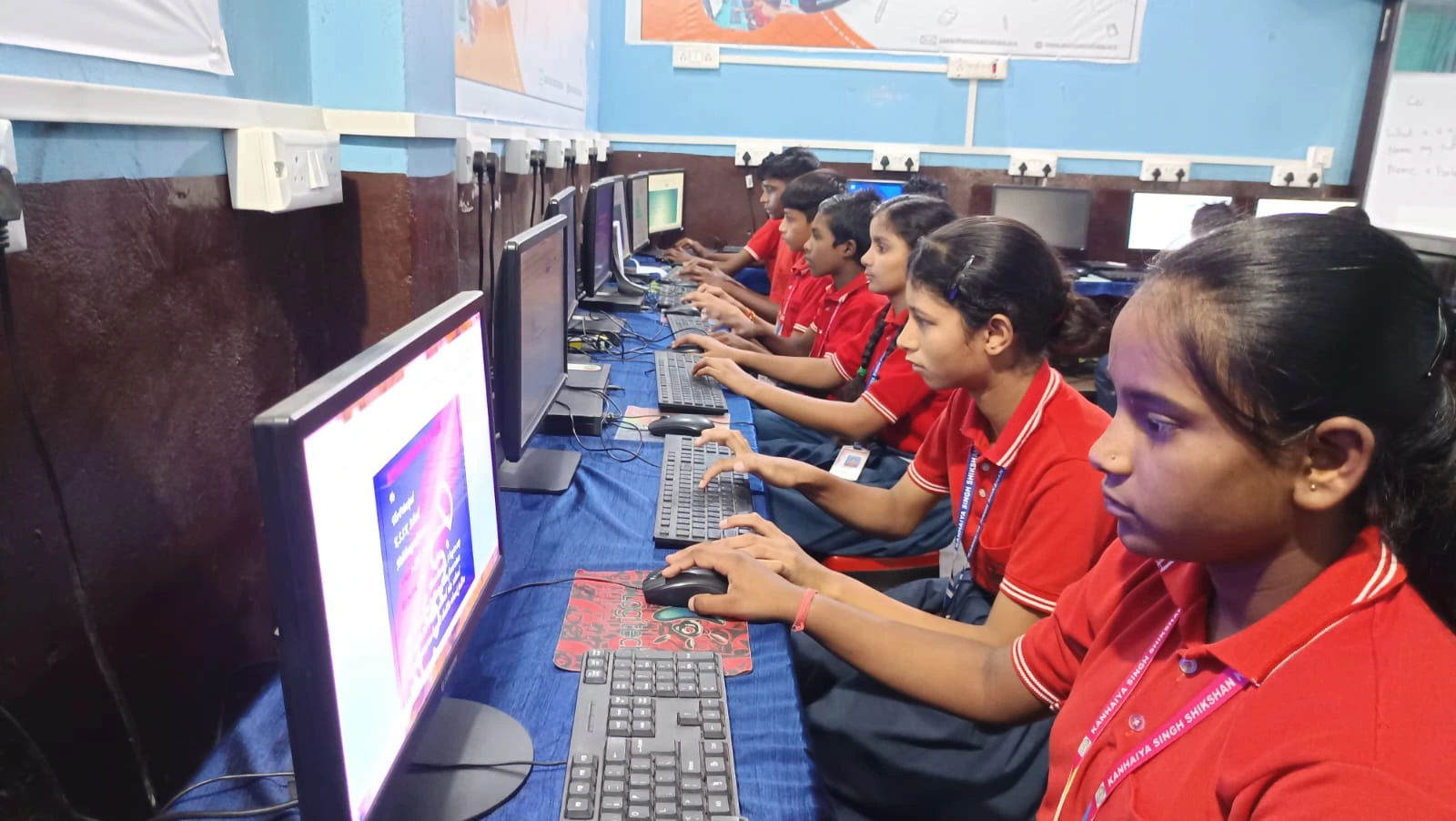
By spring, Rahul wanted bigger challenges. He found free online courses and started learning HTML. His computer projects shifted from games to websites. He built a simple portfolio site about his school’s sports achievements, another about local Indore restaurants his family loved.
Here’s where the pre-loaded Zorin OS proved invaluable. It’s lightweight, stable, and doesn’t demand constant updates that kill your workflow. Rahul could focus on learning web design instead of fighting his operating system. He learned CSS for styling, practised responsive design so his pages looked good on phones too.
His computer skills were growing now. He could write code, debug errors, and think about user experience.
Months 5-6: Video Editing and Digital Creation
Summer break arrived, and Rahul decided to try digital creation beyond coding. He downloaded free video editing software compatible with Zorin OS and started making short educational videos about math concepts he struggled with. His first project: explaining fractions through animation and voiceover.
The 128GB SSD gave him enough space to store video files without constantly deleting things. He’d film on his phone, transfer files to his PC, edit them on the Apna PC, and upload to YouTube. One video got 200 views from other students at his school. That validation mattered.
He wasn’t just consuming content anymore. He was creating it. His digital creation skills were developing fast, and his younger cousins started asking him for help making their own videos.
Months 7-8: Animation and Creative Expression
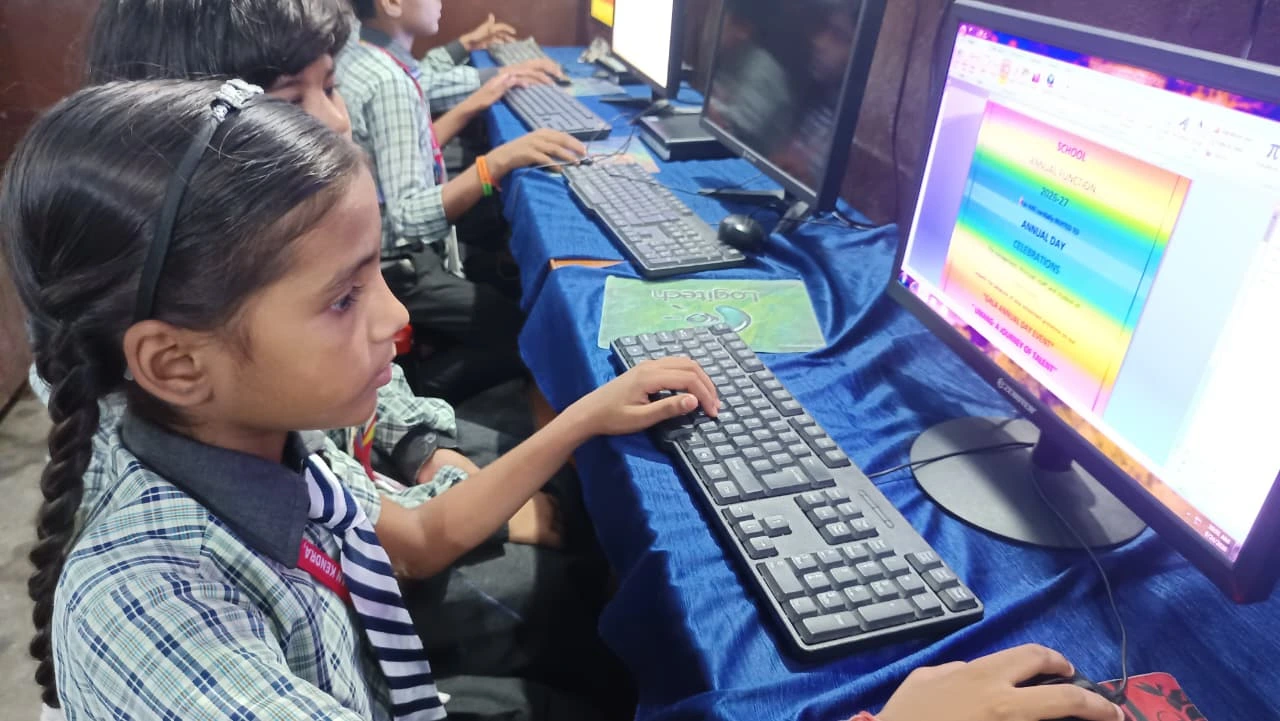
By late summer, Rahul wanted to learn animation on his own PC. He discovered open-source tools like Blender and Krita, both compatible with Zorin OS. His first animated short was rough, maybe 30 seconds long, but it was his. He’d spent three weeks on it, learning keyframes, timing, and how to tell a story without dialogue.
This is where student projects became personal expression. He wasn’t just following tutorials. He experimented, failed, and tried again. The computer became a studio, not just a machine.
His school’s art teacher noticed his work and asked if he’d help create animations for the upcoming school event. Suddenly, his hobby had real-world application.
Months 9-10: Building a Portfolio of Student Computer Projects
As the school year restarted, Rahul realised he had a year’s worth of work: games, websites, videos, animations. He decided to compile everything into a professional portfolio website. This time, he wasn’t just building for practice. He was building to show colleges and potential employers what he could do.
The Apna PC’s Apni Prerna monitoring tool helped him stay focused during long work sessions. His parents could see his progress without hovering over his shoulder. He structured his portfolio carefully, organised his student projects by category, wrote descriptions for each one, and added links to live demos.
By October, his portfolio was live. He shared it with his teachers. They were impressed. One teacher asked if he’d mentor younger students in the computer lab.
Months 11-12: Teaching and Advanced Projects
In his final months, Rahul took on two advanced student computer projects. First, he built a small app that helped his school track attendance using Scratch and basic databases. Second, he created a series of tutorials teaching other students how to code in Scratch, recording them on his PC.
Teaching others forced him to organise his thinking, explain concepts clearly, and solve problems he’d never faced before. His computer skills weren’t just technical anymore. They were communicative, leadership-oriented, and community-focused.
By December, Rahul had completed 40+ student projects on a single computer. He went from never owning a PC to having a professional portfolio, teaching experience, and real digital creation skills.
Why This Matters for Students Like You
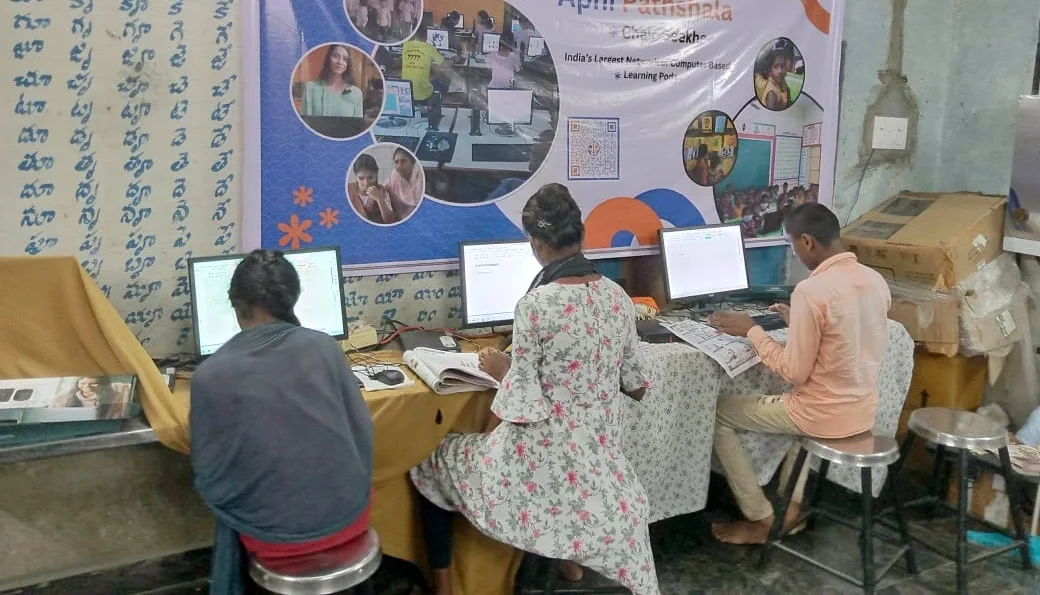
Rahul’s story isn’t unique. Thousands of students in Tier 2 and Tier 3 cities have similar potential, but they lack access to affordable, reliable computers. According to UNESCO global education research, computer access is one of the biggest barriers to developing digital skills in India.
The Digital India initiative has pushed for digital literacy, but many families still can’t afford a quality computer. That’s where Apna PC comes in. At Rs.30,000 (excluding shipping and GST), it’s designed specifically for students like Rahul. It comes pre-loaded with everything you need: Zorin OS, Apni Prerna for student monitoring, LibreOffice for productivity, and Scratch for coding.
You don’t need expensive MacBooks or high-end gaming PCs to build real computer skills. You need a stable machine, good software, and time. The Apna PC gives you all three.
What You Can Build: Student Computer Projects That Matter
Whether you’re interested in coding, web design, video production, or digital art, one computer can support your entire learning journey. Your student computer projects can start simple and grow complex. You can learn at your own pace, practice without pressure, and build a portfolio that matters.
Apni Pathshala, the learning platform behind Apna PC, provides structured courses and mentorship to guide your progress. You won’t be learning alone in your room. You’ll have access to resources, community, and feedback.
The difference between a personal computer that collects dust and one that transforms your future is simple: intention and action. Rahul had both. You can too.
Your Year Starts Now
Twelve months from now, you could have a portfolio of real work, genuine computer skills, and confidence in your abilities. You could be teaching others, building apps, creating videos, or designing websites.
The first step is having the right tool, and the Apna PC is built for students who want more than entertainment. Visit apnapc.com to learn more.