


Ravi’s mother sat in their Indore kitchen, watching her 14-year-old son stare at his smartphone screen for the third hour. He was supposed to be learning coding for his school project, but his thumbs kept slipping on the tiny keyboard. She thought about her own office job, how she’d never survive a single day without a real computer, a proper keyboard, a full screen. That night, she asked Ravi a simple question: “Beta, how will you learn to work like adults if you only practice on a phone?” Ravi had no answer. His school computer lab opened only twice a week, and the queue was always long. That’s when his mother realised something critical: her son needed his own computer for students to build real skills.
Why a Phone Can’t Replace a Computer for Students
Your child’s smartphone is useful for many things: staying in touch, watching videos, playing games. But it’s not a tool for students to learn real computer skills. A personal computer teaches something different: how to think in sequences, organise files, and use professional tools. When your student types on a phone keyboard, they’re learning thumb-typing, not the finger placement that every employer expects. When they edit a photo on an app, they’re clicking buttons, not understanding layers and tools.
Think about what happens in real offices and colleges. People sit at desks with full keyboards, large screens, and proper mice. They work with software like LibreOffice, spreadsheets, coding platforms, and design tools. Your child won’t learn these on a 6-inch screen. The gap between phone skills and computer skills is real, and it’s growing wider every year.
Why Shared Computer Access at School Isn’t Enough for Students
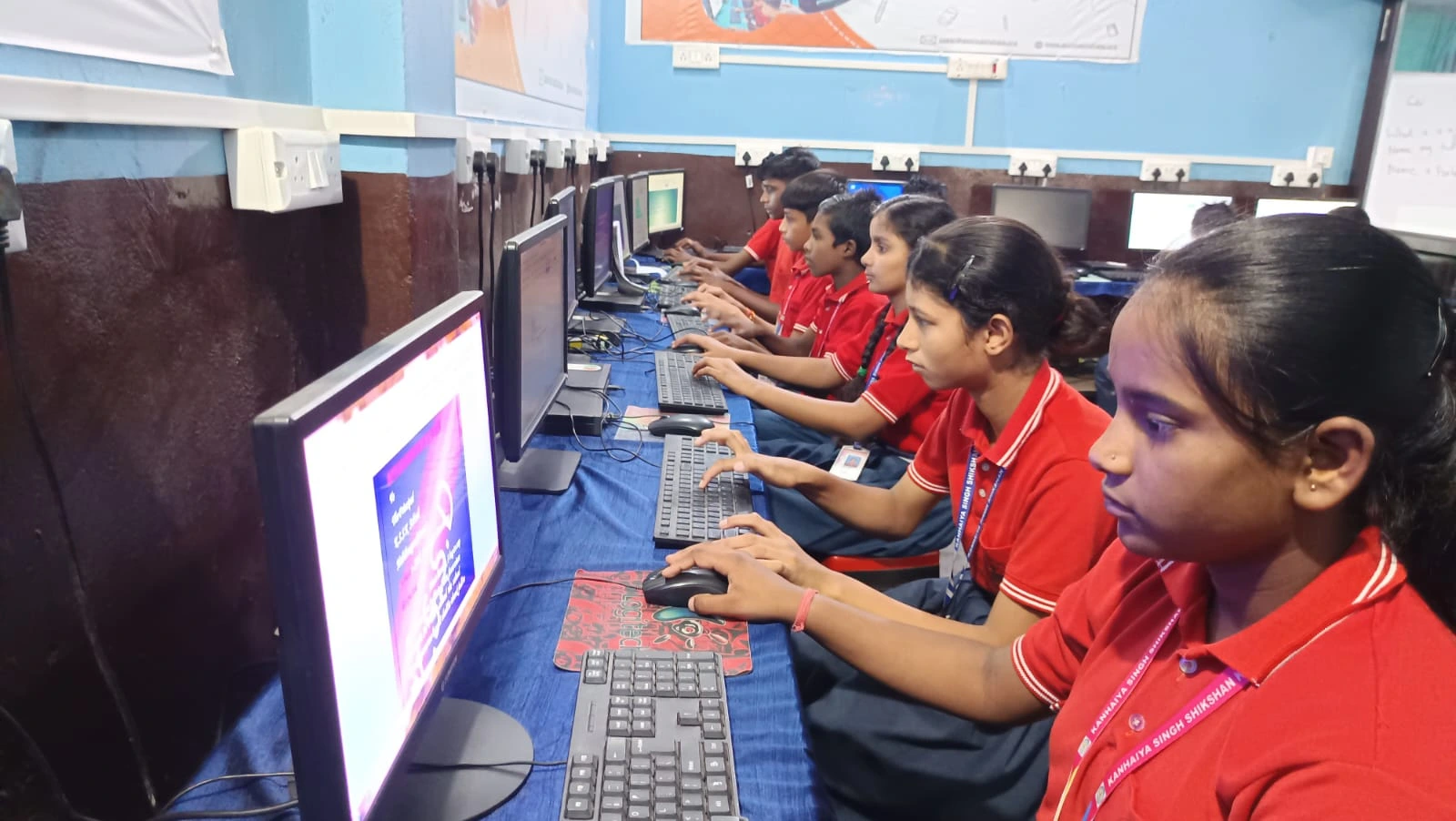
Most schools in Tier 2 and 3 cities have computer labs. They’re usually open for 1-2 hours per week. Your child sits with 30 other students, waiting for their turn. The teacher rushes through lessons. By the time your student understands what they’re doing, the period ends. Next week, they’ve forgotten everything. This isn’t daily computer practice ; it’s once-a-week frustration.
Real learning happens with repetition. A musician practices every day, not once a week. A math student solves problems daily, not on Thursdays. Why should computer skills be different? Your student needs to sit down, make mistakes, fix them, and try again at their own pace, at home.
When your child has access to a computer at home, they can:
- Practice typing without rushing or waiting
- Experiment with coding and see results instantly
- Complete homework projects without borrowing devices
- Learn at midnight or 6 AM, whenever they’re ready
- Build confidence by working alone, without peer pressure
This is what separates students who understand computers from students who just know how to use them.
What Employers Actually Want: Real Computer Skills for Students
When your child finishes school and applies for college or a job, they’ll face interviews with people who ask: “Can you use a computer?” They don’t mean “Can you open WhatsApp?” They mean: Can you type fast? Can you use spreadsheets? Can you write code? Can you organise digital files? Can you troubleshoot problems? These skills come from hands-on time, not from watching YouTube videos.
The Digital India initiative has pushed technology into schools, but it’s not enough. Your student needs daily computer practice to become truly skilled. Companies hiring in 2030 won’t care if your child once used a shared lab computer. They’ll care if your child can solve real problems on a real machine.
Why Starting Now Matters for Every Student
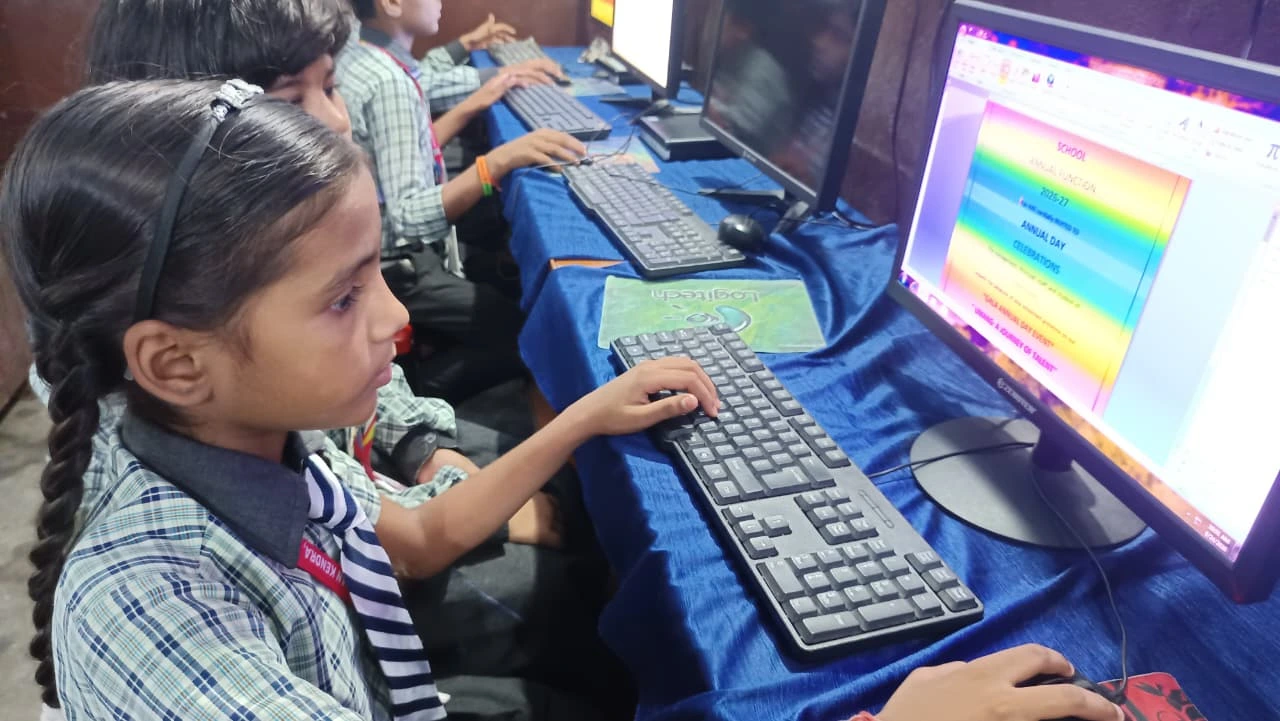
Every month your child doesn’t have computer access, they fall further behind. Their classmate in Delhi with a home computer is already learning Scratch, building websites, and understanding how operating systems work. Your child is still waiting for Thursday’s lab session. By the time they reach college, the gap is huge, and catching up becomes painful.
The good news? You don’t need an expensive gaming computer. Your student needs a reliable computer for students with enough power for coding, writing, and learning. Something built for education, not entertainment. Something that just works, without distractions.
Apna PC: A Computer Built for Students
Apna PC is an educational computer designed for students like Ravi. It costs Rs.30,000 (shipping and GST excluded), which is less than most smartphones. It comes with 8GB RAM and 128GB SSD storage, enough for years of projects, files, and learning. It runs Zorin OS, a clean operating system without ads or bloatware.
Here’s what’s pre-loaded and ready:
- LibreOffice: For writing, spreadsheets, and presentations (the same tools used in offices)
- Scratch: For learning to code through visual blocks (perfect for beginners)
- Apni Prerna: A student monitoring system so you can see what your child is learning, not spying on them
- Zorin OS: A safe, stable operating system built for learning
No setup headaches. No confusing installations. You unbox it, plug it in, and your child starts learning. The keyboard is full-sized, with proper finger placement from day one. The screen is large enough to see what they’re doing. It’s a real computer for students, not a toy.
Ravi’s mother bought an Apna PC three months ago. Now Ravi codes for 30 minutes every evening. He’s completed three Scratch projects. His typing speed has jumped from 20 words per minute to 45. His computer class grades went from average to the top of the class. More importantly, he’s no longer stressed about lab days. He owns his learning.
Your child deserves the same chance. Computer access isn’t a luxury anymore; it’s a basic skill, like reading and writing. The question isn’t whether your student needs a computer, but when you’ll give them the chance to practice every day. Visit Apni Pathshala to explore student learning resources and solutions. Visit apnapc.com to learn more.