


Arjun’s Computer Crashed Right Before His Board Exams
Arjun, a 12th-grade student from Pune, hadn’t updated his computer in eight months. His laptop suddenly froze during his online mock test, showing cryptic error messages. When he finally got it repaired, the technician told him it was a security breach that regular software updates could have prevented. Arjun lost two weeks of study time and nearly failed his mock exam. This is the reality for thousands of students across tier 2 and tier 3 cities in India who don’t understand why these updates matter.
Software updates aren’t just annoying notifications that pop up on your screen. They’re critical security patches, performance improvements, and bug fixes that keep your computer running smoothly. When you ignore them, your PC becomes vulnerable to hackers, viruses, and system crashes. For students like you, that means losing important assignments, study materials, and valuable exam-prep time.
Why Software Updates Matter for Your Student PC
Your computer is your digital classroom now. Whether you’re attending online classes, submitting assignments, or preparing for competitive exams, your PC needs to be secure and reliable. Software updates protect your personal information, your parents’ financial data, and your academic work from cyber threats. Hackers specifically target outdated systems because they’re easier to break into.
When you skip updates, you’re essentially leaving your front door unlocked. Malware can steal your passwords, corrupt your files, and even compromise your entire system. According to CERT-In, India’s cybersecurity agency, thousands of students’ devices get infected every year because of outdated software.
Your computer’s performance also depends on regular updates. New updates fix bugs that slow down your system, improve battery life, and make your applications run faster. If you’re using an older version of your operating system, you’ll notice your PC takes forever to load files or open applications. This directly impacts your study efficiency and your ability to complete assignments on time.
System Updates Keep Your Study Materials Safe
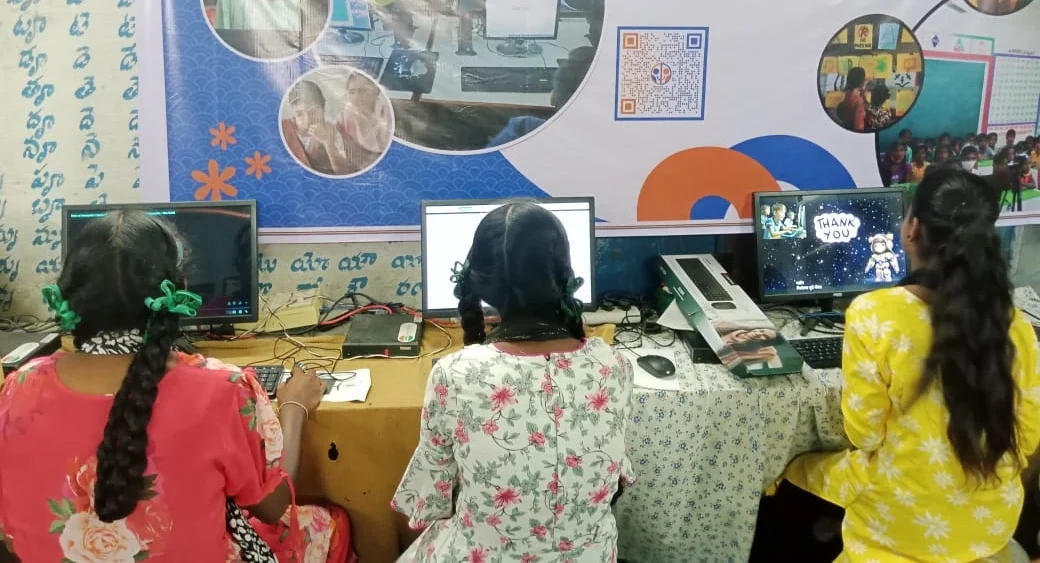
Imagine losing all your notes, project files, and past exam papers because your computer got infected. This happens to students who ignore system updates. Your study materials are irreplaceable, especially during critical years like 10th, 12th, or competitive exam preparation.
Regular updates create a security shield around your data. They patch vulnerabilities hackers use to access your files. You’ll sleep better knowing the latest security features protect years of hard work.
Updates also ensure compatibility with new educational software and platforms. If you’re using tools recommended by your school or coaching centre, outdated software might not support them properly. This creates unnecessary obstacles in your learning journey.
How to Make Software Updates a Habit
Start by checking for updates every Sunday evening. Set a reminder on your phone so you don’t forget. Most operating systems allow you to schedule updates for a specific time, so they don’t interrupt your studies.
Back up your important files before updating. Use cloud storage or an external hard drive to save your assignments and study materials. This takes only five minutes but protects you completely if something goes wrong during the update process.
Keep your antivirus software updated too. Your security software is only effective if it has the latest virus definitions. Enable automatic updates for both your operating system and security applications.
Teach your parents about updates, too. They often handle the family computer, and their habits affect your access to it. When parents understand the importance of security, they’ll prioritise updates just like you do.
What Does the Government Say About This
The Ministry of Education has launched several initiatives to improve students’ digital literacy. The CBSE now includes basic computer security concepts in its curriculum. Learning about these practices isn’t just good practice; it’s becoming part of your formal education.
Your school probably teaches you about cybersecurity in computer classes. Pay attention to these lessons because they apply directly to your personal devices. Understanding these habits helps you become a responsible digital citizen.
Apna PC Makes Updates Easier for Students
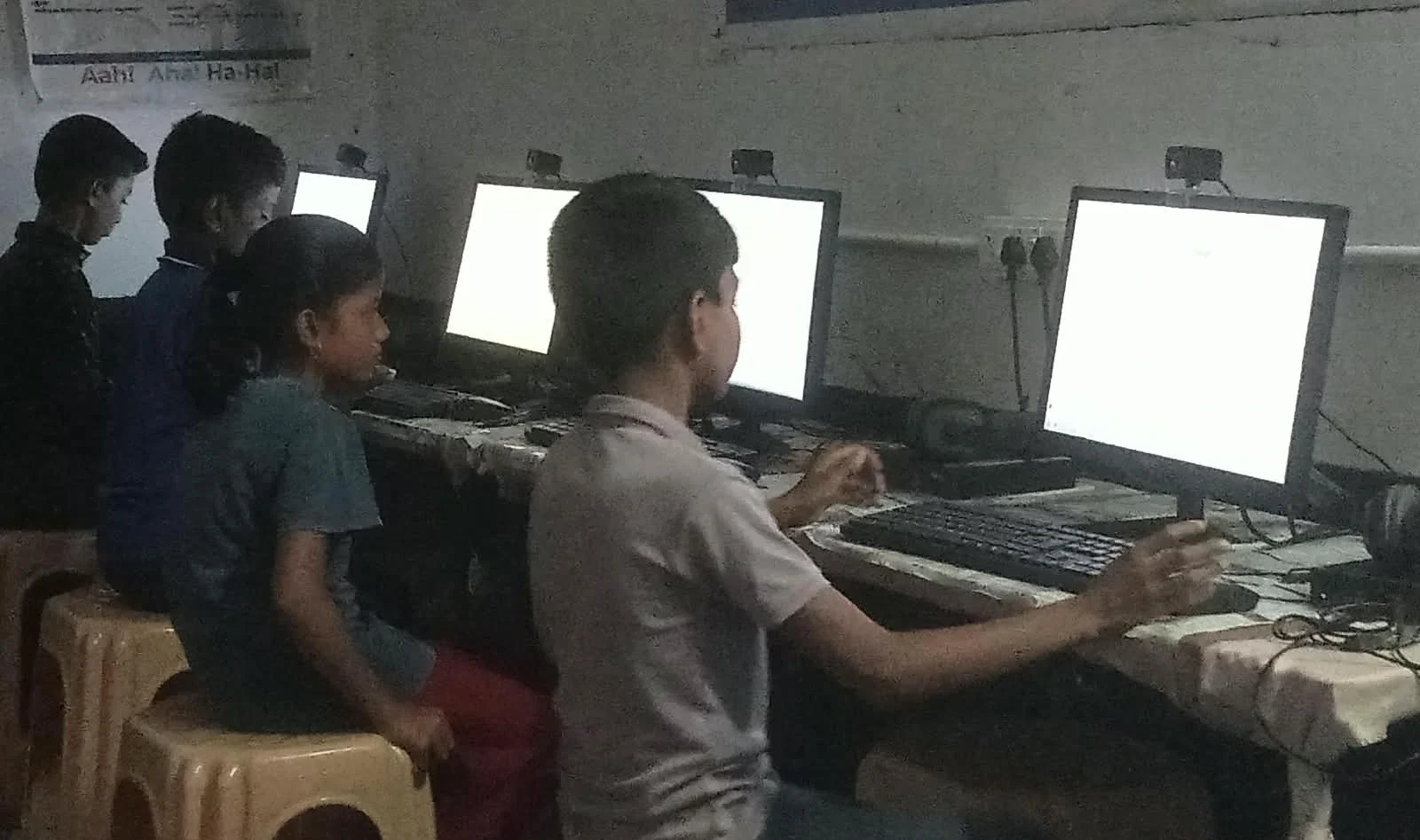
If you’re looking for a reliable computer designed specifically for students, Apna PC by Apni Pathshala is worth considering. This educational computer comes pre-loaded with Zorin OS, a secure Linux-based operating system that handles updates smoothly. You won’t experience the frustrating slowdowns that come with outdated Windows installations.
Apna PC includes essential software like LibreOffice for your assignments, Scratch for learning programming, and Apni Prerna for academic monitoring. All these applications are designed to work seamlessly together and receive regular updates. The 8GB RAM and 128GB SSD keep your computer running fast, even when you’re multitasking between study materials and online classes.
At just Rs.30,000 (shipping and GST excluded), Apna PC is affordable for families in tier 2 and tier 3 cities. You can also save mobile data while learning on a computer instead of using your phone for studies.
Your Computer Security Starts Today
Don’t wait for a security breach or system crash to take updates seriously. Start checking for updates this week and make it a monthly habit. Your future self will thank you when your computer runs smoothly throughout your exam season.
Talk to your parents about your computer’s current update status. Check together if your system needs any urgent patches. Taking responsibility for your computer’s security shows maturity and helps you develop good digital habits for life.
Your education deserves a reliable, secure computer. Whether you choose Apna PC or upgrade your current device, prioritise updates as part of your study routine. Visit apnapc.com to learn more.