


Priya’s Data Problem: A Real Student Story
Priya, a Class 10 student from Indore, had a 2GB monthly data plan that cost her family Rs. 149. By the second week of every month, she’d run out of data while trying to watch her biology lessons on YouTube. Her parents couldn’t afford a bigger plan, and the local WiFi at her coaching centre was too slow and unreliable. She needed a way to save data for online learning without giving up her studies. That’s when her school recommended a personal computer with offline capabilities. Within weeks, Priya stopped panicking about her data balance and started focusing on her studies instead.
If you’re like Priya, you know the stress of watching your mobile data disappear mid-lesson. But here’s the good news: you don’t have to choose between learning and saving money. This guide shows you practical ways to save data for online learning using a computer, with real numbers and strategies that work for Indian students.
How to Save Data for Online Learning with WiFi Downloads
The smartest way to save data for online learning is to download everything when you have free WiFi access. Schools, libraries, and coaching centres often offer WiFi. Use these moments to download your lessons, textbooks, and practice videos.
Here’s how to do it right: Create a folder on your computer called “Downloaded Lessons” and organise it by subject. When you’re somewhere with WiFi, download PDFs, videos, and study materials all at once. A single 30-minute biology lesson video is about 500MB to 1GB. If you download five videos over WiFi instead of streaming them on mobile data, you save 2.5GB to 5GB of your precious monthly plan.
Popular platforms like the DIKSHA digital learning platform let you download lessons for offline viewing. Many educational YouTube channels also allow you to download videos using their apps. Plan your downloads on weekends when you have time and WiFi access.
Use Offline Apps and Tools on Your Computer
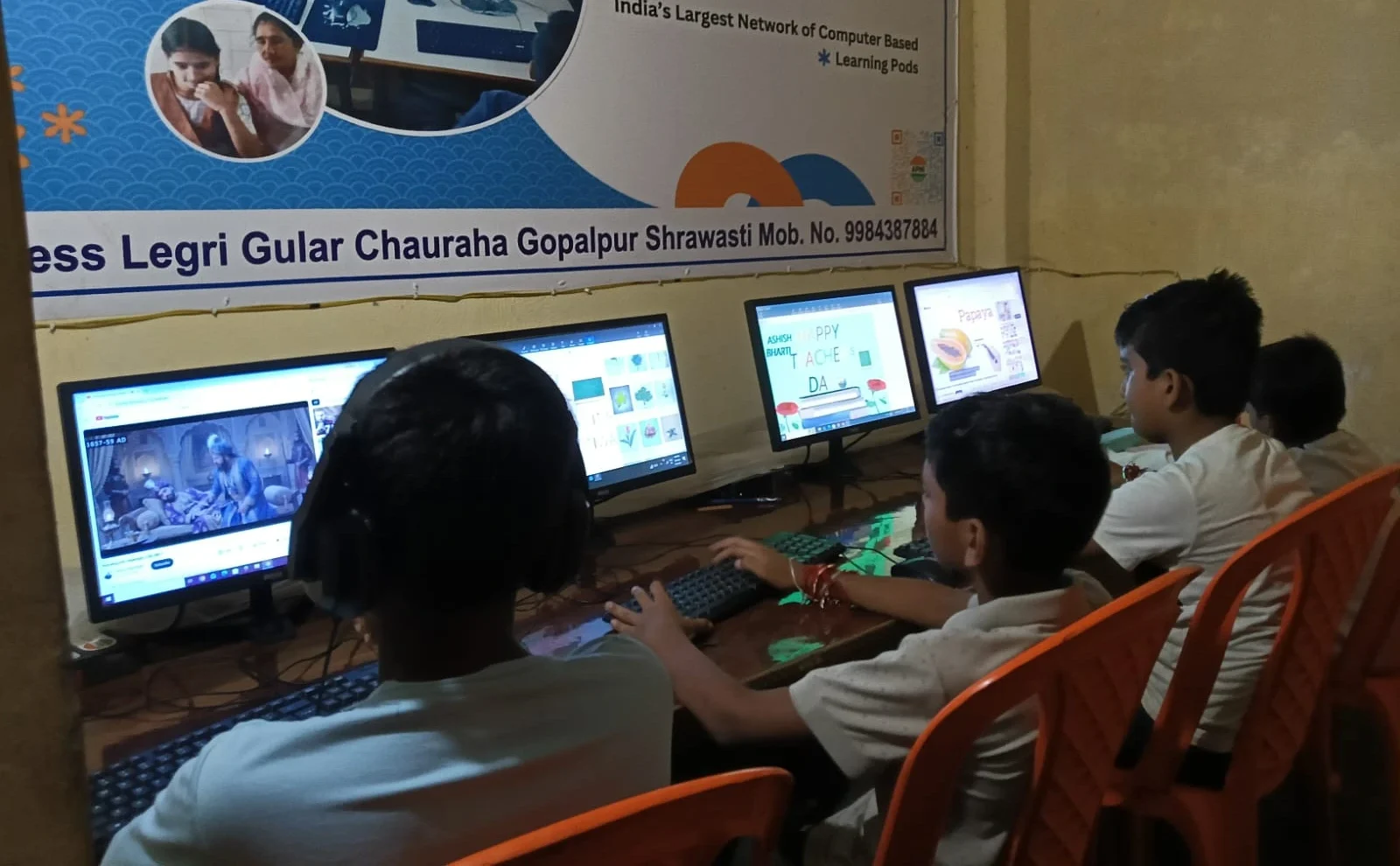
Your computer doesn’t need internet for most learning tasks. LibreOffice, Scratch, and offline dictionaries work perfectly without WiFi or mobile data. When you use these tools, your mobile data stays completely untouched.
Think about your daily study routine. Writing essays, solving math problems, creating presentations, coding projects, and reading PDFs don’t actually need the internet. A computer pre-loaded with offline learning tools means you can study for 3 to 4 hours without using any mobile data. Compare this to studying on your phone, where even opening an app sometimes triggers data usage.
If you own an Apna PC, LibreOffice and Scratch come preinstalled and ready to use. These tools cover most school subjects. You can write history notes, design a science project, or practice coding without an internet connection.
Turn Off Auto-Playing Videos and Autoplay Features
Auto-play is a hidden data killer. When you watch one educational video, the platform automatically starts playing the next one. That second video uses your data even if you’re not watching it.
Go to your phone’s settings and turn off autoplay on YouTube, Instagram, and other apps. In YouTube, open Settings, tap “Autoplay,” and select “Autoplay off.” This single change can save you 200MB to 500MB every week. Over a month, that’s almost a full GB of data saved.
On your computer, the same rule applies. Disable autoplay features on every learning platform you use. You control what you watch, and you control your data usage.
Choose Low-Data Learning Platforms
Not all learning platforms use the same amount of data. Text-heavy websites use less data than video-heavy ones. If you have a choice between platforms, pick the one that matches your data plan.
Here’s a practical comparison: Reading a textbook chapter on a website uses about 5MB to 10MB. Watching the same lesson as a video uses 500MB to 1GB. If you read 10 chapters instead of watching 10 video lessons, you save nearly 5GB of data. Websites like Khan Academy let you choose between video and text explanations. Choose text when your data is running low.
The Digital India initiative has created many government learning platforms that use less data. Explore these before jumping to data-heavy YouTube channels.
Schedule Your Downloads and Study Sessions
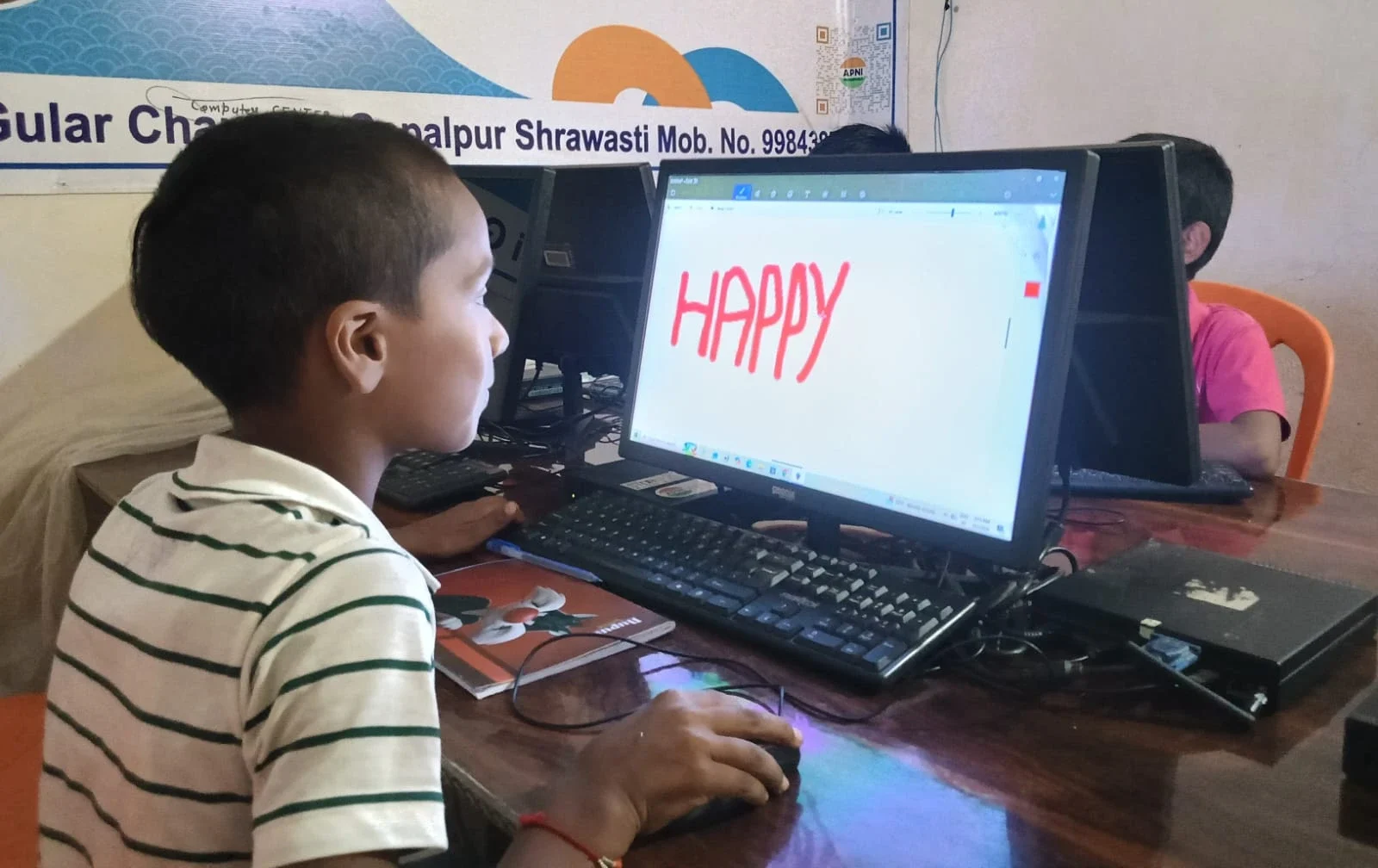
Don’t leave downloads to chance. Create a weekly schedule. Every Saturday morning, spend 30 minutes downloading the week’s lessons over WiFi. Every evening, study those downloaded materials using your computer without touching mobile data.
Let’s do the math: If you download 10 lessons per week (about 5GB) over WiFi, and study them offline on your computer, you save 5GB of your mobile data every week. With a 2GB monthly plan, that extra data can stretch to other tasks like messaging, quick searches, and emergencies.
Use a simple notebook or phone reminder to track what you’ve downloaded. This habit takes 5 minutes to start but saves hours of stress every month.
Use Your Computer’s Storage Smartly
A computer with 128GB storage can hold thousands of lessons, textbooks, and practice materials. Your phone probably has 64GB or less, and it fills up quickly with apps and photos. When you study on a computer, you’re using its larger storage, not your phone’s limited space.
This matters because when your phone storage is full, it runs slower and uses more data to function. A computer with proper storage keeps everything organised and fast. You can develop better digital organisation skills by keeping your study materials neatly stored on your computer instead of scattered across your phone.
How Apna PC Helps You Save Data for Online Learning
An Apna PC is designed for students who need to save data for online learning. It costs Rs. 30,000 and comes pre-loaded with everything you need to study offline. With 8GB RAM and 128GB SSD storage, it handles all your lessons, projects, and assignments without needing the internet.
Here’s why this matters for your data plan: You can download your entire month’s curriculum over WiFi at school, then study completely offline at home. Your mobile data remains untouched for genuine emergencies and quick lookups. Over a year, this saves you hundreds of rupees that you can spend on other needs.
Apna PC runs Zorin OS, a user-friendly operating system that works like Windows but uses fewer resources. It includes Apni Pathshala‘s educational content, meaning you have quality study materials built in from day one. No need to download from the internet.
Real Numbers: How Much Data You Actually Save
Let’s look at a real example. Arun, a Class 12 student from Nagpur, used to spend Rs. 299 a month on a 4GB data plan. He watched lessons on his phone and ran out of data by the 20th of every month.
After switching to studying on a computer with offline materials, Arun downgraded to a 2GB data plan (Rs. 149 monthly). He now saves Rs. 150 every month. Over 12 months, that’s Rs. 1,800 saved. His parents used this money to buy him an Apna PC, which he’ll use for the next four years of college.
Shreya from Lucknow had a similar story. She reduced her data usage from 6GB to 1GB monthly by downloading lessons over WiFi and studying offline. She went from spending Rs. 499 monthly to Rs. 99 monthly. That’s Rs. 4,800 saved per year.
Start Your Data-Saving Journey Today
You don’t need a new computer to start saving data. Begin today: download one lesson over WiFi, turn off autoplay, and study offline for one week. Track how much data you actually use. Most students are shocked to see the difference.
When you’re ready to invest in a proper learning setup, an Apna PC lets you learn without worrying about data limits. It’s built for Indian students, priced fairly, and designed to work offline so your mobile data stays safe for when you truly need it. Visit apnapc.com to learn more.