


Why Self Learning on PC is Changing Student Life in Tier 2-3 Cities
Ravi from Guwahati sits in front of his computer every evening, not for social media or games, but to learn coding, graphic design, and video editing through YouTube tutorials. He’s discovered something that many students in smaller cities don’t realize yet: you don’t need expensive coaching classes or travel to big cities to pick up valuable computer skills for students. Self learning on PC has become the most practical way for students like Ravi to grow their talents without spending extra money.
The truth is, the possibilities with self learning on PC are endless. Your student PC can become a gateway to hundreds of skills that’ll help you in college, job interviews, and future careers. Whether you’re interested in programming, design, or content creation, you can start today without waiting for the next semester or coaching batch.
Coding and Programming Without a Tutor
Learning to code used to mean hiring an expensive tutor or joining a class in the city. Today, that’s simply not true. Platforms like Codecademy, freeCodeCamp, and Khan Academy offer complete coding courses for free or very cheap. Your student PC can run all these platforms smoothly.
Start with Python because it’s beginner-friendly and widely used in real jobs. You can write your first program in just one week of casual practice. Many students from Tier 2-3 cities have learned Python, JavaScript, and even web development entirely from their computers at home.
The best part? You learn at your own pace. If you don’t understand something, you can rewatch the video as many times as you want. No classroom pressure, no embarrassment, just pure learning.
Graphic Design and Creative Skills on Your Computer
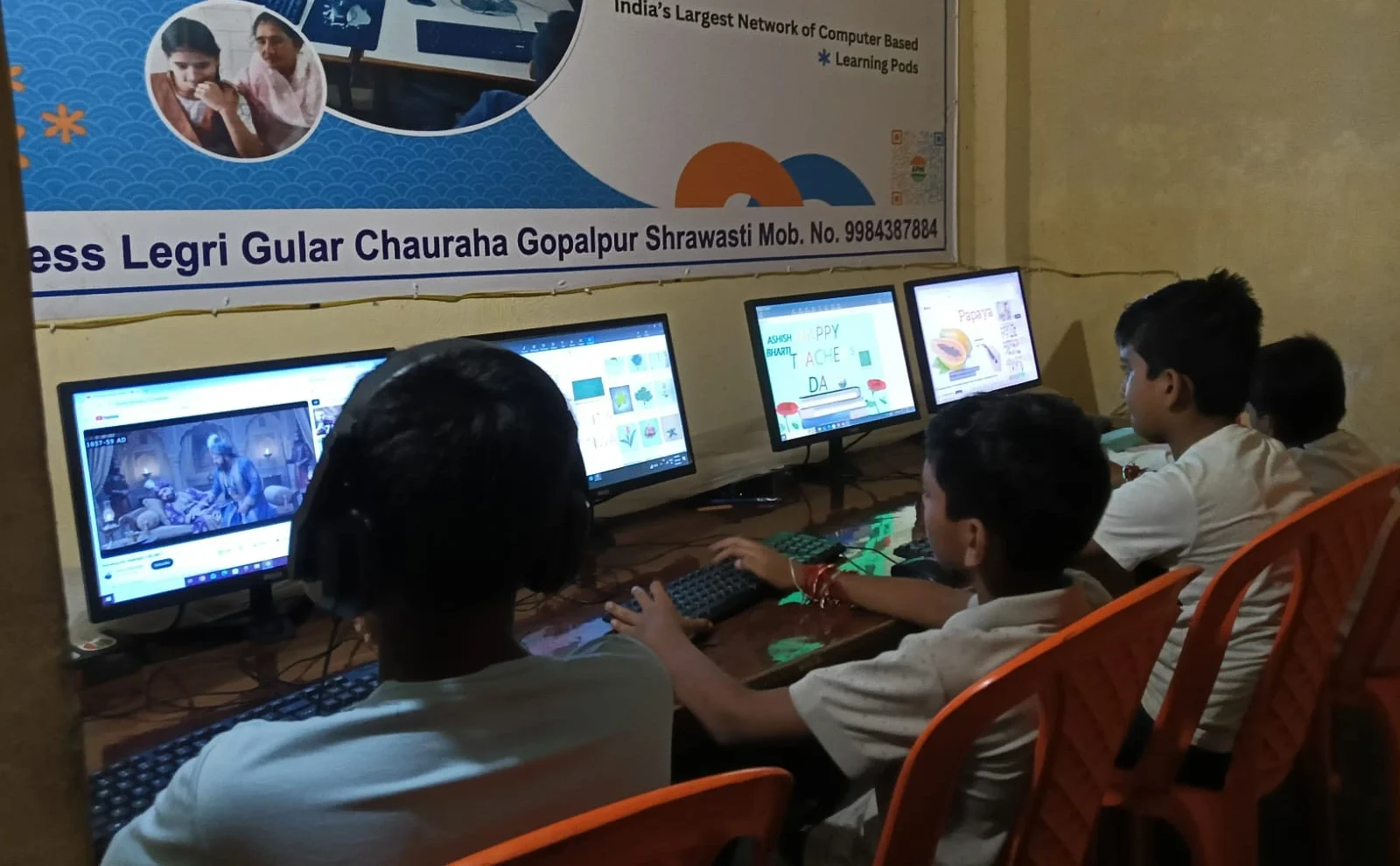
If you love drawing or creating visuals, your computer can become a powerful design studio. Free tools like GIMP, Canva, and Inkscape let you create professional-looking graphics without paying a single rupee. Many students have turned these skills into side income through freelance work.
You don’t need fancy software or expensive hardware. A basic student PC with decent RAM and storage is enough to start learning graphic design. YouTube has thousands of tutorials on everything from logo design to poster creation.
Video Editing and Content Creation From Home
Content creation is one of the fastest-growing fields right now, and self learning on PC makes it accessible to everyone. Tools like DaVinci Resolve (free version) and OpenShot are powerful enough for professional video editing. Many successful YouTubers and content creators started exactly like this, learning from home with basic equipment.
Start by editing videos of your school projects, family events, or educational content. Build a portfolio and you’ve got something real to show colleges or employers. This skill alone can open many doors in the digital age.
Learning Digital Tools and Office Skills
Many students use self learning on PC to master tools like LibreOffice, a free, powerful alternative that does everything Word, Excel, and PowerPoint do. Learning these tools properly can make you stand out in your studies and future workplace.
Spreadsheets aren’t boring when you understand their real power. You can use Excel or Calc to manage data, create budgets, build databases, and even automate tasks. These are skills that every employer looks for.
3D Design and Animation Skills
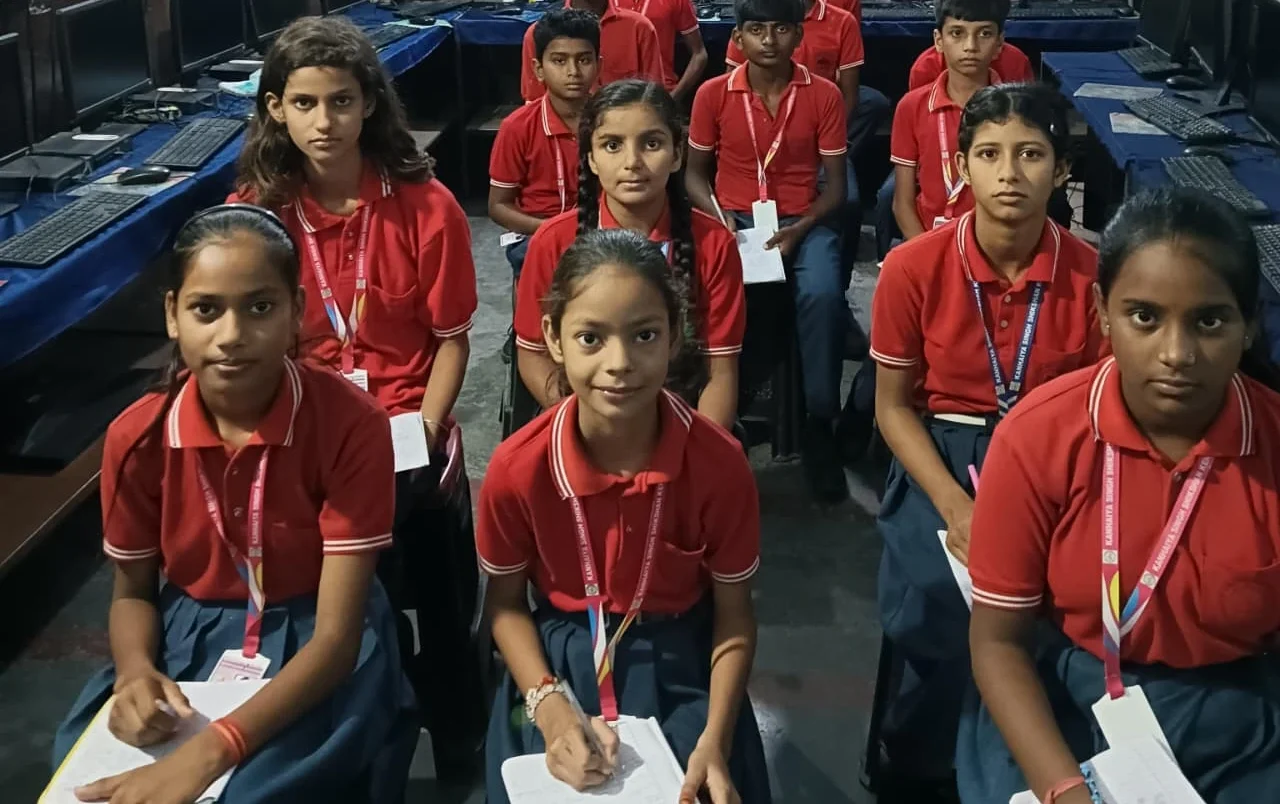
Want to try something more advanced? 3D design is becoming incredibly popular, and you can learn it at home. Free tools like Blender are used by professionals worldwide, and the learning community is huge and helpful.
Start with basic 3D modeling and gradually move to animation. Check out our 3D design guide to understand how students like you are getting started. This skill can lead to careers in gaming, movies, architecture, and product design.
Language Learning and Skill Development
Your computer can teach you new languages through apps like Duolingo, Coursera, and Udemy. You can learn coding languages, programming languages, or even foreign languages. Many students in Tier 2-3 cities have picked up English speaking skills through online practice platforms.
The DIKSHA digital learning platform offers free courses in multiple languages and subjects. It’s backed by the government and designed specifically for Indian students like you.
Why Your Student PC Matters for Self Learning
Not all computers are created equal for learning. You need a PC that’s reliable, doesn’t crash in the middle of your work, and has enough power to run design software or coding environments smoothly. A student PC like Apna PC comes pre-loaded with tools you’ll actually use: Scratch for learning programming basics, LibreOffice for office work, and Zorin OS which is beginner-friendly and secure.
With 8GB RAM and 128GB SSD storage, you’ve got plenty of space for projects, tutorials, and practice files. You can explore new hobbies without worrying about your computer slowing down or running out of space.
Getting Started With Self Learning Today
You don’t need permission, money for classes, or a fancy setup to start. Pick one skill that interests you. Find a free tutorial on YouTube or a platform like Khan Academy. Spend 30 minutes daily for the next week and see where it takes you.
The government’s Digital India initiative is pushing digital literacy in every city and village. This is the right time to jump into self learning on PC and develop computer skills for students. Check out resources on the education portal for more learning materials.
Your parents might worry about screen time, but learning coding, design, or video editing is productive screen time. It’s an investment in your future that’ll pay back many times over.
The students who’ll succeed in the next decade are those who can teach themselves new skills on a computer. You’ve got everything you need right now. Start today, stay consistent, and watch yourself transform into someone with real, marketable skills. Visit apnapc.com to learn more.