


After School Fun: Fun PC Projects for Students to Try
It’s 3 PM, and you’re back home from school. Your backpack hits the floor, your lunchbox goes to the kitchen, and you walk past your computer on the desk. What now? You’ve got two hours before dinner, homework’s done, and your parents won’t mind if you spend some time on the PC. But here’s the thing: scrolling through videos gets boring fast. What if you could actually create something cool on your computer? Fun PC projects for students aren’t just ways to kill time. They’re chances to build real skills, explore your interests, and make things you’ll actually be proud to show your friends.
The good news is that you don’t need expensive software or a fancy gaming PC to start. A basic computer with decent specs, like the Apna PC with 8GB RAM and 128GB SSD, gives you everything you need for creative computer projects that’ll keep you busy and learning. Let’s explore some fun PC projects you can dive into right now.
Make Your Own Animated Stories with Scratch
Ever thought about creating your own cartoon or interactive game? Scratch is a free visual programming tool that comes pre-loaded on Apna PC, and it’s perfect for students who want to learn coding without getting bogged down in complicated syntax.
You can create animations, tell stories, or build simple games by dragging and dropping code blocks. No typing required. Your character can walk, jump, talk, and react to what the user does. You could make a short film about your school day, create a quiz game for your friends, or design a virtual pet that responds to clicks.
The best part? Scratch has a huge community online where students share their projects. You can see what others have made, get ideas, and even remix their work to make something new. This is one of those fun PC projects for students that really builds your skills.
Design Posters and Graphics for Your School Projects
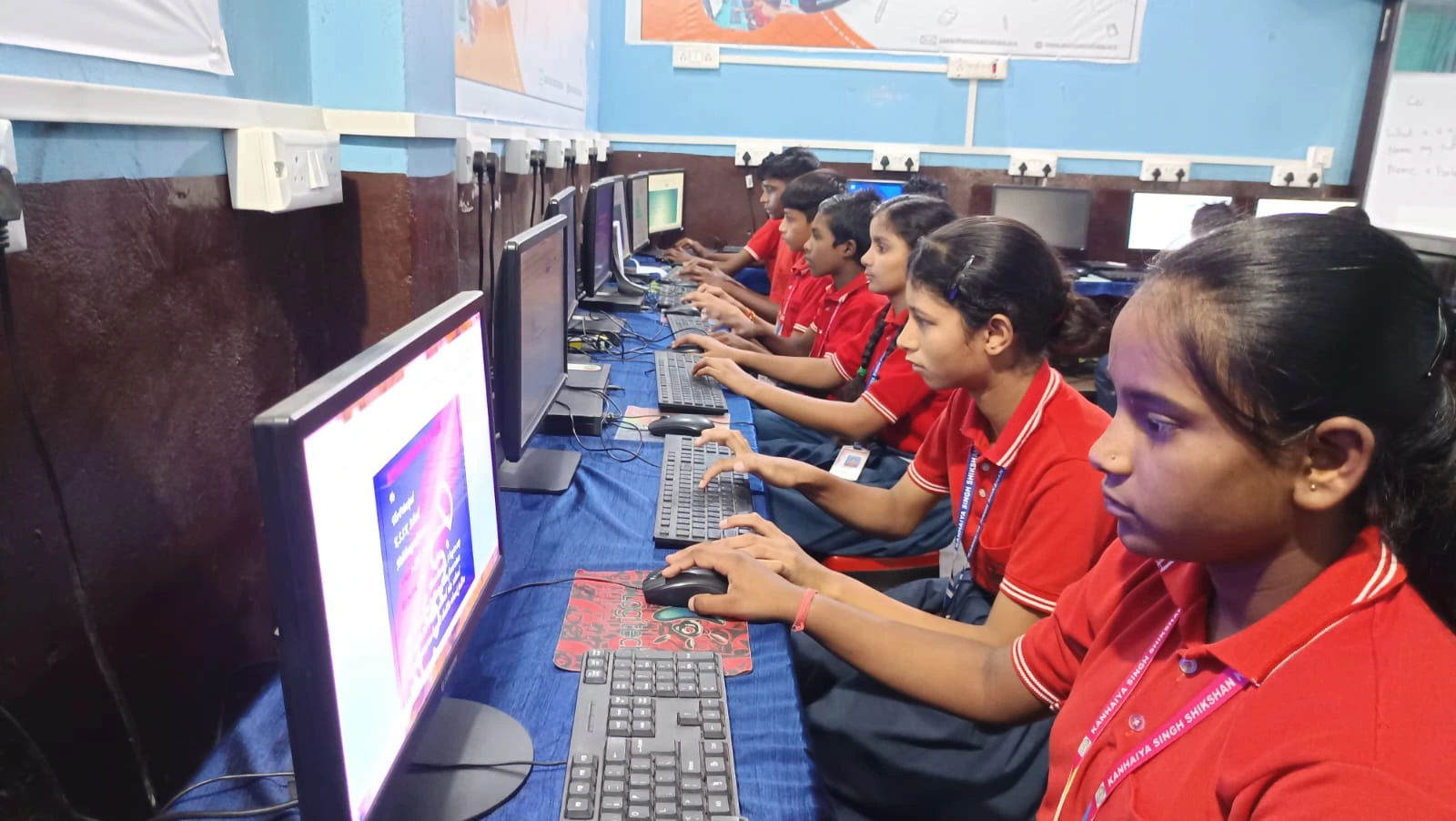
LibreOffice, which comes pre-installed on Apna PC, isn’t just for writing essays. It’s got solid design tools you can use to create posters, flyers, and graphics for school projects or your own interests.
Need a poster for your class presentation? You can add text, shapes, colours, and even insert images to make something that looks professional. Want to design a birthday invitation for your friend? Go ahead. Creating graphics teaches you about layout, colour theory, and visual communication. These are skills that matter in almost every field.
Start simple with templates, then experiment with your own designs. You’ll be surprised how quickly you can go from “I don’t know how to design” to “I made this, and it looks great.”
Start a Blog or Digital Journal
Writing isn’t just for English class. Many students love keeping a blog where they share their thoughts, reviews, or stories about things they care about. You could write about your favourite books, movies, games, or even your journey learning to code.
A blog teaches you how to organise your thoughts, write for an audience, and express yourself clearly. These writing skills also help with school assignments. Plus, you’re building something that’s actually yours on the internet. Free platforms make it super easy to get started, and you can update it whenever you want.
Create Music and Sound Effects
If you’re into music, your PC is a playground. You don’t need a guitar or keyboard to make music on a computer. Free software lets you compose beats, create melodies, and layer sounds together. Check out our music production guide to get started with student-friendly tools.
You can make background music for your Scratch animations, create ringtones, or just experiment with different sounds. Music production teaches rhythm, pattern recognition, and creative problem-solving. It’s fun, and it’s a legitimate skill that people actually get paid for.
Learn Video Editing
Your phone probably has tons of videos you’ve recorded. Video editing software lets you trim clips, add music, create transitions, and put together something that looks professional. You could edit videos from your school trip, create funny clips with friends, or make tutorials teaching others something you know.
Video editing is a valuable skill. Students who can edit videos are in demand for school projects, YouTube channels, and even freelance work. Start with free tools and simple projects. Build up to more complex edits as you get comfortable.
Build Your Own Digital Portfolio
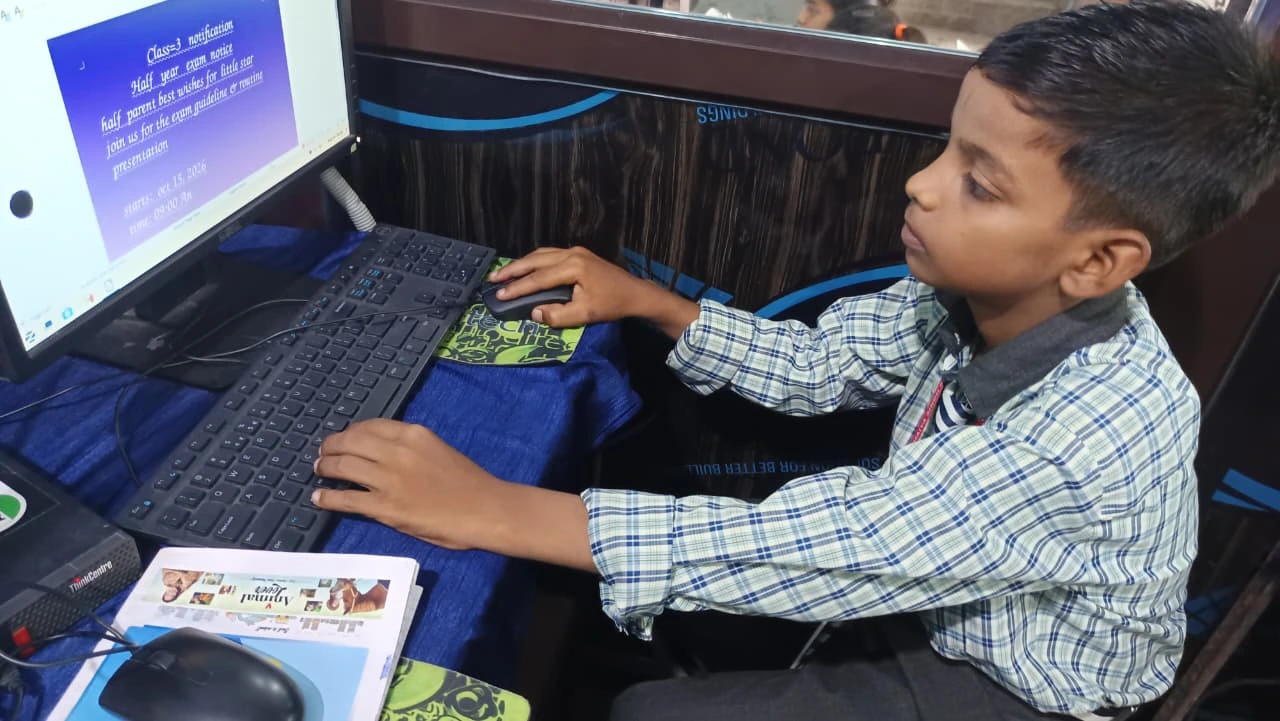
A digital portfolio is basically a collection of your best work displayed online. It could include your Scratch projects, graphic designs, blog posts, videos, or photos you’ve edited. You can show it to teachers, colleges, or even potential employers down the road.
Creating a portfolio teaches you to curate your work, present yourself professionally, and think about how others will see what you’ve made. It’s not just fun. It’s actually useful for your future.
Join Online Learning Communities
Platforms like the DIKSHA digital learning platform and resources aligned with CBSE standards offer tons of projects and courses you can work through on your PC. Many are free or very affordable.
You could take courses on web design, digital art, coding, or content creation. Learning alongside other students keeps you motivated and gives you people to share ideas with.
Try DIY Tech Projects
If you’re really interested in how computers work, there’s a whole world of do-it-yourself tech projects. You could learn to build your own PC, understand hardware, or set up your own server. Check out our breakdown on DIY computer options for students.
These projects teach you how technology actually works, not just how to use it. You’ll understand what RAM does, why storage matters, and how different parts work together. This knowledge is gold if you’re thinking about a tech career.
Why Fun PC Projects Matter for Students
Here’s why these fun PC projects matter: you’re not just wasting time. You’re building skills that schools want, employers look for, and your future self will thank you for. Coding, design, writing, music production, video editing, and problem-solving aren’t just hobbies. They’re real skills.
Your computer isn’t just a tool for homework and entertainment. It’s a studio, a classroom, and a place to create things that matter to you. The Apna PC, with its solid specs and pre-loaded software, gives you everything you need to get started without breaking the bank.
The next time you sit down at your desk after school, skip the endless scrolling. Start a project. Build something. Learn something new. Your future self will be glad you did. Visit apnapc.com to learn more.