


A Learning Centre That Changed Everything
Rajesh opened his learning centre in Indore three years ago with just ten wooden benches and a borrowed laptop. He dreamed of giving underprivileged kids access to quality education. Last year, he invested in three desktop computers for his centre. Within months, his students started coding in Scratch, accessing online resources, and completing their assignments faster. Today, Rajesh’s centre runs at full capacity because parents see real results. This is the power of having the right computer for students in your learning space.
You’re running a learning centre in a Tier 2 or Tier 3 city. You know how hard it is to keep up with the demands of digital education. Your students need hands-on experience with technology, not just textbooks. The challenge isn’t just buying any machine. It’s finding a computer for students that fits your budget and your teaching goals.
Why Your Learning Centre Needs a Dedicated Computer Setup
Digital learning isn’t optional anymore. The Digital India initiative has pushed schools and learning centres to adopt technology. Your students are competing with kids in metros who’ve had computer access since kindergarten. Without a proper learning centre computer, you’re holding your students back.
A reliable computer setup does three things for your centre. First, it makes your classes more engaging and interactive. Second, it prepares students for a digital-first world. Third, it attracts more parents who want their kids to learn practical skills alongside academics.
How a Computer for Students Transforms Your Teaching
Think about what your students do today. They watch YouTube videos to understand tough concepts. They use Google to research projects. They need to learn coding and digital tools. A dedicated student desktop lets you teach all this properly, not just talk about it.
When you have a computer for students in your centre, you can:
- Run interactive lessons that keep kids focused longer
- Track each student’s progress with monitoring tools
- Teach coding, design, and digital literacy hands-on
- Give students real experience with software they’ll use in higher studies
- Prepare them for competitive exams that now include computer sections
The best part? Your students aren’t just consuming content. They’re creating, building, and learning by doing. That’s how real learning happens.
The Challenge of Finding the Right Student Desktop
You’ve probably looked at computer options. Big brands cost 50,000 rupees or more. Budget options break down after six months. You need something built specifically for learning centres, not gaming or corporate use.
A good learning centre computer should have enough power for multiple software applications, reliability for daily use, and software that actually helps you teach. It should come pre-loaded with tools your students need. It shouldn’t drain your budget before you even start teaching.
This is exactly why Apna PC exists. It’s a student computer designed by educators who understand your world.
Why Apna PC Works for Your Learning Centre
Apna PC costs just 30,000 rupees (shipping and GST excluded). That’s less than half what you’d pay for a basic commercial desktop. But that’s just the start.
This machine comes with 8GB RAM and 128GB SSD storage. That’s enough power to run multiple applications smoothly without slowdowns. Your students won’t waste time staring at loading screens. Classes stay productive and engaging.
The software is what makes Apna PC special. It runs on Zorin OS, a clean and fast operating system. It comes pre-loaded with Apni Prerna, which lets you monitor student progress easily. LibreOffice is included for document creation and presentations. Most importantly, Scratch is ready to go for coding lessons.
You don’t need to spend extra time installing software or troubleshooting technical issues. Everything is ready on day one. Your student desktop is ready to teach, not delay you with setup problems.
Real Impact in Real Learning Centres
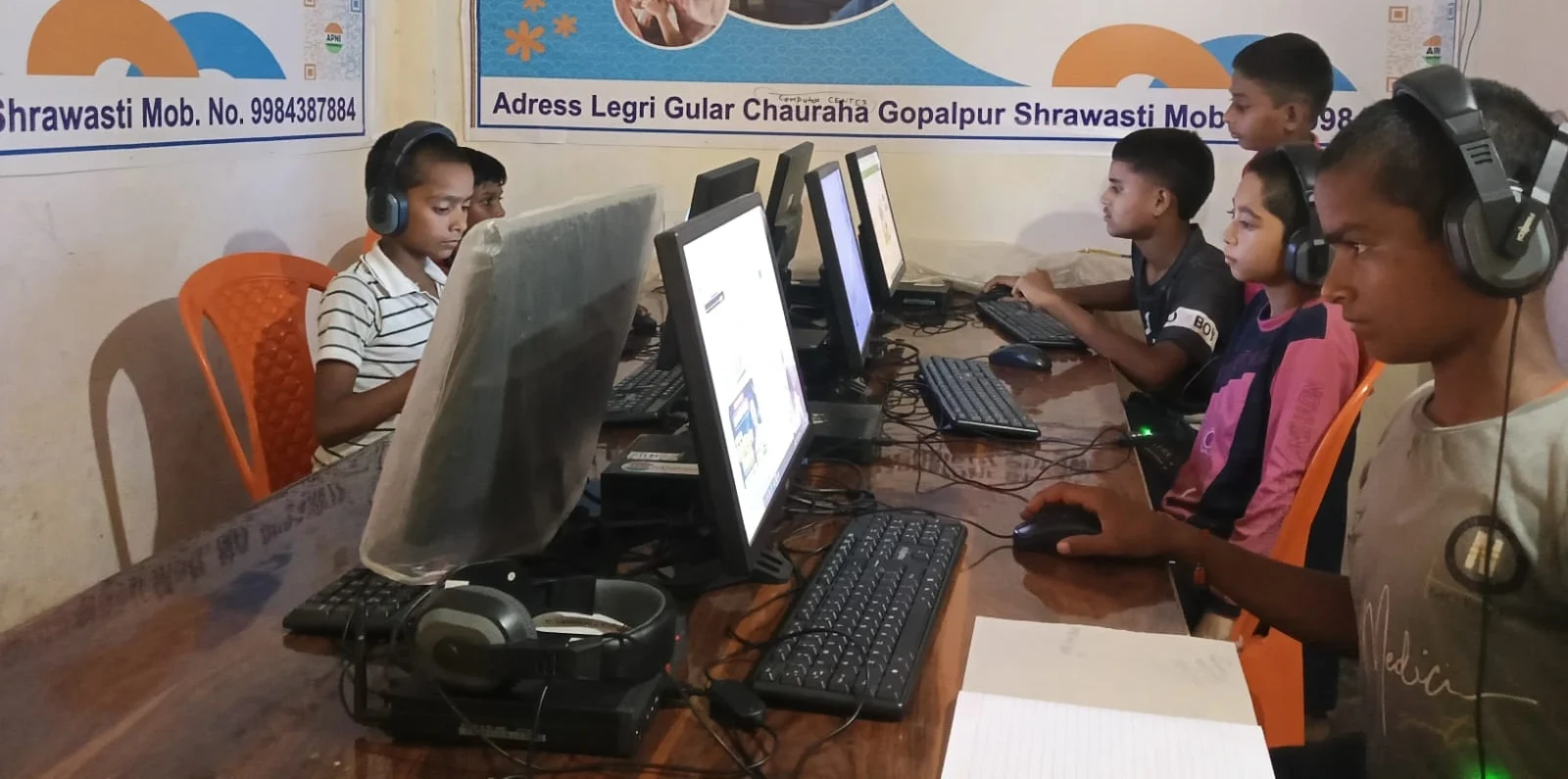
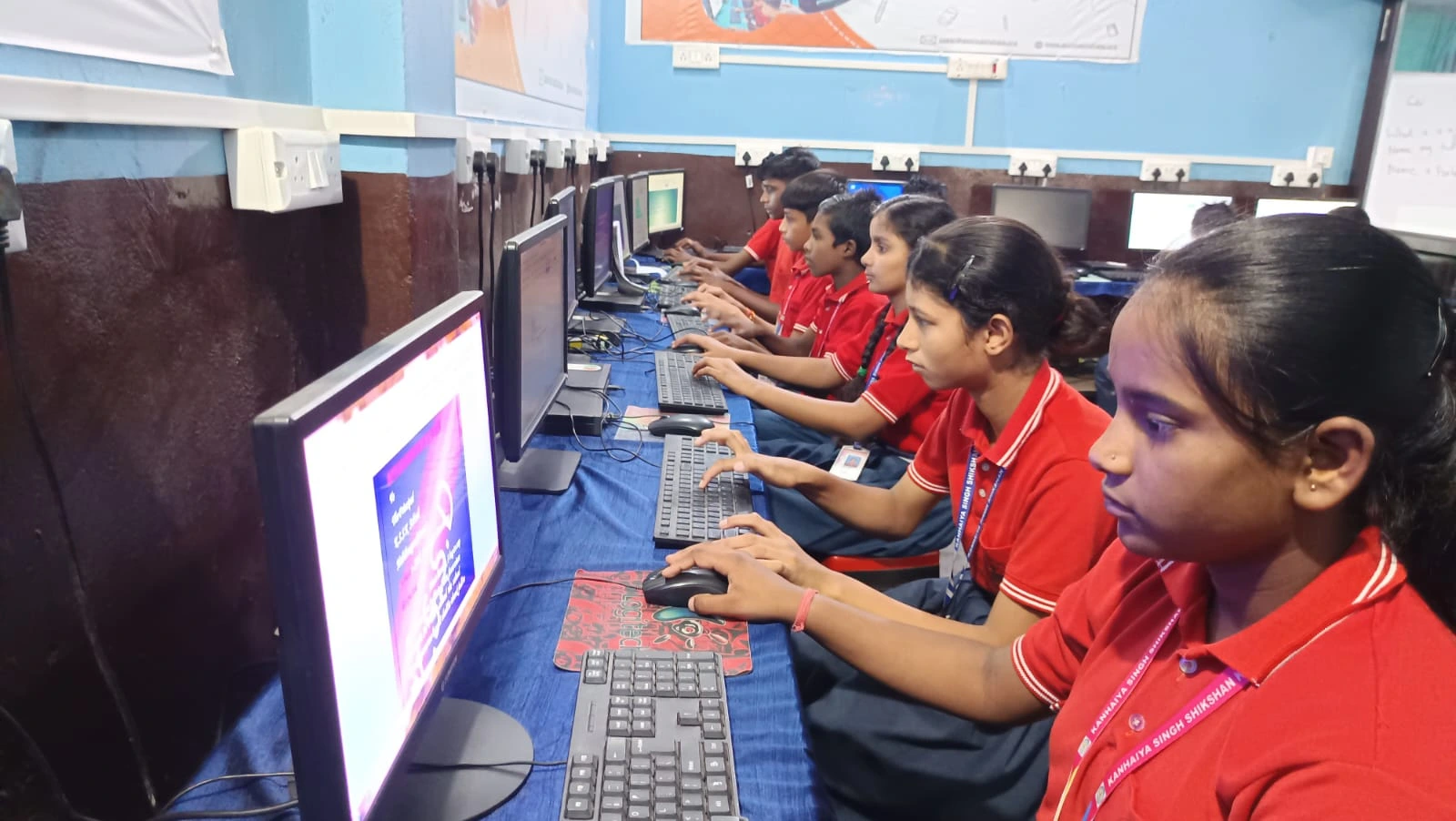
Learning centres across India already use computers to improve outcomes. Teachers report that students who work on computers retain information better. Kids who learn coding early develop problem-solving skills that help in every subject. Parents see their children confident with technology, not scared of it.
When you add a reliable computer for students to your centre, you’re not just adding equipment. You’re adding confidence. You’re adding competitiveness. You’re adding a future to what your students can achieve.
This is how students use computers to build their future. Not just in metros. In every learning centre that invests in the right tools.
Making Your Centre Future-Ready
The world is moving fast. Your competitors might already have computers. Your students’ parents expect it. The question isn’t whether you should get a learning centre computer anymore. It’s whether you’ll get one today or fall behind tomorrow.
Apna PC makes this decision simple. It’s affordable. It’s reliable. It’s built for learning. You can set it up in your centre and start teaching better classes this month.
You can also explore how computers beyond textbooks open new possibilities for your students. If you want to learn more about what a personal computer can do in an educational setting, the options are endless.
Your learning centre deserves better technology. Your students deserve better tools. Apna PC gives you both at a price that makes sense for your business. Get started today and watch your centre transform. Visit apnapc.com to learn more.