


Priya’s Discovery: When a Computer Became Her Launchpad
Priya sat in her small room in Indore, staring at her laptop screen. She was supposed to finish her history assignment, but instead, she’d opened Scratch. Within three months, she’d built a quiz game that her entire school was using. Her computer wasn’t just a tool for homework anymore. It had become her gateway to future skills that would shape her career in ways she never imagined.
Your child’s computer doesn’t have to be a homework machine. When you invest in the right device and guide them properly, a computer becomes a powerful instrument for building future skills that employers actually want. This is the difference between finishing assignments and building a future.
Beyond Homework: Why Future Skills Matter More Than You Think
The job market is changing faster than textbooks can keep up. According to India’s Ministry of Education, schools are now focusing on digital literacy and problem-solving as core competencies. Your child needs more than just good marks. They need to think differently, create solutions, and understand how technology works.
Future skills aren’t fancy terms thrown around by consultants. They’re practical abilities like coding, design thinking, digital collaboration, and problem-solving. These skills separate students who get jobs from students who create jobs. A computer is where your child can start building these skills right now, not after college.
When your child learns to code through platforms like Scratch, they’re not just writing commands. They’re learning to break down complex problems into smaller steps. When they create a presentation, they’re not just copying text. They’re learning to communicate ideas clearly. Every task on a computer can become a learning opportunity if you set it up that way.
How a Computer Teaches Your Child to Think Differently
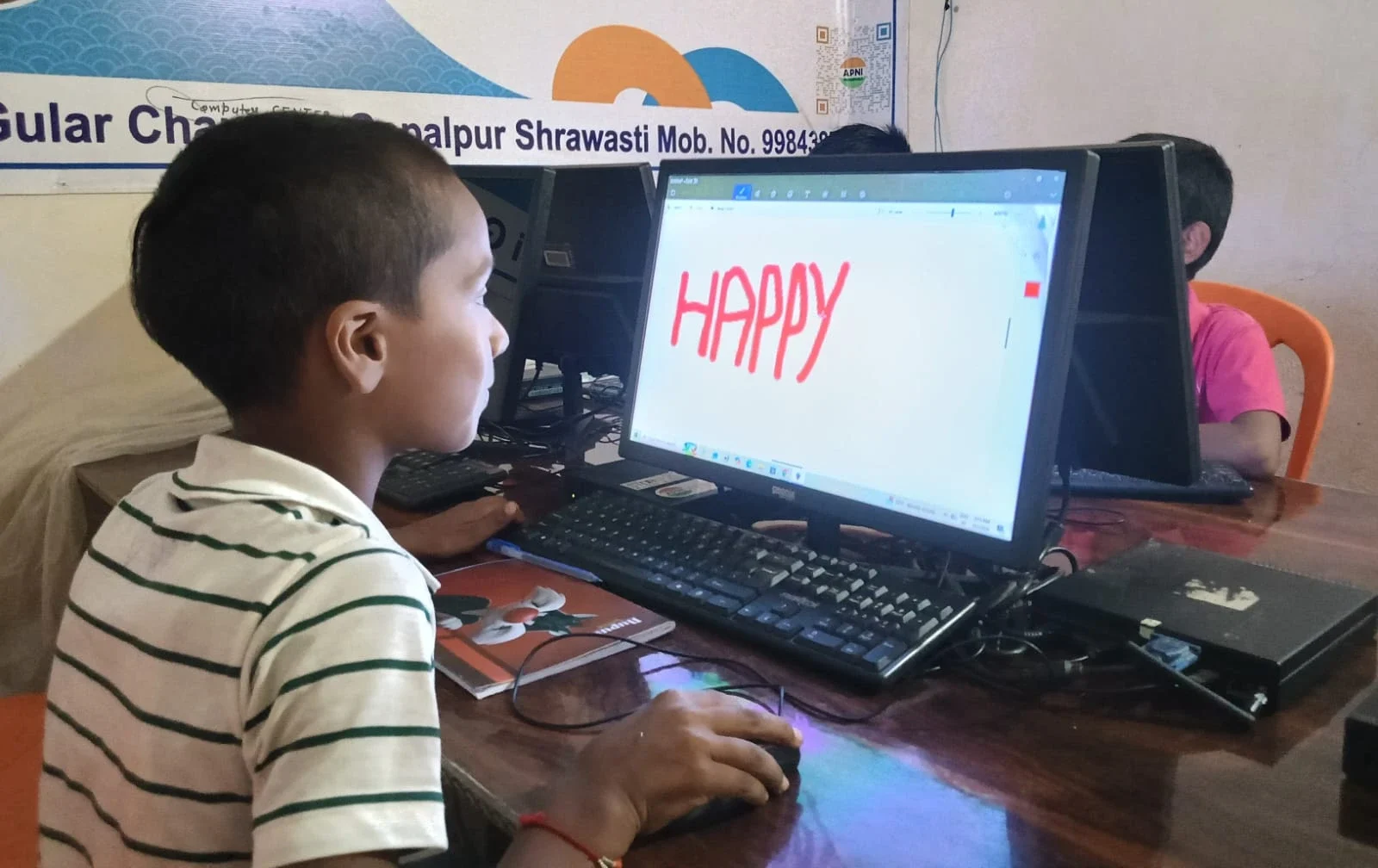
Computational thinking is a concept that sounds complicated but is actually simple. It means breaking problems into parts, finding patterns, and creating step-by-step solutions. Your child already does this when playing games or solving puzzles. A computer just makes this skill visible and measurable.
When your son or daughter uses a computer to explore coding, design, or digital content creation, something shifts in their brain. They stop being passive consumers and become active creators. They learn that mistakes aren’t failures. They’re feedback. This mindset doesn’t just help with technology. It helps with every subject, every challenge, every goal they set.
You can develop thinking skills with a computer by encouraging your child to explore, experiment, and build things. Don’t just let them consume YouTube videos. Ask them to create something. Ask them why they made certain choices. This is how you transform screen time into skill-building time.
Real Opportunities: How Students Can Explore Careers with a Computer
Your child doesn’t need to wait until college to explore what they actually want to do. A computer opens doors to hundreds of career paths right now. Whether it’s graphic design, web development, data analysis, digital marketing, or robotics, your child can start learning and experimenting immediately.
Many schools in Tier 2 and Tier 3 cities don’t have advanced computer labs. This is why having a personal device at home is so powerful. Your child can explore careers with a computer whenever they want. They can build a portfolio before they even finish school. They can discover their passion before making expensive college decisions.
Platforms like Coursera, Khan Academy, and YouTube have free courses in almost every field. Your child can learn graphic design, coding, animation, or digital marketing without spending extra money. They just need a device that can handle these tools smoothly and reliably. Learn more about the personal computer and how it has transformed education worldwide.
Why Apna PC Is Built for Student Growth, Not Just Basic Computing
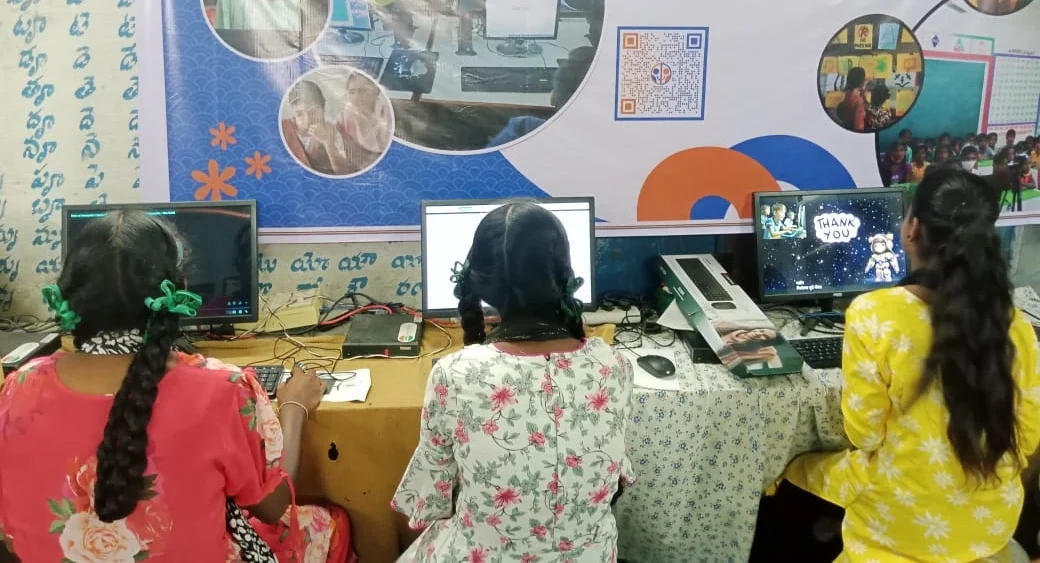
Not every computer is designed for learning. Some are slow, complicated, and frustrating. Others come loaded with distracting games and unnecessary software. Apna PC is different. It comes with 8GB RAM and 128GB SSD, which means it’s fast enough for coding, design, and creative work. It runs Zorin OS, a clean operating system that keeps your child focused.
What makes Apna PC special for student growth is what’s already installed. Scratch comes pre-loaded, so your child can start coding immediately. LibreOffice gives them professional tools for documents, presentations, and spreadsheets. Apni Prerna lets you monitor progress without invading privacy. At Rs.30,000 (shipping and GST excluded), it’s designed for families in Tier 2 and Tier 3 cities who want quality without compromise.
The device isn’t about having the fanciest specs. It’s about having the right tools, the right speed, and the right environment for your child to build future skills without distractions.
Getting Started: Simple Steps to Help Your Child Build a Future
Start small. Don’t expect your child to become a coder overnight. Ask them what they’re curious about. Do they like making videos? Start with video editing. Do they like drawing? Explore graphic design. Do they like games? Introduce them to game design through Scratch.
Set boundaries, but not limits. Decide how much screen time is reasonable, but don’t restrict what they can do during that time. Encourage creation over consumption. Ask them to show you what they’ve built. Celebrate the effort, not just the results.
Connect what they’re learning to real careers. Show them job postings that require coding skills or design skills. Let them see that the things they’re learning today are actually valuable tomorrow. This motivation is powerful.
Your child’s future isn’t determined by their marks alone. It’s shaped by the skills they build, the problems they solve, and the things they create. A computer can be the tool that makes all of this possible. The question isn’t whether your child needs a computer. The question is whether you’re going to help them use it to build their future. Visit apnapc.com to learn more.