


Apna PC’s warranty covers manufacturing defects and hardware failures in the device’s internal parts for a set period, so if the computer itself fails, you do not pay for the repair. Accidental damage, such as water spilled on the keyboard, is not covered. Support starts with a call, many problems are fixed remotely, and pickup is arranged if physical repair is needed.
For example, a parent in a smaller city who has saved Rs.30,000 for a computer may worry most about one thing: what if it breaks and there is no one nearby to fix it? This guide answers that before you buy.
What does the student computer warranty cover?
It covers manufacturing defects and hardware failures for a set period. If something goes wrong with the device itself, you will not have to pay for repairs.
Coverage includes the processor, motherboard, RAM, SSD storage and all internal components, which are the parts that cost the most to replace.
| Situation | Covered? |
|---|---|
| A part fails on its own (for example, the storage drive) | Yes |
| Manufacturing defect in an internal component | Yes |
| Accidental damage, such as water spilled on the keyboard | No |
Take time to read your warranty document when it arrives so you know the exact period and terms.
How does student computer support work when something goes wrong?
You contact the support team, they diagnose the problem, and most issues are solved without sending the computer anywhere. The team will ask a few questions to work out whether it is a hardware issue under warranty or something that can be fixed remotely.
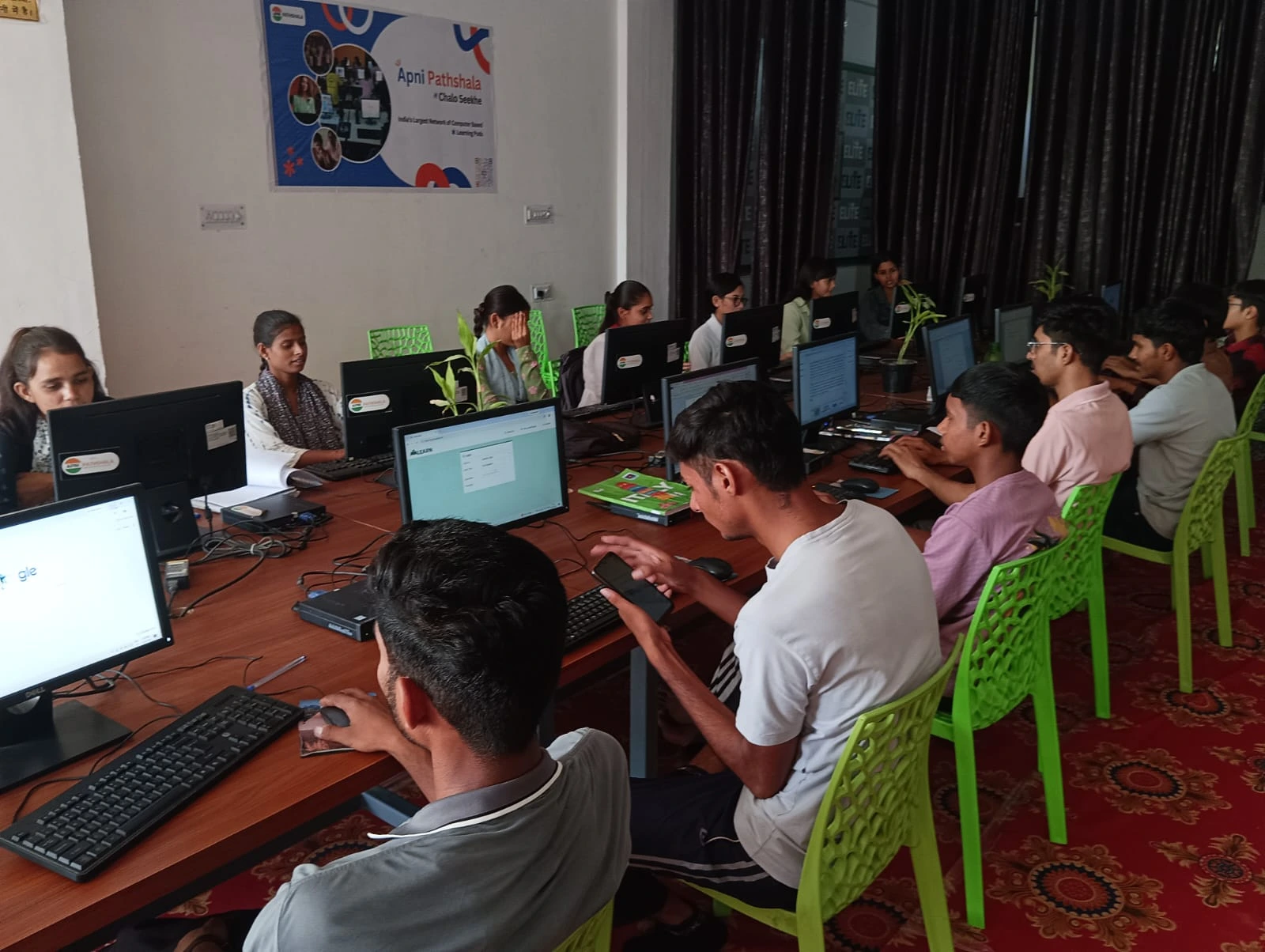
If physical repair is needed, pickup is arranged from your location, so you do not have to travel to a service centre in another city. The device is diagnosed and fixed quickly so your child does not fall behind. To understand the parts used, see what’s inside an Apna PC.
Who will you speak to when you call for help?
A support team trained for students and parents in smaller cities, not a massive call centre. They understand homes where one computer is shared across the family.
The team speaks your language, respects your time and does not push expensive upgrades or unnecessary services. The aim is simple: your child should have a reliable tool for their education.
What happens after the warranty period ends?
You can buy extended support to keep the computer protected. The technical support team also remains available for questions about software, troubleshooting and getting the most from the device.
Because Apna PC comes pre-loaded with Zorin OS, LibreOffice and Scratch, the team also gives guidance on using these programs. Support covers your child’s learning, not only broken hardware. You can also read what changes with Apna PC software updates.
Why does local support matter in Tier 2 and Tier 3 cities?
Because repair options are limited and travel is costly. In larger cities there may be a service centre on every street, but in places like Nagpur, Guwahati or Kota, options are fewer.
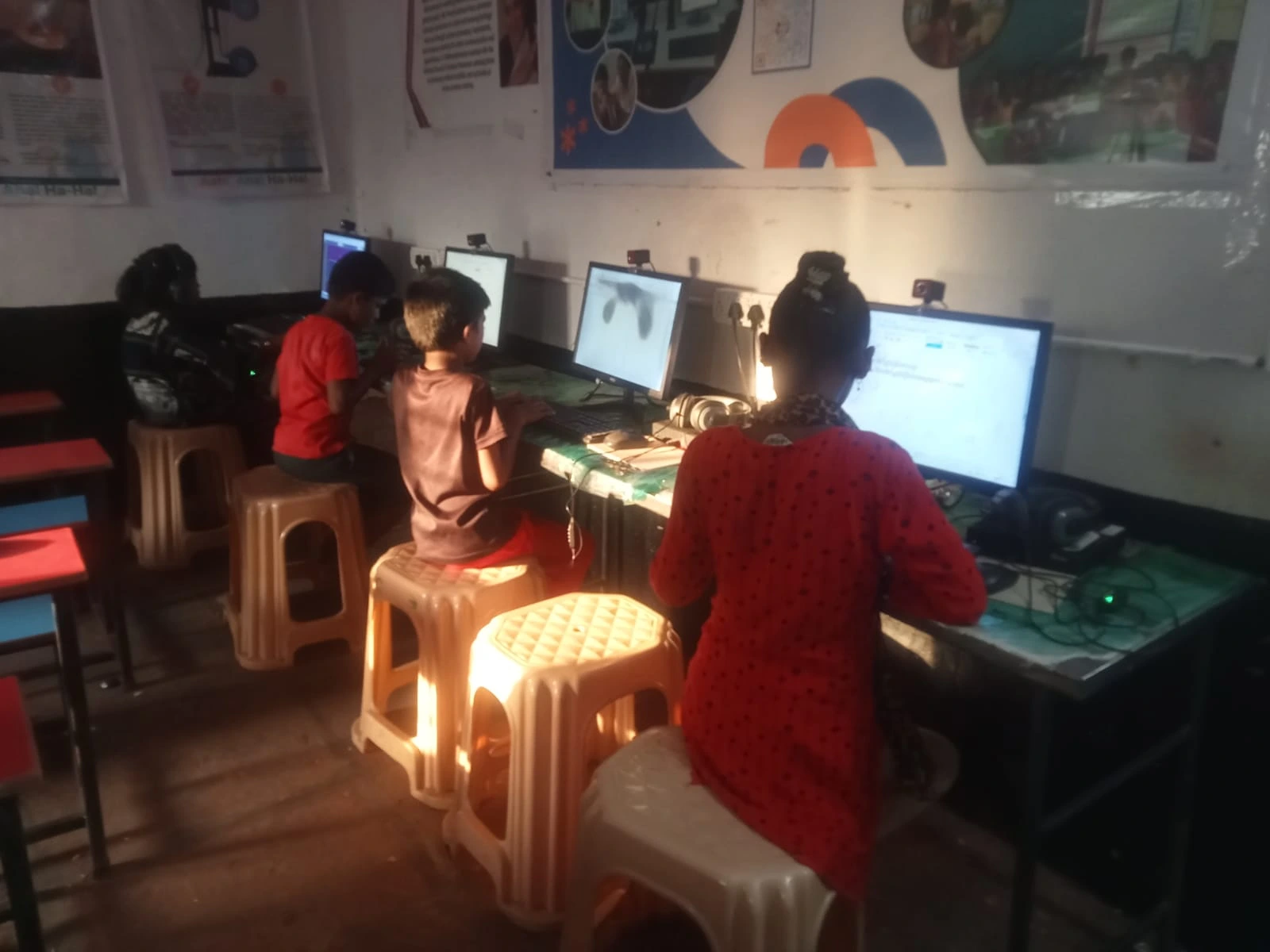
Families cannot easily drive to another city for repairs or leave a child without a computer for weeks, which is why Apna PC’s support system is built around pickup and remote help. Our guide for parents in Tier 2 and Tier 3 cities covers other things to know before buying.
What should you do before and after buying?
Ask three questions before buying any computer: What is covered by the warranty? How long does it last? How do I get support if something breaks? With Apna PC you have clear answers to all three.
- Keep your purchase receipt and warranty card in a safe place.
- Read the warranty document for the exact period and terms.
- Save the support contact details where the whole family can find them.
- Set the computer up properly from day one with our back-to-school computer checklist.
For background on how schooling and technology are changing, see Education in India and the Ministry of Education website.
Frequently Asked Questions
Is accidental damage covered under the warranty?
No. The warranty covers manufacturing defects and hardware failures that happen on their own, such as an internal part failing. Accidental damage, like water spilled on the keyboard, is not covered, so keep drinks away from the desk and teach your child to handle the computer carefully.
Do I need to travel to a service centre for repairs?
Usually not. Many problems are diagnosed and fixed remotely after you contact the support team. If the computer does need physical repair, pickup is arranged from your location, so you do not have to visit a service centre in another city.
Can the support team help my child with software, not just hardware?
Yes. Because the computer comes with Zorin OS, LibreOffice and Scratch pre-loaded, the support team also guides families on using these programs. If your child is stuck with the software while doing schoolwork, you can reach out for help.
Do not let warranty worries stop you from giving your child the tools they need. Apna PC is built for Indian families by people who understand your needs. Visit Apna PC to learn more.