

Most parents hear “digital learning” and picture their child glued to a YouTube screen for hours. They imagine mindless video consumption, eye strain, and a kid who has stopped reading books entirely. That image is so deeply fixed in most Indian households that parents actively resist digital learning for students, thinking they are protecting their children.
But that picture is wrong. And the misunderstanding is costing students more than most parents realize.
The Confusion Between Screen Time and Learning Time
The biggest misunderstanding parents have is this: they treat all screen time as the same. Watching cartoons for two hours and using a computer to build a Scratch project for two hours look identical on a clock. But the difference between those two activities is that one is consumption and the other is creation.
When a child watches a video, information flows one way. The screen talks; the child watches. There is no thinking, no problem-solving, and no decision-making. When a child opens a coding environment or a writing tool, the flow reverses. The child makes decisions. They hit a roadblock, figure out why, and try again. That is active learning. The screen is just the medium.
Parents who block all digital access to “protect” their children often end up blocking the good along with the bad. DIKSHA, India’s national digital learning platform, offers thousands of structured courses for school students. Blocking a child’s access to a computer also blocks their access to resources like these.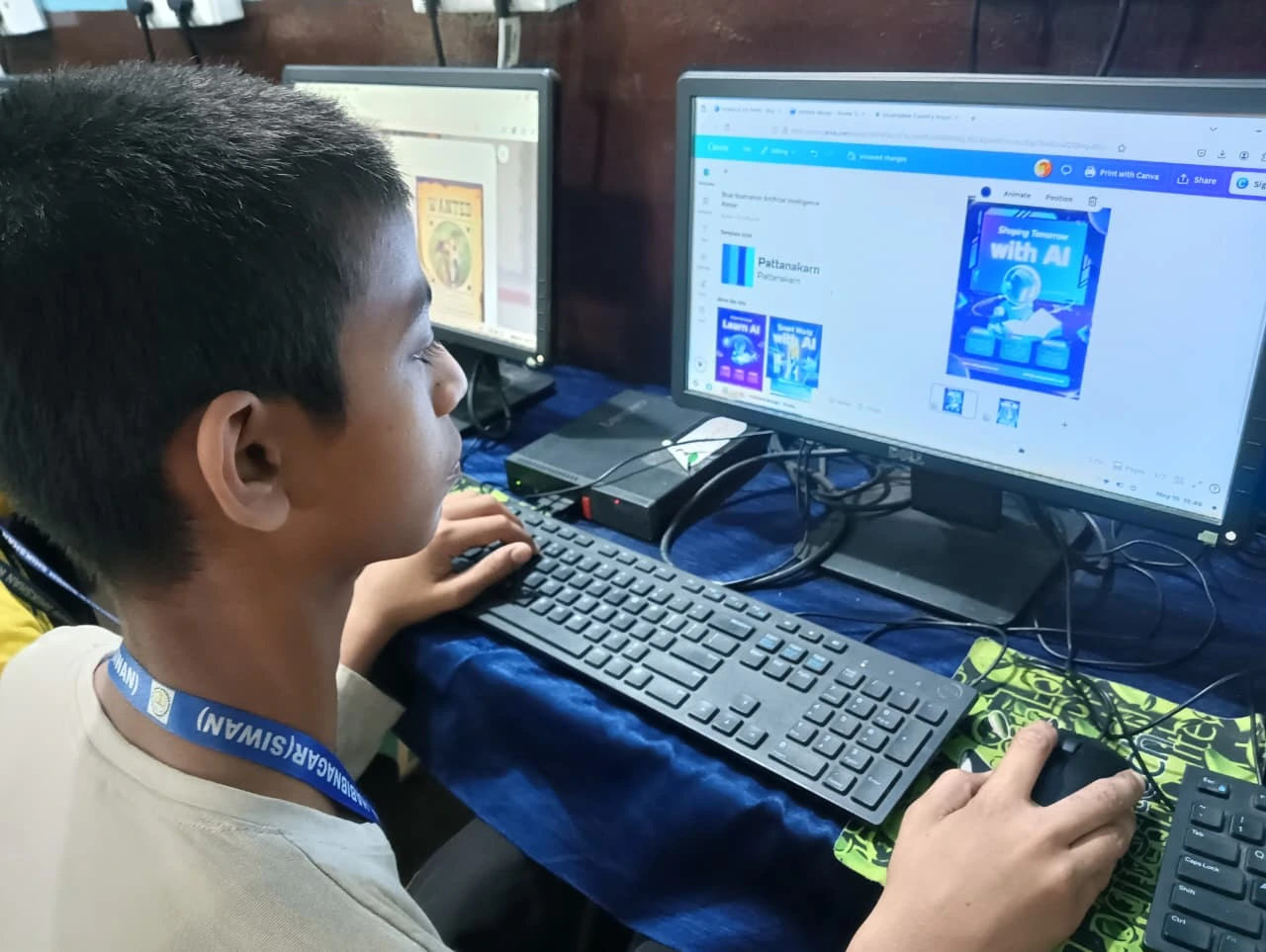
What Digital Education Actually Looks Like When Done Right?
Online learning for kids is not about sitting through hour-long video lectures. Done right, it looks very different from what most parents imagine.
A student using a computer to learn might spend twenty minutes typing out a short story in a word processor. Then they switch to a visual programming tool like Scratch and spend another thirty minutes building a small animation. After that, they open a spreadsheet and learn how to organize data from a science experiment they did in school.
None of this looks like “wasting time on the computer.” It looks like a student doing real work, at their own pace, with tools that make learning tangible. The key difference is structure. When a child has a computer at home with the right software pre-loaded, they explore, try things, fail, and try again. That self-directed effort is what builds real understanding.
UNESCO’s global education research has repeatedly shown that students who use computers for active creation outperform those who only consume digital content. The tool is the same. How the child uses it makes all the difference.
Why Indian Parents Need to Rethink Their Approach?
In most Indian homes, the conversation around digital learning goes like this: “My child already spends too much time on the phone. Why would I give them a computer?” It sounds logical. But it misunderstands the problem entirely.
The child who spends three hours on a phone watching random videos is not the same as a child who spends one hour on a computer building a project. The phone encourages passive scrolling because that is what it is designed to do. A computer with the right tools encourages active creation.
Parents’ guide to online learning starts with one shift: stop thinking about time limits and start thinking about what the child is actually doing during that time. Thirty minutes of coding teaches more than three hours of video watching. The question is not, “How long is my child on a screen?” The question is “What is my child doing on that screen?”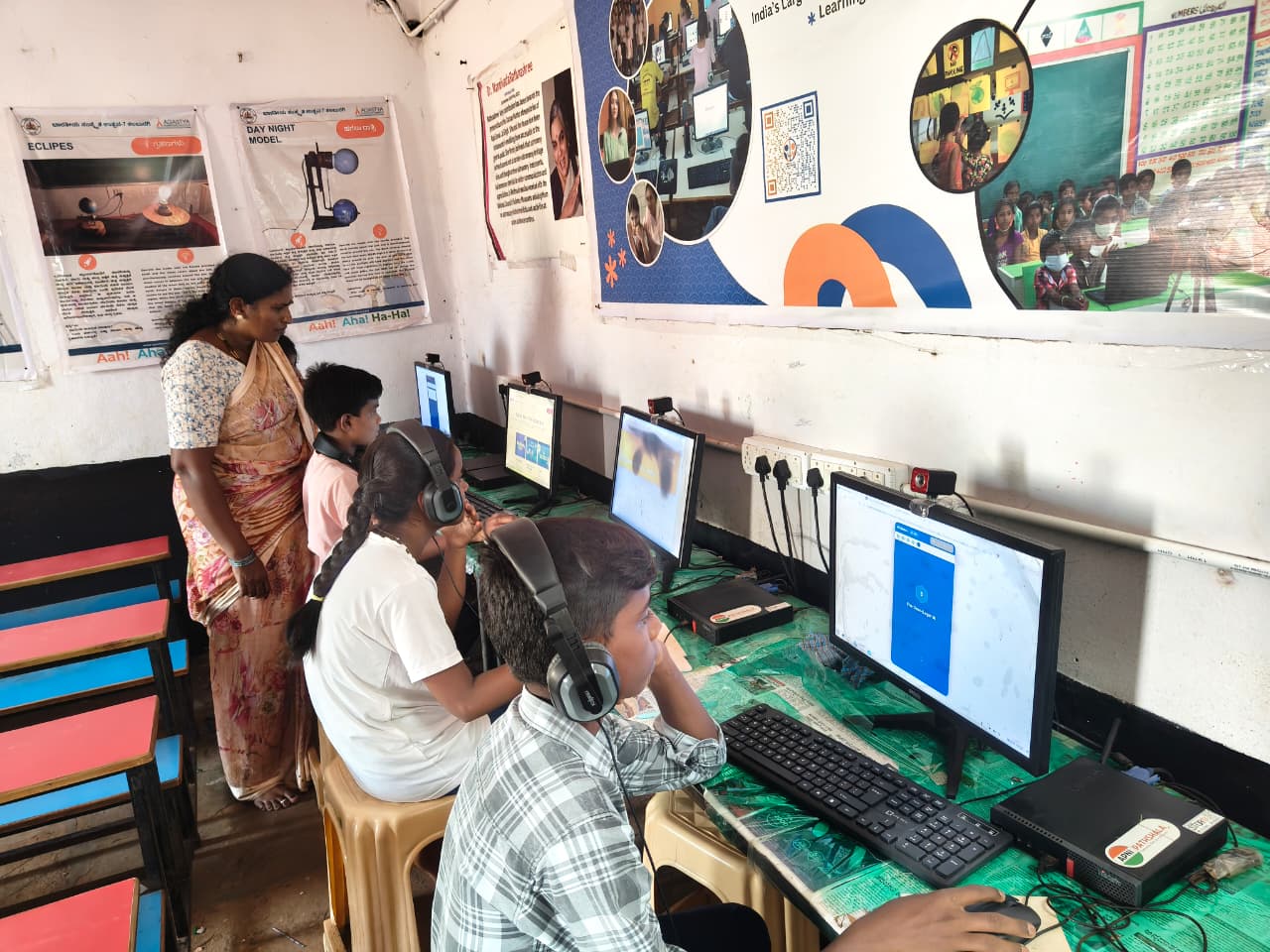
This is especially important for families in Tier 2 and Tier 3 cities, where access to good coaching centres and extracurricular programs is limited. A computer at home fills that gap. It gives the child access to the same learning tools that students in metro cities take for granted.
A personal computer designed for students, like Apna PC, comes with educational software already installed. Scratch for coding, LibreOffice for writing and spreadsheets, and Blender for 3D design. At ₹21,000, it is a one-time investment that replaces years of tuition fees.
What Parents Should Do Instead of Banning Screens?
Banning screens entirely does not prepare a child for a world that runs on digital tools. Instead, parents should focus on three things:
First, give the child access to a real computer, not just a shared family phone. A phone is for consumption. A computer is for creation.
Second, make sure the computer has educational software ready to use. A blank computer is as useless as a locked one.
Third, stop measuring screen time and start measuring output. What did the child build? What did they write? What did they learn to do today that they could not do yesterday?
A personal computer helps students learn far beyond the school curriculum. And the biggest advantage a student can have today is not marks, it is digital confidence.
Visit apnapc.com to learn more.