

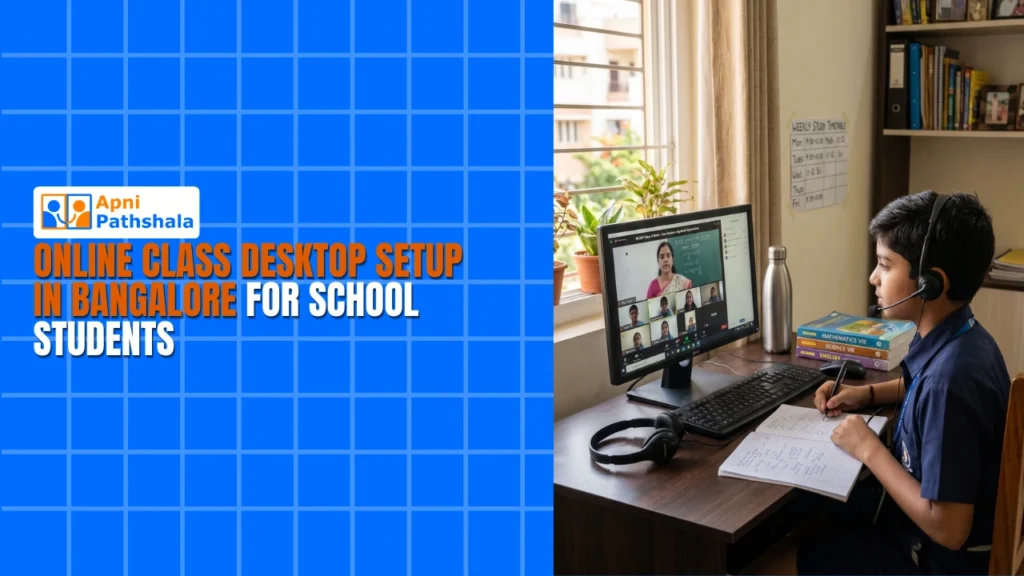
Why Bangalore Families Need a Dedicated Online Class Desktop
Vikram sat in his Koramangala apartment at 9 PM, exhausted after navigating Silk Board traffic for two hours. He needed an online class desktop in Bangalore for his 13-year-old daughter, Ananya, who was trying to attend a science class on a frozen laptop. His wife was on a work call. His younger son needed the tablet. Ananya sat there frustrated, waiting for the screen to respond. Like thousands of Bangalore parents, Vikram realised that sharing devices wasn’t working anymore. His children needed their own dedicated computer for learning.
Bangalore’s education culture is intense. Between school hours, coaching sessions, and online classes, students spend 4-6 hours daily on screens. They access DIKSHA platform for curriculum content, download NCERT resources for exam prep, and use various apps for coding and mathematics. A reliable school computer in Bangalore that handles all of this without lag or crashes is essential for keeping up with classmates.
Why Your Child Needs an Online Class Desktop Bangalore Setup?
When your child shares a device with the family, they’re constantly fighting for screen time. They can’t leave their notes open because someone else needs the laptop. They can’t attend a class at the scheduled time because a parent is working from home. This directly affects their academic performance.
A dedicated online class desktop in Bangalore gives your child their own learning space. They can leave study materials open, switch between classes and assignments without closing tabs, and develop a consistent study routine. When the device is always available, they’re more likely to actually use it for learning.
Most parents don’t realise how much time their children waste on technical problems. A frozen screen during a live class means missing explanations. A slow device means assignments take twice as long. These small interruptions compound over months and directly impact grades.
What to Look for in a Desktop in Bangalore?
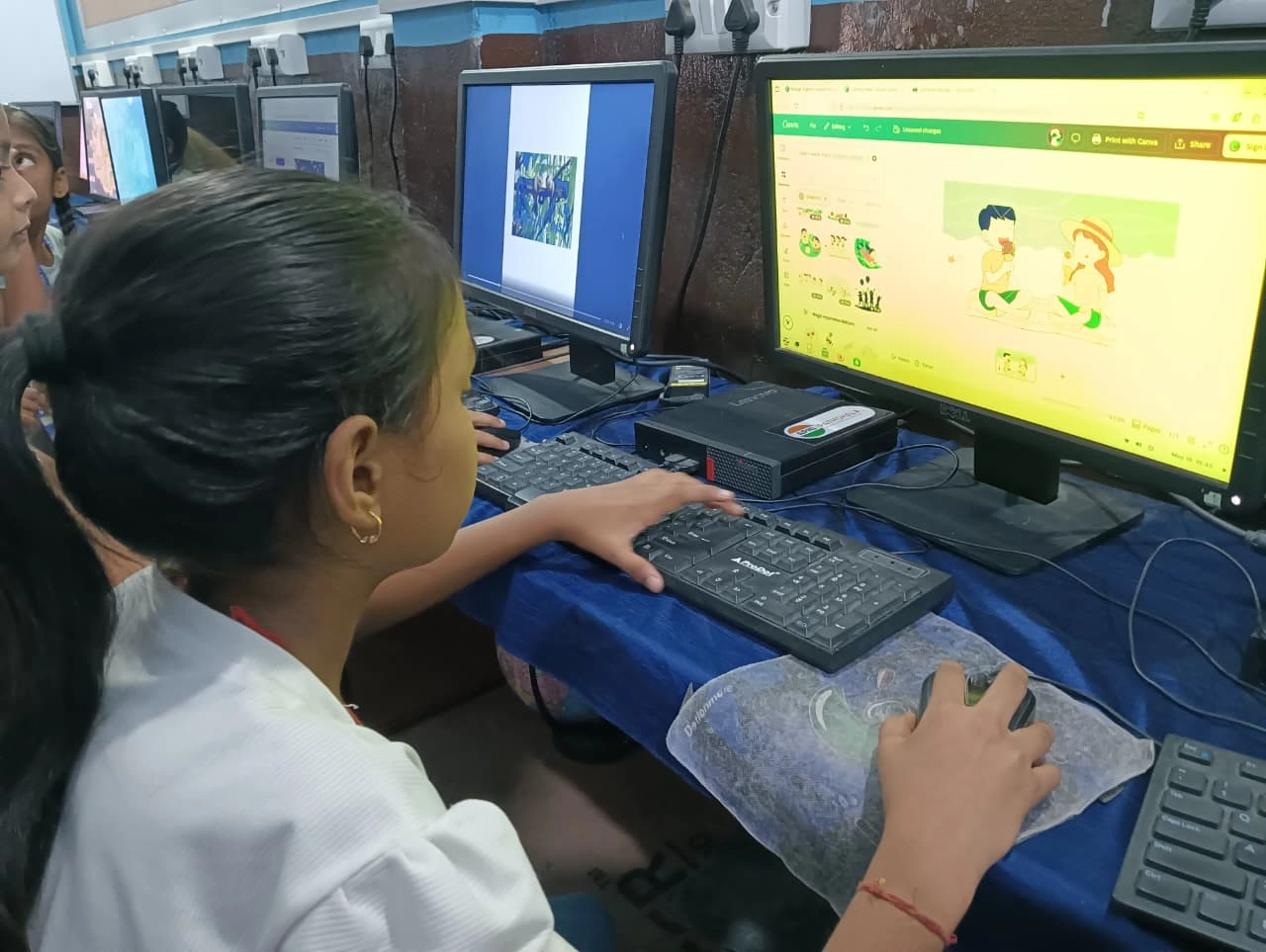
Not every computer is suitable for a student’s online classes. Here’s what matters:
- Fast boot time: Students shouldn’t wait 3-4 minutes for a device to start when class is about to begin
- 8GB RAM minimum: To handle video calls, browser tabs, and document editing simultaneously
- SSD storage: Traditional hard drives are too slow for modern educational software
- Clean operating system: No bloatware, no games, no distractions during study time
- Parental monitoring: The ability to track study time and ensure productive screen usage
- Educational software included: Productivity tools and coding platforms ready to use from day one
- Reliable warranty: Students are rough with devices. You need protection against accidents
The Digital India initiative has pushed schools to adopt digital learning, but the hardware hasn’t kept pace. Most budget laptops under Rs.25,000 have poor build quality and come loaded with software that slows the machine down further.
How Apna PC Delivers the Perfect Budget PC in Bangalore
Apna PC is an educational computer built by Apni Pathshala specifically for Indian students. At Rs.21,000 (shipping and GST excluded), it’s genuinely affordable for Bangalore’s middle-class families. This isn’t a refurbished laptop or a cheap tablet. It’s a proper desktop setup designed for years of daily use.
The hardware includes 8GB RAM and 128GB SSD storage, which handles online classes, document editing, and web browsing without any lag. The operating system is Zorin OS, a Linux-based platform that’s clean, fast, and completely free from distractions. There are no pre-installed games, no social media apps, and no notifications popping up during study time.
What makes this student desktop Bangalore truly special is Apni Prerna, the built-in student monitoring system. As a parent, you can see how long your child studies, which subjects they focus on, and whether they’re staying on track. This helps you support your child’s education without constantly looking over their shoulder.
The pre-loaded software includes LibreOffice for writing assignments and creating presentations, and Scratch for learning coding fundamentals. Your child can start being productive from the moment you set up the device.
Why a Desktop Beats a Laptop for Online Classes?
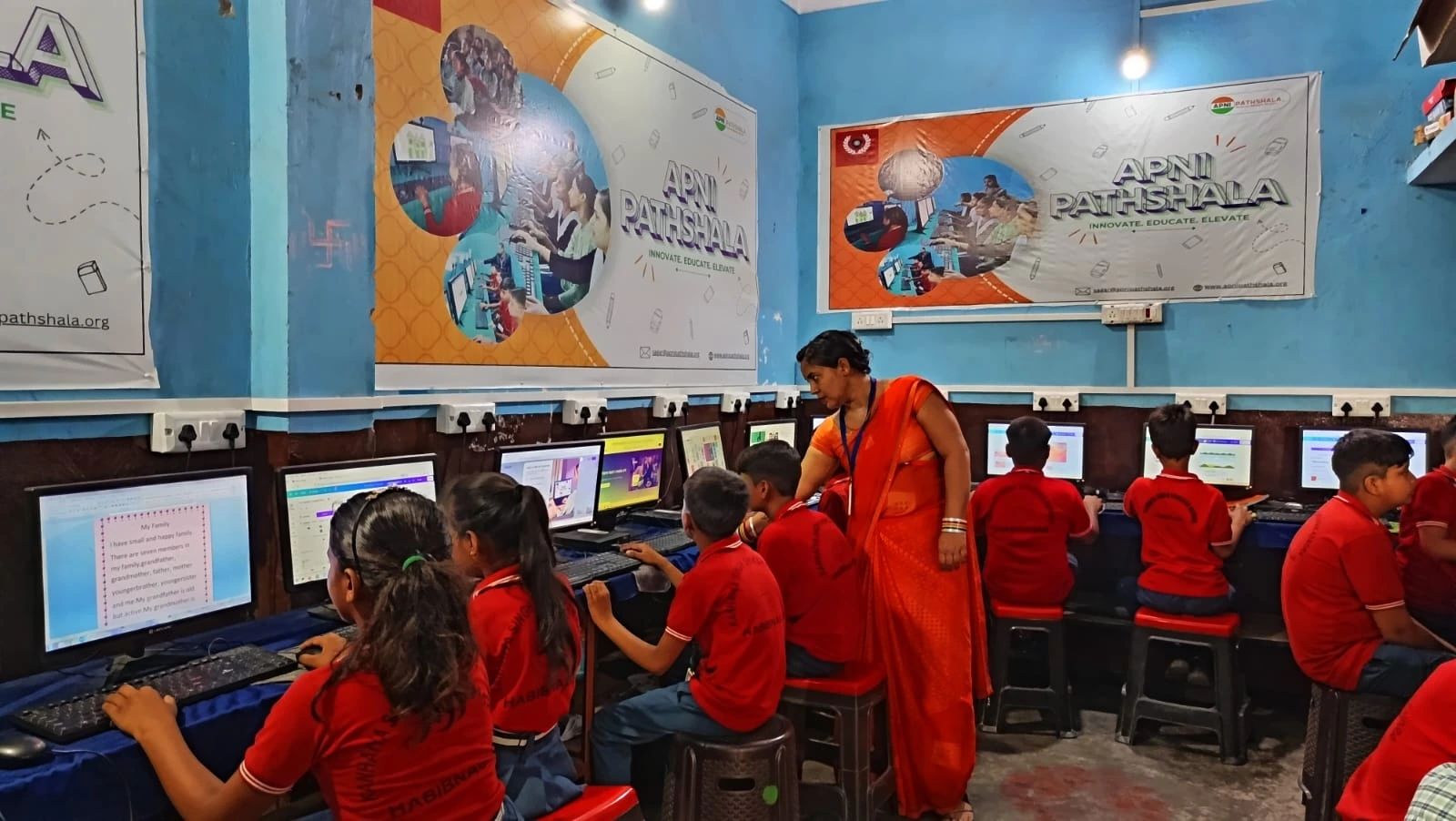
Many parents automatically think “laptop” when buying a computer for their child. But for online classes, a desktop has significant advantages. A desktop stays in one place, which means your child develops a consistent study habit. Desktops are also more durable than laptops. They don’t get dropped. They don’t have hinges that break. For a device that a 12-15-year-old will use daily for years, durability matters enormously.
A desktop setup provides better ergonomics, too. Your child sits at a proper desk with a separate monitor at eye level, a full-sized keyboard, and proper lighting. This reduces neck strain and eye fatigue that come from hunching over a laptop screen for hours.
Real Results From Bangalore Families
Families across Bangalore who’ve switched to a dedicated online class desktop report noticeable improvements. Children study longer because they’re not fighting for device access. They complete assignments faster because the device doesn’t lag. Parents appreciate the monitoring features that help them stay involved without being intrusive.
At Rs.21,000 (shipping and GST excluded), Apna PC costs less than two months of coaching classes in Bangalore. But unlike coaching fees that disappear every month, this is a one-time investment that lasts for years. Understanding the hidden cost of not having a computer helps you see why this investment makes financial sense.
Setting Up Your Online Class Desktop Bangalore Study Space
Once you’ve decided on a dedicated online class desktop Bangalore, setting up the right environment matters. Choose a quiet corner away from the TV and main living areas. Ensure good lighting, preferably natural light during the day and a proper desk lamp for evening study sessions.
The Apni Prerna monitoring system works best when your child understands its purpose. Explain that it’s not about surveillance but about helping them build better study habits. When children understand the benefit, they actually appreciate the structure it provides.
Learning how a personal computer helps students learn beyond the school curriculum shows you that this investment goes far beyond online classes. It teaches digital literacy, time management, and independent learning skills that serve your child throughout their life.
The Smart Choice for Bangalore Parents
Bangalore’s education landscape is competitive. Your child shouldn’t be held back by technology that freezes during classes or forces them to share devices. A dedicated budget PC Bangalore from Apna PC removes all of these barriers for just Rs. 21,000 (shipping and GST excluded).
Every school in Bangalore now expects students to be comfortable with technology. Every competitive exam requires digital literacy. Every future career will involve computer skills. Invest in your child’s education today. Give them a reliable, affordable, and distraction-free computer that’s built for their needs. Visit apnapc.com to learn more.