

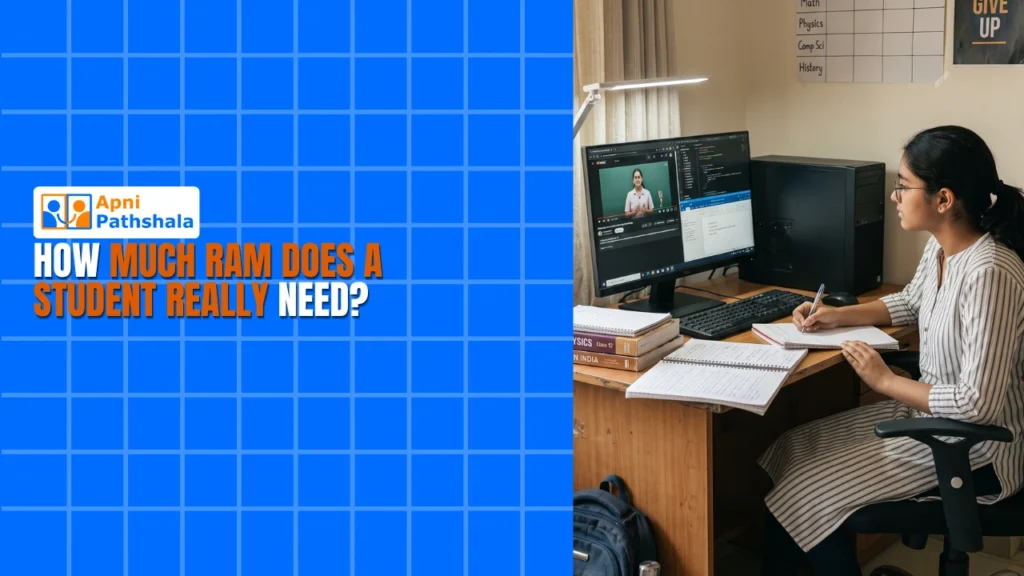
Rajesh’s Dilemma: Why His Son’s Computer Kept Freezing
Rajesh sat across from his son Arjun in their Indore home, frustrated. Arjun was preparing for his JEE entrance exam, but his old laptop would freeze whenever he opened more than three browser tabs. His engineering coaching classes had moved online, and he needed to attend live lectures while taking notes in a document.
“Beta, we need a better computer,” Rajesh said, but he didn’t know how much RAM his son really needed. This is the exact question thousands of Indian parents ask every year: how much RAM do students actually need?
You’re probably wondering the same thing. Should you buy 8GB RAM or splurge on 16GB? Will your child’s studies suffer with less memory? Let’s break this down in simple terms, because the answer isn’t as complicated as computer shops make it sound.
Understanding RAM: What Your Student Actually Uses
RAM is your computer’s short-term memory. When your child opens an app or loads a website, that information sits in RAM while they’re using it. Think of it like your desk space: more desk space means you can spread out more books and papers without things getting messy.
Here’s what a typical Indian student does on their computer:
- Online classes: Zoom or Google Meet (uses 1- 2 GB)
- Note-taking: Google Docs or LibreOffice Writer (uses 0.5GB)
- Research: Multiple browser tabs (uses 1- 3 GB depending on tabs)
- Video watching: YouTube for educational content (uses 0.5- 1 GB)
- Assignments: Office work or coding projects (uses 0.5-2 GB)
Add these up, and you’re looking at 3-9GB of actual usage. That’s why this question about how much RAM students need matters so much to your budget.
8GB vs 16GB RAM: What’s the Real Difference?
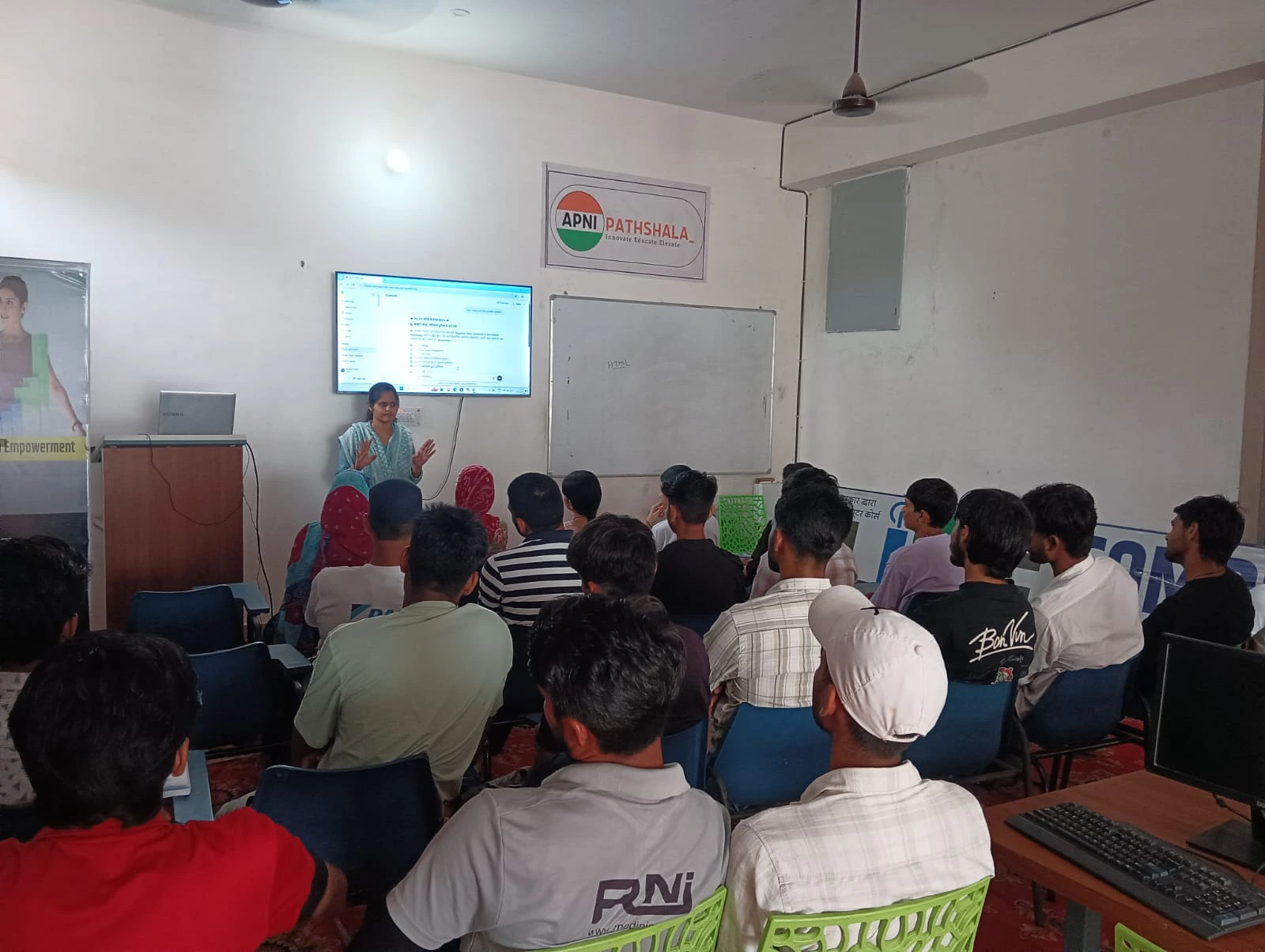
The 8GB vs 16GB RAM question is where most parents get confused. Let’s be honest: for regular schoolwork, competitive exam prep, and online classes, 8GB is enough. Your son or daughter can comfortably run their coaching classes, take notes, watch educational videos, and research topics without any lag.
When should you consider 16GB? Only if your child is doing heavy video editing, coding complex programs, or playing demanding games while studying. Most students don’t do these things regularly. If your budget is tight, 8GB will serve your child well through high school and even the first year of college.
The Apna PC comes with 8GB RAM and a 128GB SSD, which is perfectly designed for student needs. You won’t face the freezing problems that Rajesh’s son experienced. When parents ask how much RAM is enough for students, 8GB with an SSD is the sweet spot.
Why SSD Storage Matters More Than You Think?
Here’s something parents often miss: RAM isn’t the only factor that affects speed. Your computer also needs good storage. An SSD (solid-state drive) makes your computer start faster and load programs more quickly than a traditional hard drive.
A student with 8GB RAM and an SSD will have a faster, smoother experience than someone with 16GB RAM and an old hard drive. This is why the Apna PC’s combination of 8GB of RAM and a 128GB SSD works so well for educational use.
What Operating System and Software Matter?
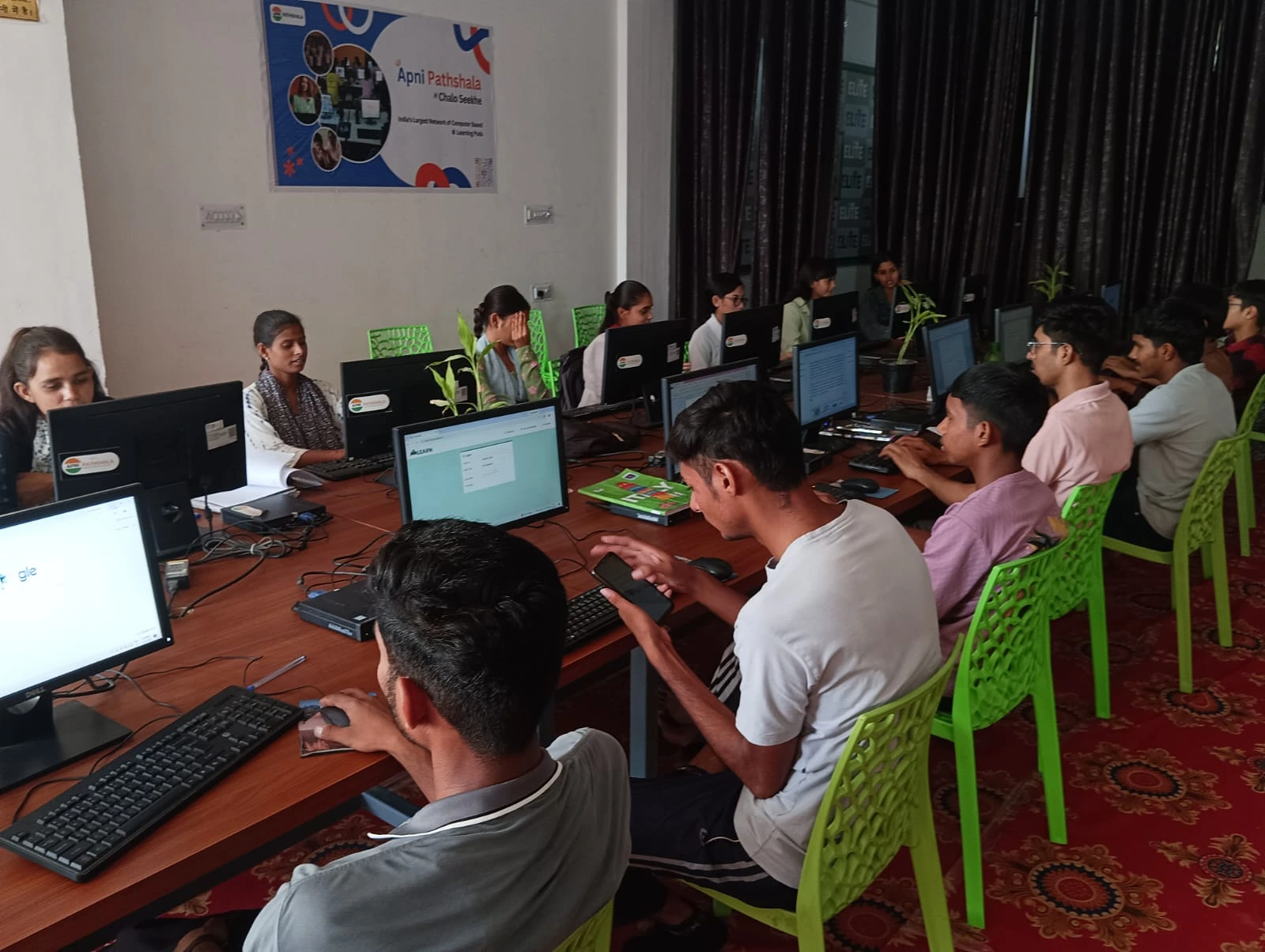
The software your child uses also affects RAM needs. If they’re using Zorin OS (a Linux-based system), it uses less RAM than Windows. Preloaded software like LibreOffice (for documents and spreadsheets) and Scratch (for learning to code) is lightweight and won’t drain your computer’s memory.
This is different from a gaming PC vs study computer, where gaming demands much more memory and processing power. A study computer is optimised for your child’s actual needs, not unnecessary power.
Real Numbers: What 128GB Storage Means
Your child won’t need massive storage for schoolwork. Here’s what 128GB gives you:
- Operating system: Takes about 20GB
- School documents and projects: Usually 5-10GB total
- Educational software: 2-5GB
- Free space for new files: 80+ GB remaining
That’s plenty for a student’s entire academic journey. You can store years of notes, assignments, and projects without running out of space.
Should You Buy New or Refurbished?
Many parents wonder whether to buy a new computer or save money with a refurbished one. The answer depends on your situation. If you want reliability and a warranty, new is better. If budget is tight, learn about refurbished vs new computer options to make an informed choice.
The Apna PC at Rs.21,000 (before shipping and GST) is a new computer built specifically for Indian students. It’s affordable without compromising quality.
What About Future-Proofing Your Student Computer RAM?
Will 8GB of student computer RAM be enough in five years? Probably yes, for educational use. Software doesn’t increase RAM demands as quickly as people think. Your child’s needs in 2029 will likely be similar to today: online classes, document work, and research.
The real future-proofing comes from choosing a reliable brand and getting good support. That’s what matters more than having extra RAM sitting unused.
The Bottom Line for Your Family
You don’t need to spend extra money on 16GB RAM if your child is a student. 8GB is genuinely enough for schoolwork, competitive exams, and online learning. What matters more is having an SSD for speed and reliable software that won’t crash during important moments.
Rajesh’s son now has a computer that doesn’t freeze. His online classes run smoothly, his notes stay organised, and he can focus on studying instead of fighting with technology. Your child deserves the same.
The Apna PC gives you exactly what a student needs: 8GB of RAM, 128GB SSD, preloaded educational software, and parental monitoring through Apni Prerna. It’s designed by Apni Pathshala specifically for Indian families who want quality without waste.
Stop overthinking the RAM question. Start thinking about what will actually help your child study better. Visit apnapc.com to learn more.