


No, a student does not need a gaming PC for studies. Online classes, project work, coding practice and exam preparation run well on a reliable study computer, which costs far less and comes without the games and distractions that pull children away from homework.
For example, a 12-year-old might ask for a gaming PC with an Rs.80,000 price tag because friends have one, while the parent is thinking about board exams. What kids want and what they need for school are often very different.
Why is a gaming PC a distraction rather than a study tool?
A gaming PC is built to keep players playing, not studying. Gaming demands high performance, flashy graphics and constant internet, and games are designed to be hard to put down.
Keeping one at home is like keeping a sweet shop in your child’s bedroom. Their focus shifts from homework to the next level and the next online match, and board exams will not care about their gaming rank.
A gaming PC also costs Rs. 60,000 to Rs. 2,00,000. That money could go to coaching, books or a proper study setup. Our comparison of a gaming PC vs a student PC explains why more power is not always better.
What does a student actually need in a study computer?
A student needs a computer that handles online classes smoothly, runs project software without lag and supports learning. Gaming and long movie streaming are not part of the job.
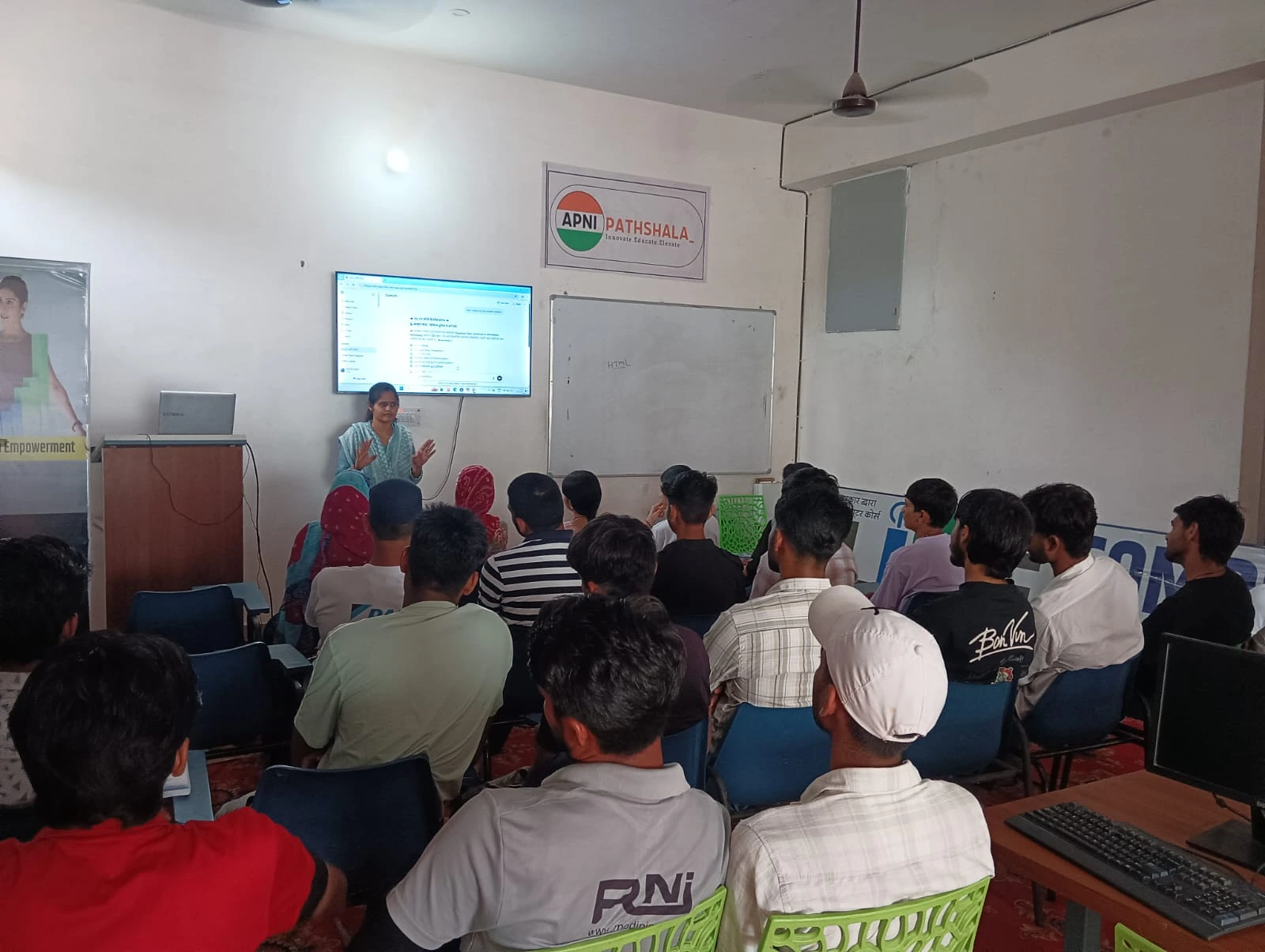
- Enough RAM to multitask: 8GB lets your child run Google Meet, LibreOffice and a browser together without freezing.
- Fast storage: 128GB SSD means quick startup and fast file access for project work.
- Clean, focused software: no games pre-installed and no built-in distractions.
- Parental monitoring tools: see what your child does online and set time limits.
- Educational software: Scratch for coding, office software and learning platforms ready to go.
Apna PC, built by Apni Pathshala, covers all of this. It comes with Zorin OS, LibreOffice, Scratch and Apni Prerna for parental monitoring. At Rs.30,000, it is an affordable computer for students that families can actually budget for.
How do the costs of a gaming PC and a study computer compare?
A gaming PC costs more to buy and more to keep running. The table below sums up the main differences.
| Cost area | Gaming PC | Study computer |
|---|---|---|
| Purchase price | Rs. 60,000 to Rs. 2,00,000 | Apna PC at Rs.30,000 |
| Cooling | Needs expensive cooling, as gaming generates heat | Not needed for study use |
| Internet | High-speed plans, since games download large files | Normal plan for classes and research |
| Upgrades | Regular, as games demand better graphics | Built to last through school years |
| Repairs | Gaming hardware tends to wear out faster | Lighter use, less wear |
If you are comparing budget options under Rs.25,000, our budget student desktop guide shows what to buy and what to avoid.
How does a study computer help with screen time and exam prep?
A study computer lets you set boundaries, while a gaming PC encourages endless screen time. The Ministry of Education site is a useful starting point if you want to read India’s official education policy documents.
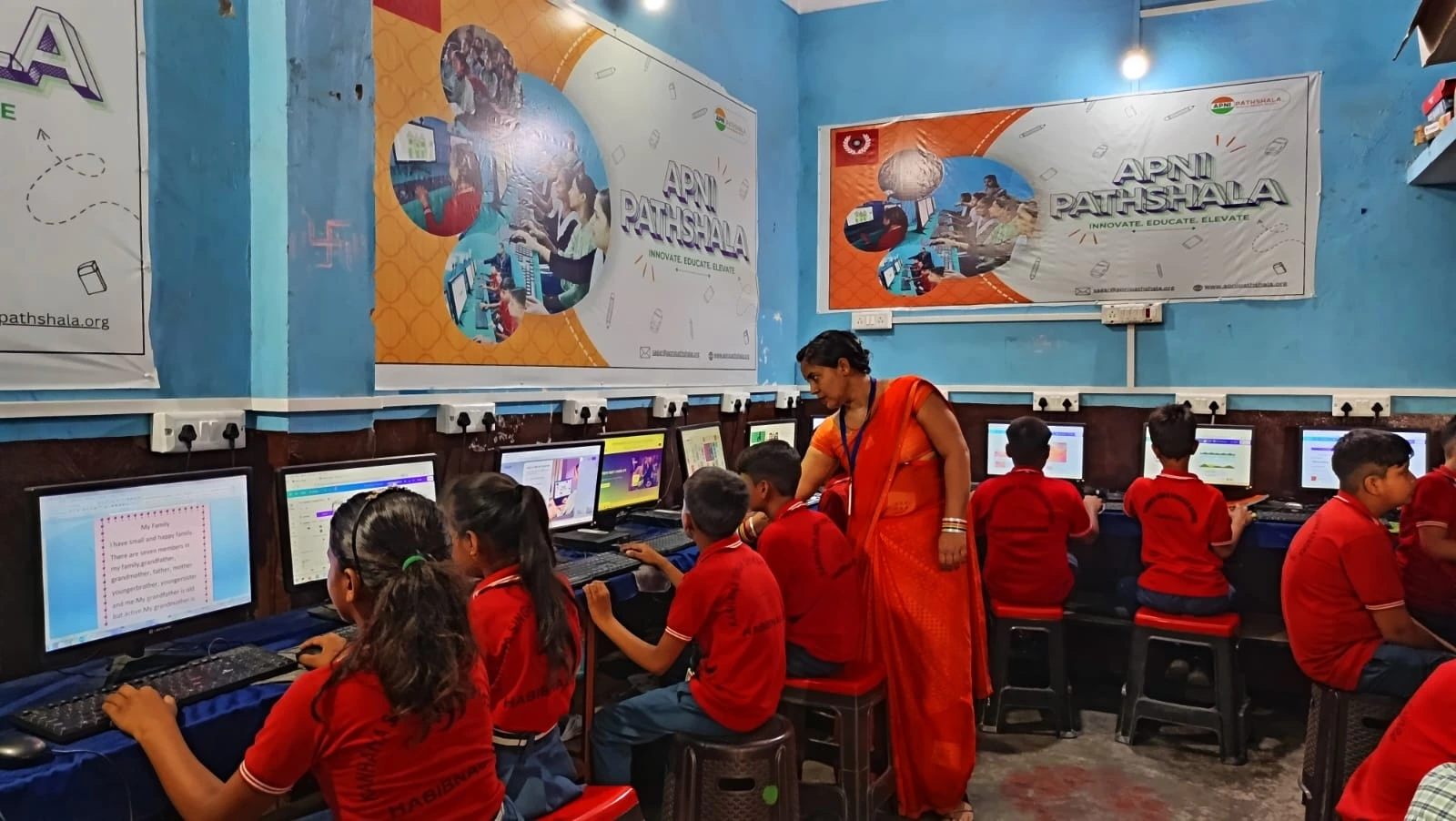
With Apni Prerna on Apna PC, you decide when your child uses the computer, see their activity and set time limits. Your child focuses during study hours, and then the computer locks. No temptation, no negotiation. See how this differs from installing parental control software on any PC.
Being a good student has never been about the fanciest hardware. It is about commitment to learning.
Is an affordable computer for students good enough?
Yes, if it is built for learning. Affordable does not have to mean cheap. It means choosing a tool designed for study instead of distraction.
Paying Rs.30,000 once instead of Rs.80,000 also leaves room in the budget for books and coaching. If you are weighing other options, our comparison of refurbished vs new computers for students can help you decide.
How should parents make the final choice?
Choose the computer that supports studies without temptation. For most school students, that means a study computer rather than a gaming PC.
Apna PC is built by educators, not gaming companies. It is loaded with learning tools and comes with parental controls that work. This is not about being strict, it is about being practical: your child gets the technology they need for school, and you get fewer battles over screen time.
Frequently Asked Questions
Can a study computer run any games at all?
A study computer is not built for heavy modern games, and Apna PC comes with no games pre-installed. That is deliberate. Your child still gets creative tools like Scratch, where they can build their own simple games, which teaches far more than playing someone else’s.
My child says all their friends have gaming PCs. What should I say?
Be honest that the family computer is for learning first. Explain what it can do, such as coding, projects and online classes, and agree on separate, limited time for fun elsewhere. Children often accept a clear rule better than a vague one, especially when they help set it.
Will 8GB RAM be enough for online classes?
Yes, for study use. 8GB RAM lets your child run Google Meet, LibreOffice and a browser together without freezing. Gaming is what demands much more power, and that is the cost a study computer avoids by focusing only on schoolwork, research and practice.
Stop wondering whether a gaming PC is worth it for studies. Look at computers designed for students instead. Visit apnapc.com to learn more about Apna PC.