

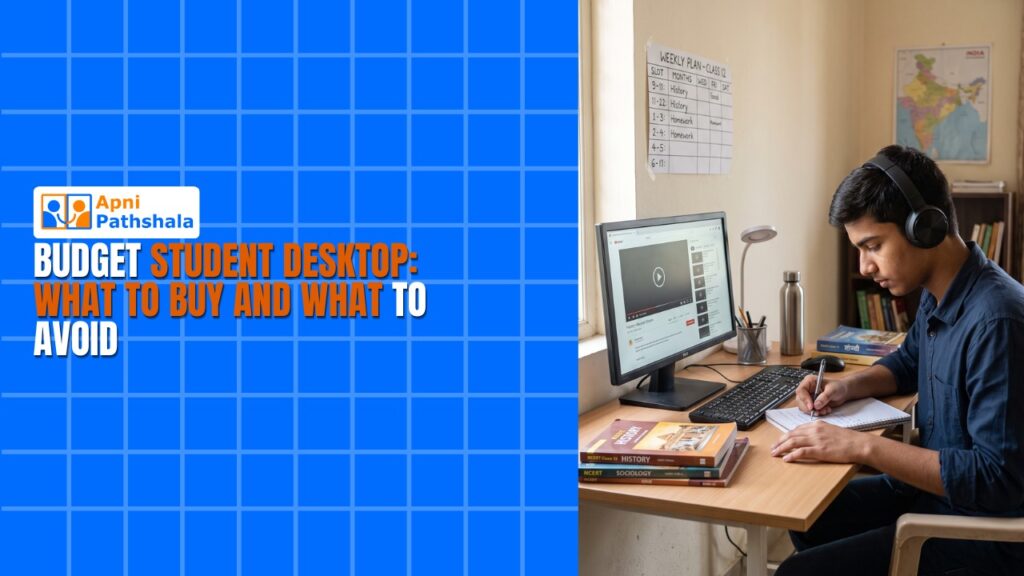
When buying a budget student desktop, look for at least 8GB RAM, a 128GB SSD, a recent entry-level processor, a free education-friendly operating system and a solid warranty. Avoid machines with old hard drives, bloatware and poor after-sales support, even if they look cheaper.
Prices vary a lot between shops. One may offer a laptop at Rs.35,000, another a desktop at Rs.28,000, and a third an affordable PC for Rs.30,000, which leaves many parents unsure which will actually help their child study.
Why does a desktop work better for students than you might think?
A desktop for study gives better value, a longer lifespan and easier repairs than a laptop at the same price. It also stays in one study spot, which helps children focus.
You might worry about portability, but most students study at home or in school labs. A desktop does not travel to the bedroom or tempt your child with mobile games and social media. Learn more about why a desktop is better than a laptop for students.
The biggest advantage is that your money goes further. A budget desktop offers better specs and longevity than a laptop at the same price.
What specs should you buy for your child’s studies?
Your child needs at least 8GB of RAM and a 128GB SSD. Those two specs matter more than a flagship processor or graphics card.
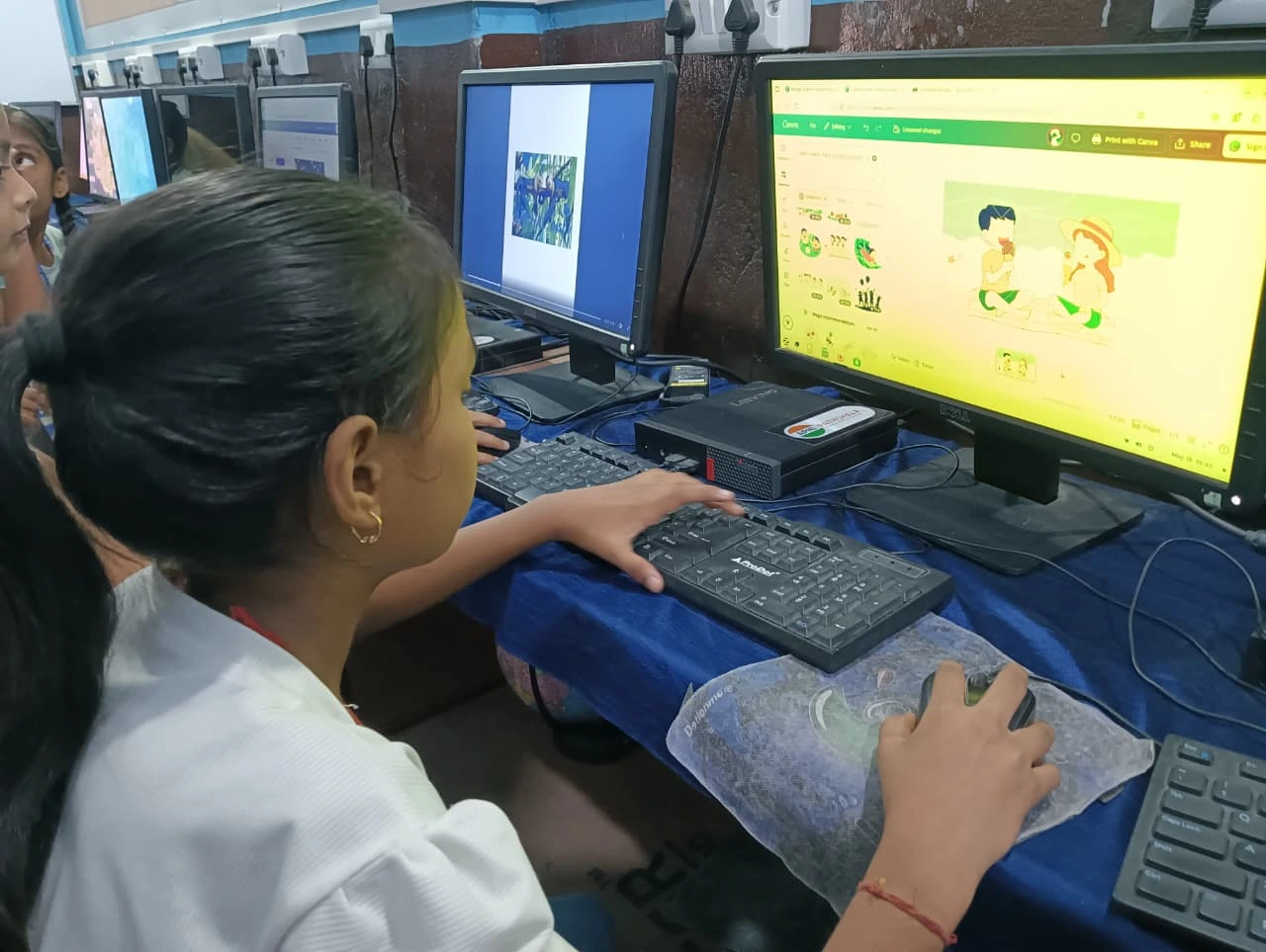
- RAM: 8GB for smooth multitasking between study apps, videos and online classes.
- Storage: a 128GB SSD for schoolwork, documents and educational software.
- Processor: an Intel i3 or AMD Ryzen 3 from recent years handles online classes, research, documents and coding practice.
- Graphics: no need to pay extra for a high-end graphics card. This is not a gaming machine.
Also look for educational software pre-loaded. Apna PC, for example, comes with LibreOffice for documents, Scratch for coding and Zorin OS, which is stable and student-friendly.
How important are warranty and after-sales service?
Very important. A good affordable PC should have at least a 1-year hardware warranty and easy access to service in your city.
When something breaks, a quick local repair keeps your child studying. Without support, even a small fault can leave the computer unused for weeks.
What mistakes should parents avoid when buying?
The biggest mistake is buying on price alone. The cheapest option often means slow performance, outdated parts or poor support. Avoid these common traps:
- No SSD. Some shops still sell desktops with old hard disk drives (HDD). These are painfully slow for online learning.
- Paying for an OS you do not need. Windows licenses add Rs.5,000 to Rs.8,000 to the cost. A free OS like Zorin or Ubuntu works well for schoolwork.
- Bloatware and games. Pre-loaded extras slow the computer and distract from study.
- A poor monitor. A cheap screen strains the eyes. Choose at least a 21-inch Full HD monitor with good brightness.
Our study computer budget guide and our list of cheap laptop buying mistakes have more detail.
Which student computer fits these needs?
Apna PC is designed for exactly these needs. At Rs.30,000 (excluding shipping and GST), it comes with 8GB RAM, a 128GB SSD and Zorin OS.
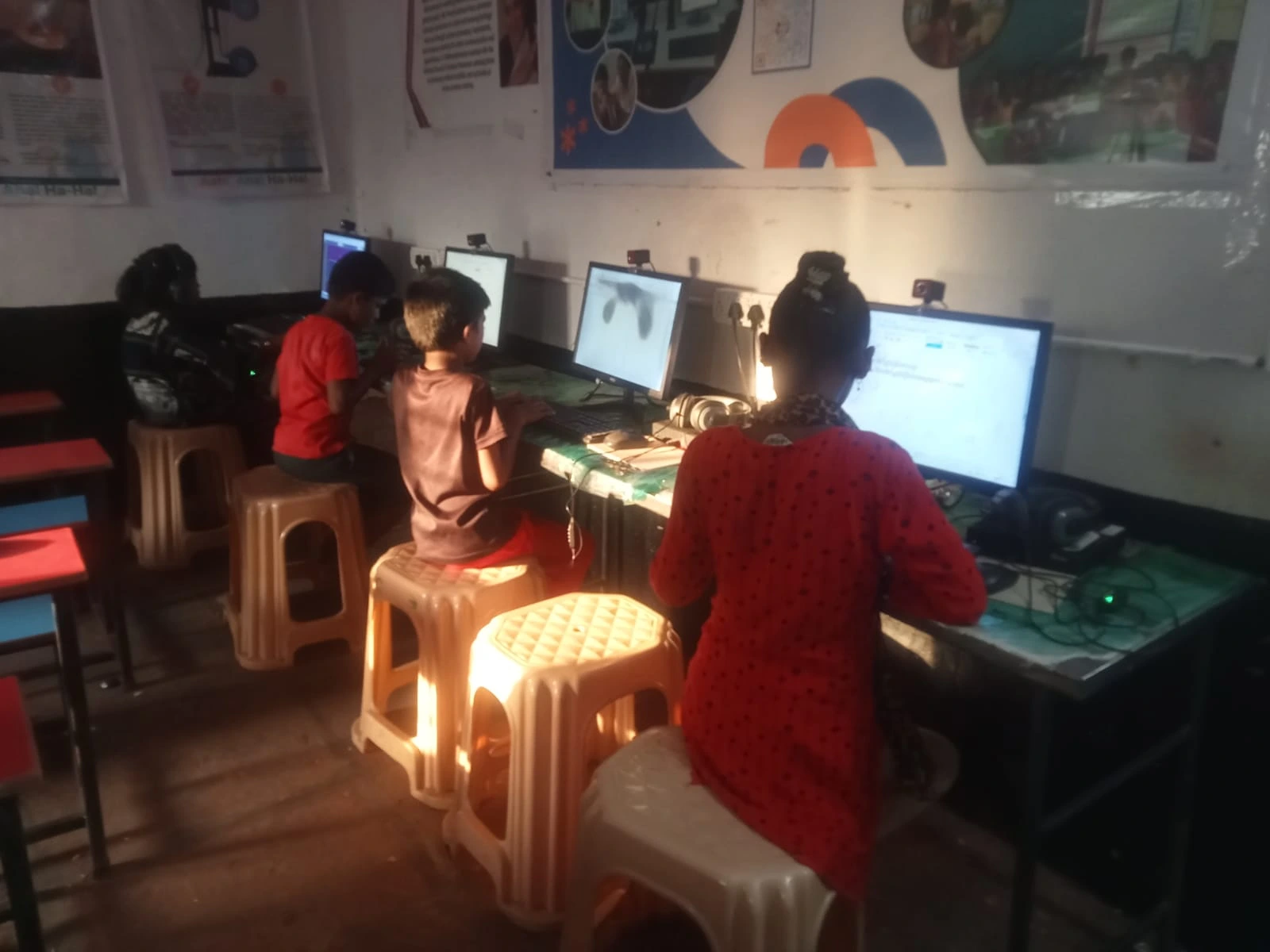
It includes Apni Prerna, a student monitoring tool that helps you track study time without being intrusive. Scratch is pre-loaded for coding, and LibreOffice handles documents and spreadsheets for school projects.
The system is built to last through the school years. You will not need expensive upgrades, and repairs are straightforward. It also keeps your child focused without unnecessary distractions.
How do you make the final decision?
Choose the computer that matches your child’s real needs and your family’s budget, not the cheapest or the most expensive one.
Ask yourself whether your child needs the computer for school, whether it will genuinely help with study and whether you have space for a desktop. Talk to other parents nearby, check reviews and visit the Ministry of Education website for guidance on technology in schools.
An expensive computer will not make your child study harder. A reliable, well-chosen desktop with the right tools will, and it should work for 4-5 years without constant repairs.
Frequently Asked Questions
Is an SSD really necessary for a school computer?
Yes, an SSD makes a big difference. Computers with old hard disk drives start slowly and lag when opening apps or online classes. An SSD keeps everyday schoolwork fast and smooth, which keeps your child from getting frustrated and giving up on the computer.
Can my child do schoolwork without Windows?
Yes, for most school tasks. Free systems like Zorin OS or Ubuntu run browsers, online classes, LibreOffice documents and Scratch well. Check whether your child’s school needs any specific software before buying, and ask the seller what is installed.
Is a desktop better than a laptop for a younger child?
Usually yes. A desktop is harder to drop or damage, stays in one supervised study spot and gives better value for the same money. A laptop makes sense mainly when your child truly needs to carry the computer between places.
The right choice matches your child’s needs and your budget. Visit Apna PC to learn more.