


When your child applies for jobs, they need a reliable computer to fill out forms, upload documents, and communicate with employers, and student job applications require software that runs smoothly without distractions. A dedicated student PC helps your child focus on what matters: presenting their best self to potential employers. This guide shows you how the right computer supports your child’s career preparation and what features matter most.
Why does your child need a computer for job applications?
Job applications are almost always online today. Your child will need to create accounts, fill out multi-page forms, upload resumes and certificates, record video responses, and attend virtual interviews, all tasks that require a stable, distraction-free device.
A computer designed for study keeps your child on track. Unlike phones (which tempt with games and social media) or shared family devices (which may be slow or cluttered), a student PC is built for focus. It runs the software your child needs- document editors, email, video conferencing- without gaming or entertainment bloat that slows things down.
What software do you need for online applications?
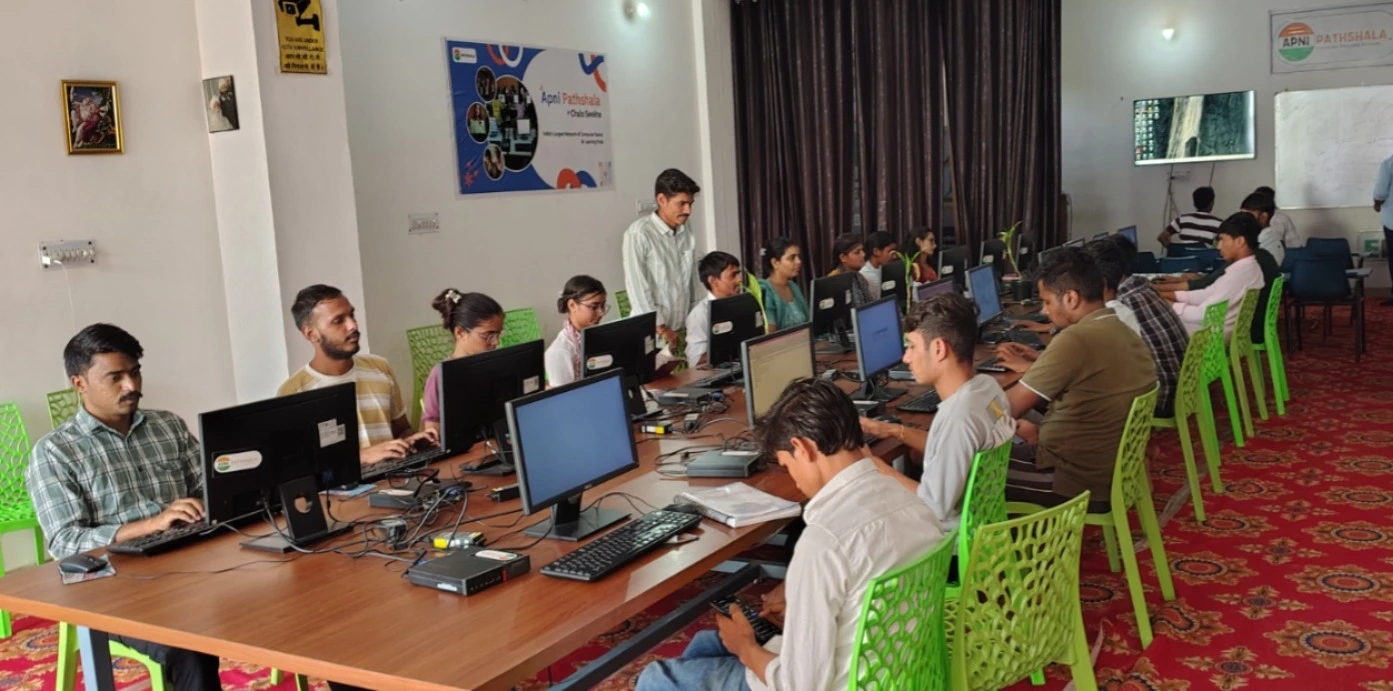
Your child needs just a few core tools to handle most job applications. A word processor to write and format resumes, a web browser to access job portals, and video conferencing software for interviews cover almost every step.
A student PC for resumes comes pre-loaded with LibreOffice, which opens and creates Word documents, spreadsheets, and PDFs, the formats employers expect. A modern web browser lets your child access job websites, email accounts, and online application platforms. For interviews, free tools like Google Meet or Zoom work on any computer with a camera and microphone.
Your child doesn’t need expensive software. Most job application tools are free or included in the operating system. What matters is having a device that doesn’t crash, freeze, or distract during the application process.
How can a student PC help with career preparation beyond applications?
Career readiness is about more than filling forms. Your child may need to take online courses, build a portfolio, research companies, or practice interview skills, all tasks that benefit from a dedicated, focused device.
A student PC goes beyond marks by supporting learning that employers value. Your child can use free platforms like DIKSHA digital learning platform to upskill in areas like coding, data analysis, or communication. They can build projects, document their work, and create a digital portfolio to share with recruiters. A PC designed for study removes the temptation to switch to entertainment, so your child stays productive during these crucial preparation months.
What features should a student PC have for job applications?
The best student computer for job applications is reliable, fast enough for everyday tasks, and built to avoid distractions. Here’s what to look for:
| Feature | Why It Matters for Job Applications |
|---|---|
| Stable operating system | No crashes during form submission or video interviews. Linux-based systems like Zorin OS are secure and reliable. |
| 8GB RAM or more | Smooth multitasking: open a job portal, email, and video call at the same time without lag. |
| 128GB storage | Space to store resumes, certificates, portfolio files, and interview recordings without running out of room. |
| Built for study, not gaming | No pre-loaded games or entertainment apps to distract your child during critical application periods. |
| Parent monitoring tools | You can track your child’s screen time and ensure they’re focused on applications, not social media. |
How does Apna PC support your child’s job application process?
Apna PC is built for Indian students preparing for careers and higher education. It comes with the specs your child needs to handle job applications smoothly: 8GB RAM for multitasking, 128GB SSD storage for documents and files, and Zorin OS (a Linux system) that’s fast, secure, and free from gaming distractions.
The device includes LibreOffice pre-loaded, so your child can open, edit, and save resumes in any format employers expect. It also comes with Apni Prerna, a parent and student monitoring tool that helps you stay aware of screen time and usage patterns during the application season. Apna PC offers the specs and software a job applicant needs at an affordable price point.
Can you manage your child’s computer use during the application season?
Yes. The key is to set clear boundaries and use built-in tools to support focus. Help your child create an application schedule: specific hours each day for filling out forms, researching companies, and practising interviews.
Healthy computer time for parents and kids starts with agreement. Talk to your child about why the computer is there (to apply for jobs and build skills) and what activities are off-limits during application hours (games, endless browsing, social media). Apni Prerna, included with Apna PC, lets you set usage limits and see what your child is doing, so you can step in if they drift off track. This isn’t about spying; it’s about supporting their goal.
How does digital literacy fit into job readiness?
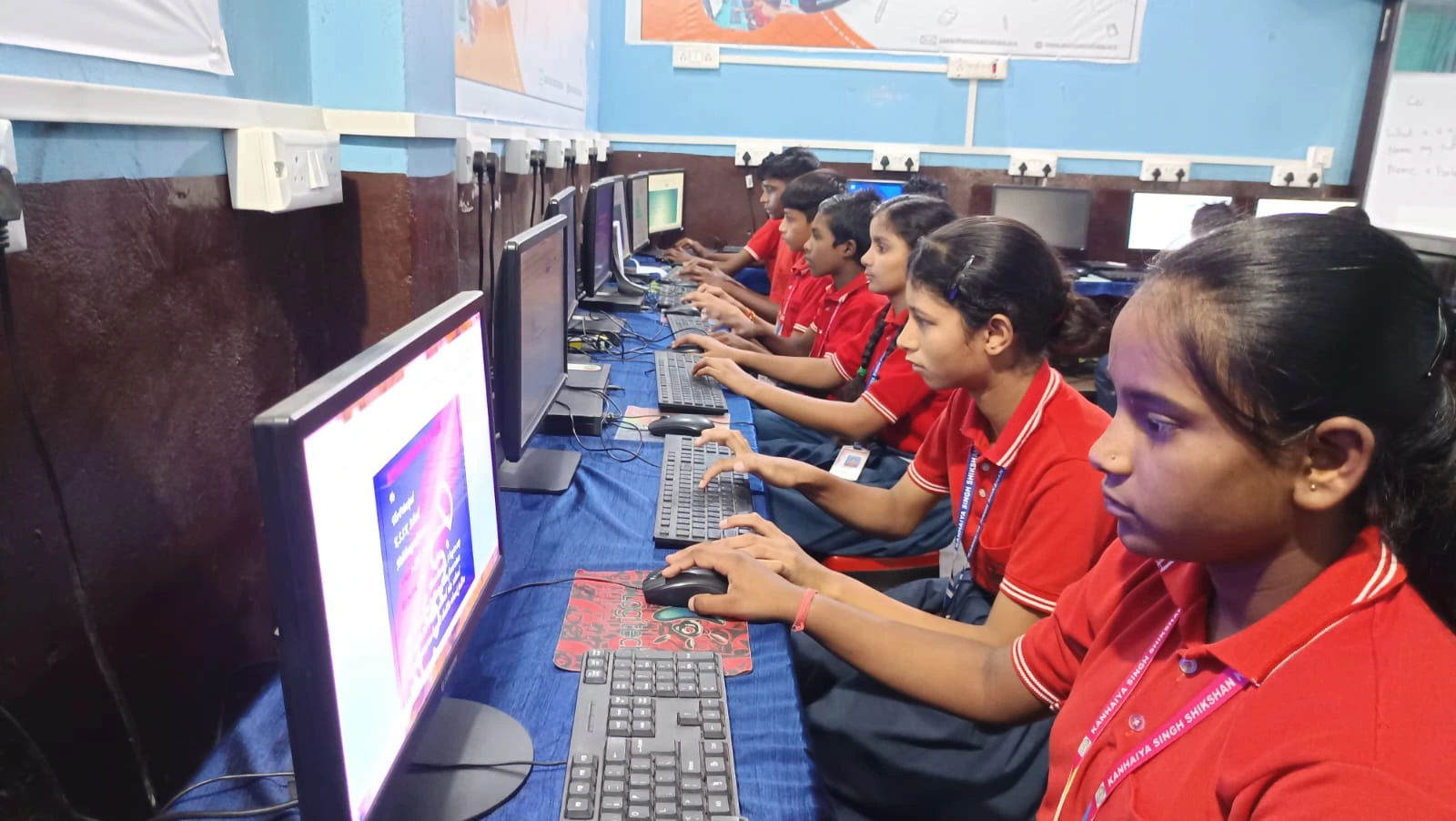
Employers today expect basic digital skills: email etiquette, online communication, file management, and comfort with video calls. Your child builds these skills by using a computer regularly for purposeful tasks like student job applications.
The Digital India initiative recognises that digital skills are essential for employment and opportunity in India. When your child uses a student PC to apply for jobs, research companies, and practice interviews, they’re not just filling forms; they’re building confidence and competence with technology that employers value. Apni Pathshala blog shares more on how digital tools support student success. A device designed for study helps them do this without distraction.
Frequently Asked Questions
Do job applications work on all computers?
Most job portals and application platforms work on any computer with a web browser and internet connection. However, a slow or cluttered device may freeze during form submission or video interviews. A student PC with 8GB RAM and a modern operating system handles applications smoothly without lag or crashes.
Can my child use a smartphone for job applications?
Phones can access job portals and submit basic applications, but they’re not ideal. Typing long cover letters, uploading multiple documents, and attending video interviews are much harder on a small screen. A computer gives your child a proper workspace and prevents the temptation to switch to games or social media during the application process.
What if my child needs to learn new skills for their target job?
A student PC with internet access opens doors to free online courses and tutorials. Platforms like DIKSHA offer skill-building programs in coding, communication, and other areas employers seek. Your child can learn, build projects, and add them to their portfolio, all on the same device they use for applications.
Is Apna PC affordable for a student computer?
Yes. Apna PC offers the exact specs a job applicant needs: 8GB RAM, 128GB storage, and software designed for study, at a price point that’s reasonable for most Indian families. You’re paying for reliability and focus, not gaming power or brand premium.
Your child’s job application process is an important milestone, and the right tools make a real difference. Visit apnapc.com to learn more.