


The Story of Rahul’s Computer Dilemma
Rahul’s parents sat in their living room in Indore, staring at two laptop quotes on their phones. One was a fancy gaming laptop for Rs.1,20,000. The other was an Apna PC for Rs. 30,000. His mother, Priya, kept asking herself: “Does my son really need that expensive computer vs a student PC that costs four times more?” Rahul was in Class 10, preparing for his board exams, not playing games or editing videos.
This is the exact moment thousands of Indian parents face every year. You feel the pressure to buy the most expensive computer, thinking it will give your child an advantage. But here’s the truth: an expensive computer for a student often means wasted money on features your child will never use.
Why an Expensive Computer Doesn’t Mean a Better Student PC
When you walk into a computer store, sales staff push you toward expensive models loaded with high-end graphics cards, massive storage, and fancy designs. They tell you it’s an “investment in your child’s future.” But stop and ask yourself: will your student use any of that?
Most students need a computer for these tasks:
- Online classes and video calls on platforms like Google Meet and Zoom
- Research and writing using browsers and word processors
- Coding practice for computer science subjects
- Creating presentations for school projects
- Accessing educational resources and online learning platforms
None of these tasks needs a Rs.1,00,000+ computer. An expensive computer for a student is like buying a sports car when your child needs a reliable bicycle. You’re paying for power they don’t need, and that money could go toward better things like tuition, books, or even college savings.
What Makes the Best Student Computer
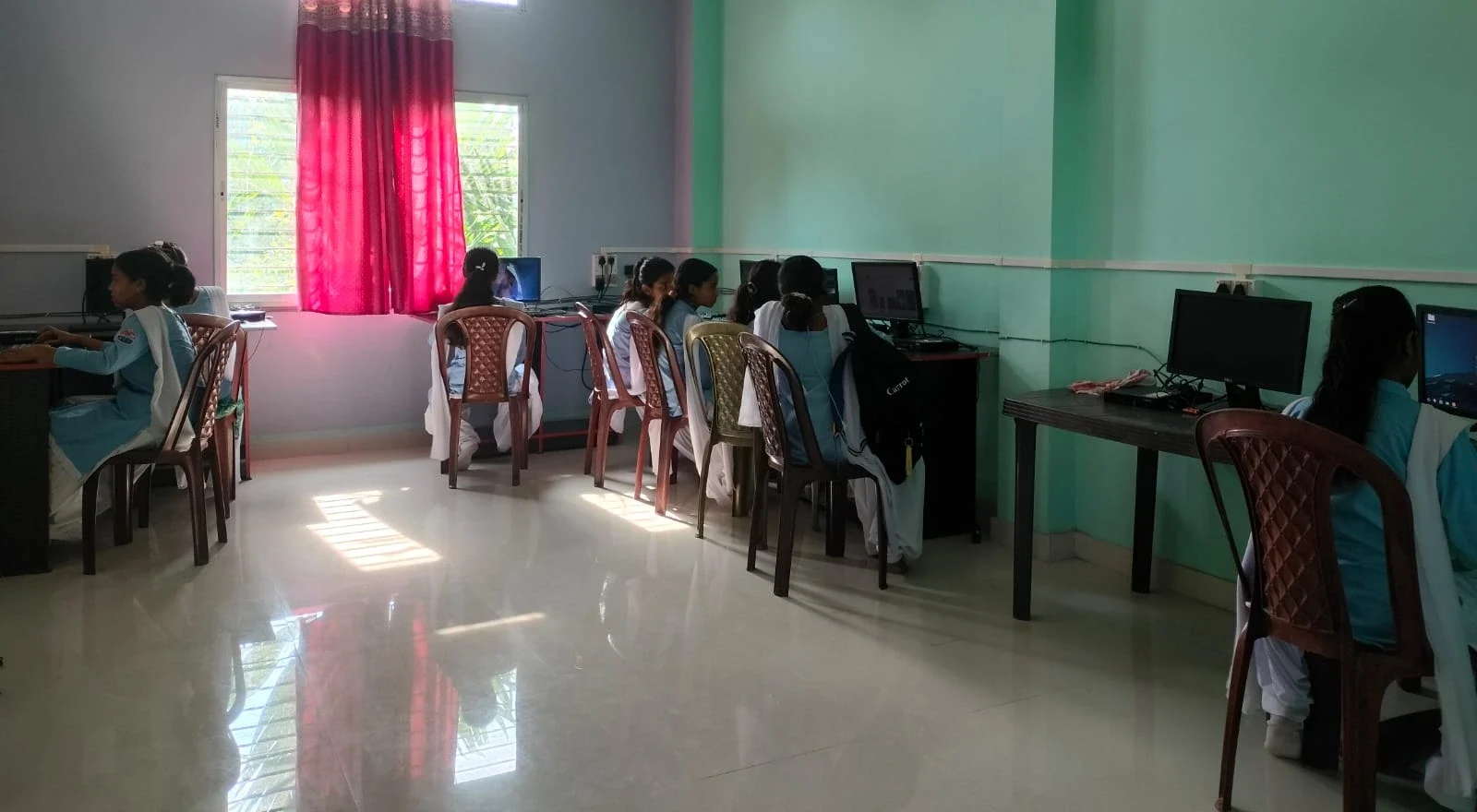
The best student computer isn’t about price tags or brand names. It’s about matching the tool to the actual need. A good student PC should have:
- Reliable performance for everyday tasks without lag
- Long battery life if it’s a laptop, so your child can study anywhere
- Pre-loaded educational software that supports learning, not distractions
- Parental monitoring features so you know how your child is using it
- Durability to handle the wear and tear of student life
- Affordability so one broken screen doesn’t drain your savings
This is exactly why Apna PC was created by Apni Pathshala. It costs Rs.30,000 and comes with 8GB RAM, 128GB SSD, and Zorin OS, which is perfect for studies. It includes Scratch for coding, LibreOffice for documents, and Apni Prerna for parental monitoring. No expensive computer vs student PC comparison needed when you have the right tool at the right price.
The Hidden Cost of an Expensive Computer for Your Student
When you buy an expensive computer for your student, you’re not just spending money upfront. Think about what happens next:
- Repair costs are higher for premium brands. A screen replacement on a high-end laptop costs Rs. 15,000 to Rs. 25,000.
- Software licensing for expensive computers often means paid programs, while budget student PCs come with free, open-source alternatives.
- Replacement pressure kicks in faster. Your child might feel pressure to upgrade in two years because that expensive model is “outdated.”
- Distraction risk increases. High-end gaming laptops tempt students with entertainment instead of helping them focus on their studies.
Rahul’s mother realised this after talking to other parents. The expensive computer vs student PC debate wasn’t really about performance. It was about what her family could afford without stress, and what would actually help Rahul study better.
Real Value Means Real Learning
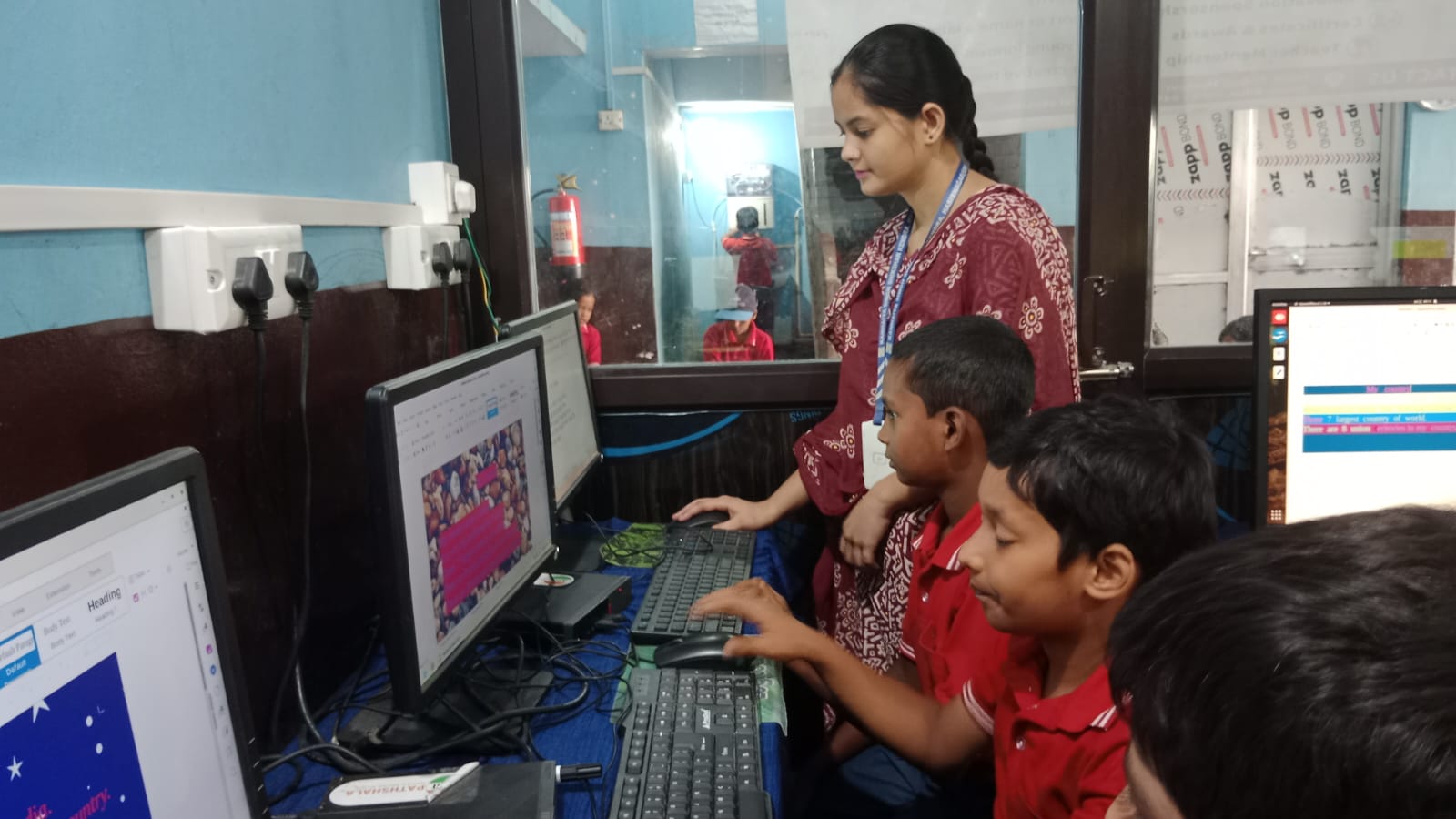
An expensive computer for a student often comes packed with features that distract from learning. Gaming capabilities, high-refresh-rate screens, and flashy designs pull attention away from studies. Your child needs focus, not flash.
The best student computer supports learning without unnecessary extras. According to the Digital India initiative, access to technology matters more than its price. A Rs.30,000 computer that your student actually uses for studying beats a Rs.1,00,000 laptop gathering dust in a corner.
Apna PC delivers real value because it’s designed specifically for students. It runs smoothly for online classes, handles coding assignments, supports research projects, and includes parental controls so you stay informed. You get everything your child needs, nothing they don’t.
Budget PCs Are Smart Economics
Choosing a budget PC isn’t settling for less. It’s making a smart choice with your money. In tier 2 and tier 3 cities, Rs.30,000 is a significant amount for most families. You need that money to work hard.
When you compare expensive computer vs student PC options, focus on what your child will actually do with it. Will they edit 4K videos? No. Will they run professional design software? Unlikely. Will they attend online classes, complete homework, and learn coding? Absolutely.
A budget student computer gives you:
- Peace of mind because repair costs are manageable
- Freedom from guilt about expensive gadgets sitting at home
- Extra money for actual education expenses like courses or books
- A tool designed for learning, not gaming or showing off
What Your Student Really Needs to Succeed
Success in studies doesn’t come from expensive hardware. It comes from focus, discipline, and the right tools. According to UNESCO education research, access to technology matters, but so does how you use it.
Your student needs a computer that:
- Loads websites and documents quickly
- Runs educational software smoothly
- Stays reliable through the school year
- Lets you monitor their activity
- Doesn’t tempt them with gaming distractions
Expensive computers often fail at that last point. They come loaded with games, high-end graphics, and entertainment features that pull students away from their studies. A budget PC keeps the focus where it should be: on learning.
Making Your Decision: Expensive Computer vs Student PC
When you’re deciding between an expensive computer and a student PC, ask yourself these questions:
- What will my child actually use this for?
- Can I afford repairs if something breaks?
- Will this computer distract from studies?
- Do I need parental monitoring features?
- Can I find a better use for the extra money?
For most students in tier 2 and tier 3 cities, the answer points toward a budget student computer. Apna PC at Rs.30,000 answers all these questions with a yes. It comes with Zorin OS, Scratch for coding practice, LibreOffice for documents, and Apni Prerna for parental monitoring. You get a computer built for students, by people who understand what students need.
Rahul’s parents made their choice. They bought Apna PC, and within weeks, Rahul was using it for online classes, coding assignments, and exam preparation. His mother felt no guilt about the purchase. She knew the money was well spent because it was the right tool for the right job.
Don’t fall into the trap of thinking expensive means better. Sometimes the best student computer is the one that fits your budget, supports your child’s learning, and lets you sleep peacefully at night knowing you’ve made a smart choice. If you’re considering alternatives, you might also explore options like a second-hand office PC as a student computer, but remember that new, purpose-built student computers offer better support and warranty.
Your child’s education deserves the right tools at the right price. Visit apnapc.com to learn more.