

Every parent wants their child to succeed. But without the right digital skills, your child can fall behind in school projects, coding assignments, and online exams. Last month, Priya from Indore sat with her 14-year-old son Arjun at their kitchen table. His school had assigned a Scratch coding project, but he’d been staring at his smartphone screen for an hour, frustrated and confused. The tiny screen made it impossible to see the code blocks clearly.
That evening, Priya borrowed a neighbour’s laptop, and something clicked. Within 20 minutes, Arjun had created his first animation. He looked up at his mother with a smile she hadn’t seen in weeks.
That evening, Priya borrowed a neighbour’s laptop, and something clicked. Within 20 minutes, Arjun had created his first animation. He looked up at his mother with a smile she hadn’t seen in weeks.
You might think your child can learn everything on a smartphone. But digital skills for students go far beyond scrolling and messaging. Real learning requires space, clarity, and the right tools. That’s where having a dedicated student computer makes all the difference.
Task 1: Completing School Projects Without Frustration
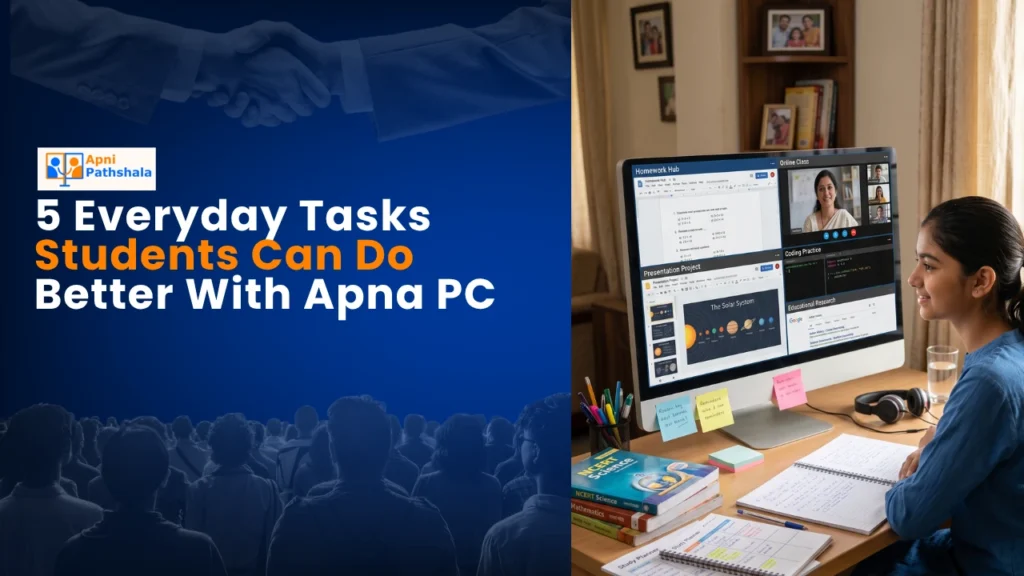
School projects today aren’t just handwritten assignments anymore. Your child needs to create presentations, edit documents, and sometimes build digital content. A smartphone screen is too small for this work. When you give your student a proper computer like Apna PC, they can see everything clearly and work faster.
Apna PC comes pre-loaded with LibreOffice, which handles Word documents, spreadsheets, and presentations perfectly. Your child can create a school project on one side of the screen while watching a reference video on the other. The 8GB RAM means no lag, no freezing, no lost work. Projects that take 2 hours on a phone take 30 minutes on Apna PC.
Consider this real scenario: Your daughter needs to make a presentation on the Freedom Struggle for her history class. On a phone, she’d struggle with typing, resizing images, and formatting. On Apna PC, she works smoothly, completes it in one sitting, and actually feels proud of the result.
Task 2: Learning to Code and Building Digital Skills for Students
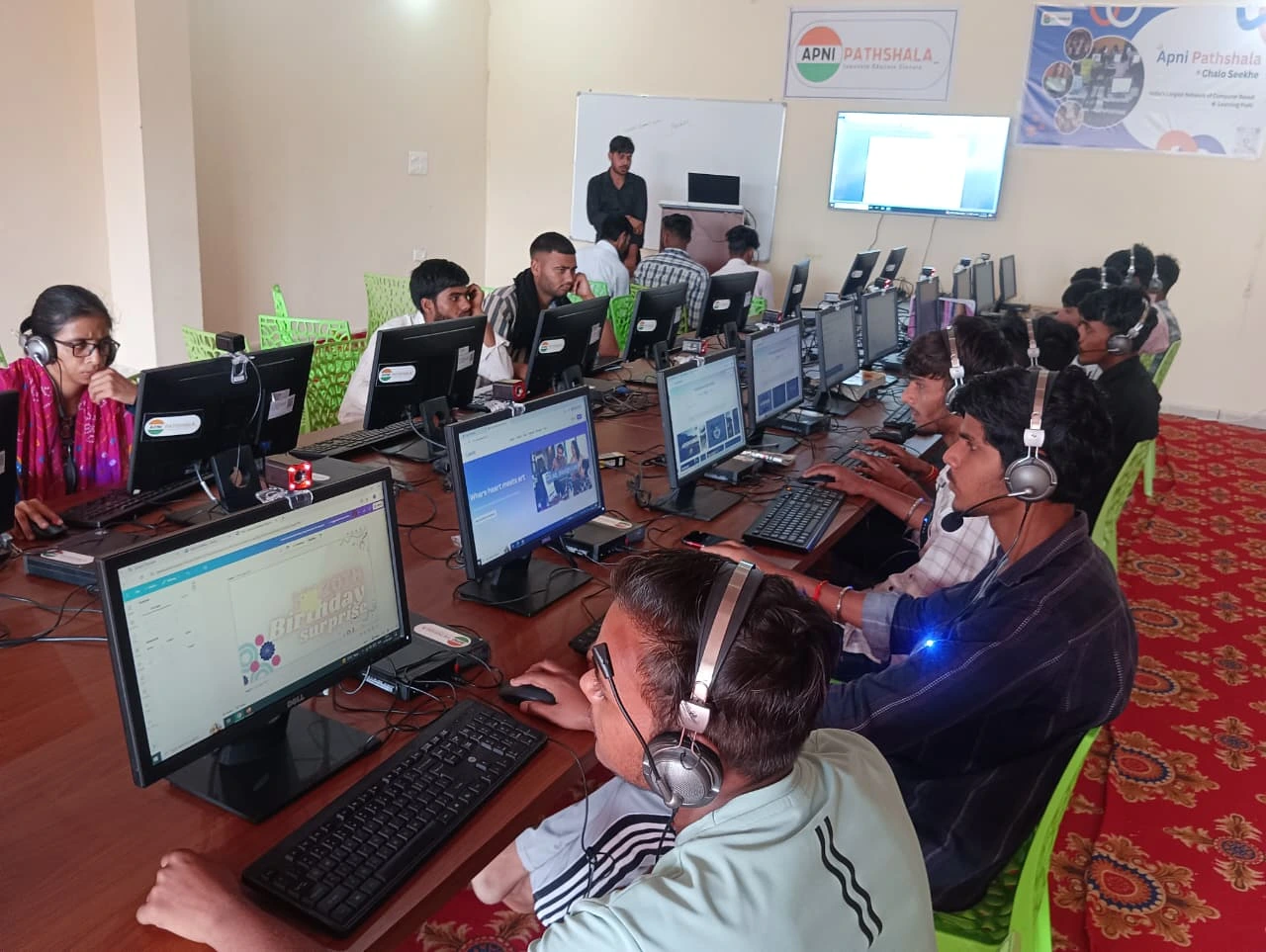
Coding isn’t just for tech kids anymore. Schools across India are introducing Scratch and basic programming to students in Classes 6-8. Your child needs a proper screen and keyboard to learn this skill properly.
Apna PC comes with Scratch pre-installed and ready to use. Your student can drag code blocks, see the results instantly, and understand logic visually. The large screen makes debugging easier. They’re not squinting at a phone or struggling with touchscreen controls. They’re actually learning how to think like a programmer.
The Digital India initiative has made digital literacy a national priority. Your child learning to code now puts them years ahead of their peers.
Task 3: Studying NCERT Books and Online Content Effectively
Your child spends hours reading NCERT textbooks and watching educational videos. A computer isn’t a luxury for this; it’s essential for focused learning. You can set up Apna PC in a quiet corner of your home, and your child can study without the distractions that come with a phone.
Apna PC runs Zorin OS, which is clean, fast, and free from the notifications and ads that plague phones. When your child opens an NCERT PDF or joins an online class, no pop-ups are stealing their attention. They can take digital notes using LibreOffice, organise them by subject, and actually retain what they learn.
Many parents find that their children study longer and retain more when they have a dedicated computer. The difference between learning on a phone and learning on Apna PC is like the difference between reading in a dark room and reading in sunlight.
Learn more about how NCERT learning with Apna PC transforms your child’s study habits.
Task 4: Participating in Online Classes and Virtual Labs
Since the pandemic, online learning is here to stay. Your child’s school conducts live classes, doubt sessions, and sometimes virtual lab experiments. A phone doesn’t give you the space or comfort you need for 2-3 hours of continuous learning.
With Apna PC, your student can sit at a desk with a proper screen and keyboard. They can see the teacher’s presentation clearly, take notes simultaneously, and even share their screen if the teacher asks. The 128GB SSD means video calls don’t stutter or lag. Your child participates confidently, not struggling with a small screen.
Apna PC also includes Apni Prerna, a student monitoring feature that helps parents track study time and ensure focus. You’re not spying on your child; you’re supporting their learning journey.
Task 5: Building Digital Skills for Students and Boosting Productivity
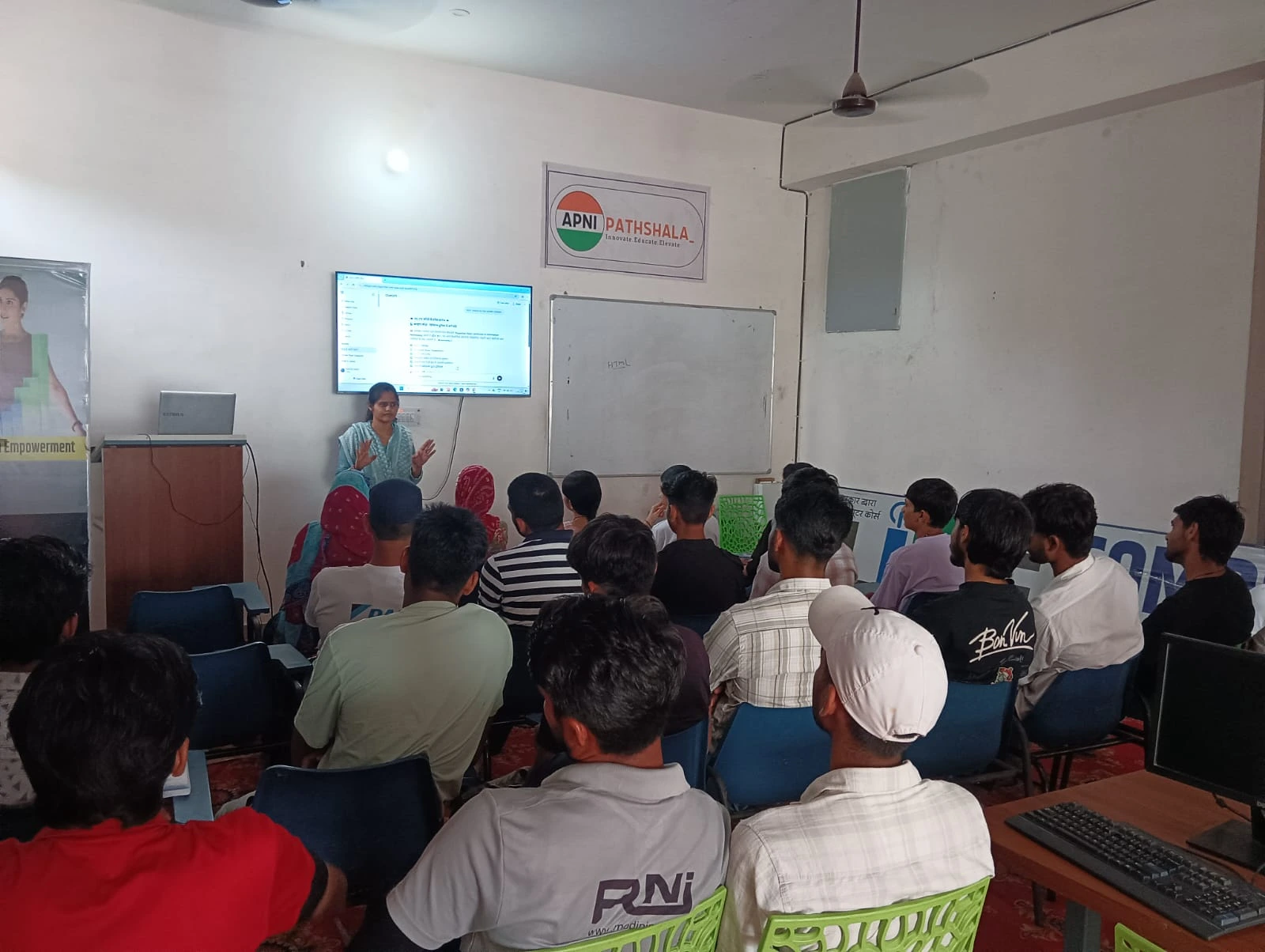
By Class 10, your child should be thinking about competitive exams, entrance tests, and building a portfolio for college applications. All of this requires strong digital skills. They need to solve mock tests online, create project reports, and sometimes even build a digital portfolio.
Apna PC prepares your child for this reality. They practice typing faster, learn to organise digital files, understand how to use productivity software, and build confidence with technology. These aren’t just exam skills; they’re life skills your child will use in college and career.
The MeitY Digital India programme emphasises that every student should have access to quality technology. Apna PC makes this possible at an affordable price point for Indian families.
Why Apna PC is Built for Indian Students
You might wonder why Apna PC is different from other computers. It’s designed specifically for Indian students by Apni Pathshala, an organisation that understands the challenges families in Tier 2-3 cities face. The price is kept at Rs.30,000 (excluding shipping and GST) because education shouldn’t be a luxury.
The specs matter too. 8GB RAM handles everything your student needs without slowdowns. 128GB SSD gives enough space for years of schoolwork. Zorin OS is secure, clean, and perfect for learning. Pre-loaded software means you don’t have to figure out what to install.
Unlike a phone, Apna PC is built to last through your child’s entire school journey. It’s an investment in their future, not a gadget that becomes outdated in two years.
Understand the real difference between a computer and a smartphone for learning and make an informed choice for your child.
Real Parents, Real Results
Families across India have already made this switch. Parents tell us their children focus better, complete work faster, and actually enjoy studying when they have a proper computer. Students tell us they feel more confident in class when they understand how to use technology properly.
Arjun, the boy from Indore, now codes regularly on Apna PC. His grades have improved. More importantly, he’s excited about learning. That’s what happens when you give your child the right tool for the job.
Your child deserves the same opportunity. They deserve digital skills for students that prepare them for a technology-driven world. They deserve a computer that helps them learn, not a phone that distracts them.
Stop wondering if your child needs a computer. Start giving them the tools to succeed. Visit apnapc.com to learn more.