

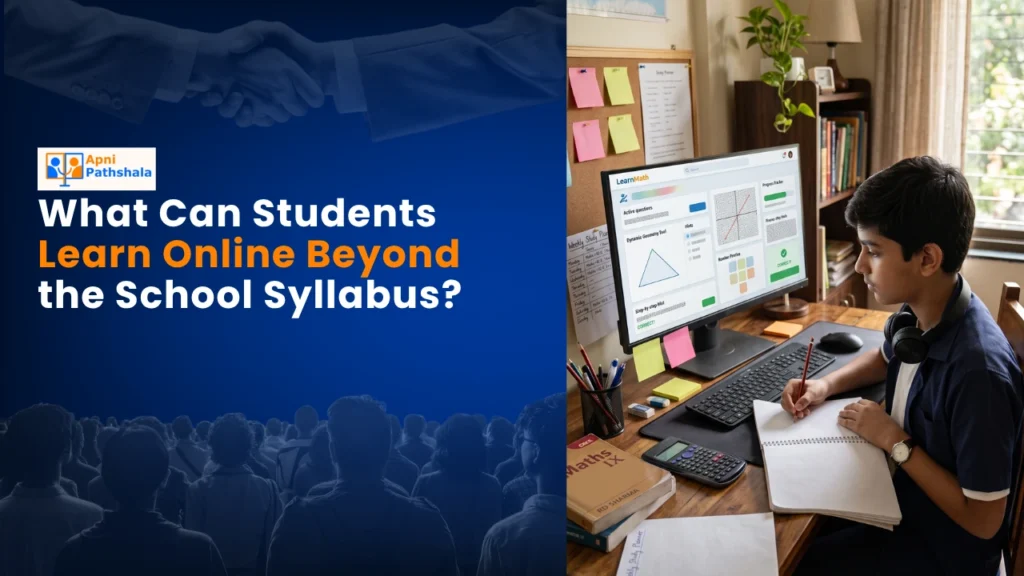
Students can learn coding, digital design, video editing, hands-on science, language skills and financial literacy online, none of which sit in NCERT textbooks. With a reliable educational computer and free resources like Khan Academy or Code.org, your child can build these skills at home without paying extra tuition fees.
For example, a 14-year-old who scores average marks in maths might spend hours building a simple game on an old laptop. School teaches the formulas, while the computer lets them apply those formulas and find what they enjoy.
Why is the school syllabus not enough anymore?
The syllabus covers exam subjects, but today’s world also asks for practical digital skills. Marks and exams matter, yet they are only one part of learning.
A child who loves drawing can learn animation on platforms like Khan Academy or Skillshare. A child interested in space can explore NASA’s website or watch detailed documentaries. These are not distractions from study. They are extensions of real learning, and an educational computer lets your child explore them without costly classes.
Which skills can students learn beyond the syllabus?
Six skill areas are especially useful and easy to start at home:
- Coding and programming: Scratch, Python and web development teach logical thinking better than rote learning.
- Digital creativity: Video editing, graphic design and music production build practical skills for future jobs.
- Science beyond labs: Virtual experiments, 3D models and interactive simulations make complex concepts stick.
- Language skills: Duolingo, BBC Learning English and international content improve English fluency.
- Financial literacy: YouTube channels and websites teach budgeting, saving and money management from around age 12.
- Problem solving: Projects and coding challenges teach persistence, debugging and creative thinking.
If coding interests your child, read how a computer for learning coding helps them get started.
What free learning resources can a child use right now?
Plenty of free and low-cost resources are available, so you do not need expensive subscriptions. Here are some good starting points:
| Skill | Where to learn |
|---|---|
| Maths and science | Khan Academy, YouTube channels by IITians in Hindi and English |
| Coding | Code.org, freeCodeCamp, HackerRank |
| University-level topics | Coursera and edX (many courses free to audit) |
| History and general knowledge | Documentaries on Netflix and YouTube |
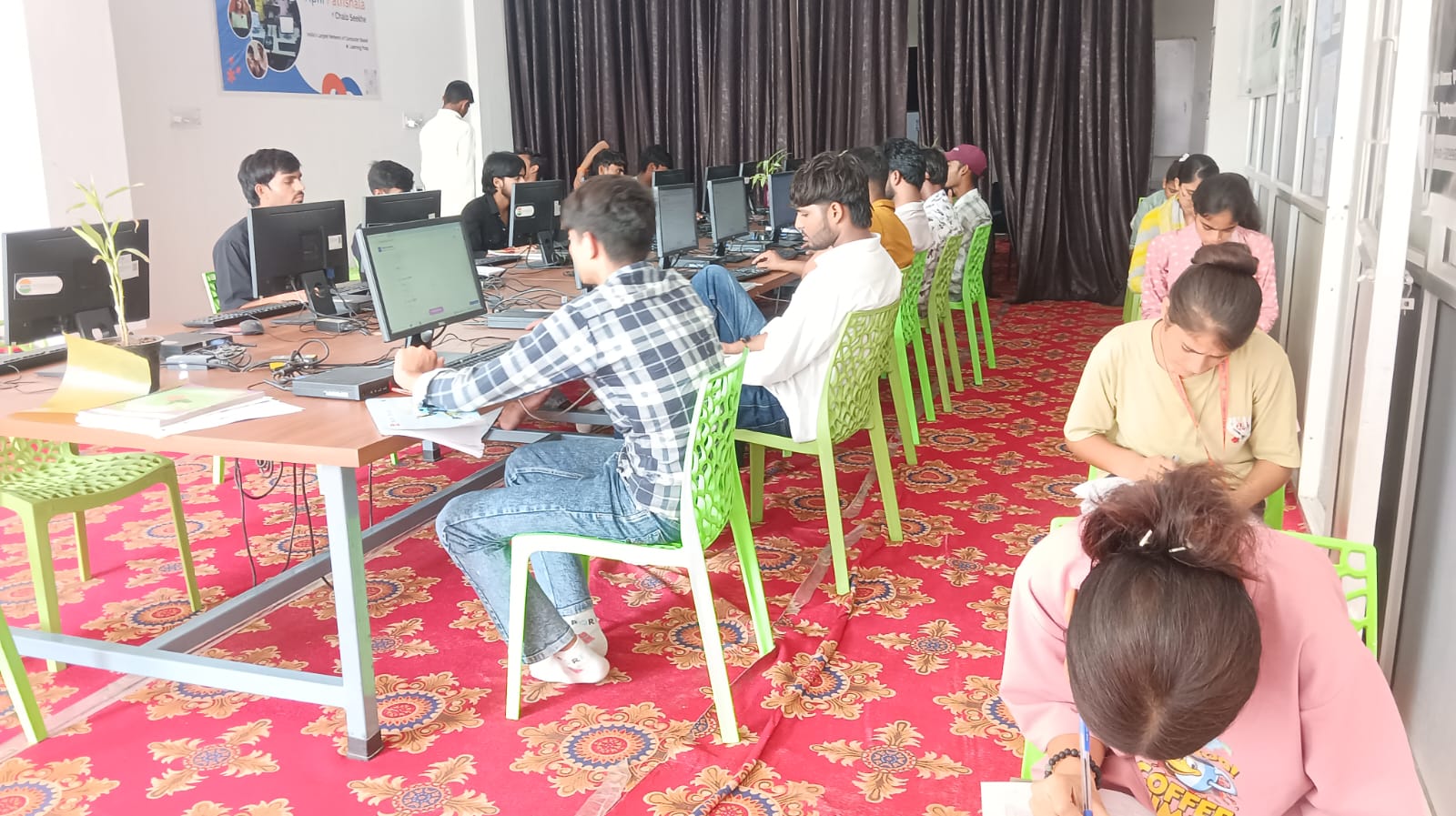
All of this needs one thing: a reliable computer with a good internet connection. The educational computer setup from Apna PC comes preloaded with Scratch for coding and LibreOffice for documents, so your child does not start from zero.
How does self-learning build confidence?
When children learn something on their own, they own it. They are not memorising for an exam but solving real problems and creating real projects, and that confidence carries over into schoolwork.
A child who teaches themselves coding also learns persistence, debugging and creative problem-solving. These skills often matter as much as a percentage on a report card. Apna PC helps students learn smarter by providing the right environment for this kind of learning.
What small projects can a child start with?
Start small and build up. Each project adds to your child’s portfolio and confidence. A few easy first projects:
- Build a simple website about a favourite topic
- Create a presentation on something they love
- Edit a short video of a school event
- Make a simple game or animation in Scratch
For more on how these skills connect to the future, see our guide on computer skills for a career.
How does Digital India connect to your child’s learning?
India’s Digital India initiative aims to bring technology to every village and student, but infrastructure alone is not enough. Your child still needs a good computer at home and access to quality learning resources.
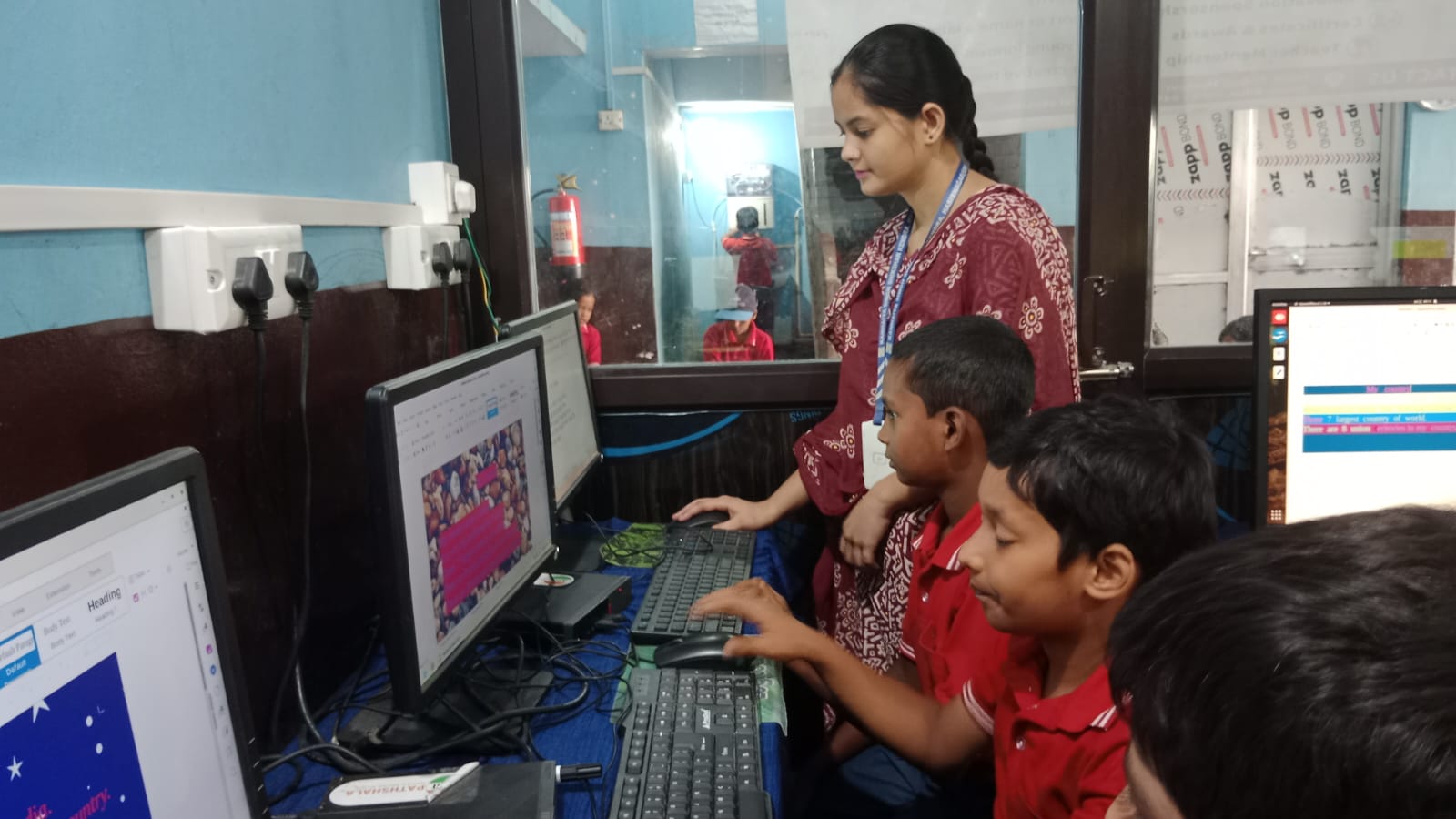
Access to good resources varies widely across the country, as the Education in India overview describes. A home computer helps close that gap by bringing strong teachers and resources into your home.
What does a child need to get started?
A child needs an affordable computer and some time each week to explore. A machine with 8GB RAM and 128GB SSD is enough for coding, design, science, languages and the other skills schools do not teach.
Apna PC at Rs.30,000 (shipping and GST excluded) comes with Zorin OS, Scratch for coding and Apni Prerna for tracking progress. It is designed for students in towns and cities where good computers once felt out of reach.
Frequently Asked Questions
Will learning extra skills hurt my child’s school marks?
Not if time is balanced well. Keep school study as the first priority and set aside fixed slots, such as weekend mornings, for extra skills. Many skills like coding and reading English content also support school subjects, because they build logical thinking, vocabulary and confidence that show up in class.
At what age can a child start learning coding?
Children can start basic coding from around age 7 or 8 with visual tools like Scratch, where they drag blocks instead of typing code. By age 11 or 12, many are ready for text-based languages like Python. Starting with small, fun projects keeps interest high.
Do children need paid courses to learn skills online?
No, most beginners do well with free resources. Khan Academy, Code.org, freeCodeCamp and many YouTube channels cost nothing. Paid courses can help later for advanced topics or certificates, but a child can learn the basics of coding, design and languages without spending money.
Your child can learn beyond the syllabus with the right tools. Visit Apna PC to learn more about an affordable educational computer made for self-learning.