


Apna PC comes with a standard wired keyboard and a wired mouse in the box, both connecting by USB and working straight away with no setup or drivers. You do not need to buy any extra peripherals, so your child can start typing assignments and working on projects on day one.
For example, a Class 8 student who has been borrowing a cousin’s laptop for school projects can unpack the box and start a history assignment the same day.
What comes in the educational computer box?
The box contains a complete setup, including the keyboard and mouse. They are not afterthoughts or cheap add-ons, but are chosen for students who use them every day for studying, typing assignments and projects.
Both connect through USB ports on the computer, so there is no complicated setup or driver installation. For a full walkthrough, see our post on unboxing Apna PC.
What kind of keyboard comes with Apna PC?
Apna PC includes a standard wired keyboard that is comfortable for long typing sessions. It works well for essays and coding assignments in Scratch.
The keys have good feedback, so your child will not get frustrated during homework, and you will not need to replace it straight away or hunt for a wireless alternative. To build typing comfort, our guide on keyboard skills for school students is a good next step.
What kind of mouse is included?
The mouse is wired and designed for everyday use. It is not fancy, but it is reliable for moving through LibreOffice, educational websites and school projects without lag or connection issues.
A wired mouse also means no batteries to replace and no charging to worry about.
Why do the keyboard and mouse matter for learning?
The keyboard and mouse matter because your child uses them for hours. When a child spends 2-3 hours daily on schoolwork, a cheap, flimsy keyboard creates frustration and may even make them avoid typing assignments. A reliable one removes that barrier.
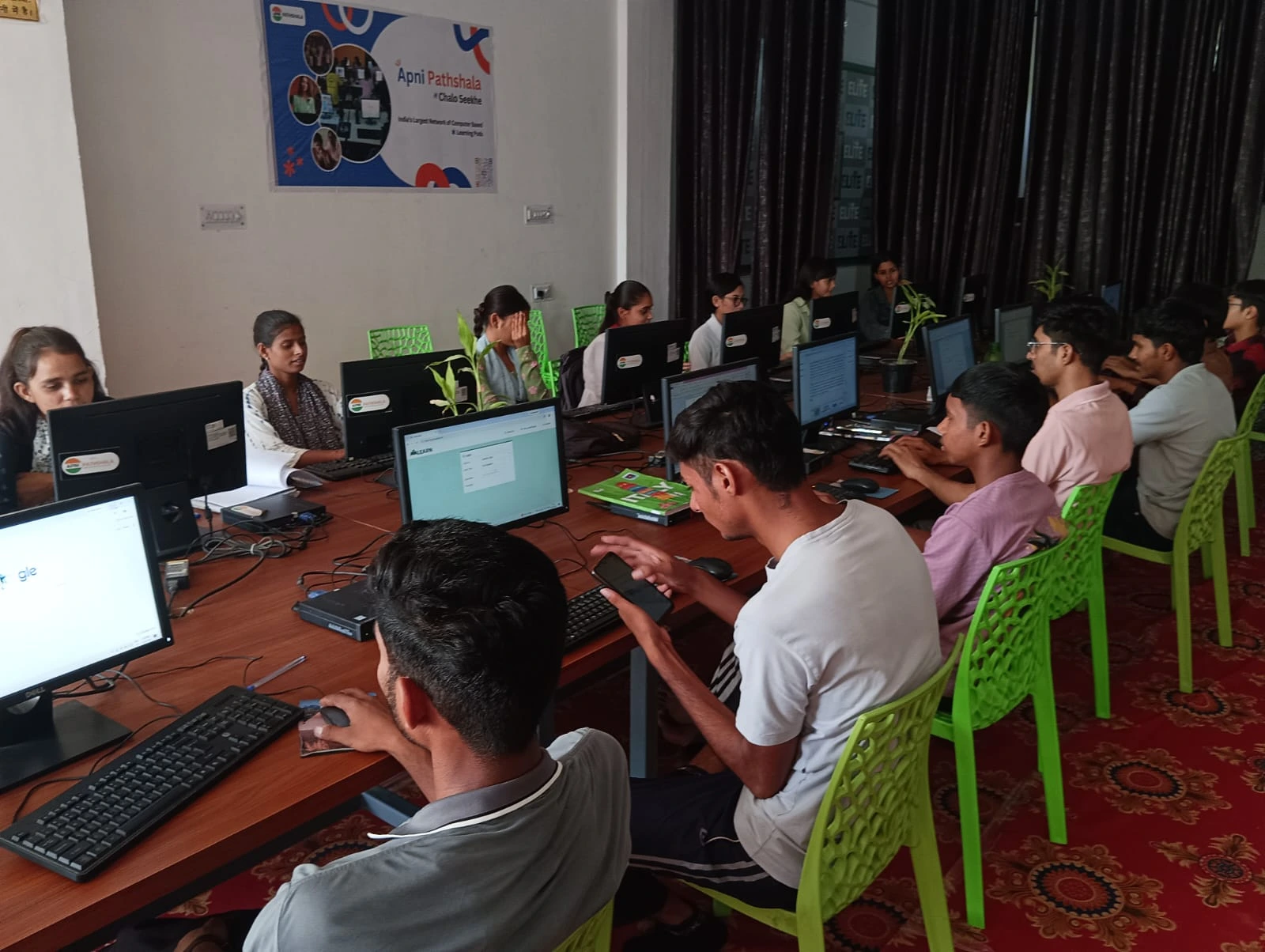
Your child also uses the mouse to move through Apni Prerna, the student monitoring system preloaded on Apna PC, clicking through lessons, completing exercises and tracking their progress. The peripherals are built to handle typical student use, so you should not need to replace them every few months.
What is in the complete setup at Rs.30,000?
The full package is a computer with 8GB RAM and 128GB SSD storage, running Zorin OS, plus the keyboard and mouse. Preloaded software includes LibreOffice for documents, Scratch for coding and Apni Prerna for structured learning.
| Part | Details |
|---|---|
| Memory and storage | 8GB RAM, 128GB SSD |
| Operating system | Zorin OS |
| Software | LibreOffice, Scratch, Apni Prerna |
| Keyboard | Standard wired, USB |
| Mouse | Wired, USB |
See what’s inside Apna PC for full specifications, and how it supports distraction-free learning. The peripherals are not premium gaming gear, and they do not need to be: they are built for essays, maths problems and school projects.
Are there hidden costs for peripherals?
No. When you buy this educational computer for Rs.30,000 (plus shipping and GST), you do not need to buy a separate keyboard or mouse or spend extra on peripherals.
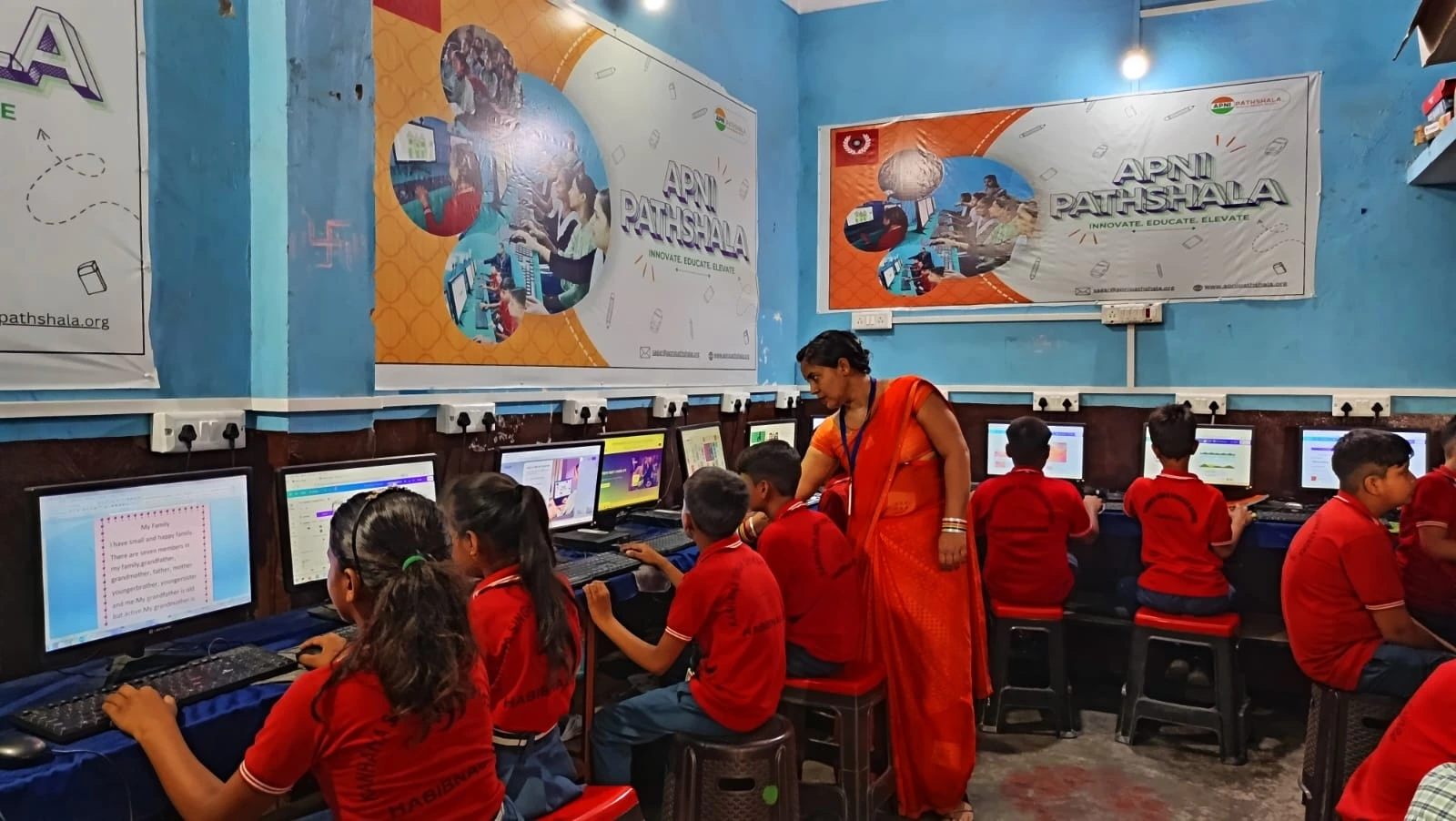
That certainty matters for families in cities like Indore, Nagpur or Lucknow who watch their budget closely. The Education in India overview is useful background, and the Digital India initiative supports bringing computers to students in Tier 2 and Tier 3 cities.
Frequently Asked Questions
Can I use a wireless keyboard and mouse instead?
The keyboard and mouse included are wired and connect by USB, which means no batteries or charging. Since Apna PC has USB ports, standard USB peripherals generally connect the same way, but most families find the included wired set is all their child needs for schoolwork.
Do I need to install drivers for the keyboard and mouse?
No. Both plug into USB ports on the computer and work right out of the box, with no driver installation or complicated setup. Your child can switch on the computer, open LibreOffice and start typing an assignment straight away.
Is the included keyboard good for learning to type?
Yes. It is a standard full keyboard with good key feedback, which is what a student needs to practise typing comfortably. It suits long essays, coding in Scratch and daily homework. Pair it with regular typing practice and your child will become comfortable on the keyboard over time.
Your child deserves complete, ready-to-use tools for learning. Visit Apna PC to learn more.