

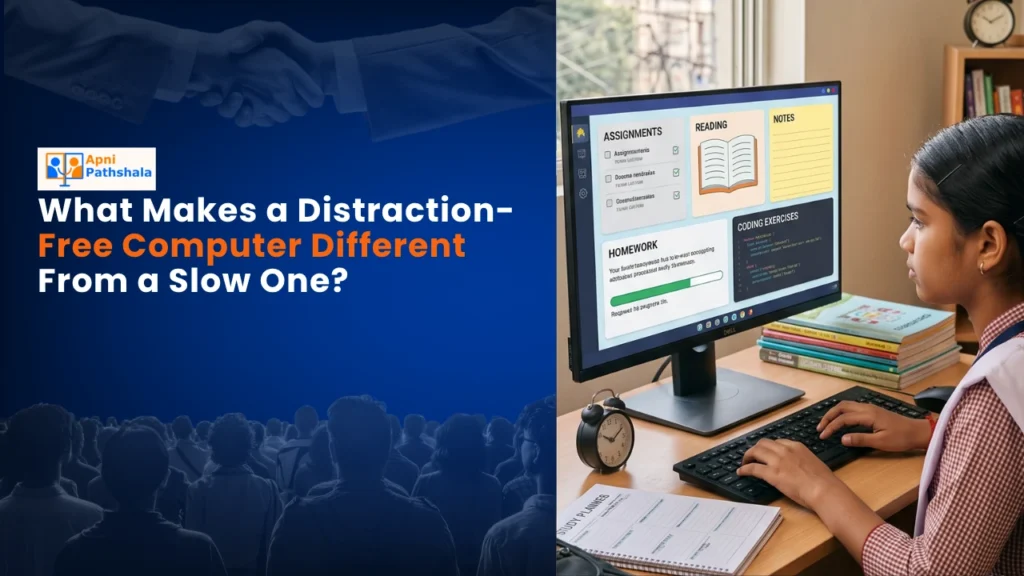
A distraction-free computer is different from a slow one because they solve different problems. A slow computer wastes time while files load. A computer full of distractions pulls your child’s attention away with autoplay, pop-ups and notifications. Your child needs both problems handled: enough speed to work smoothly, and nothing on the machine competing for focus.
For example, a student might open a laptop to revise for a maths test, and within minutes face extra browser tabs, autoplay videos and sale notifications. A parent may blame slowness, but the real problem is distraction.
What does a slow computer do to a student’s learning?
A slow computer frustrates your child and drains motivation, but it does not actively pull attention away. An app may take 30 seconds to load, a document may freeze, or an educational video may keep buffering.
- Slow computers waste time but do not lure your child elsewhere
- They cause frustration, which makes studying feel harder than it is
- They make multitasking tempting, because a bored child opens other tabs while waiting
Think of slowness like a traffic jam. You still reach your destination, just later.
Why does focused learning need a distraction-free computer?
Because many devices are built to grab attention, and a focused computer removes those traps. A distraction-free computer has no pre-installed games, no shopping apps and no social media notifications. It has what your child needs to learn and nothing else.
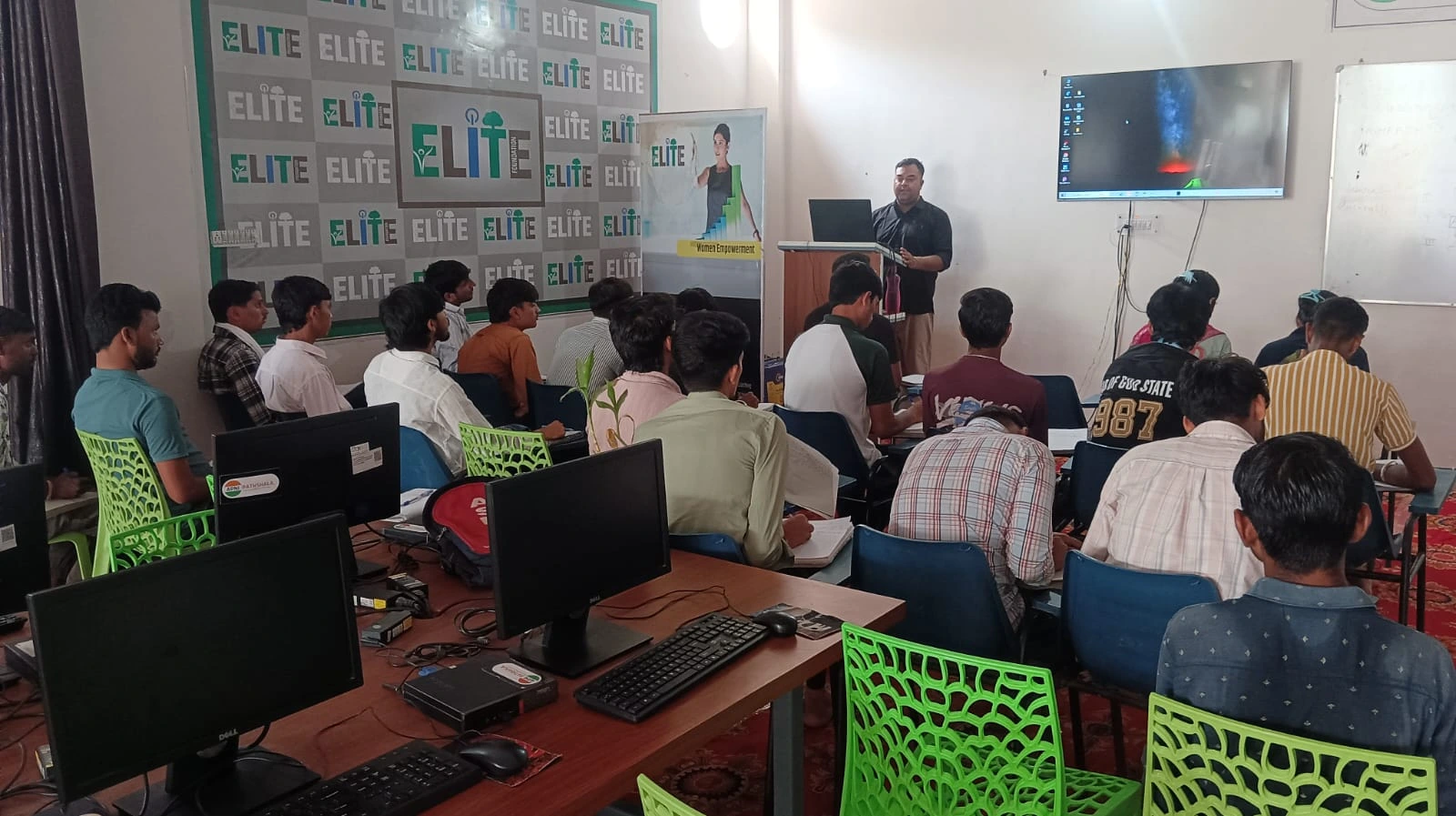
Many software companies earn money by keeping you on their platform, using notifications, autoplay and recommendations. A focused learning environment takes these hooks away, so your child can stay with one task for longer. For more on this, read about focused learning with no distractions.
How does a distraction-free computer compare with a slow one?
| Problem | What it does | Fix |
|---|---|---|
| Slow computer | Delays loading, freezes, buffers | Enough RAM and an SSD |
| Distracting computer | Pulls attention with autoplay, pop-ups and notifications | No games, ads or social apps on the study machine |
How does Apna PC handle both problems?
Apna PC is fast and focused at the same time. It runs Zorin OS, an operating system set up for focus, with no ads, no social media apps and no hidden games.
With 8GB RAM and 128GB SSD, files open quickly and educational software runs smoothly, so your child is not left waiting. That combination is what sets it apart from any cheap laptop.
- LibreOffice for documents and presentations
- Scratch for coding practice in a focused setting
- Apni Prerna monitoring, so parents can see what their child is studying
- No bloatware that slows things down or distracts
At Rs. 30,000 (plus shipping and GST), it is aimed at families in Tier-2 and Tier-3 cities who want real value without paying for gaming features they do not need.
What difference will you actually see at home?
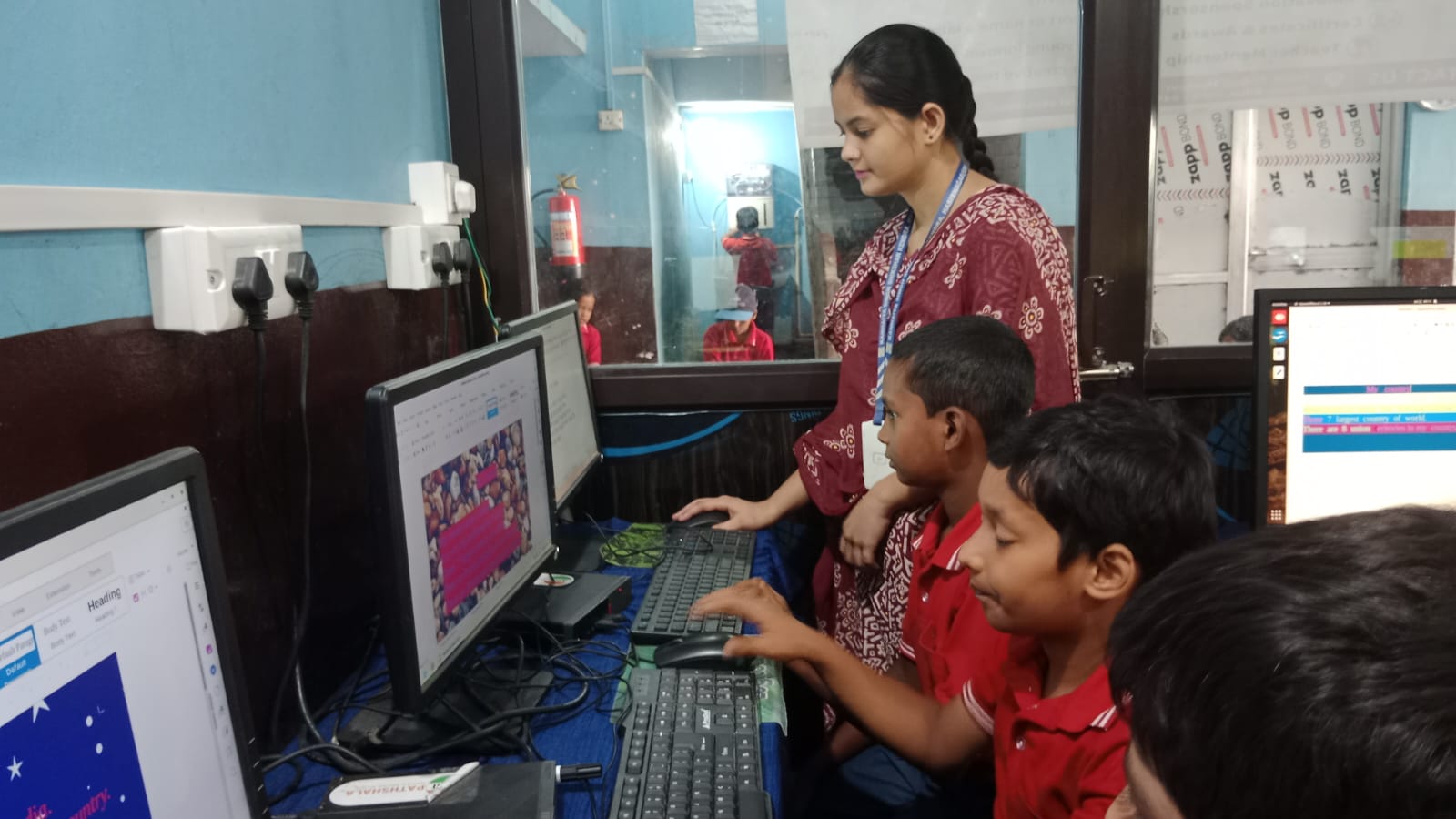
You will see longer stretches of study without off-topic tabs. When the noise is removed, learning becomes easier and faster.
A distraction-free computer is not about being boring. It respects your child’s time and focus. If you are comparing options, read Apna PC vs budget laptop. Teachers may find our study computer guide for teachers helpful too.
The history of the personal computer shows that technology should serve the user. The Digital India initiative pushes for access to technology, and that technology should support learning.
Frequently Asked Questions
Will a faster laptop fix my child’s focus problems?
Not on its own. Speed fixes waiting time, but a fast laptop can still be full of autoplay videos, pop-ups and social media notifications. Your child needs a machine that is quick enough to work smoothly and also free of the apps that pull attention away.
Why does my child open other tabs while studying?
Often because the computer is slow and they get bored waiting, or because the device keeps offering something more interesting. Fixing both the speed and the distractions removes the main reasons children drift away from their work.
Does a distraction-free computer still allow schoolwork online?
Yes. It removes games, shopping apps and social media notifications, not learning tools. Your child can still use LibreOffice, Scratch and educational websites, while parents use Apni Prerna to see what is being studied.
Your child deserves a computer that respects their focus instead of fighting for their attention. Apna PC is built with this in mind. Visit apnapc.com to learn more.