

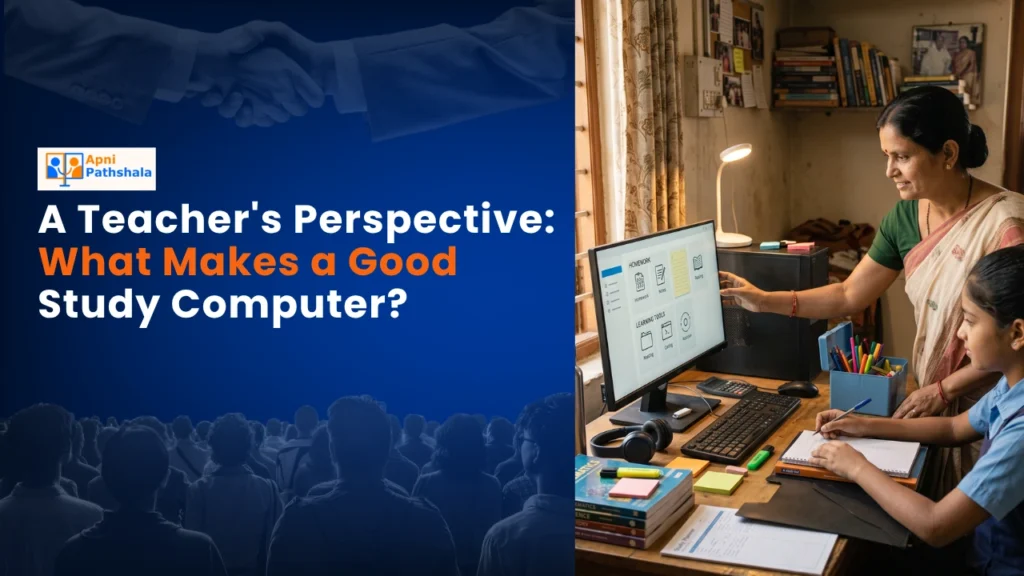
A Real Classroom Moment
Last month, I watched Priya sit at the back of my class with her phone, trying to solve a math problem on a tiny screen. Her younger brother needed their family laptop for online classes. She couldn’t focus, couldn’t see the steps clearly, and her frustration was visible. That’s when I realised how many students like Priya need their own study computer. A good study computer isn’t just about having a device; it’s about giving your child the right tool to learn, create, and grow.
Why Your Child Needs the Right Device for Studying
As a teacher working in a Tier 2 city, I see daily how technology shapes learning. When students have access to a proper device for studying, their performance improves, their confidence grows, and they actually enjoy the process. Educational technology has changed how we teach, but it only works when students have reliable devices at home.
Your child spends hours doing homework, watching educational videos, and preparing for exams. A phone screen isn’t enough. A tablet feels temporary. Your child needs a real computer built for learning, not just entertainment.
Think about it this way. When your child sits down with a phone to study, they’re one notification away from losing focus. A dedicated device changes that equation completely. It becomes their personal learning space, a place where studying happens and distractions stay out.
What Makes a Good Study Computer
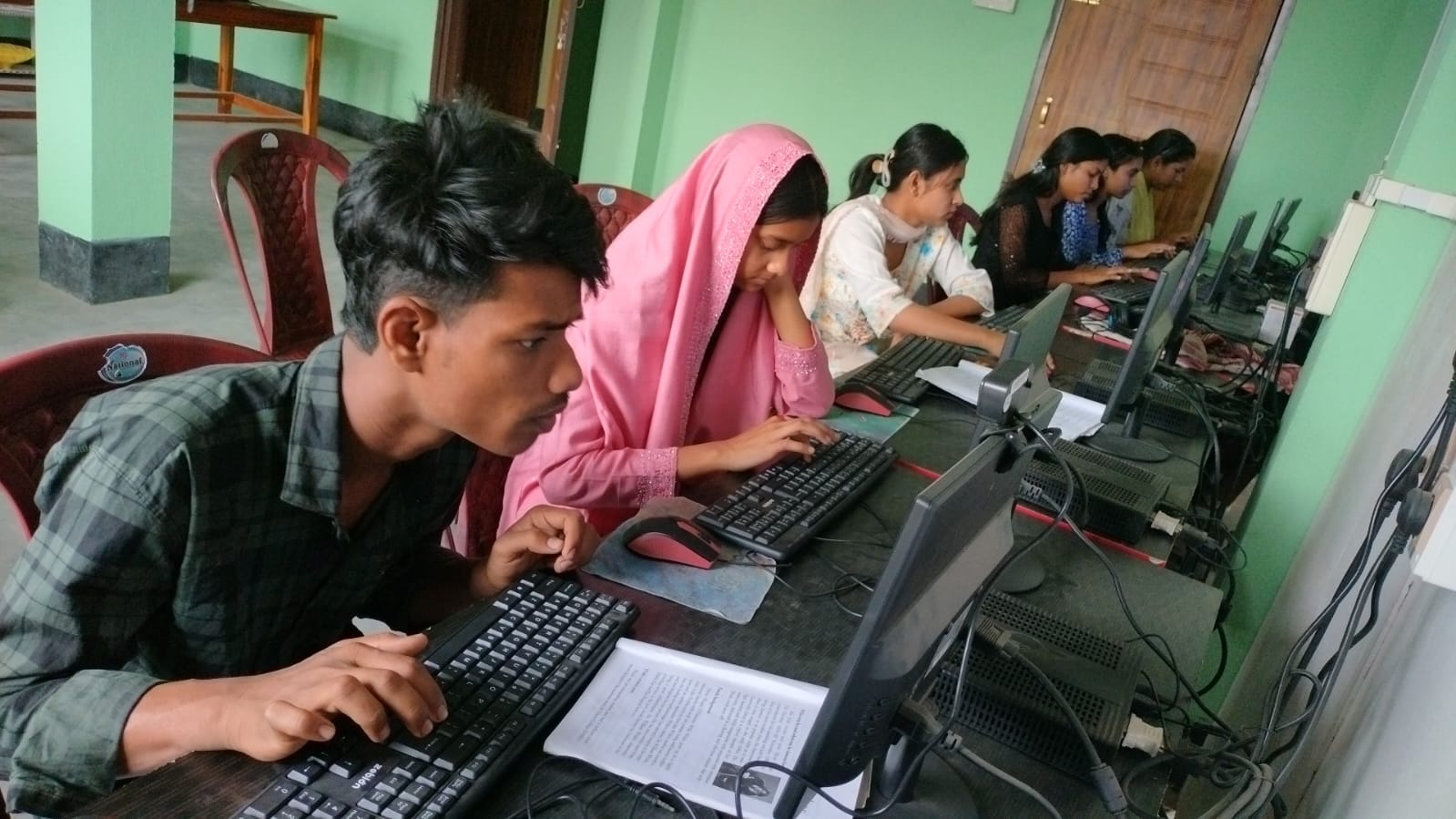
I’ve worked with hundreds of students and their families. Here’s what I’ve learned about what actually matters when choosing the right machine for your child:
- Speed matters for focus. When your child’s device lags, they lose concentration. A machine with at least 8GB RAM and an SSD keeps them focused on studies, not waiting for programs to load.
- Pre-loaded educational software saves time. Your child shouldn’t waste hours figuring out how to install learning tools. The computer should come ready with coding platforms like Scratch, office tools like LibreOffice, and a clean operating system.
- Parental monitoring builds responsibility. You need to know what your child is doing online. Built-in monitoring tools help you guide their learning without constant checking.
- Affordability is real. Quality doesn’t mean expensive. A Rs.30,000 machine can be better than a Rs.60,000 gaming laptop that distracts your child.
- Long battery life and portability matter. Your child studies in different places: the bedroom, the living room, and the library. The device should go with them.
How a Study Computer Supports Different Learning Needs
I teach students preparing for scholarship exams and Olympiads. They need to practice coding, solve complex problems, and access online resources. A proper machine lets them do all this smoothly.
For younger students, the computer becomes their gateway to understanding the basics of information technology. They learn Scratch programming, create presentations, and build digital literacy skills that’ll matter for their future.
I remember a student named Ravi who struggled with math until he got his own computer. He could practice problems at his own pace, replay tutorial videos, and use interactive tools. His scores jumped by 20 marks in one semester. That’s what the right device does.
The Apna PC Advantage
I’ve seen many computers in classrooms and homes. Apna PC stands out because it’s designed by teachers who understand what students actually need. It comes with Zorin OS, a clean, easy-to-use, distraction-free operating system.
The pre-loaded Apni Prerna monitoring system lets you stay connected to your child’s learning journey. You can see what they’re studying without invading their privacy. LibreOffice handles all document work, and Scratch opens doors to coding and creative thinking.
With 128GB SSD storage, your child has space for all their projects, research materials, and learning resources. The 8GB of RAM ensures smooth multitasking: research in one window, writing in another, video tutorials playing simultaneously.
At Rs. 30,000, this study computer is built for Indian families who value education but need to be smart with their budgets. It’s not a gaming machine. It’s not a status symbol. It’s a focused tool for learning.
Encouraging Active Learning Over Passive Screen Time
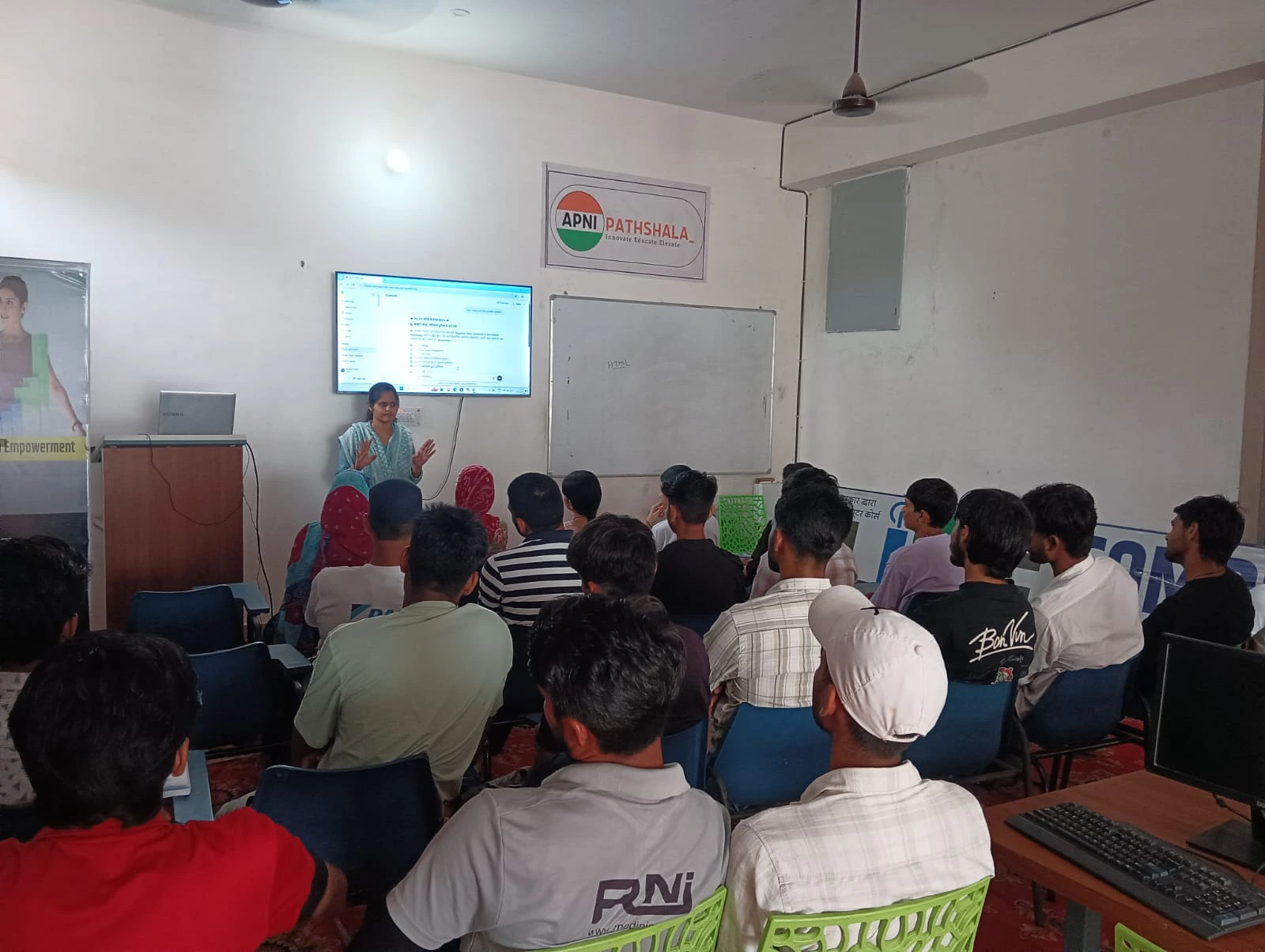
Here’s what I tell parents: a computer is only useful if it encourages learning, not endless scrolling. That’s why I recommend focusing on active learning over passive screen use.
When your child uses the device to code, create presentations, solve problems, and research topics, they’re actively learning. When they’re just watching YouTube or scrolling social media, that’s passive screen time. The difference matters more than you think.
Supporting India’s Digital Learning Push
The Digital India initiative aims to make technology accessible to every student. But access means nothing if the device isn’t right for learning. Your child deserves a machine that supports their education, not distracts from it.
In my experience, students with their own dedicated computers show better focus, complete assignments on time, and develop stronger digital skills. They’re ready for a future where technology and learning go hand in hand.
A Final Word from a Teacher
I’ve seen Priya’s journey transform. She now has her own computer at home. Her math scores improved, her confidence grew, and she’s even started learning coding. That’s the power of the right tool in the right hands.
Your child deserves the same opportunity. A good study computer isn’t a luxury; it’s an investment in their future. Visit apnapc.com to learn more.