


Building a digital notes study library transforms how students prepare for exams. When all notes are organised by subject and searchable in seconds, students stop wasting time hunting through notebooks and start spending that time actually studying. Apna PC at Rs.30,000 provides the right foundation: fast storage, pre-loaded LibreOffice, and a clean operating system designed for focused learning.
Many students keep notes scattered across multiple notebooks and loose papers. By the time exams arrive, half the notes are lost or unreadable. A simple digital system solves this permanently without expensive tools or subscriptions.
Why Digital Notes Help Students Learn Better?
Digital notes are not just about typing instead of writing. They are about organisation, searchability, and keeping every important piece of information in one safe place. When a student organises notes digitally, they can find any formula, date, or concept within seconds instead of flipping through several notebooks.
The Digital India initiative encourages students to use technology for better learning outcomes. Digital note-taking develops exactly the kind of digital literacy skills schools and employers look for. Students who keep organised digital notes have all their study material available on one device, reducing last-minute exam stress significantly.
Building a Personal Notes Library on Apna PC
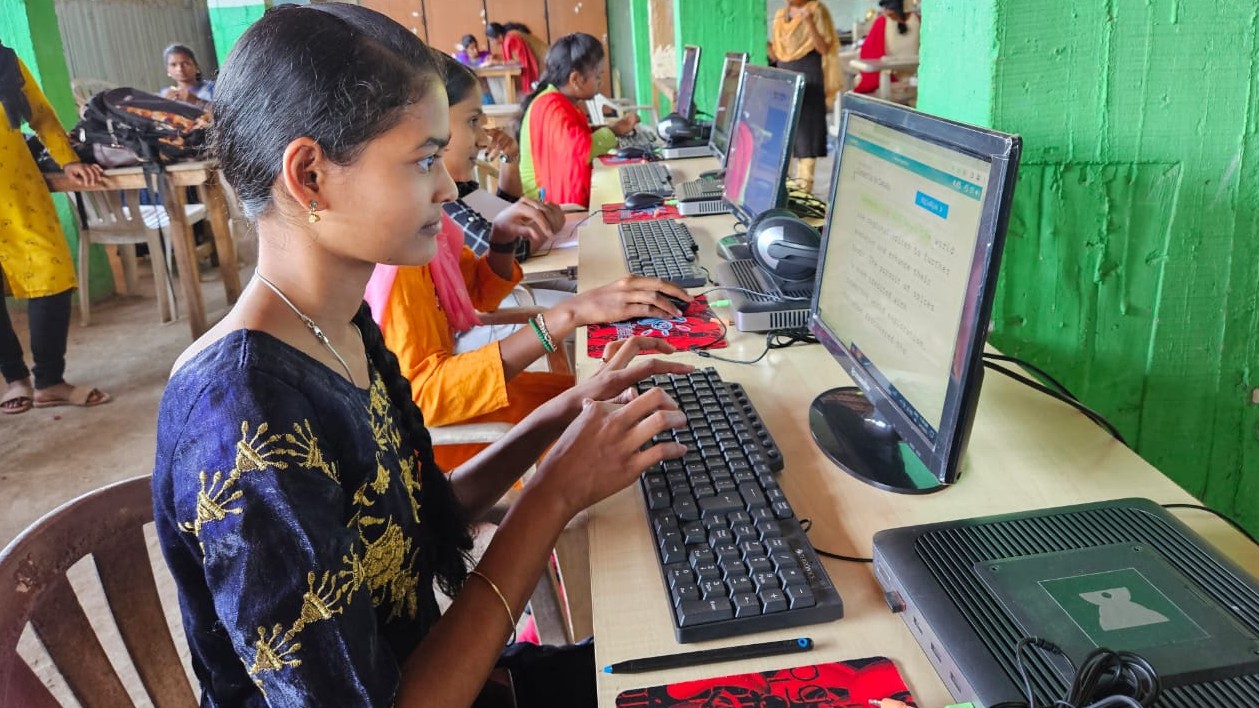
Apna PC comes pre-loaded with LibreOffice, which is ideal for creating a structured note-taking system. Here is a simple folder structure that works for most students:
- One top-level folder per year or grade (e.g., Class 9, Class 10)
- One subfolder per subject (Science, Maths, History, Hindi)
- One document per chapter or unit inside each subject folder
- Bold headings and bullet points for quick scanning during revision
- Date every note so recent edits are easy to find
Apna PC at Rs.30,000 includes 8GB RAM and 128GB SSD storage, which is enough space for years of study notes, documents, and projects. Everything is fast and searchable from the first day.
Getting Started With Digital Note-Taking
Start small. Have your student create a simple folder system for future notes rather than trying to digitise every old notebook at once. One folder per subject, one document per chapter. That is all they need to begin.
Teach good formatting habits from the start. Bold the headings. Use bullet points for lists. Add dates to every entry. These small habits make searching and reviewing much faster during exam preparation. When a student can open their notes and find information in seconds, they build confidence in what they know and study more efficiently. Learn how to keep notes organised across multiple subjects on Apna PC for more detailed guidance.
Using Scratch for Visual Learning Notes
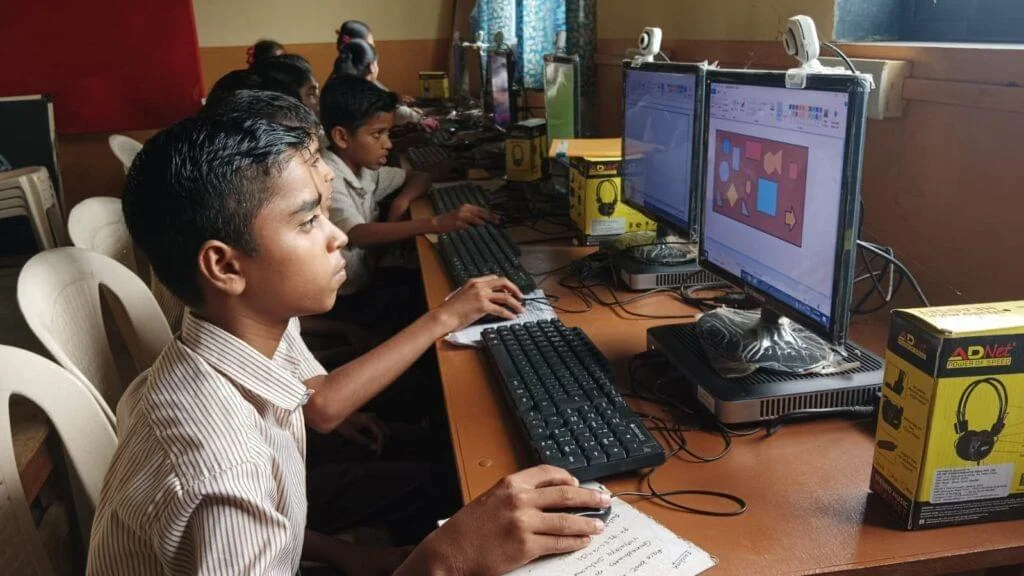
Scratch, also pre-loaded on Apna PC, helps visual learners create interactive diagrams, flowcharts, and history timelines. Students can use Scratch to create a visual biology diagram, a geography map, or a maths concept illustration. Digital note-taking does not mean typing everything. It means using the right tool for the right information. See the Digital India framework for how digital tools are reshaping learning outcomes across India.
Building Study Habits Around Digital Notes
Digital notes work best as part of a weekly routine. Set aside 15 minutes every Friday evening for your student to review and organise the week’s notes. This takes almost no time but keeps everything clean and searchable by exam season. Develop small study habits at home with a computer alongside the digital notes system for the best results. Visit apnapc.com to learn more.
Frequently Asked Questions
What is the best software for digital notes on Apna PC?
LibreOffice Writer comes pre-loaded with Apna PC and handles all standard note-taking needs. It creates formatted documents, supports tables, bullet points, and embedded images, and saves files in formats compatible with Microsoft Word. For students who prefer presentation-style notes, LibreOffice Impress works well for visual subjects like history and geography.
How much storage do study notes need on Apna PC?
Text documents and formatted notes take very little space. Even years of complete subject notes across all school subjects typically use only a few hundred megabytes. Apna PC’s 128GB SSD comfortably holds a full school career’s worth of notes plus educational apps, software, and multimedia files without any storage concerns.
How do students back up their digital study notes?
The simplest backup is copying the notes folder to a USB drive monthly. Many families also back up to Google Drive, which provides free cloud storage for student notes. Regular backup means your student’s entire study library is safe even if the computer needs servicing. Set a monthly reminder for the first Sunday of each month as a backup habit that takes under five minutes.
For guidance on setting up the right device, see our guide to a first student computer before you buy. A well-organised digital notes library transforms exam preparation from a stressful scramble into a focused review. Visit apnapc.com to learn more about Apna PC.