


Sunita Spent Three Days Chasing a Piece of Paper
Sunita’s son Arjun scored 92 per cent in his 12th boards. The family was thrilled. College applications were due in two weeks. But there was one problem. Arjun’s school had not printed the marksheet yet. The principal said it would take at least ten days. Sunita panicked. She called the school every morning. She visited the office twice. She even considered asking the principal to write marks on plain paper and stamp it. Then her neighbour told her about digital marksheets.
Within twenty minutes, Sunita had downloaded Arjun’s digital marksheet on her home computer. She printed it, attached it to three college forms, and submitted everything on time. No waiting. No running around. No stress. If you’re a parent in India, this story might feel familiar. And if your child has not started using digital marksheets yet, you’re missing out on one of the easiest ways to manage school records.
What Is a Digital Marksheet?
A digital marksheet is an official electronic version of your child’s exam results. CBSE, ICSE, and most state boards now upload marksheets online. Your child can download them as PDF files anytime. These digital documents are legally valid. Colleges accept them. Government offices accept them. Banks accept them for education loans.
The best part? You don’t need to visit the school or board office to get one. Your child can download their digital marksheet from official portals like DigiLocker, the CBSE results website, or the state board’s online system. All you need is a computer with internet access.
Step-by-Step: Downloading Digital Marksheets on Your Computer
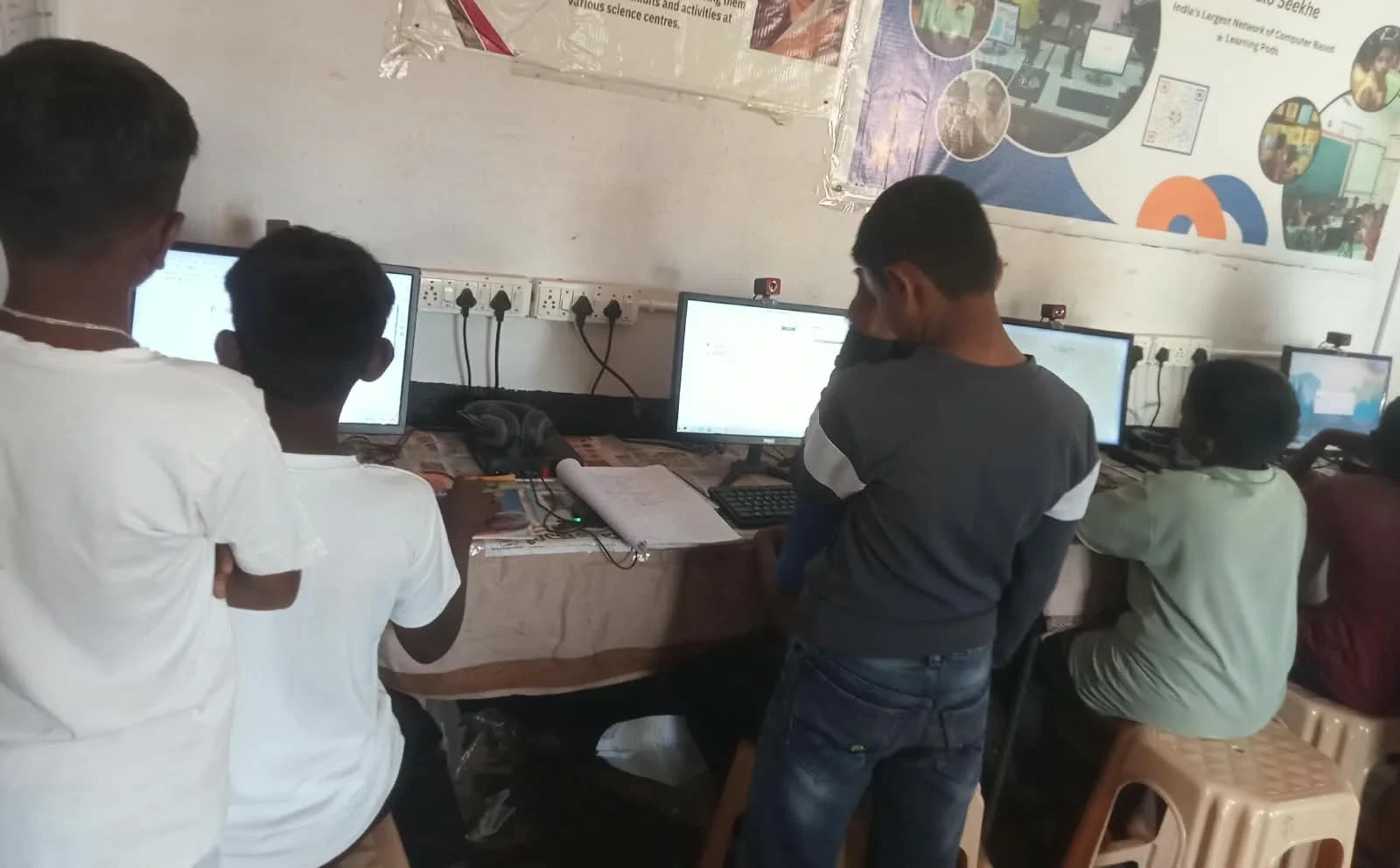
Here’s exactly how your child can access their marksheets on a home computer:
Via DigiLocker:
- Open digilocker.gov.in in your browser
- Log in with your child’s Aadhaar-linked mobile number
- Enter the OTP sent to that phone
- Navigate to the “Education” section
- Select your board (CBSE, ICSE, or state board)
- Download the marksheet PDF
Via CBSE Results Portal:
- Visit cbseresults. nic. in
- Enter your child’s roll number, school number, and admit card ID
- View and download the marksheet
Via State Board Websites:
- Each state board has its own results portal
- Your child enters their seat number or registration number
- Download and save the marksheet PDF
A reliable, reasonably fast computer makes the process smooth. Slow computers can freeze during downloads, especially when government websites are busy during result season.
How to Store and Organise Digital Marksheets
Downloading the digital marksheet is just the first step. You also need to store it properly. Here’s what smart parents do:
- Create a dedicated folder on your computer named “School Records” or “Marksheets”
- Save multiple copies – one on your computer, one on a USB drive, and one in email
- Rename files clearly – use a format like “Arjun-CBSE-10th-2026.pdf” so you can find them later
- Keep original downloads – don’t edit or overwrite the original PDF
When your child applies for college, scholarships, or jobs later, they will need these marksheets repeatedly. Having them organised on your home computer saves hours of frantic searching.
Common Problems and How to Fix Them
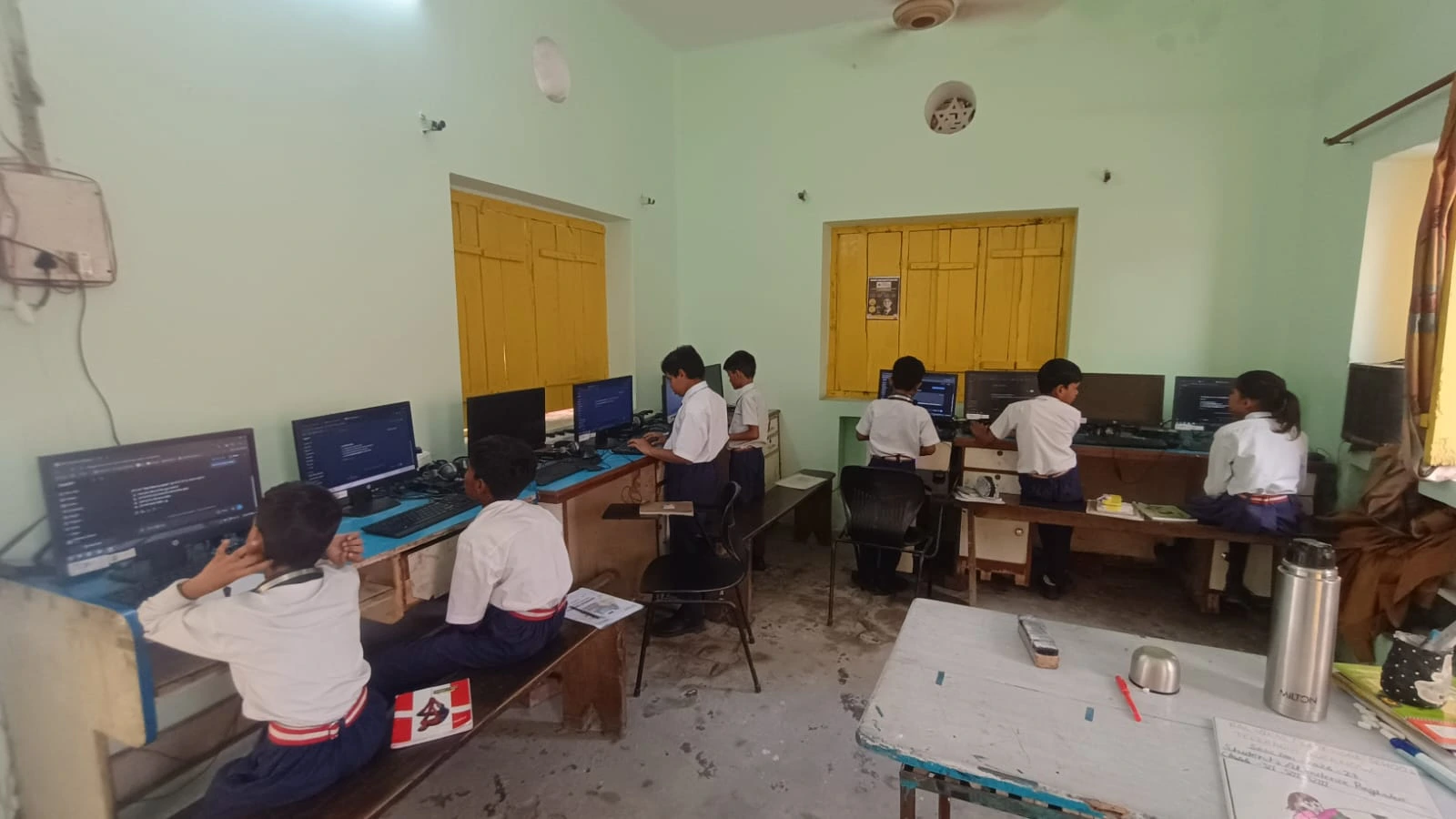
Problem: Website is slow or not loading. Government websites get thousands of visitors on result day. Try early morning or late night when traffic is low.
Problem: Wrong details showing on the marksheet. Contact your child’s school immediately. They can request corrections through the board’s online system. Digital marksheets are easier to correct than printed ones.
Problem: You need a printed copy but don’t have a printer. Visit a local print shop with your digital file on a USB drive. They’ll print it for a small fee. Many shops also provide certified copies if you need them for official purposes.
Why Digital Marksheets Matter for Your Child’s Future
Digital marksheets are more than just records. They’re proof of your child’s hard work. Colleges see them. Employers check them. Banks trust them. Having quick, easy access to these documents helps your child move forward faster in life.
When you store digital marksheets on a computer at home, you’re also teaching your child about digital responsibility. They learn that important documents need to be organised, backed up, and kept private. These are life skills they’ll use forever.
Owning a computer also opens doors for your child’s education. They can research online, complete assignments, practice coding, and access learning platforms like DIKSHA digital learning platform. This is especially important as the Ministry of Education pushes for digital transformation in schools across India.
When students prepare for a digital career, having their academic records organised digitally is the first step. And when they need scholarship applications, those downloaded marksheets become their strongest proof of achievement. A reliable home computer makes all of this possible without depending on anyone else.
Your Next Steps
Start today. Ask your child’s school for the digital marksheet portal link. Log in, download your child’s marksheet, and save it safely on your computer. Organise it in a folder you can find easily. Make a backup copy. You’ve just taken a big step toward managing your child’s academic life in the digital age.
If you don’t have a computer yet, now is the time to get one. Visit apnapc.com to learn more.