


Rahul Had Five Coding Projects Scattered Across Three Devices
Rahul was a 16-year-old student in Lucknow who loved coding. He had built a simple weather app, created a school quiz website, and designed a poster for his colony’s Diwali celebration. But every time someone asked him to show his work, he fumbled. The weather app was on an old phone. The quiz site was half-broken on a free hosting service. The poster lived somewhere in a WhatsApp group. His mother once asked him, “Do you have anything to show the college interviewer?” He had nothing ready.
If your child is anything like Rahul, they probably have talents and projects, but no organised way to present them. A student personal portfolio solves this problem. And building one starts with something simple: a reliable computer at home.
What Is a Student Personal Portfolio?
A portfolio is a collection of your child’s best work, organised in one place. It can include coding projects, essays, art, photos of science experiments, certificates, competition entries, and even documentation of volunteer work. Think of it as a highlight reel that tells a story about who your child is beyond their marks.
Colleges and employers increasingly look at portfolios. Board exam scores tell them your child can study. A portfolio shows them your child can create, think, and solve problems. That difference matters when thousands of students apply with similar scores.
The good news? Your child doesn’t need expensive tools to build one. A home computer with basic software is enough to get started.
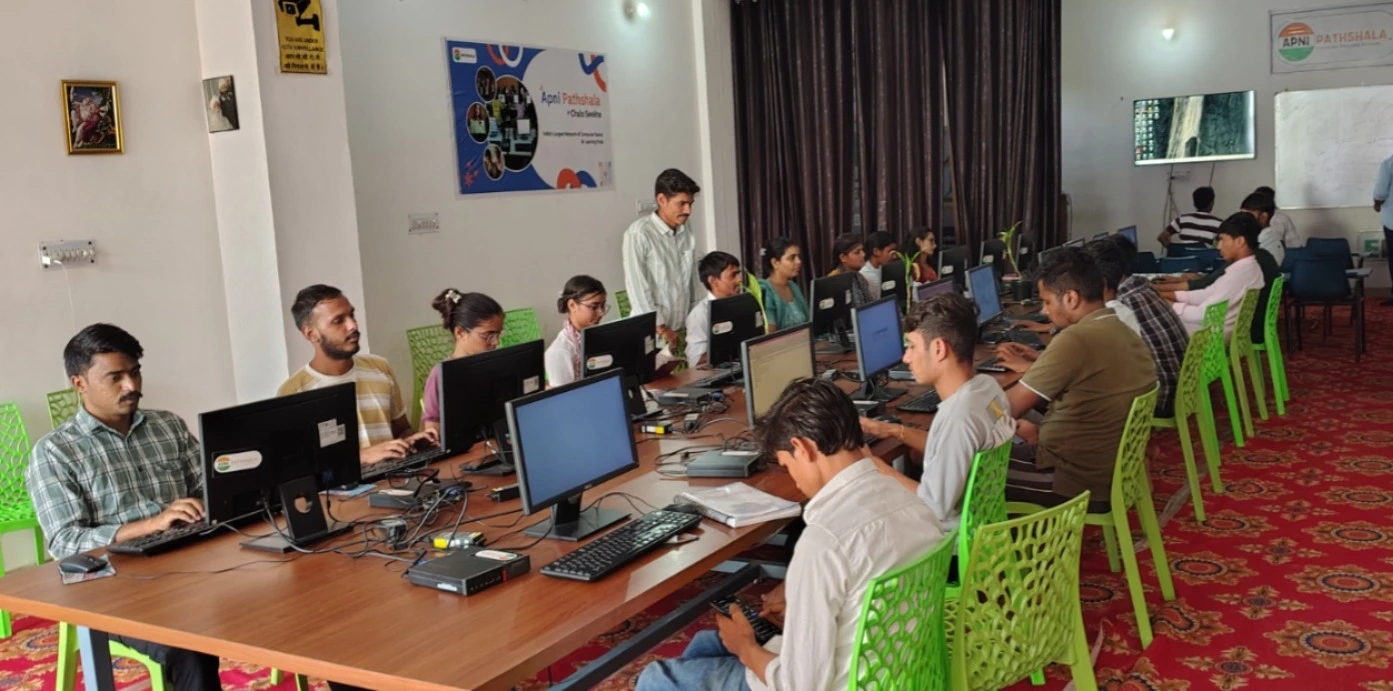
Why a Home Computer Changes Everything for Portfolios
Your child might create things at school, but they can’t always save or organise them there. School computers are shared, often slow, and regularly wiped. A home computer gives your child their own space to work, save, and revisit projects whenever they want.
Building a student’s personal portfolio needs consistency. Your child needs to sit down regularly, review their work, pick the best pieces, and polish them. This kind of ongoing effort only happens at home, on a dedicated machine that’s always available.
What Your Child Can Include in Their Portfolio
Here’s what Indian students are putting into their portfolios today:
- Coding projects – websites, apps, games, or automation scripts built using free tools
- Writing samples – essays, short stories, blog posts, or research reports
- Design work – posters, presentations, infographics created in LibreOffice or free design tools
- Science and math work – experiment reports, data analysis, project documentation
- Extracurricular records – debate speeches, event photos, certificates from competitions
- Community work – volunteering photos, social impact projects, teaching younger students
Each of these tells a story. Together, they paint a picture of a well-rounded, capable student. Your child can create all of these on a home computer without buying any additional software.
Building a Portfolio Website on Your Computer
The most impressive way to present a portfolio is through a personal website. Your child can learn basic HTML and CSS to build one. Free hosting platforms let them publish it online so anyone with the link can see it.
Imagine your child walking into a college interview and saying, “Here’s my portfolio; you can see it at myname.dev.” That’s a power move. Admissions officers remember students who go beyond the standard application.
With a computer at home, your child can learn web development basics and practice regularly. They don’t need to be an expert. Even a simple, clean page showcasing their top five projects makes a huge difference. Students who start side hustles or freelance work can add that experience to their portfolio too.
The Tools Are Already Free
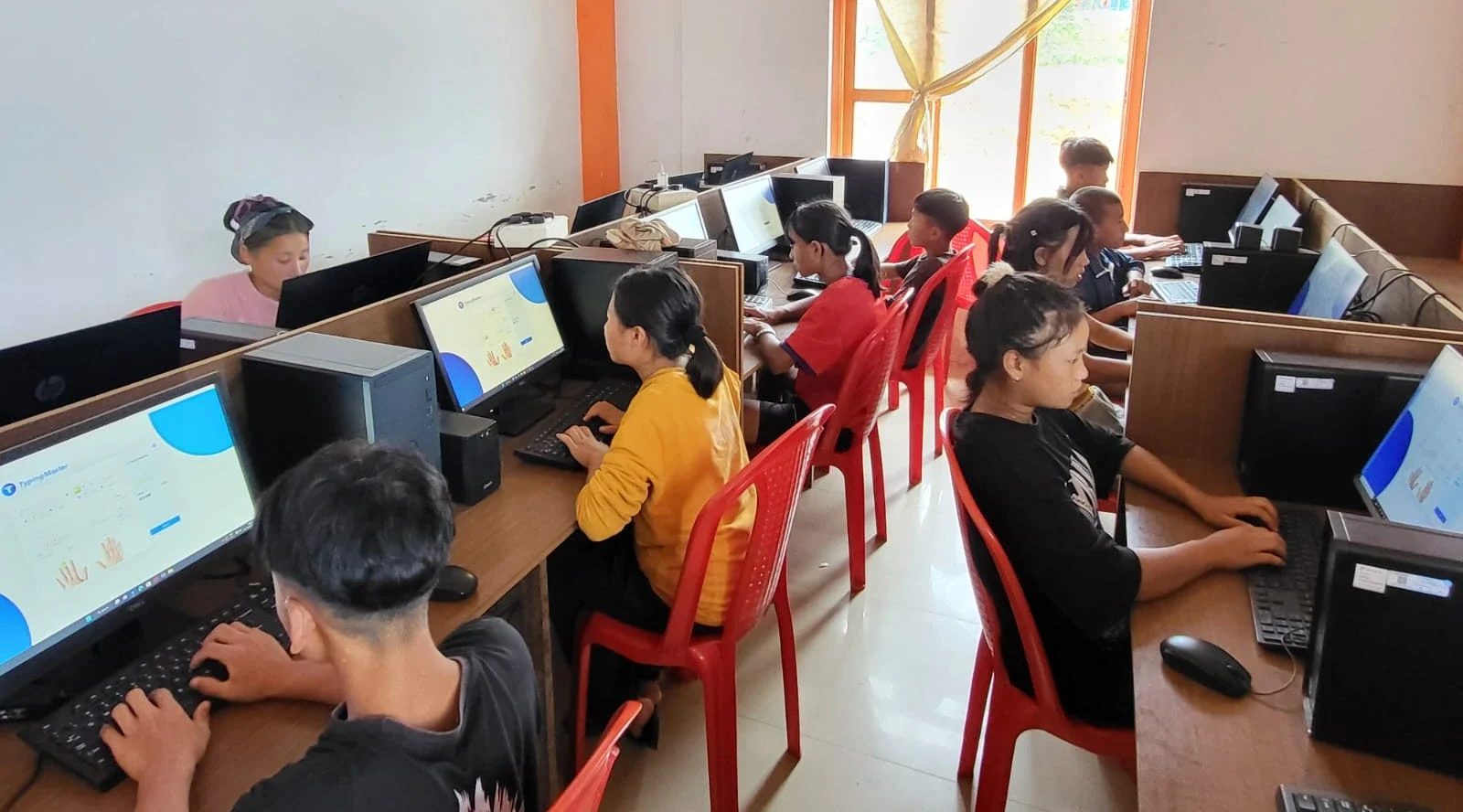
Your child doesn’t need Adobe Creative Suite or Microsoft Office to build a strong portfolio. Free tools do the job well:
- LibreOffice – for documents, presentations, and spreadsheets (comes pre-loaded on Apna PC)
- Scratch – for learning programming logic through visual coding (also pre-loaded)
- Canva – free online tool for creating posters and infographics
- GitHub Pages – free hosting for portfolio websites
- Google Drive – for backing up and sharing portfolio files
A fast computer lets your child switch between these tools smoothly. Old, slow machines discourage kids from doing creative work. When the computer freezes every ten minutes, your child gives up before finishing their project.
Starting Early Gives Your Child an Advantage
Students who start building their portfolio in 9th or 10th grade have a massive advantage over those who scramble in 12th. Two or three years of organised work produces a portfolio that looks authentic and comprehensive. Last-minute portfolios look rushed and thin.
Encourage your child to spend one hour a week on their portfolio. Review the week’s work. Pick the best piece. Polish it. Save it in the portfolio folder. This habit, started early, transforms how your child sees their own abilities. They stop thinking of themselves as just a marks-machine and start seeing themselves as a creator.
A computer at home makes this weekly ritual possible. Your child has a quiet, personal space to reflect on their work. They learn to document their learning journey in ways that matter later.
Your Child’s Future Starts With Organisation Today
When you help your child prepare for a digital career at school, you’re not just preparing them for a job. You’re teaching them to think like a creator, to organise their thinking, and to take their ideas seriously. These skills matter whether they become engineers, designers, entrepreneurs, or anything else.
A home computer is not a luxury. It is the foundation for student development in the 21st century. The Ministry of Education recognises that digital literacy and portfolio building are now essential skills for Indian students.
Rahul’s mother finally got her answer. They got him a proper computer, set up a dedicated workspace, and helped him organise all his scattered projects into one cohesive portfolio. Six months later, he had a portfolio website, five documented coding projects, and interest from college admissions officers.
Your child can have the same story. They have the talent and ideas. The question is whether they have the space and tools to organise that talent into something colleges can see. A home computer gives them exactly that. Visit apnapc.com to learn more.