

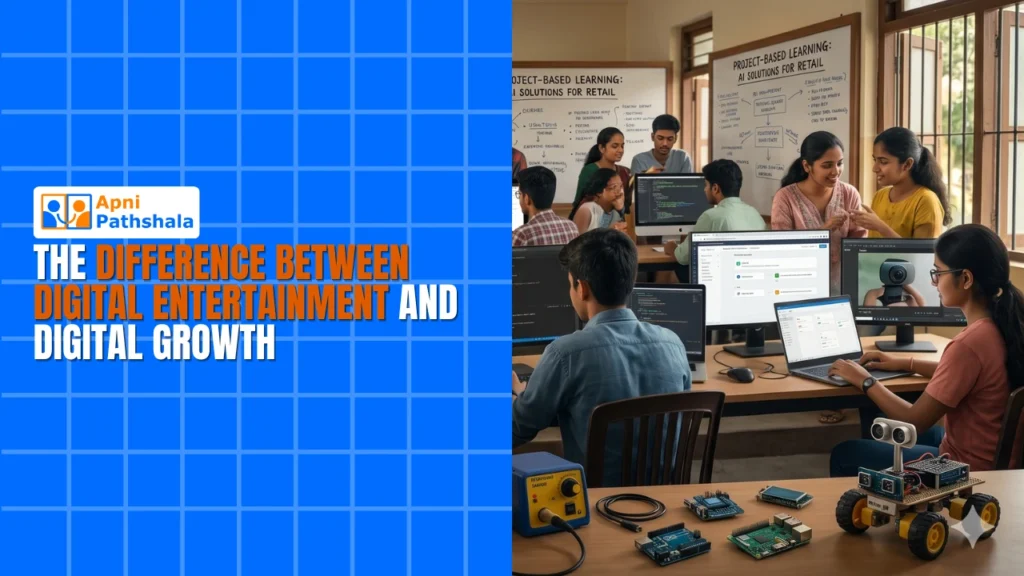
Digital entertainment is passive screen time spent consuming content, while digital growth is active screen time spent learning, creating or building skills. The difference is not the number of hours on a screen but what your child does during them, so the goal is guiding the kind of use, not only limiting it.
For example, a 12-year-old might scroll videos for three hours one evening, yet have learned coding basics from online tutorials the month before. The screen was the same. What happened on it was not.
Is digital wellbeing only about screen time?
No. Digital wellbeing depends far more on how screen time is used than on how many hours it lasts. Most parents think in hours, where two is good and four is bad, but that misses the point.
A child watching random short videos for one hour and a child learning Python for one hour are not in the same situation, even though the screen time is identical. Productive screen time is intentional. It is about whether your child is passively consuming or actively engaging.
Consider this: your child might spend 30 minutes on the DIKSHA digital learning platform learning Indian history through interactive modules, or 30 minutes on random videos. Both involve screens. Only one builds knowledge and skills. Our guide to passive vs active screen time goes deeper into this.
How can you tell entertainment from growth?
Ask whether your child ends the session with something they did not have before: a skill, an answer or a finished piece of work. This quick comparison helps:
| Digital entertainment | Digital growth | |
|---|---|---|
| Main activity | Scrolling, watching, swiping | Learning, creating, researching |
| Child’s role | Passive consumer | Active learner |
| Typical device | Phone held in hand | Computer at a desk |
| What remains after | Usually nothing | A skill, project or notes |
Which digital habits actually work for students?
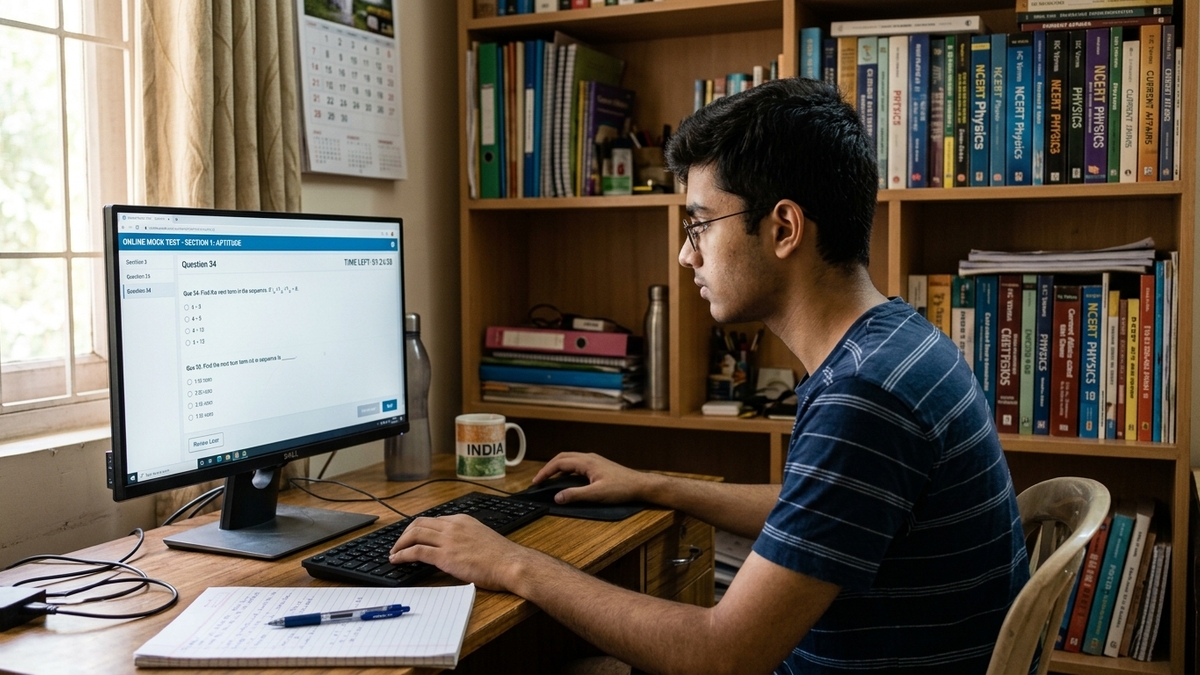
Three habits work better than a blanket ban: purposeful use, time-bounded sessions and clear device boundaries. Saying “no screens” rarely works, so it helps to ask better questions about what your child should do on screens.
Purposeful device use
Before opening any app or website, your child should know why. Researching a school project, learning a new skill or getting homework help from a friend are all clear reasons. This simple pause creates awareness and prevents mindless scrolling.
Time-bounded sessions
Instead of unlimited access, set windows for different activities: for example, one hour for learning, 30 minutes for entertainment and 20 minutes for social connection. This respects the need for digital engagement while protecting against overuse.
Environmental boundaries
The device stays out of bedrooms and is not used during meals. These are not punishments. They are guardrails that help children develop a healthier relationship with technology from the start.
The Digital India initiative has made quality educational content easier to reach. Your child has access to excellent learning resources. The question is whether they are using them or just using devices.
How do you shift a child from entertainment to growth?
Change the family conversation from “how much screen time” to “what kind of screen time”. Once that shifts, your child starts moving from passive consumer to active learner.
Think about what one hour of focused digital work could produce. Your child could:
- Work through part of an online course in graphic design
- Build a small website
- Learn coding fundamentals
- Research a topic that genuinely interests them
- Practise a language through interactive apps
This does not mean entertainment is banned. Balance matters, but entertainment should be a small part of total screen time, not the main event. When most digital time goes to learning and creating, entertainment becomes a reward rather than the default escape.
This approach also builds what may be the biggest advantage a student can have today: the ability to learn independently and adapt to new challenges. That skill matters more than any single subject.
Does the device itself affect how a child uses screens?
Yes. Phones are designed for quick, habit-forming engagement, while a computer at a proper desk puts a child in a work mindset. With a keyboard and monitor, your child is in a different mental mode than when holding a phone.
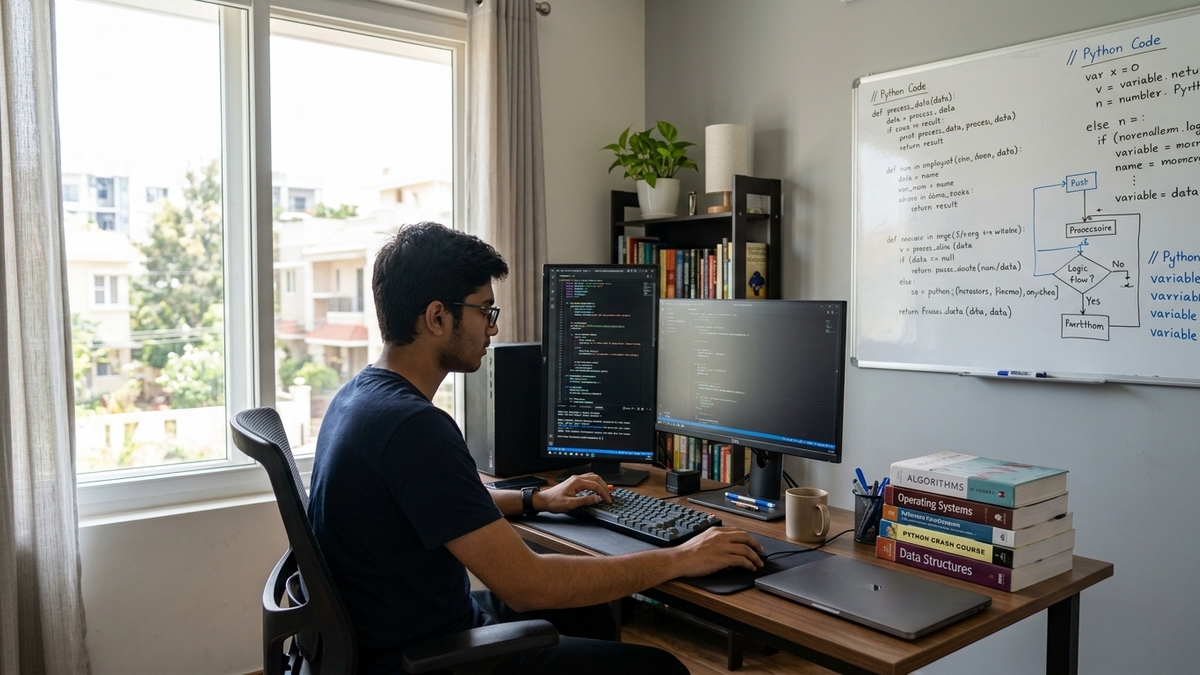
This is why many Indian families choose a dedicated learning device. A computer with monitoring software lets parents understand digital habits while giving children space to explore. Tools like Apni Prerna help parents guide without controlling and support without spying.
The Apna PC at Rs.30,000 (shipping and GST excluded) is built with this balance in mind. Made by Apni Pathshala with Apni Prerna monitoring software included, it runs Zorin OS with 8GB RAM and a 128GB SSD, giving students what they need for learning without the distractions of a typical consumer device.
When your child has a dedicated device for learning, something shifts. They understand it is for growth, so it becomes an extension of their education rather than a toy.
How can families build digital wellbeing together?
Build it with your child instead of imposing it. Talk about why some screen time matters and some does not, show them the difference between scrolling and learning, and let them feel how good it is to build or create something.
Your child will use screens for work, learning and connection throughout life. The question is not whether they should use technology, but how to help them use it in ways that build them up rather than wear them down.
Start with one conversation about what your child wants to learn or create, then give them the space and tools to do it. For more ideas, read about why creating beats scrolling and how learning beyond the school curriculum becomes possible with the right tools.
Frequently Asked Questions
How much entertainment screen time is okay for a school child?
There is no single right number, but entertainment should be a small share of total screen time. Many families allow around 30 minutes of entertainment on school days, after study is done. Agree on the limit with your child in advance, so it feels like a fair rule rather than a punishment.
Are educational YouTube videos digital growth or entertainment?
They can be either, depending on how your child uses them. Watching a concept video and then solving related problems or taking notes is growth. Letting autoplay jump from one video to the next is usually entertainment. Ask your child what they learned to see which one it was.
Should I ban gaming completely?
A complete ban is usually unnecessary and often backfires. Treat gaming as entertainment with a clear time window, such as weekends or after homework. Some children also enjoy building simple games in tools like Scratch, which turns the same interest into a creative, skill-building activity.
Want a device made for growth, not endless scrolling? Visit Apna PC to learn how the right computer can support your child’s real learning.