


Arjun’s Discovery: When a Computer Became His Creative Canvas
Arjun, a 14-year-old from Bangalore, sat in front of his old laptop feeling stuck. His school had assigned a project on environmental pollution, but he did not know how to make it interesting. He could write an essay or create a basic slideshow like everyone else. Then his father brought home an Apna PC, and everything changed.
Within an hour, Arjun discovered creative computing tools pre-loaded on the device. He started with Scratch, creating an animated story about plastic waste. His project transformed from boring text into an interactive digital experience. His teacher gave him full marks, but more importantly, Arjun discovered he could express ideas in ways he never imagined before.
Your child can have the same experience. Creative computing is not just about coding or graphic design. It is about using technology as a tool to imagine, experiment, and bring your ideas to life.
What Is Creative Computing and Why Does It Matter for Students?
Creative computing combines art, technology, and problem-solving. It means using computers to create music, animations, games, digital art, or interactive stories. Your student is no longer just consuming content. They produce it, think critically, and develop skills schools and colleges value.
The Ministry of Education recognises that digital projects and hands-on learning improve student outcomes. When you learn through creation, concepts stick longer. A student who codes a game understands logic better than one who only reads about it.
Creative computing builds confidence too. Your child sees immediate results. They can fix mistakes, experiment with new ideas, and improve their work. This is real learning, not memorisation.
Digital Projects Your Student Can Start Today
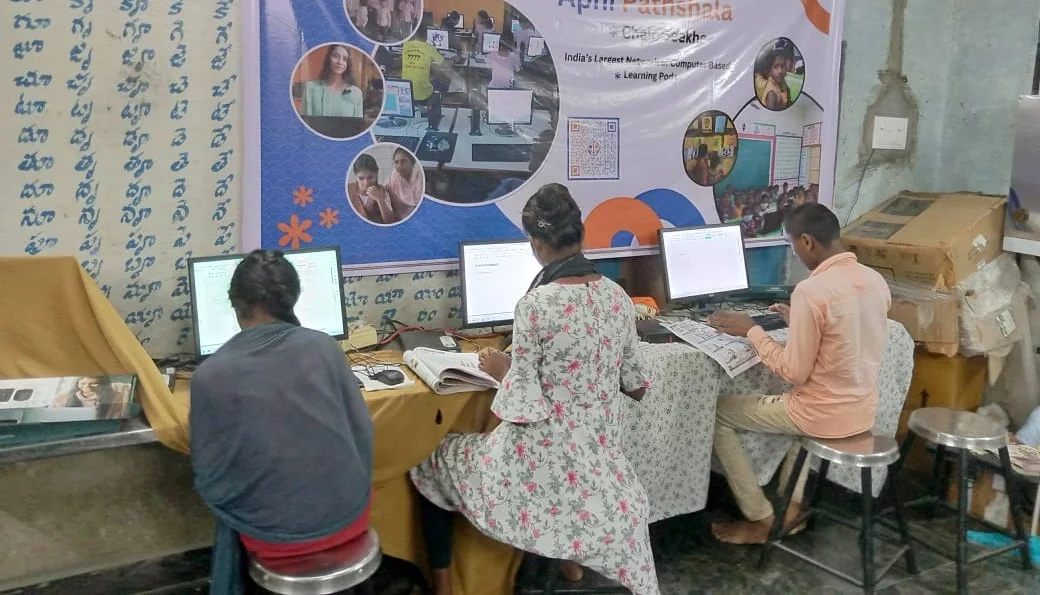
You do not need expensive software or years of training. Here are projects your student can begin right now:
- Animated Stories: Use Scratch to create a story with characters, dialogue, and movement. Perfect for literature or history assignments.
- Educational Games: Build a quiz game or puzzle to help classmates learn. This teaches coding and reinforces your own knowledge.
- Digital Art: Create posters, infographics, or illustrations using free tools pre-loaded on Apna PC.
- Music and Sound Projects: Compose simple melodies or create audio stories for presentations.
- Interactive Presentations: Go beyond PowerPoint. Build presentations where viewers can click, explore, and interact.
- Science Simulations: Visualise physics concepts, chemical reactions, or biological processes through animation.
Each project teaches something new while keeping your student engaged and excited about learning.
Why Apna PC Is Perfect for Creative Computing
Not every computer is built for student creativity. Apna PC is specifically designed for educational needs. It comes with Zorin OS, a user-friendly operating system that doesn’t slow down with heavy applications.
The 8GB RAM and 128GB SSD mean your student can run multiple creative tools without frustration. Waiting for software to load kills creativity. Apna PC keeps up with your ideas.
Most importantly, it comes pre-loaded with tools your student actually needs. Scratch is included, so your child starts creating immediately without installation headaches. LibreOffice provides free alternatives to expensive Microsoft Office. Apni Prerna helps parents monitor progress without being intrusive.
At Rs.30,000 (before shipping and GST), you are investing in a computer built for learning, not just browsing.
How Parents Can Support Creative Computing at Home
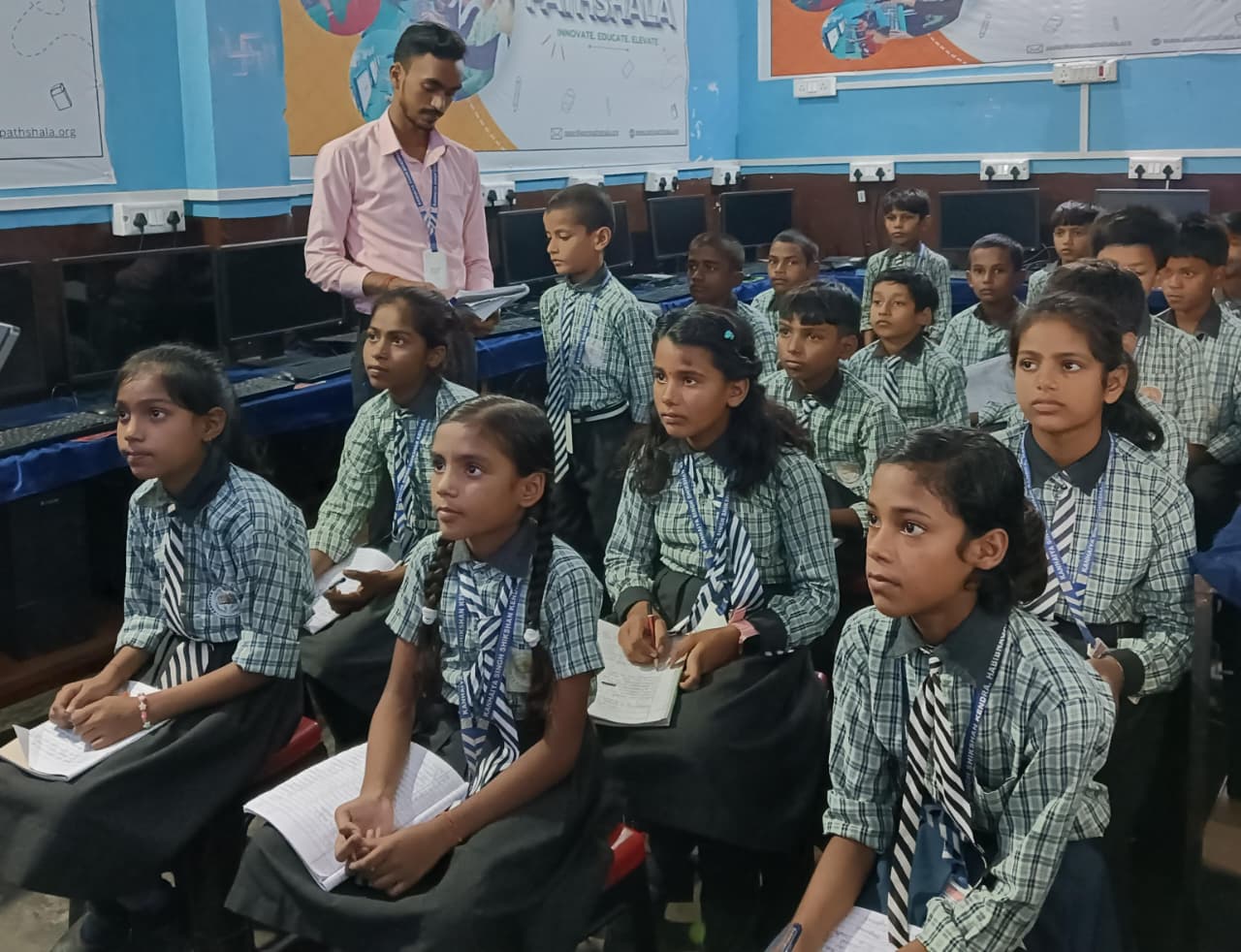
Your role is important. You do not need to be tech-savvy yourself. Ask your student what they are building. Let them explain their ideas. This develops communication skills and shows you value their work.
Set aside dedicated time for creative projects. One hour on weekends can become a family tradition. Your student learns better with encouragement than pressure.
Connect their digital projects to real life. If they create a game, play it and give feedback. If they make an animation, watch it together. This makes creative computing feel purposeful, not like homework.
Building Skills That Matter for the Future
Employers and universities want students who can think creatively and solve problems. Creative computing teaches exactly that. Your student learns to break big ideas into smaller steps, test solutions, and iterate.
These skills power every app, website, and digital tool your child uses. By creating rather than just consuming, they understand technology more deeply.
Your student also builds a portfolio. Projects created in Scratch or with digital tools can be shared online, showcased to teachers, or included in college applications. This is not just learning. This is building your future.
Getting Started: Your First Steps
Start small. Your student does not need to build the next viral app. A simple animated character or interactive story is enough to discover what is possible.
Explore Apni Pathshala resources for project ideas and tutorials. Many are free and designed specifically for Indian students.
When you are ready to invest in proper equipment, Apna PC removes barriers. With the right computer, your student can create their own digital workspace where imagination becomes reality.
Creative computing is not a luxury. It is how learning happens in 2026. Your student deserves tools that match their potential. Your student deserves a computer built for creativity. Visit apnapc.com to learn more.