


Ravi sat at the kitchen table in his Indore home, staring at his sister’s old laptop. The screen flickered. The battery died within an hour. His mother, Priya, watched him struggle to complete his online assignments, his frustration growing by the day. She knew something had to change. Ravi needed his own space, his own computer, his own digital workspace where he could focus on studies without distractions or technical headaches.
Creating a digital workspace isn’t just about having a computer. It’s about building an organised, productive environment where your child can learn, create, and grow. Whether your son or daughter is in school or preparing for competitive exams, a proper digital workspace makes all the difference. In this guide, we’ll show you how to set up a digital workspace that works for your family.
What Is a Digital Workspace and Why Does Your Child Need One
A digital workspace is a personalised computer setup where your student can study, complete assignments, and develop professional computer skills without chaos. It’s not just a desk with a computer. It’s a complete system with the right tools, software, and organisation to help your child focus and achieve better results.
Think about how your child currently studies. Do they share a laptop with siblings? Do they struggle with slow internet or outdated software? A dedicated digital workspace solves these problems. Your student gets their own space, their own login, their own files organised exactly how they need them.
The Digital India initiative has pushed for digital literacy in schools across the country. Your child needs to be part of this movement. Without proper computer skills and a dedicated workspace, they’re falling behind their peers in metros and bigger cities.
Setting Up Your Child’s Digital Workspace: Step by Step
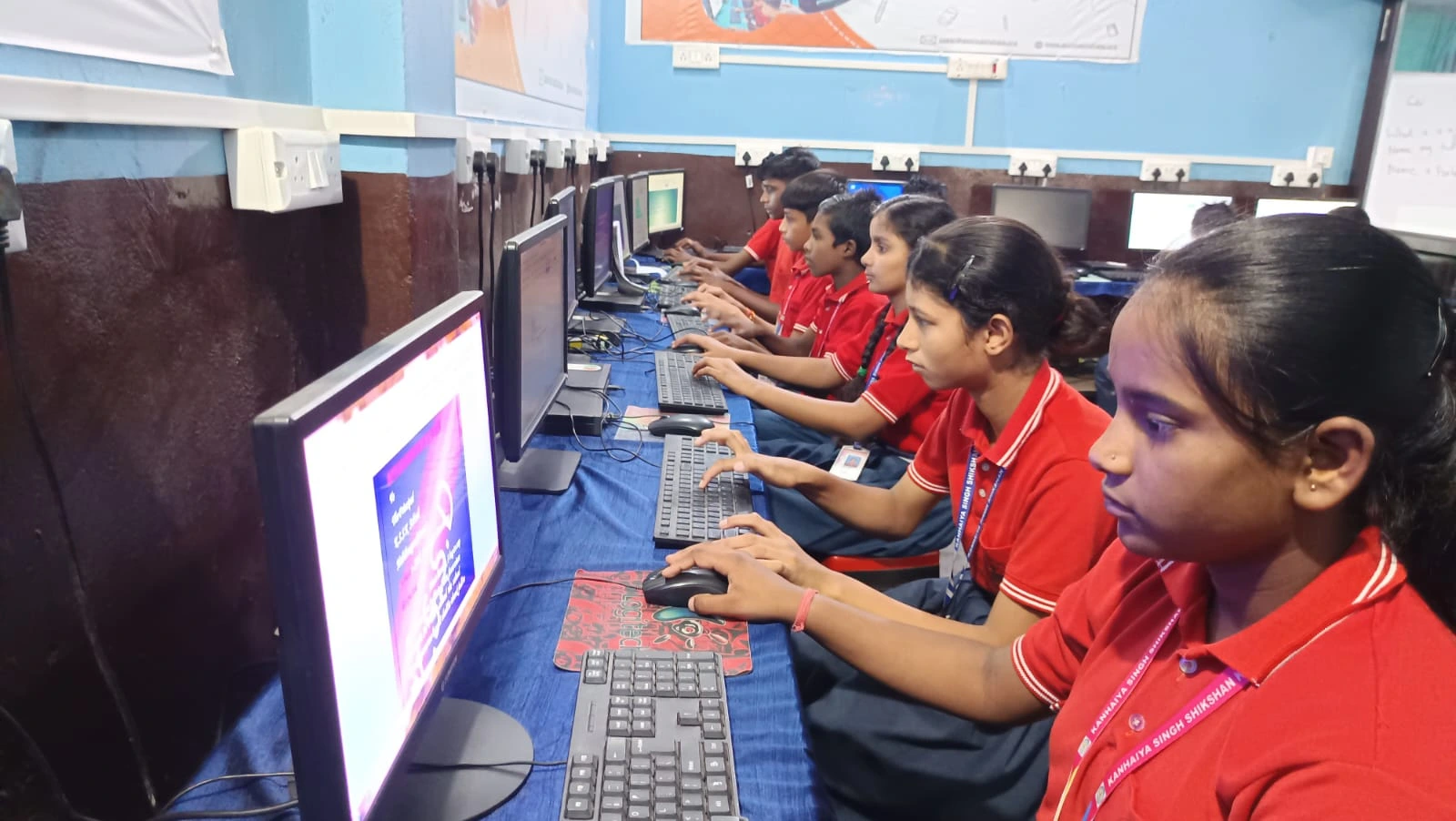
Start with the right hardware. Your student needs a computer thats reliable, not a hand-me-down that crashes every other week. Look for a system with at least 8GB RAM and 128GB storage. These specs handle schoolwork, online classes, and creative projects without slowing down.
Next, install the right software. Your child doesn’t need expensive programs. Free, open-source tools like LibreOffice work perfectly for documents, spreadsheets, and presentations. For coding and creative learning, platforms like Scratch help younger students build logic and problem-solving skills.
Organise the workspace physically too. A dedicated desk, good lighting, and a comfortable chair matter more than you think. Your child should have a separate login on the computer with parental controls. This keeps them safe while teaching them responsibility.
Use productivity tools that match your child’s age and needs:
- For younger students: Google Drive for file storage, Scratch for coding basics, and Zorin OS for a clean, distraction-free environment
- For older students: LibreOffice for office work, DIKSHA for structured learning, and note-taking apps for organising research
- For all students: A reliable backup system so they never lose important schoolwork.
The DIKSHA digital learning platform offers thousands of free courses and resources. Your child can access quality content directly from their digital workspace. This is especially valuable for students in tier 2 and tier 3 cities where coaching classes are expensive.
Productivity Tools That Actually Help Students Focus
Your child needs the right productivity tools to make their digital workspace effective. Start with cloud storage like Google Drive or OneDrive. Your student can save assignments, projects, and notes in one place and access them from anywhere.
Use a simple task management system. Apps like Todoist, or even a basic to-do list in Google Keep, help your child track deadlines and stay organised. When your student knows exactly what needs to be done and when, they work more efficiently.
Time management tools are crucial too. Apps like Forest or simple timers help your child focus for 25-30 minute blocks, then take short breaks. This technique, called the Pomodoro method, actually improves concentration and learning.
Dont overlook the importance of a good antivirus and security software. Your child needs protection from malware and inappropriate content. Most free options work well for student computers.
Making the Digital Workspace Part of Your Family Routine
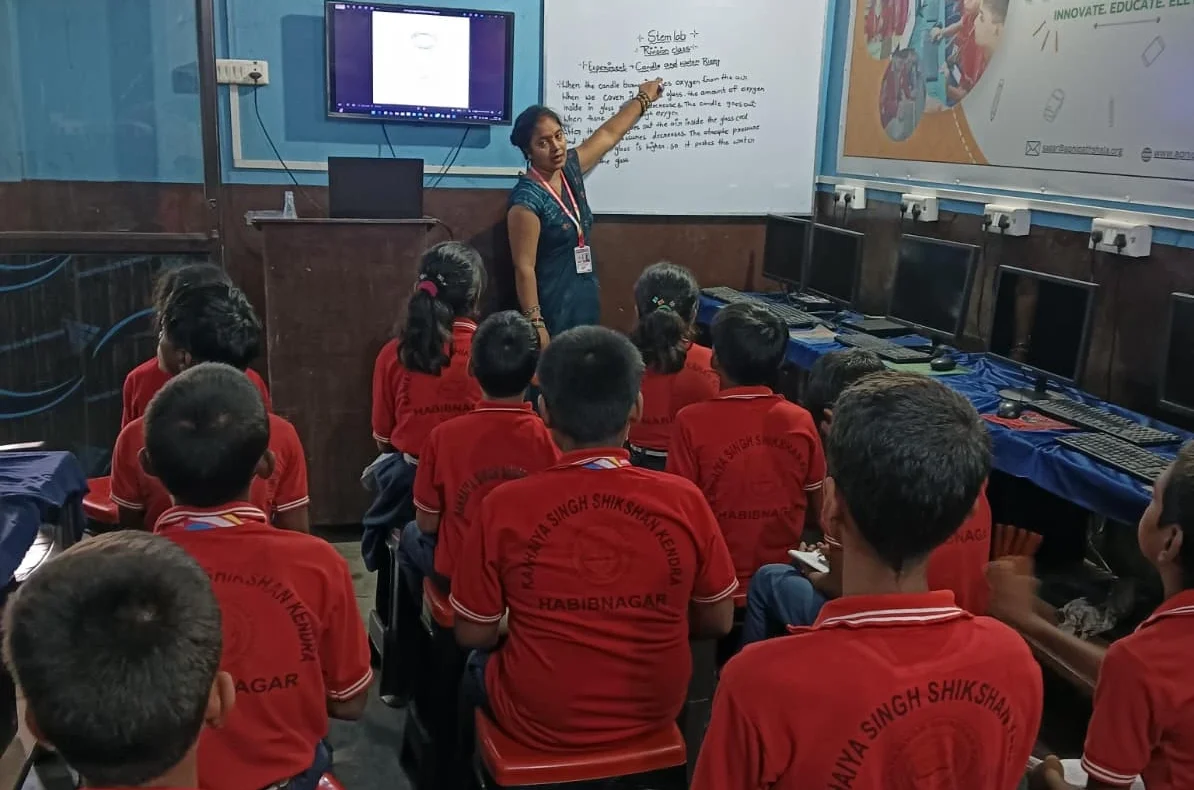
Set clear rules about when and how your child uses their digital workspace. Study hours should be distraction-free. No social media, no gaming, no YouTube during study time. Use parental controls to enforce these boundaries automatically.
Encourage your child to personalise their workspace. Let them choose a desktop background, organise folders the way they like, and create shortcuts to their most-used tools. When students feel ownership of their space, they use it more effectively.
Monitor progress through tools like Apni Prerna, which helps you track your child’s learning and development. You can see what they’re working on, how much time they spend on different subjects, and where they need extra help. This keeps you involved without being intrusive.
Visit the Apni Pathshala blog for regular tips on supporting your child’s digital learning journey. You’ll find resources designed specifically for Indian students and parents.
Why Apna PC Is Perfect for Your Student’s Digital Workspace
Apna PC is built specifically for Indian students like your child. At Rs.30,000, it’s affordable for families in tier 2 and tier 3 cities. It comes preloaded with everything you need: Zorin OS for smooth performance, Apni Prerna for monitoring, LibreOffice for productivity, and Scratch for learning to code.
The 8GB RAM and 128GB SSD mean your child gets a fast, responsive computer that handles schoolwork, online classes, and creative projects without frustration. No more waiting for programs to load. No more crashes during important assignments.
Apna PC runs Zorin OS, a Linux-based system thats secure, lightweight, and perfect for students. Your child learns on a modern operating system while staying protected from viruses. The pre-installed Apni Prerna helps you stay connected to their learning without hovering.
Your child gets a complete digital workspace out of the box. No hunting for software. No confusion about compatibility. Just plug it in, log in, and start learning.
Your student deserves a digital workspace that supports their growth and keeps them focused. Apna PC makes this possible without breaking your budget. Visit apnapc.com to learn more.