

Rajesh’s Worry and the Computer Practical Exam Challenge
Rajesh sat in his small living room in Indore, watching his son Arjun stare blankly at a borrowed laptop. The computer practical exam was three weeks away, and Arjun had never touched a proper computer before. Like thousands of families in tier-2 and tier-3 Indian cities, Rajesh didn’t own a PC at home. His son’s school had a computer lab, but it was crowded, outdated, and the teacher could barely help each student individually. Arjun was falling behind, and Rajesh felt helpless.
This is the reality for many Indian students preparing for their computer practical exam. You might face the same situation right now. Your child needs consistent practice, appropriate software, and a reliable machine to master the required skills. That’s where having your own computer at home makes all the difference.
Why Your Home Needs a Computer for Practical Exam Success
A computer practical exam isn’t like a written test you can cram for the night before. Your student needs hands-on practice with real software, operating systems, and programming tools. They need to build muscle memory, understand workflows, and troubleshoot problems on their own.
When your child practices only in school labs, they get maybe 40 minutes a week of focused time. That’s not enough. With a home computer, your student can practice for an hour or two every evening, weekends included. Repetition builds confidence, and confidence wins exams.
The right computer also removes anxiety. Your student won’t worry about lab availability or feel rushed. They can make mistakes, learn from them, and try again without pressure. This is how real learning happens.
What Your Computer Practical Exam Preparation PC Needs
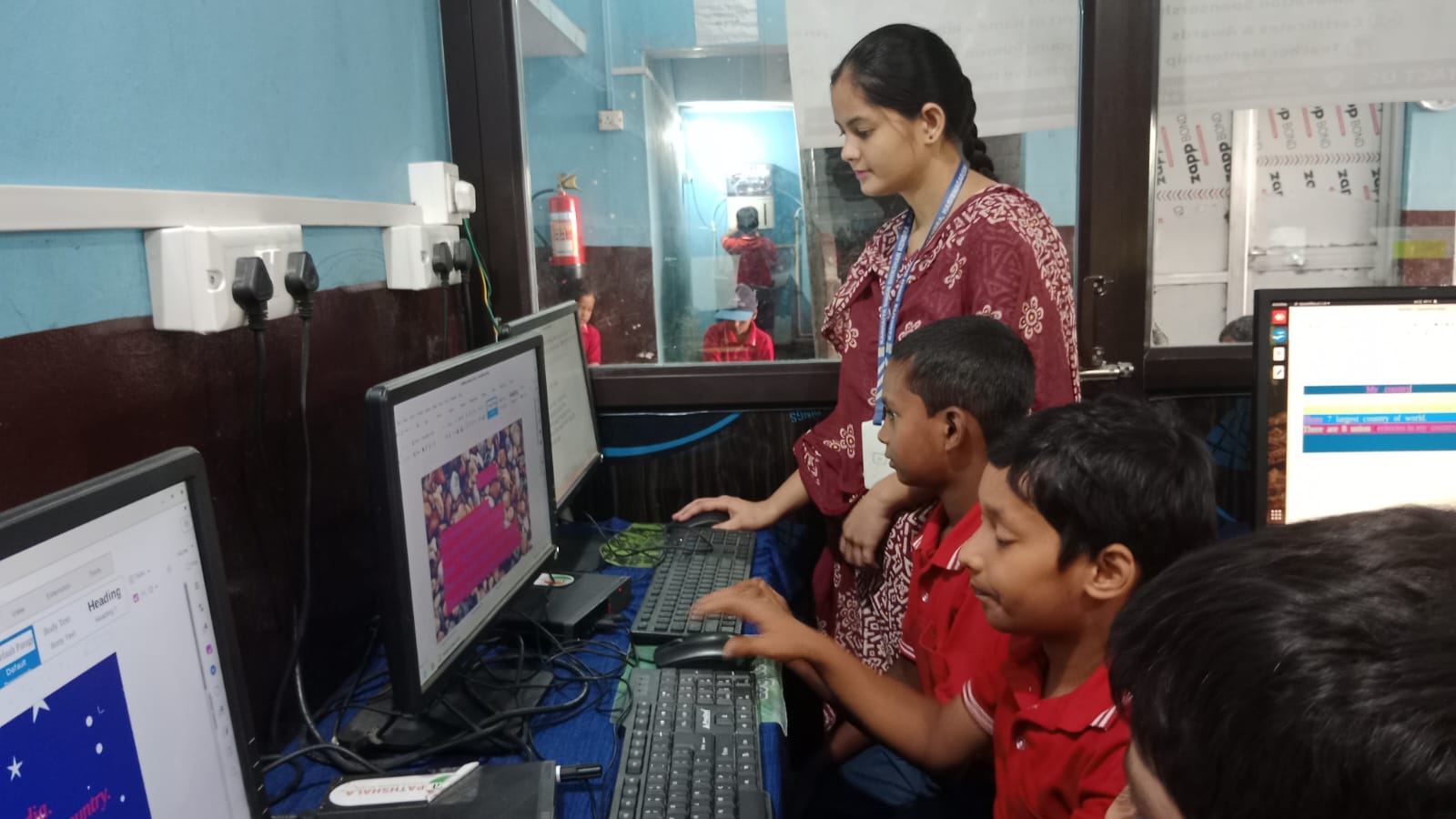
Not every computer works for exam prep. You need a machine with the right software already installed, enough speed to run multiple programs, and an operating system your school actually uses.
Your PC should come with:
- LibreOffice Suite – for word processing, spreadsheets, and presentations that appear in most practical exams
- Scratch or Python IDE – for programming and coding practice
- A reliable operating system – one that’s stable and won’t crash during practice sessions
- At least 8GB RAM and 128GB storage – so your student can run multiple applications smoothly
- Student monitoring tools – to help parents track progress without being invasive
Apna PC checks every box. It’s an educational computer built specifically for Indian students preparing for competitive exams and practical assessments. It comes pre-loaded with Zorin OS, LibreOffice, Scratch, and Apni Prerna (a student monitoring system that keeps you informed). With 8GB RAM and 128GB SSD, it handles everything your student needs without lag or crashes.
Building a Study Routine That Actually Works
Having the right computer is step one. Step two is creating a routine your student will actually follow. Set specific times for practice, not just random hours.
Your student should dedicate 60-90 minutes on weekdays and 2-3 hours on weekends to preparing for the computer practical exam. Start with the basics (file management, typing, simple spreadsheets), then move on to more advanced skills (programming, database queries, or whatever your exam covers). Track progress weekly so you both know what’s improving and what needs more work.
The Apni Prerna monitoring system built into Apna PC helps you see what your child is learning without having to hover over their shoulder. You get reports on practice time, completed exercises, and skill development. This keeps your student accountable while giving you peace of mind.
Learning Beyond Just Exam Preparation
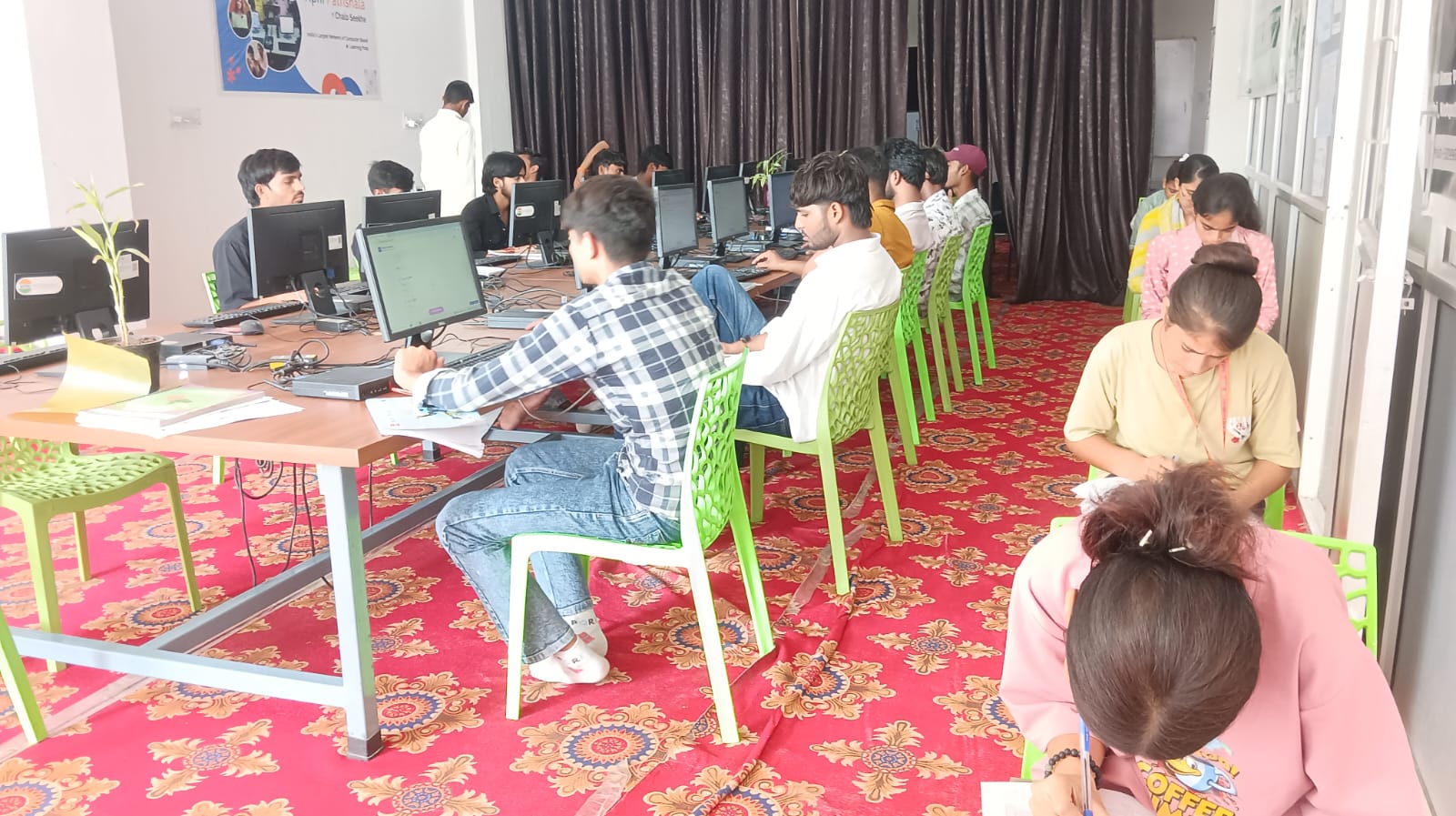
Here’s something many parents miss: the computer practical exam prep is just the beginning. When your student learns on a proper home computer, they’re building skills that matter for their entire future.
Check out how computer-based learning helps students all year. Your child won’t just pass the exam. They’ll develop digital literacy, problem-solving abilities, and confidence with technology that employers actually want. They’ll learn 5 skills students can learn on Apna PC that go far beyond the syllabus.
A personal computer at home isn’t a luxury anymore. It’s a tool for success in a digital world. The Digital India initiative has made technology more accessible, but your family still needs the right device in your home.
Why Apna PC is Built for Your Student’s Success
Apna PC costs Rs. 30,000 (shipping and GST excluded), and it’s designed specifically for students like you. It’s not a gaming machine. It’s not an expensive corporate laptop. It’s an educational computer that does what Indian students need, nothing more, nothing less.
Zorin OS is beginner-friendly and stable. LibreOffice is the exact software many schools teach. Scratch helps your student learn programming without frustration. The 8GB RAM means no freezing during practice. The 128GB SSD stores all your student’s projects, notes, and practice files.
Your student can start practising immediately, without waiting for software installation or updates. Every day of practice counts when your child’s computer practical exam is approaching.
Don’t let your child fall behind because your family doesn’t have a computer at home. Apna PC makes exam preparation possible for every student, regardless of which tier 2 or tier 3 city you live in. Visit apnapc.com to learn more.