

Rajesh’s Daughter Finally Has Her Own Computer, And She’s Learning More Than Ever
Rajesh sat in his small shop in Indore, scrolling through his phone during lunch break. His daughter Priya, now in Class 7, kept asking for a computer. “Papa, my friends are learning coding and making videos. I feel left behind,” she’d say. He worried about the cost; most computers cost 50,000 rupees or more. Then he found Apna PC at just 30,000 rupees. Within weeks, Priya wasn’t just using a computer. She was creating things. Building skills. Becoming confident. Today, Rajesh watches his daughter grow in ways he never imagined possible, all because she has access to the right tools and software.
Your child can develop powerful computer skills as a student without expensive software subscriptions or complicated setups. Apna PC comes pre-loaded with everything your child needs to learn, create, and grow. At just 30,000 rupees (excluding shipping and GST), it’s built for Indian families who want quality educational technology without breaking the bank.
What Student Computer Skills Can Your Child Build With Apna PC’s Pre-Loaded Software?
The beauty of Apna PC isn’t just the hardware. It’s the thoughtfully selected pre-loaded software that opens doors to real learning. Let’s explore five practical skills your child can develop right now.
1. Build Student Computer Skills Through Scratch Coding
Scratch is where programming becomes fun, not frustrating. Your child doesn’t need to memorise complex code. Instead, they drag colourful blocks and watch their ideas come to life. A student might create a simple game, animate a story, or build an interactive quiz, all while learning how computers think.
What makes this powerful? Scratch teaches logical thinking. Your child learns to break problems into steps, test solutions, and fix mistakes. These aren’t just coding skills. They’re life skills. When Priya built her first Scratch project, a quiz game about Indian history, she wasn’t just coding. She was thinking like a problem-solver.
Many schools now recognise Scratch as a gateway to computer science. Your child won’t just be playing around. They’ll be building a foundation that matters for their future.
2. Document Creation and Office Skills With LibreOffice
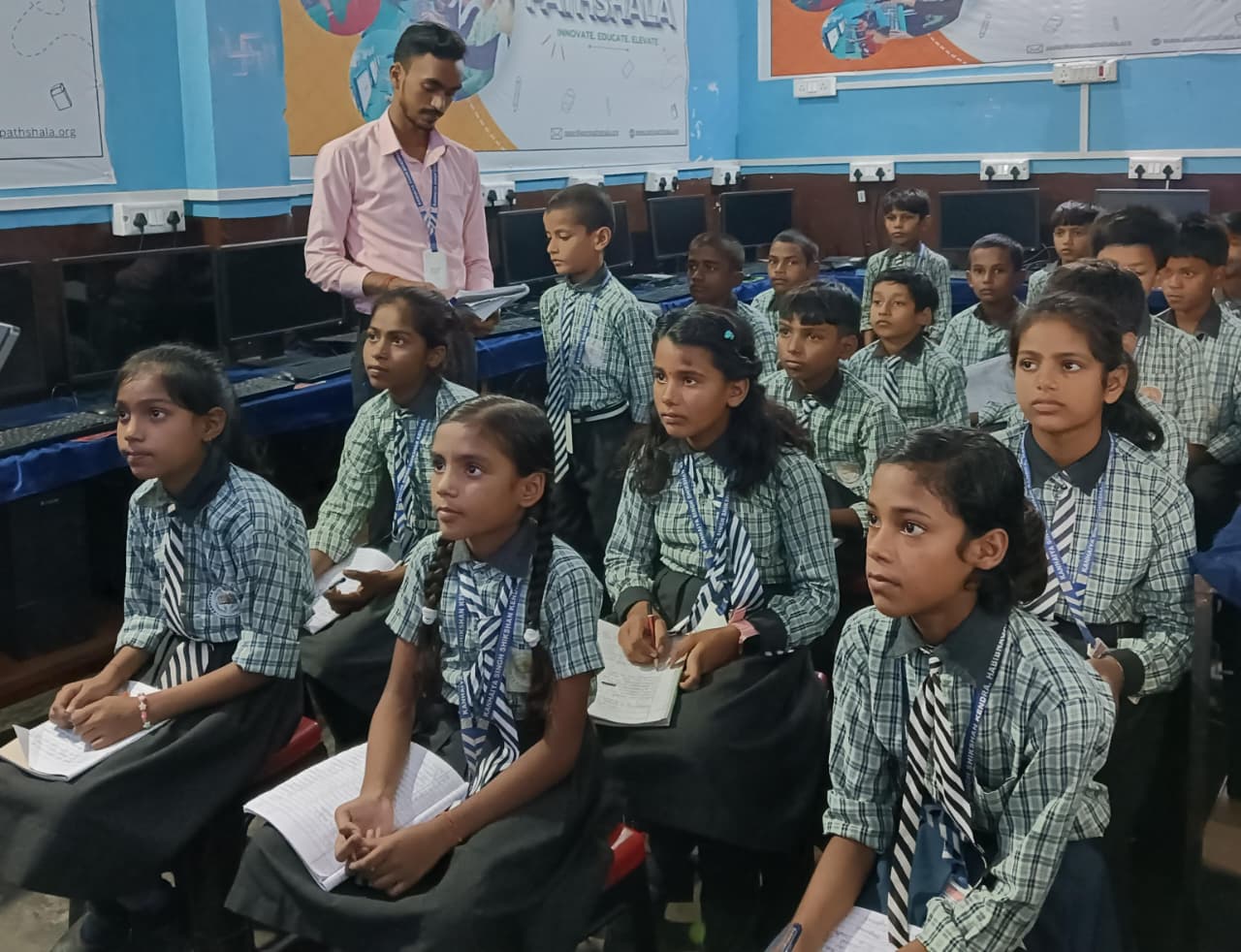
LibreOffice is a complete office suite that doesn’t require expensive Microsoft subscriptions. Your child can write reports, create presentations, and build spreadsheets, skills they’ll use throughout their academic life and career.
Think about what your child needs right now. A well-formatted project report. A presentation for their school project. A simple budget tracker for their pocket money. LibreOffice does all of this, and it’s free. Your child learns professional skills that impress teachers and prepare them for real work.
Unlike complicated software, LibreOffice is straightforward. Your child can start creating immediately, without getting lost in endless menus.
3. Digital Literacy and Safe Computer Use
Apna PC comes with Apni Prerna, a student-monitoring system built directly into the operating system. This isn’t about spying on your child. It’s about creating a safe digital environment where they can learn and explore responsibly.
Your child develops digital literacy, understanding how to use computers safely, recognising online risks, and building good habits. They learn that technology is a tool for learning, not just entertainment. This skill matters more than ever in our connected world.
When you can see what your child is doing and help guide their choices, they develop independence while staying safe. That’s a skill that protects them.
4. Creative Expression Through Multimedia Projects
Your child’s imagination shouldn’t be limited by software they can’t access. With Apna PC’s pre-loaded tools, they can create videos, edit images, and build multimedia presentations. A student might document their school project with photos and narration. Another might create a short film about an environmental issue they care about.
These aren’t just fun activities. They’re developing communication skills. Your child learns to tell stories, organise ideas visually, and present information in ways that engage others. In a world where video and multimedia matter, these skills are important.
5. Student Computer Skills for Problem-Solving and Self-Directed Learning
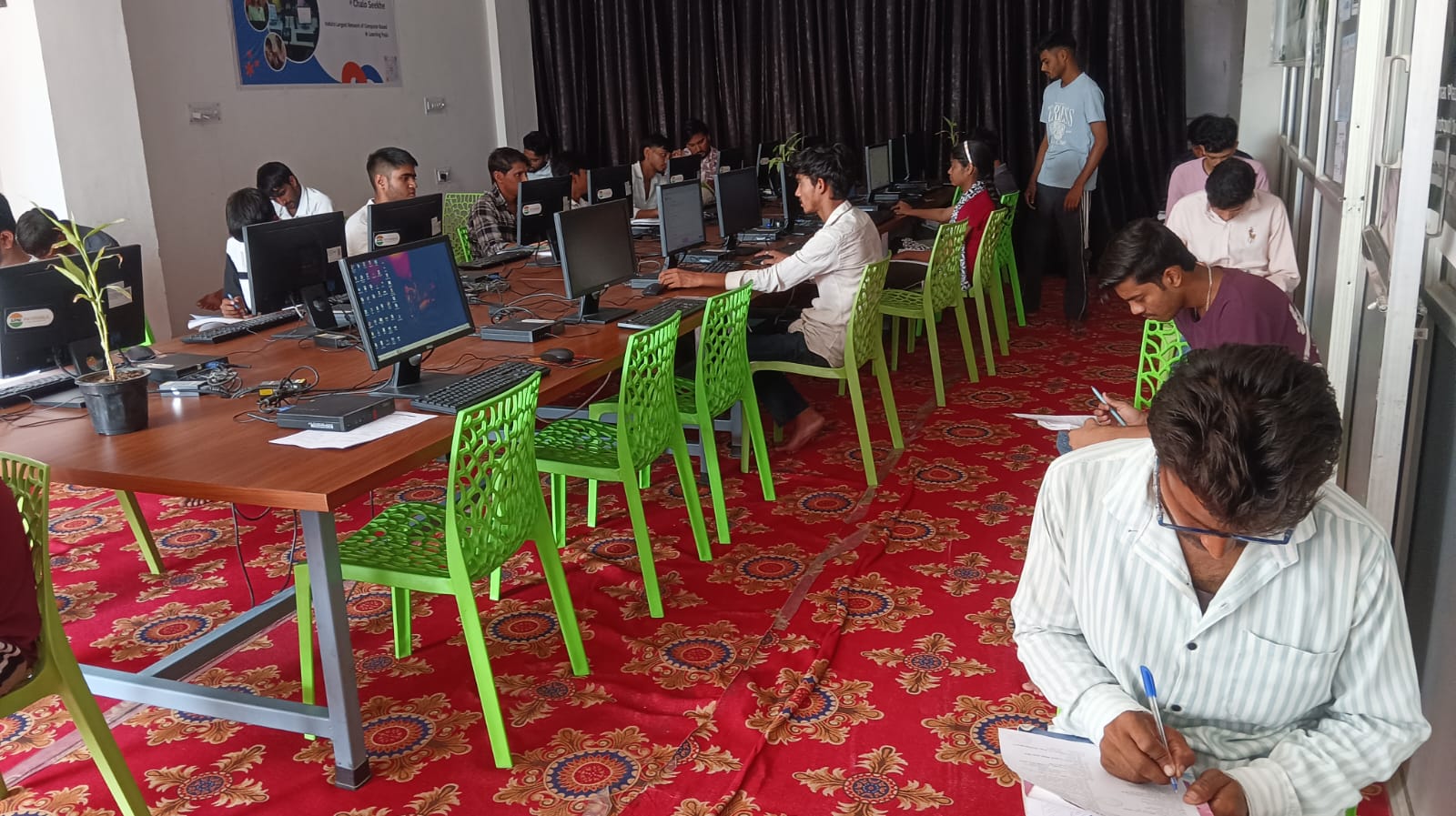
When your child has access to the right tools and software, something shifts. They start asking questions. They experiment. They learn by doing, not just by listening. This is self-directed learning, one of the most valuable skills your child can develop.
Your child might start with a simple Scratch project and end up exploring how animation works. They might write one document and discover how to format it professionally. They might break something and figure out how to fix it. These moments build confidence and curiosity that extends far beyond the computer.
Self-directed learning isn’t taught in textbooks. It’s caught through experience. When your child has a computer with the right preloaded software, they pick it up naturally.
Why Pre-Loaded Software Matters for Your Family
You don’t need to be a tech expert to help your child learn. You don’t need to download and install complicated software. You don’t need to worry about viruses or compatibility issues. Apna PC arrives ready to use, with every tool your child needs already installed and working.
The Zorin OS operating system is built for simplicity. Your child can focus on learning and creating, not fighting with technology. The 8GB RAM and 128GB SSD mean everything runs smoothly, with no frustrating delays or crashes.
This is how a computer changes family learning. Instead of being a barrier, technology becomes a bridge. Your child learns. You can monitor and support. Everyone benefits.
For families in Tier-2 and Tier-3 cities, this matters even more. Access to quality educational technology often feels out of reach. Apna PC changes that. At 30,000 rupees, you’re not just buying a computer. You’re investing in your child’s skills and confidence.
Getting Started: Your Child’s First Steps
When Priya first sat down with her Apna PC, she didn’t know where to start. Rajesh showed her Scratch. Within minutes, she was dragging blocks and creating. Within weeks, she’d built three projects. Within months, she was teaching her younger brother.
Your child’s journey will be unique. Some might dive into coding first. Others might start with document creation or multimedia projects. The beauty is that all these skills are available, ready to explore.
Start with what interests your child most. Let their curiosity guide them. Building student computer skills is a journey, and the pre-loaded software supports whatever path they choose. You can learn alongside them, or step back and watch them grow. Either way, you’re giving them access to skills that matter.
You might also explore using AI the right way as your child’s skills develop. And if you’re curious about the bigger picture, check out how a computer changes family learning.
Want to understand more about what makes a personal computer effective for learning? Or explore how your child can connect with resources like the DIKSHA digital learning platform?
Your child’s future starts here. Visit apnapc.com to learn more.