

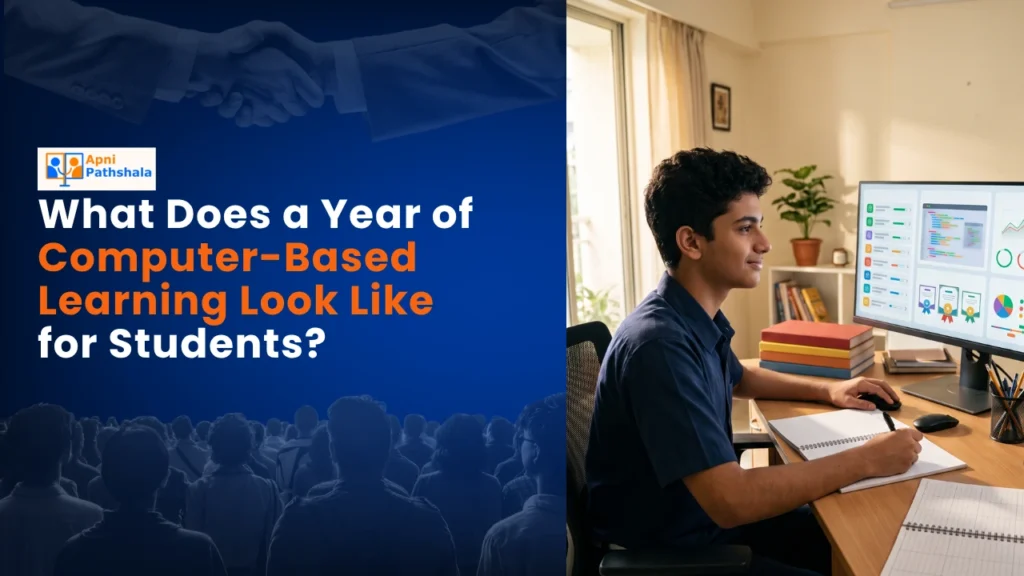
A year of computer-based learning usually moves a student from adjusting to a new device, to steady routines, to confident, self-directed study. With a reliable computer, most children spend less time fighting slow machines and more time on lessons, typing, research and the curiosity that interactive learning sparks.
For example, a child whose old laptop freezes during every online class keeps missing explanations and falls behind. Simply having a tool that works changes the whole year.
Does a child need an expensive computer for digital learning?
No. Your child does not need a gaming laptop or an entertainment device. They need a reliable computer built for learning that will not let them down during an online class or late-night maths practice.
Digital learning is now central to education for many students in Tier 2 and Tier 3 cities, which makes reliability more important than power.
What happens in the first month of computer-based learning?
The first month is about adjustment and discovery. Your child learns to use the new device and educational software and starts a routine that sets the pattern for the year.
You may notice your child spending more time on assignments because they are engaged, not frustrated by lag. Read what to expect in the first month of computer study to prepare for this change.
Many parents worry about screen time, but computer-based learning done well is structured, purposeful and monitored. With tools like Apni Prerna on an educational computer, you can see what your child is doing and make sure they are learning, not just browsing.
How does computer-based learning change academic performance?
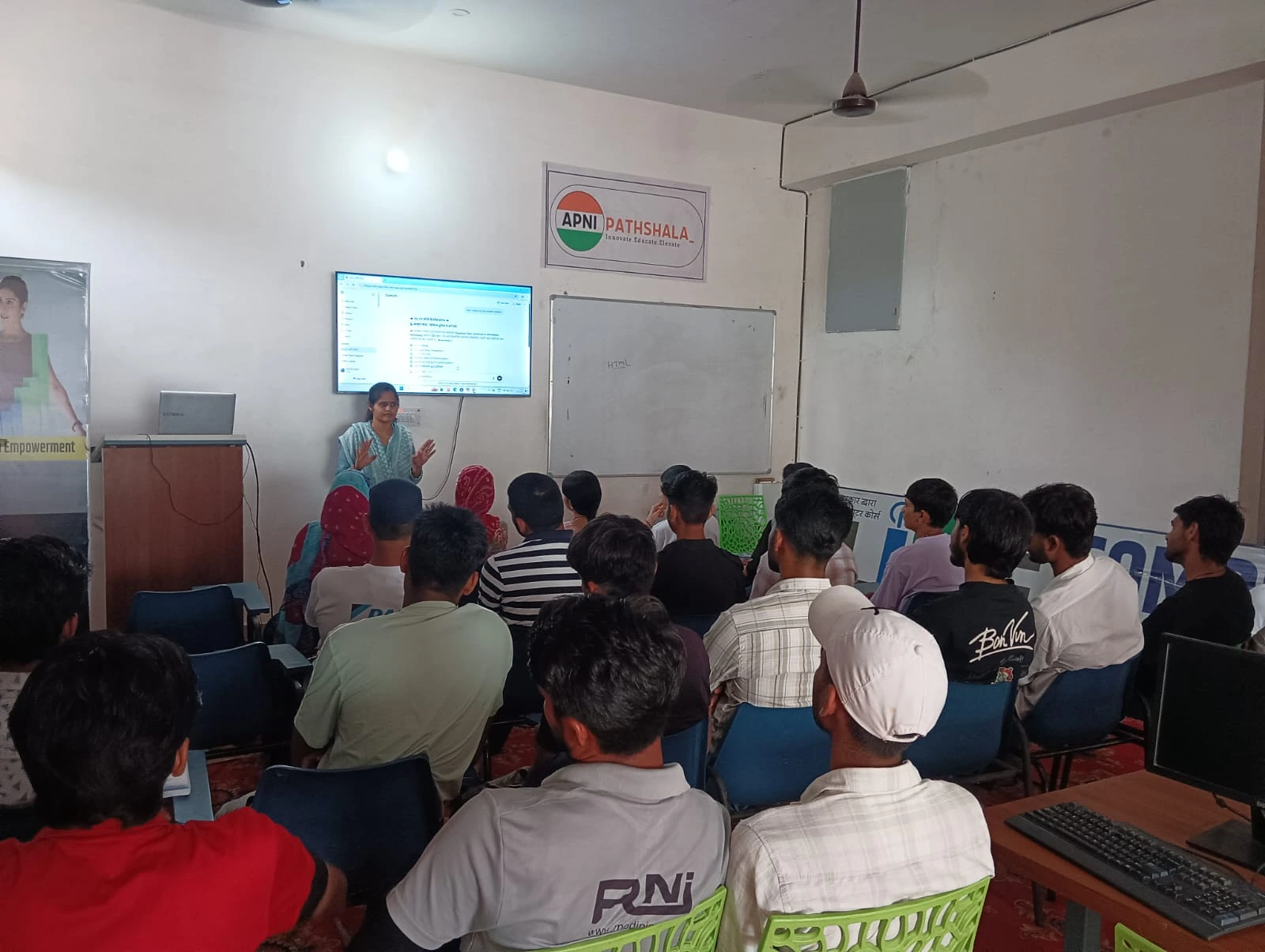
Over a year, many parents see children grow more confident in class, finish homework faster and feel less shy about asking questions online. The digital setting can ease some of the classroom anxiety that quiet students feel.
- Better focus during lessons: a dedicated learning computer means no gaming notifications or social media alerts.
- Access to quality resources: the DIKSHA digital learning platform offers free educational content to explore at their own pace.
- Typing and digital skills: these are now essential for your child’s future.
- Time management: a computer routine teaches children to organise their study schedule.
You may also notice your child asking you about what they are learning, because interactive content sparks curiosity.
Why does the choice of computer matter so much?
Not every computer works for learning. Some overheat, some have poor keyboards that make typing painful and some come with confusing software unrelated to the curriculum.
An educational computer comes pre-loaded with what your child needs, so there is no wasted time downloading apps. Apna PC is built for Indian students with 8GB RAM and 128GB SSD storage, so it handles browser tabs, educational videos and assignments without slowing down. It runs Zorin OS, which is secure and lightweight, with LibreOffice for documents and Scratch for coding basics.
At Rs. 30,000 (excluding shipping and GST), it is an investment that lasts through several years of school. Compare that with repairs or replacing unsuitable laptops. See how it grows with your child year after year.
What signs show your child is benefiting after a year?
Clear signs include finishing assignments without constant reminders, no complaints about a slow or broken computer and real interest in using it for learning.
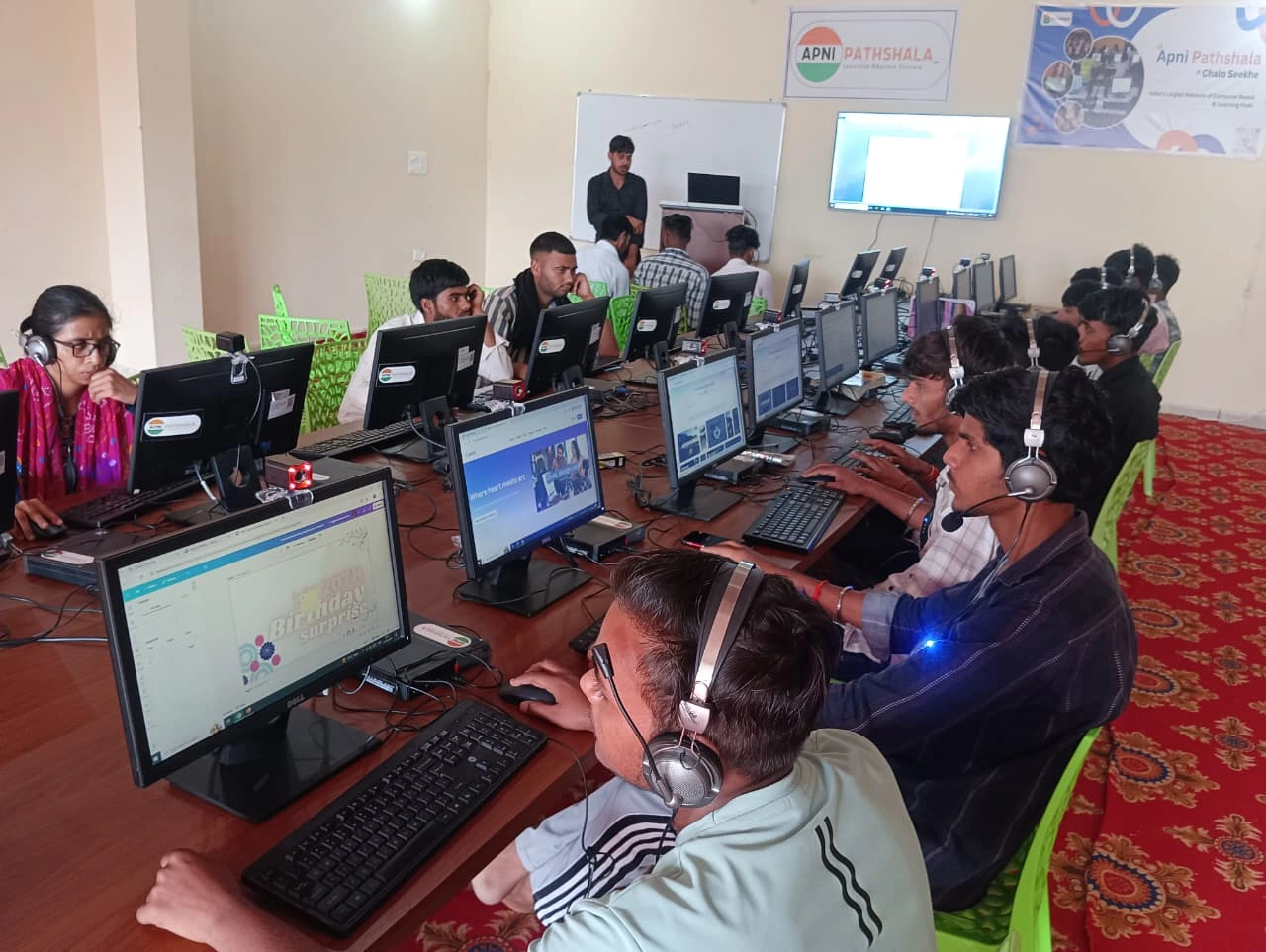
You may also see your child asking to learn coding or exploring educational videos on their own. A proper learning tool supports self-directed learning, not only school assignments.
For a closer checklist, read about signs your child is benefiting from digital learning.
What does a year of learning build for the future?
A year of computer-based learning builds confidence, digital literacy and habits that serve your child in college and beyond. Technology becomes a tool for growth, not a distraction.
The India Ministry of Education continues to push digital learning in schools, so your child benefits from having the right skills and tools now. For project ideas across the year, see a year of student projects.
Frequently Asked Questions
How much parent involvement does computer-based learning need?
Most involvement is needed at the start, while routines form. In the first weeks, help set study times, show your child the main tools and check their work often. As habits settle, short regular check-ins and a look at monitoring reports are usually enough to keep things on track.
Will computer-based learning replace textbooks?
No, it works best alongside textbooks. The computer adds interactive content, practice, research and typing skills, while textbooks remain the base of the school syllabus. Many students read a chapter first and then use the computer to practise, watch explanations or make notes.
What if my child loses interest after the first few months?
Interest often dips once the novelty fades, and that is normal. Bring it back by linking computer time to things your child enjoys, such as a coding project or a topic they are curious about. Keep the routine steady even on low days, because habits carry children through dips.
Your child deserves a computer that supports a full year of real learning. Visit Apna PC to learn more.