


A computer helps your child learn a new language by giving access to pronunciation guides, interactive vocabulary builders, and video lessons that a textbook cannot provide. Apna PC runs these language-learning tools smoothly, so your child can practise at their own pace without the frustration of a slow or lagging device.
Why a Computer for Language Learning Changes Everything
Learning a new language as a school subject goes beyond memorising grammar rules and vocabulary lists. Your child needs to hear native pronunciation, see words used in context, and practise without fear of judgment. A traditional classroom often cannot provide all of this, especially in Tier 2 and Tier 3 cities where English teachers may themselves struggle with fluency.
With a dedicated computer for language learning at home, your child gets access to apps that adapt to their learning speed. They can replay a lesson several times if needed, pause to write notes, and learn at their own pace without feeling rushed. With Apna PC’s 8GB RAM and 128GB SSD storage, your child can run multiple language apps smoothly without the screen freezing or lagging.
Language Apps That Work Best on Apna PC
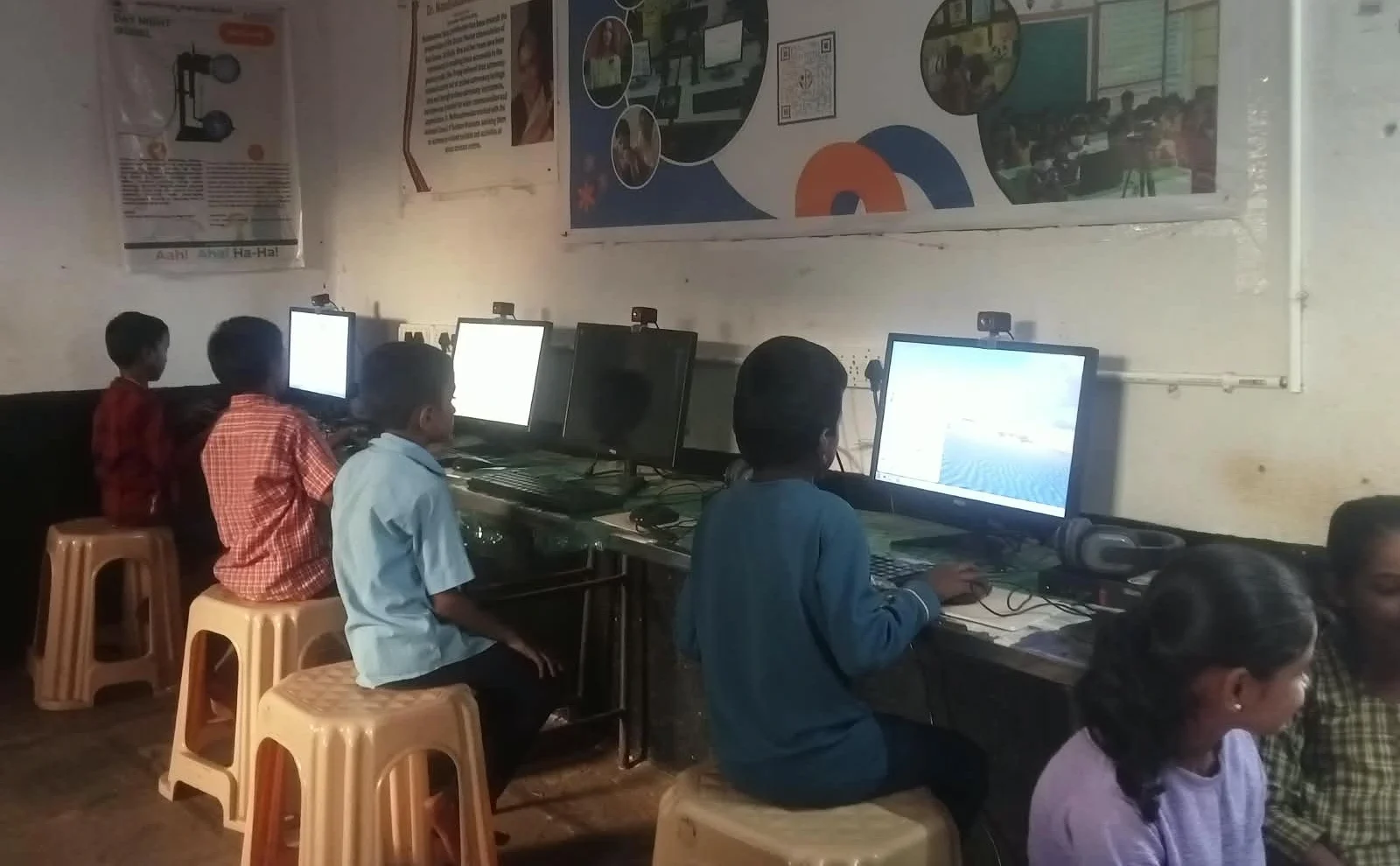
Your child does not need expensive software. Apna PC runs on Zorin OS, which supports many free and paid language-learning applications. Here are the types of apps that build your child’s language skills:
- Interactive vocabulary builders that use games and flashcards to make memorisation engaging instead of tedious
- Pronunciation guides with audio recordings so your child hears exactly how native speakers say each word
- Grammar practice platforms that give instant feedback, helping your child understand mistakes immediately
- Story-based learning apps where your child reads short stories and learns new words naturally through context
- Conversation simulators that let your child practise speaking with AI partners, building confidence before classroom presentations
- Video lessons from certified teachers explaining grammar concepts in simple Hindi or regional languages
All these apps run smoothly on Apna PC. Your child will not face the frustration of apps crashing or taking forever to load, which often kills motivation to keep learning.
How Apna PC’s Features Support Language Learning
Apna PC is designed specifically for Indian students, with features that directly support language learning. First, it comes with Apni Prerna, a student monitoring system that lets you track your child’s learning progress without hovering. You can see which language apps they have been using, how long they spent on pronunciation practice, and which grammar topics they struggled with.
Second, your child can personalise their Apna PC desktop with their favourite language-learning apps, creating a focused learning environment. When your child opens the computer, they see the tools they need, not distracting games or unnecessary software.
Third, LibreOffice comes pre-loaded, so your child can write essays and assignments in English and get comfortable with typing and formal writing. This builds the confidence needed for board exams and competitive entrance tests.
Beyond the Textbook: Extracurricular Language Learning
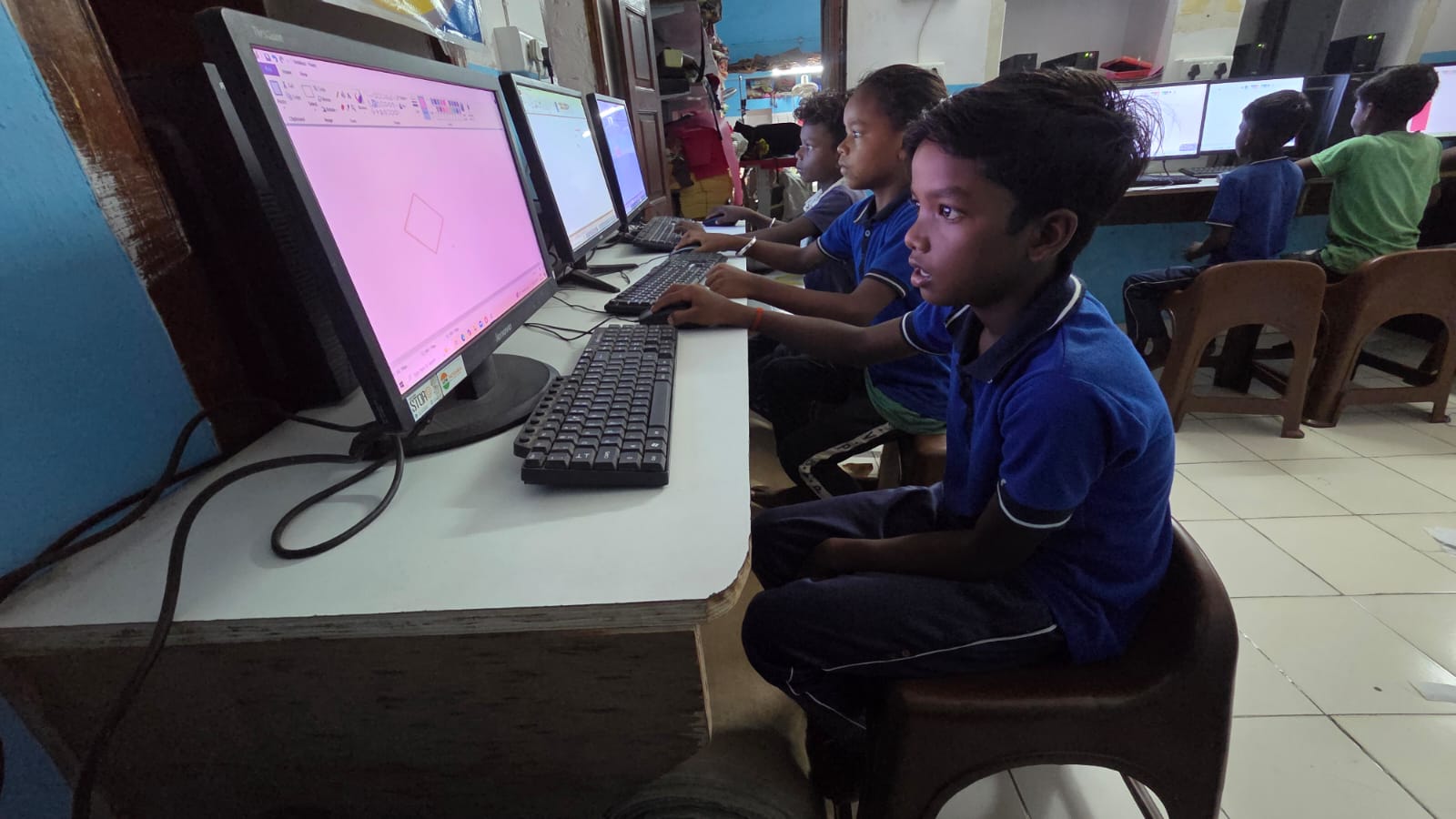
Language learning does not end when the school bell rings. With a home computer, your child can join online English clubs, participate in virtual speech competitions, or watch educational videos about English literature and grammar. These experiences build real-world language skills that textbooks cannot teach.
Your child learns how English is actually spoken, not just how it is written in grammar books. They develop confidence speaking in front of others. Explore extracurricular learning on a computer to see how a home device opens these opportunities. For study preparation, revision notes and flashcards on Apna PC can also help your child organise new vocabulary and grammar rules.
Making the Investment Work for Your Family
At Rs.30,000 (shipping and GST excluded), Apna PC is an investment in your child’s academic future. This serves a different purpose from computers for playing games or watching videos. It is designed to give students in smaller cities the same learning opportunities as those in metros. Your child will use this computer for all their subjects, not just language learning. The 8GB RAM and 128GB SSD ensure it will not become outdated quickly.
The Digital India initiative emphasises digital literacy for all children, and language learning through technology is a core part of that. For a broader look at how the device supports all subjects, see how Apna PC builds independent learning habits.
If your child struggles with English or any new language subject, a dedicated educational computer can make a real difference. Visit apnapc.com to learn more.
Frequently Asked Questions
Which language apps work on Apna PC?
Apna PC runs Zorin OS, which supports a wide range of free and paid language apps. Vocabulary builders, pronunciation guides, and grammar practice tools all work smoothly on the 8GB RAM and 128GB SSD configuration.
Can my child use Apna PC for Hindi as well as English?
Yes. The computer supports multiple regional language keyboards and apps. Your child can switch between Hindi and English inputs, which is useful for bilingual students who need practice in both languages.
Is a computer better than a phone for language learning?
A computer gives your child a larger screen, a full keyboard, and better audio, all of which improve language learning. Typing practice on a keyboard also builds English writing skills that a phone keyboard cannot develop effectively.
Does Apna PC come with any language-learning software pre-loaded?
Apna PC comes pre-loaded with LibreOffice for writing practice and Scratch for logical thinking. Additional language-learning apps can be downloaded and run smoothly on the device without extra hardware costs.
Help your child master English and other school subjects with the right device. Visit apnapc.com to find out more about Apna PC.